

Collab Cam
無需離開 Streamlabs Desktop,即可邀請來賓、新增攝影機角度並進行即時協作。
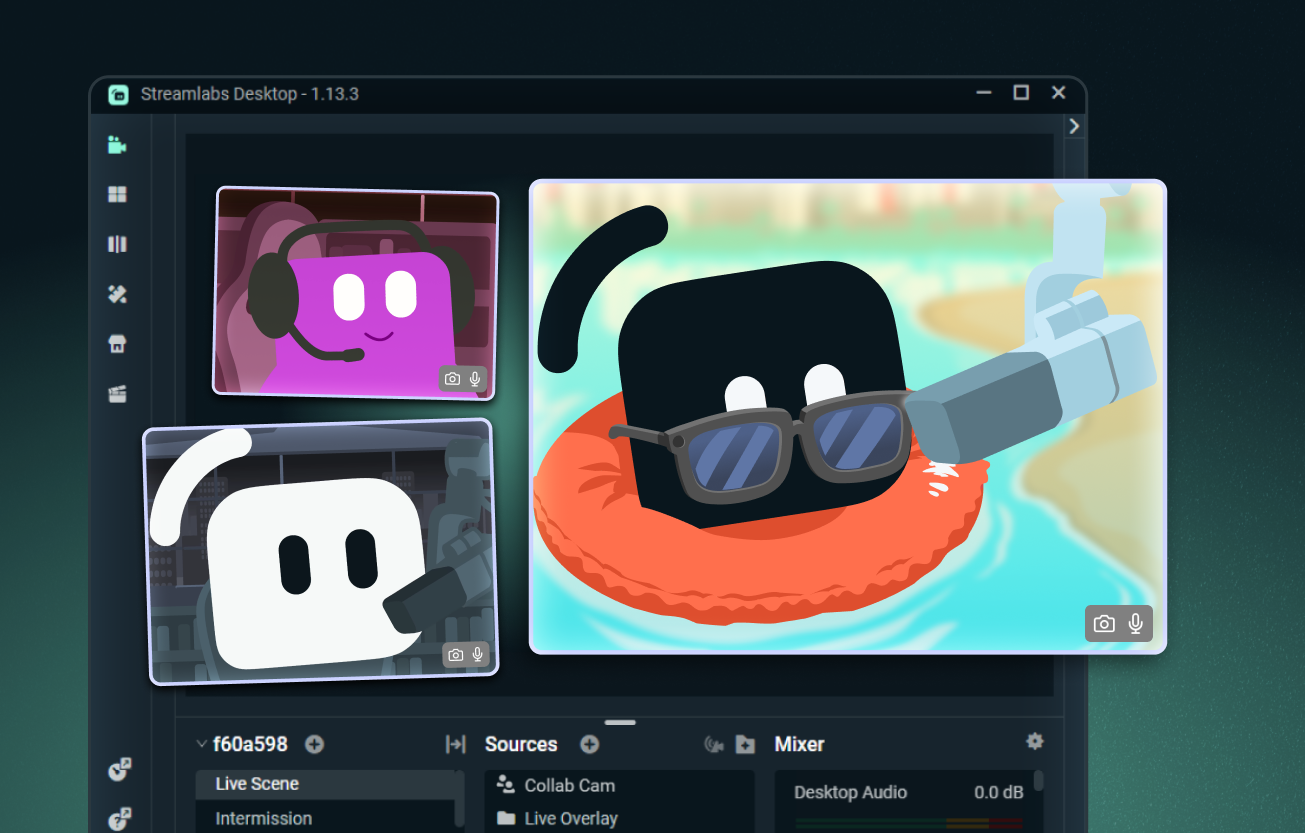
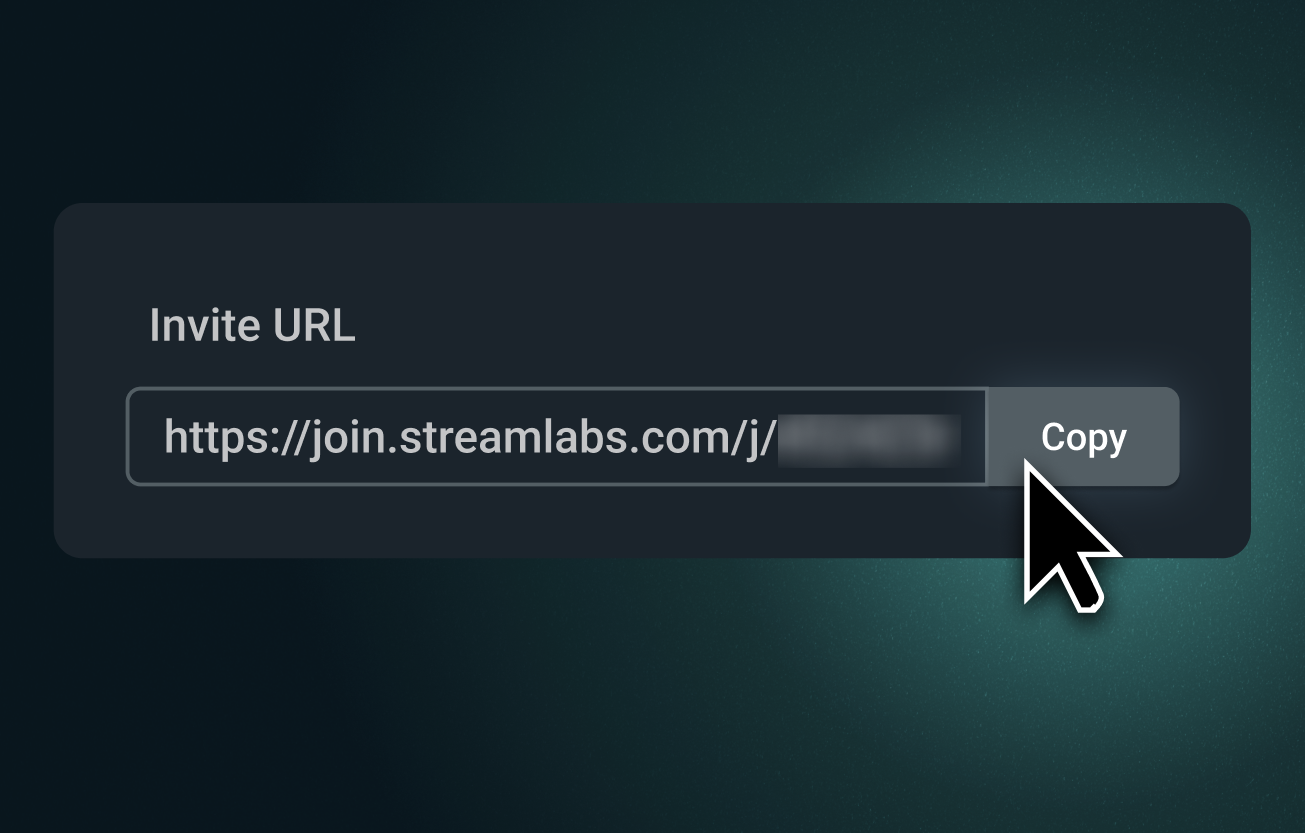
輕鬆新增任何來賓到您的直播
傳送 Collab Cam 連結,邀請任何人透過瀏覽器加入您的直播。他們可以看到並聽到您、掌握聊天室動態,並即時參與。
非常適合共同主持、訪談、桌上角色扮演遊戲等情境。
引入另外的攝影機角度
Collab Cam 不只適合來賓使用。將手機作為第二部攝影機,為藝術、音樂、烹飪及其他實作直播增添全新視角。
展示您的鍵盤、控制器、工作空間,甚至寵物攝影機。直播與錄製皆適用。
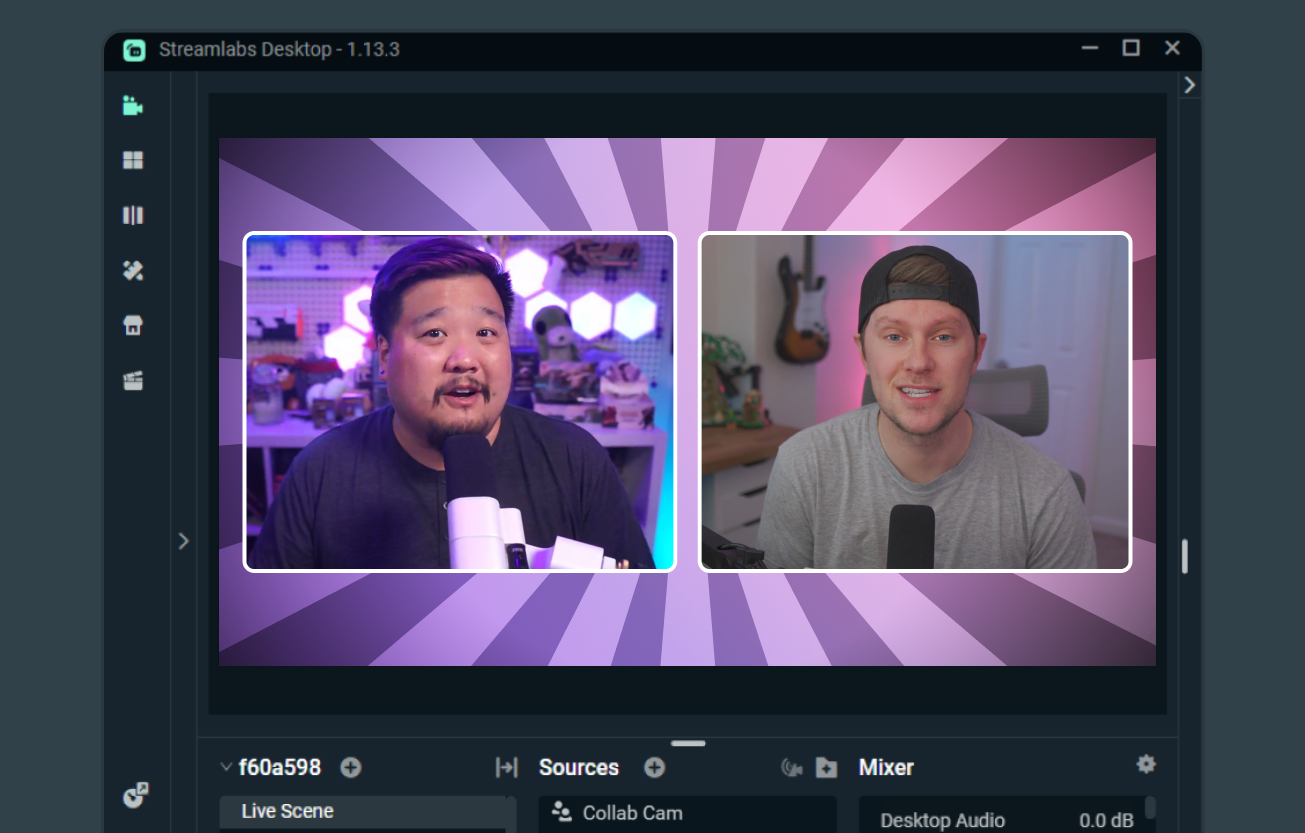
共同直播變得容易
當兩位創作者都使用 Streamlabs Desktop 時,Collab Cam 可讓共同直播、分享場景與來源,以及呈現彼此的攝影機畫面變得更輕鬆。
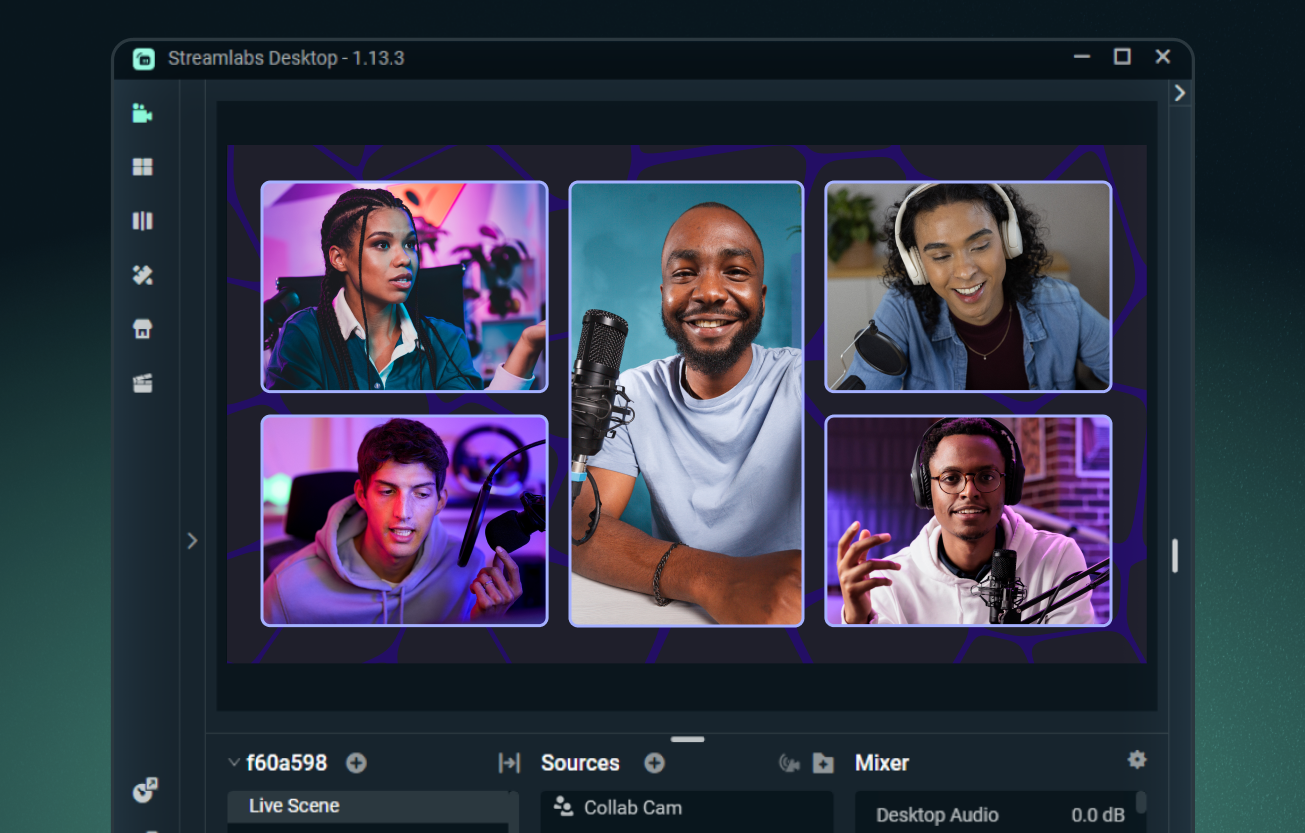
使用 Ultra 最多可新增 11 位來賓
使用 Streamlabs Desktop 可免費新增一位來賓,或升級至 Streamlabs Ultra,在直播中加入最多 11 位額外來賓或攝影機角度。
深入瞭解 Ultra

常見問題解答
Collab Cam 是免費的嗎?
是的,您可以完全免費使用 Streamlabs Collab Cam 邀請一位來賓。若要將您的合作直播提升到新的層次,您可以升級至 Ultra,在您的串流中加入最多 11 位來賓。
我可以在哪裡使用 Collab Cam?
Collab Cam 可於 Streamlabs Desktop 以及 Streamlabs Mobile 應用程式中使用。
我該如何開始使用 Collab Cam?
入門非常簡單。只需:
- 新增一個 Collab Cam 來源。
- 將連結分享給您的朋友。
- 一旦他們加入,將他們新增至您的直播中。
如需完整的逐步指南,請查看我們的 桌面版 Collab Cam 指南 以及我們的 行動版 Collab Cam 指南。
為什麼我應該使用 Collab Cam?
Collab Cam 有助於讓您的直播更具動態感。透過新增來賓到您的直播中,您可以讓對話持續進行並保持聊天室的互動。如果您正在直播活動,Collab Cam 還能讓您加入新的攝影機角度,讓您的觀眾能更清楚地看到所有精彩畫面。
如果我還有其他問題該怎麼辦?
請透過此連結聯絡支援人員。