

Collab Cam
Nodig gasten uit, voeg camerahoeken toe en werk live samen zonder Streamlabs Desktop te verlaten.
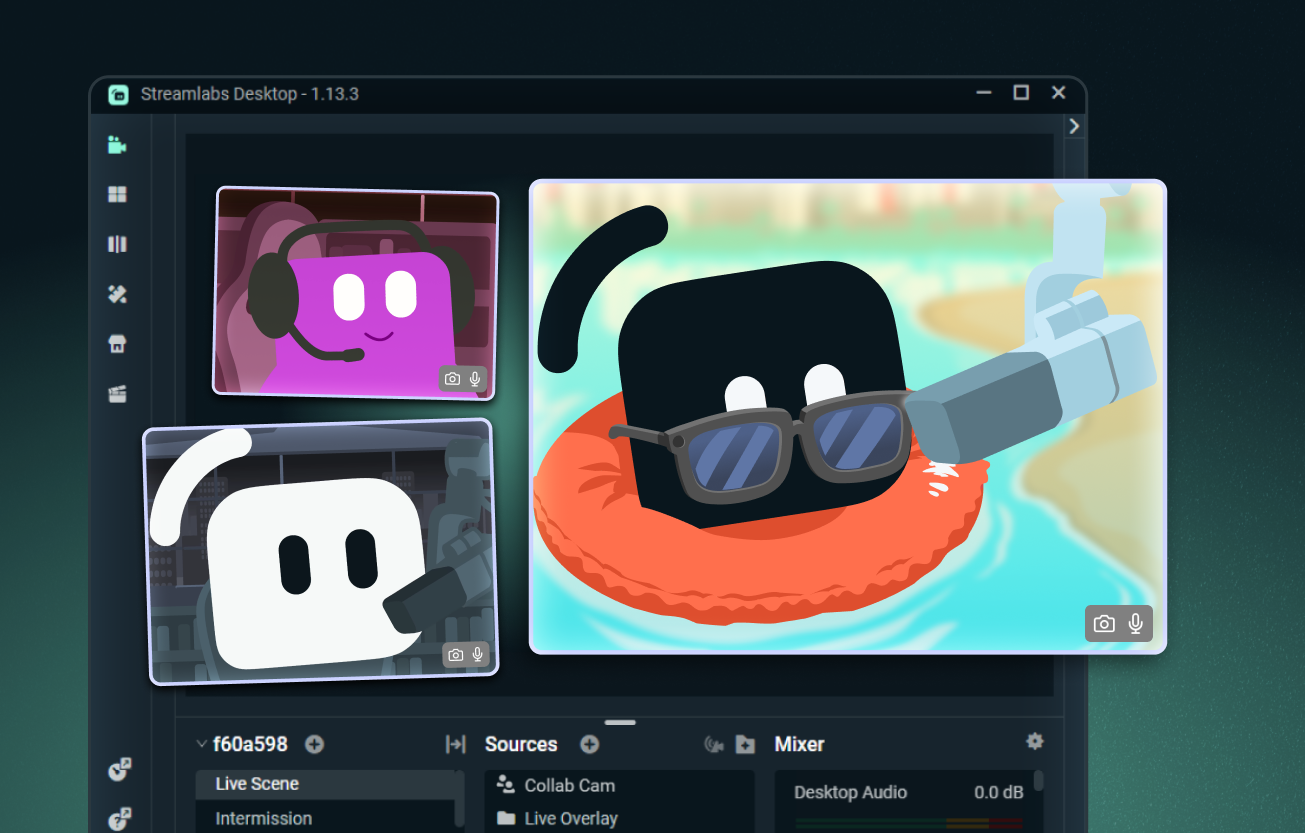
Voeg eenvoudig een gast toe aan je stream
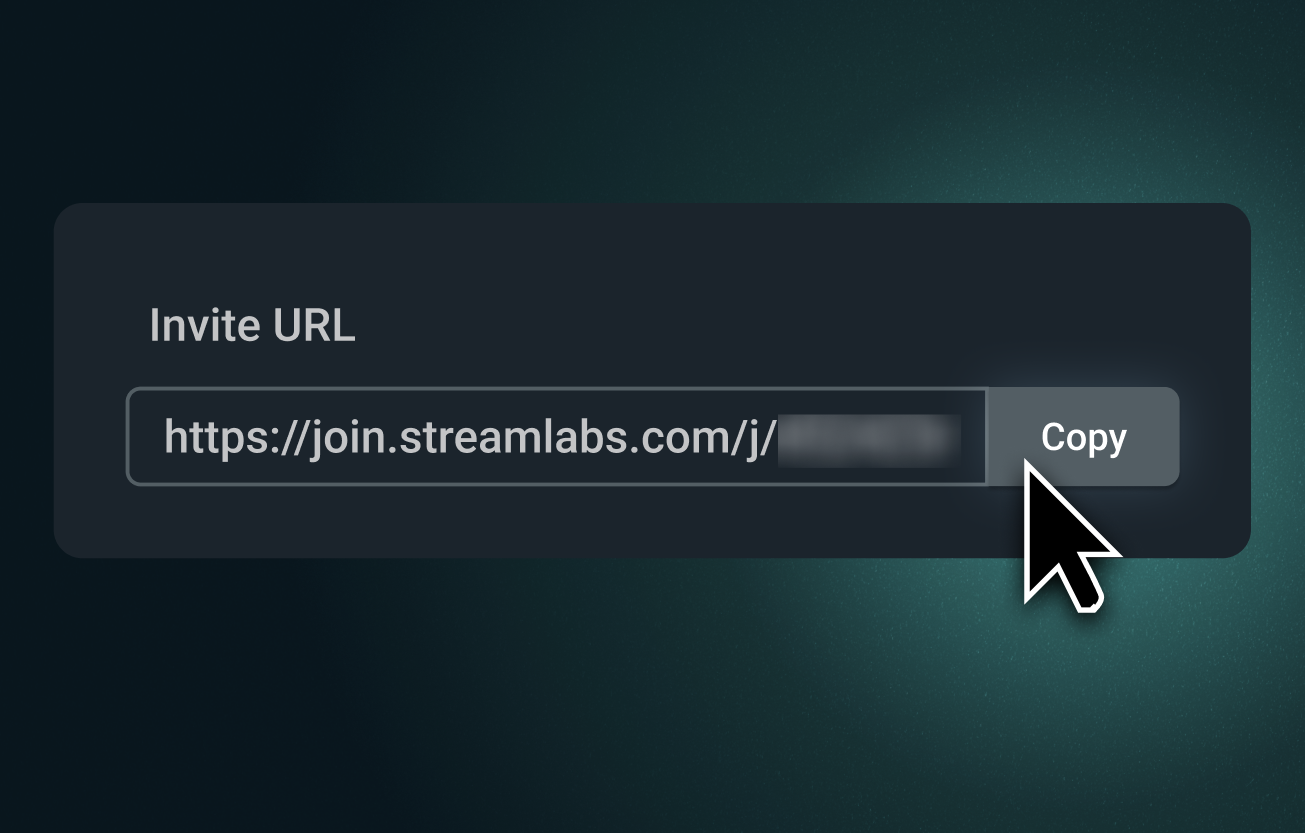
Stuur een Collab Cam-link en nodig iedereen uit om vanuit hun browser deel te nemen aan je stream. Ze kunnen je zien en horen, de chat volgen en in realtime deelnemen.
Perfect voor co-hosts, interviews, tabletop-RPG's en meer.
Voeg extra camerahoeken toe
Collab Cam is niet alleen voor gasten. Gebruik je telefoon als tweede camera om nieuwe hoeken toe te voegen aan kunst-, muziek-, kook- en andere hands-on streams.
Laat je toetsenbord, controller, werkplek of zelfs een huisdierencamera zien. Perfect voor zowel livestreams als opnames.
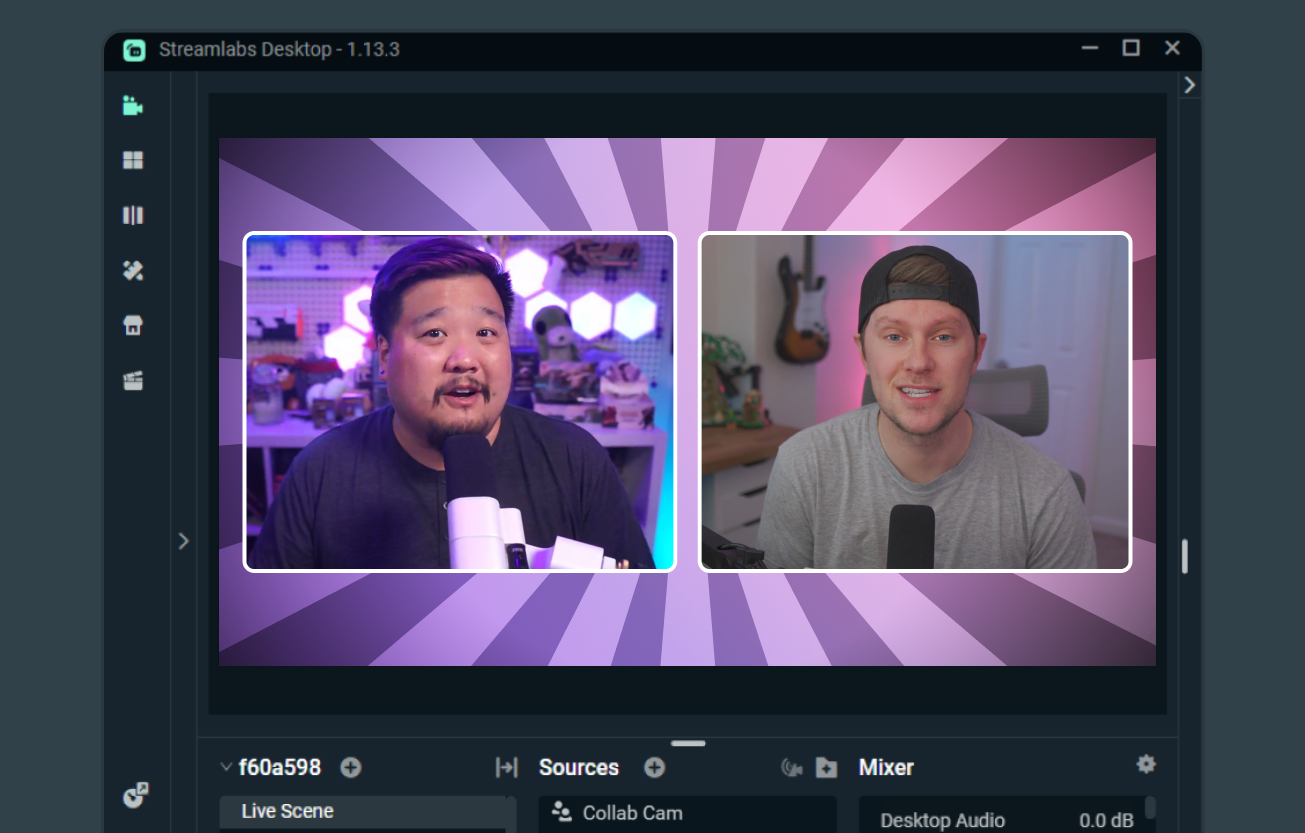
Eenvoudig co-streamen
Wanneer beide creators Streamlabs Desktop gebruiken, maakt Collab Cam het eenvoudig om te co-streamen, scènes en bronnen te delen en elkaars camerabeelden te tonen.
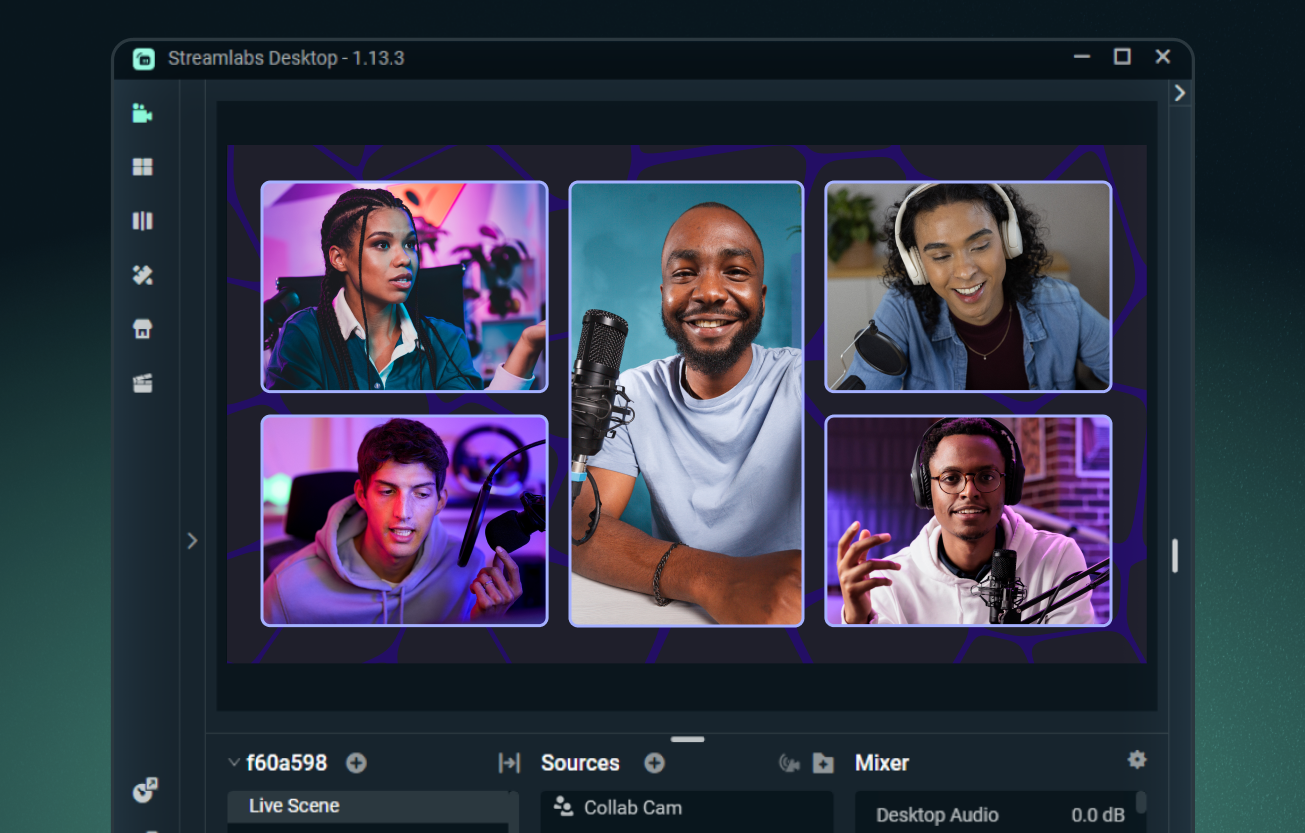
Voeg tot 11 gasten toe met Ultra
Voeg gratis één gast toe met Streamlabs Desktop, of upgrade naar Streamlabs Ultra om tot 11 extra gasten of camerahoeken aan je stream toe te voegen.
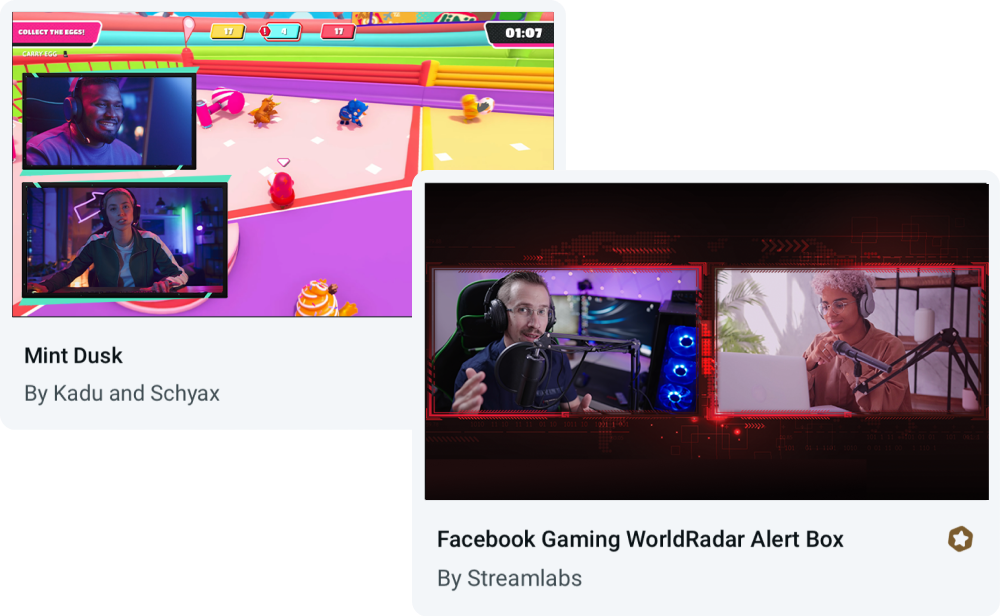
Overlays gebouwd voor Collab Cam
Gebruik Collab Cam met elke overlay, of kies uit thema's die ingebouwde lay-outs voor gasten en meerdere camerahoeken bevatten.
Veelgestelde vragen
Ja, je kunt Streamlabs Collab Cam helemaal gratis gebruiken voor één gast. Om je collabs naar een hoger niveau te tillen, kun je upgraden naar Ultra om tot 11 gasten aan je stream toe te voegen.
Collab Cam is beschikbaar in Streamlabs Desktop en in de Streamlabs Mobile-app.
Aan de slag gaan is eenvoudig. Gewoon:
- Voeg een Collab Cam-bron toe.
- Deel de link met je vriend.
- Zodra ze deelnemen, voeg je ze toe aan je stream.
Bekijk voor volledige stapsgewijze begeleiding onze Desktop Collab Cam-gids en onze Mobile Collab Cam-gids.
Collab Cam helpt je stream dynamischer te maken. Door nieuwe gasten aan je stream toe te voegen, kun je het gesprek gaande houden en de chat betrokken houden. Als je activiteiten streamt, kun je met Collab Cam ook nieuwe camerahoeken toevoegen om je publiek een beter zicht te geven op alle actie.
Neem contact op met ondersteuning via deze link.