

Collab Cam
无需离开 Streamlabs Desktop,即可邀请访客、添加摄像机位并进行实时协作。
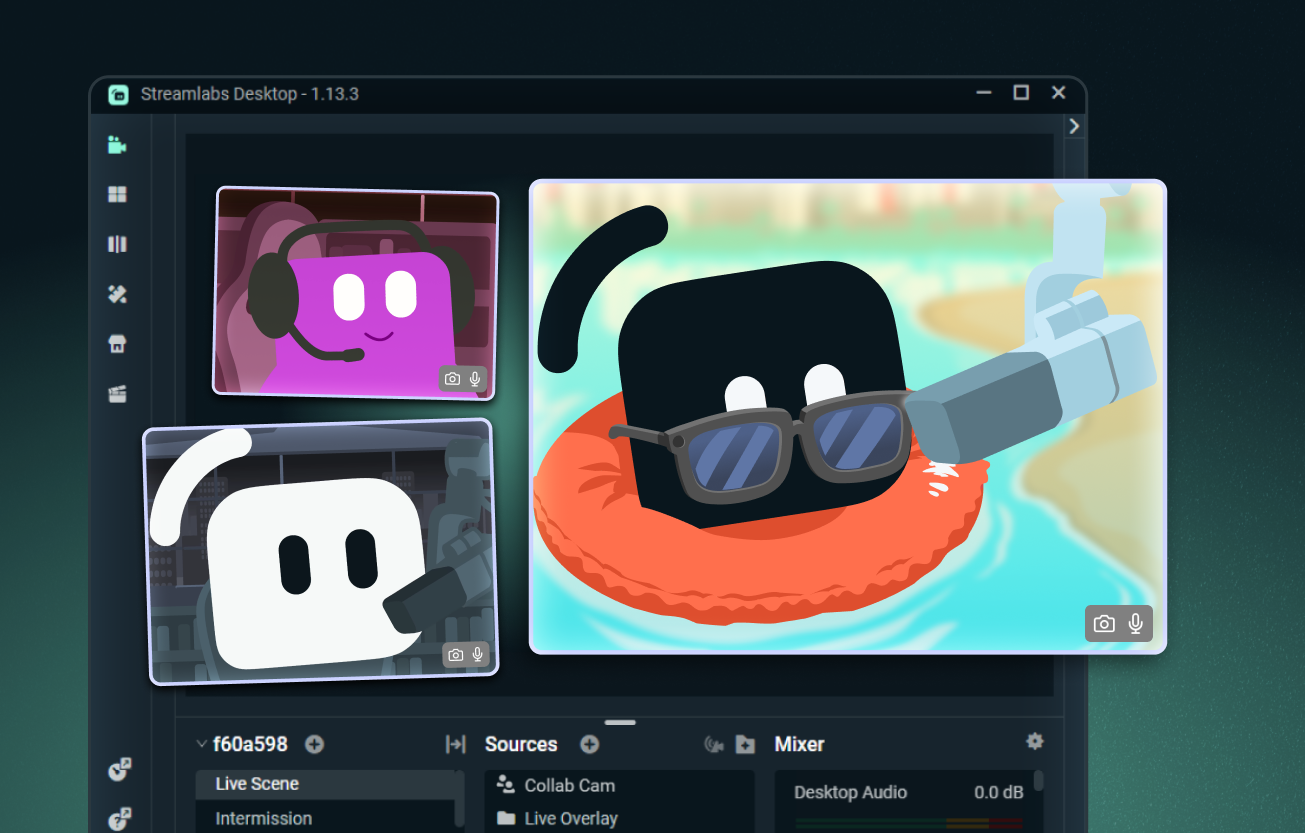
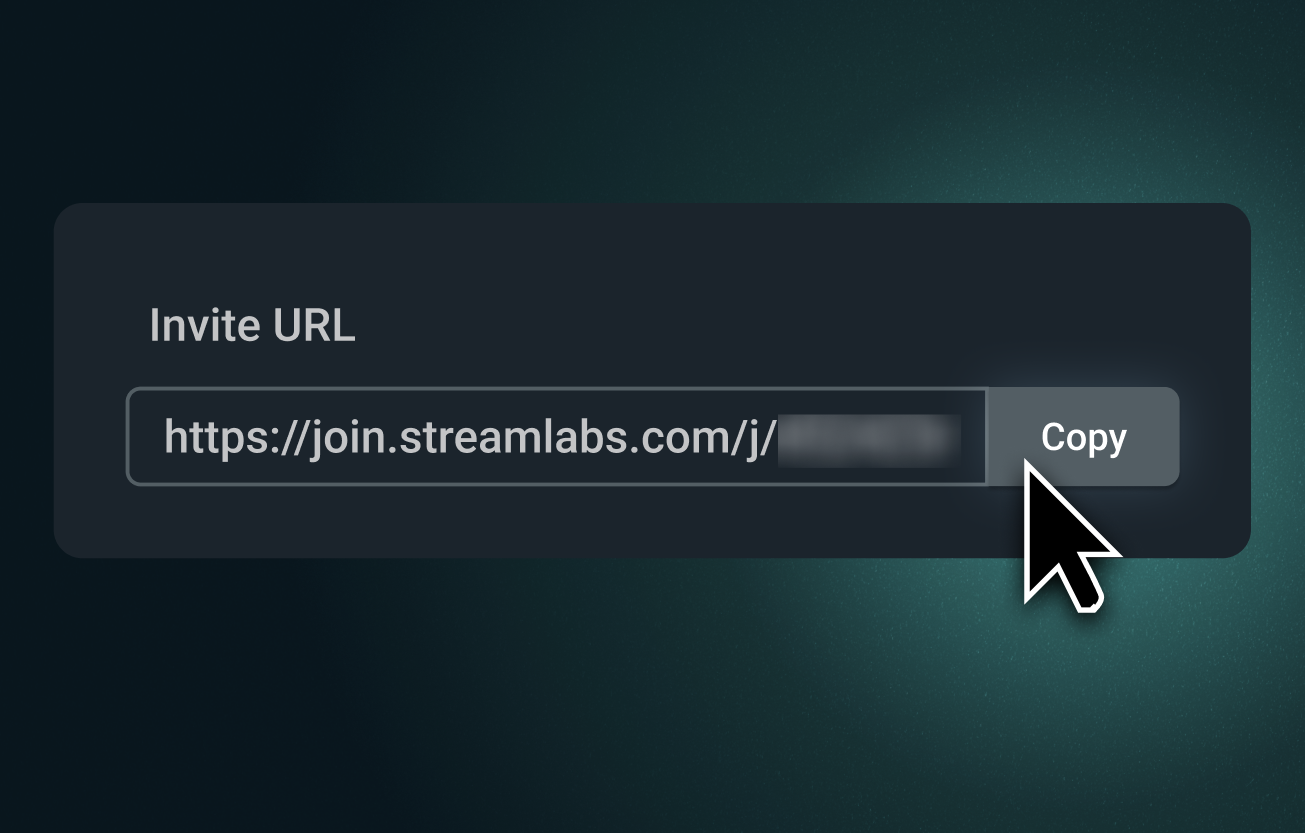
轻松添加任何访客到您的直播中
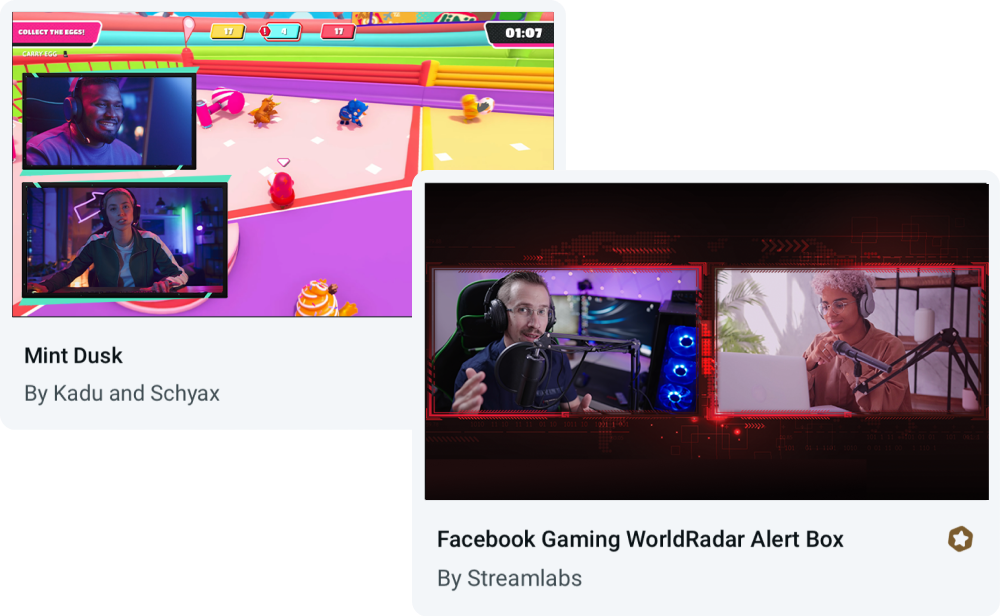
发送 Collab Cam 链接,邀请任何人通过浏览器加入您的直播。他们可以看见并听见您,跟随聊天内容,并实时参与互动。
非常适合联合主持、访谈、桌面角色扮演游戏 (RPG) 等场景。
推出更多摄像头角度
Collab Cam 不仅仅适用于访客。将您的手机用作辅助摄像头,为艺术、音乐、烹饪及其他动手操作类直播添加新的视角。
展示您的键盘、控制器、工作区,甚至可以作为宠物摄像头。非常适合直播和录制。
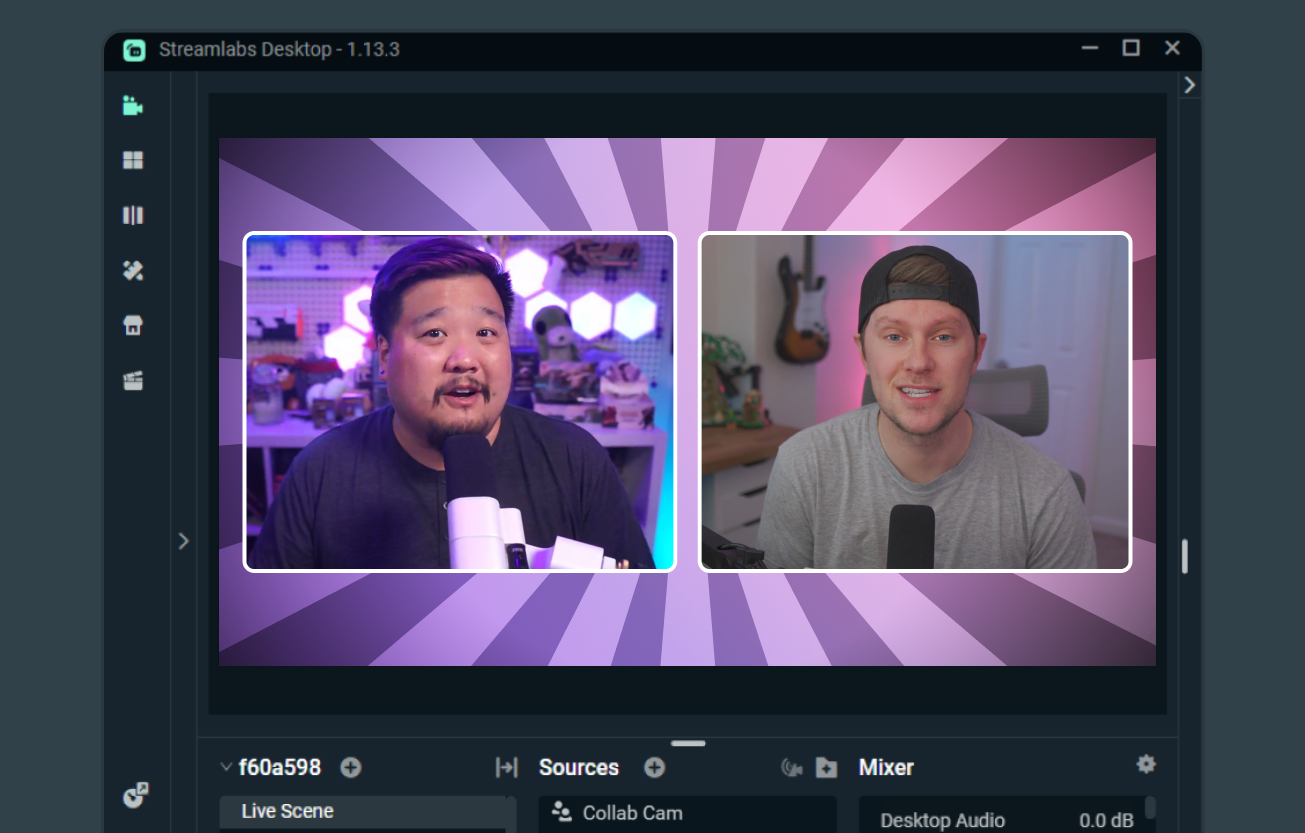
让合作直播更简单
当两位创作者都使用 Streamlabs Desktop 时,Collab Cam 可以轻松实现联合直播、共享场景和来源,并展示彼此的摄像头画面。
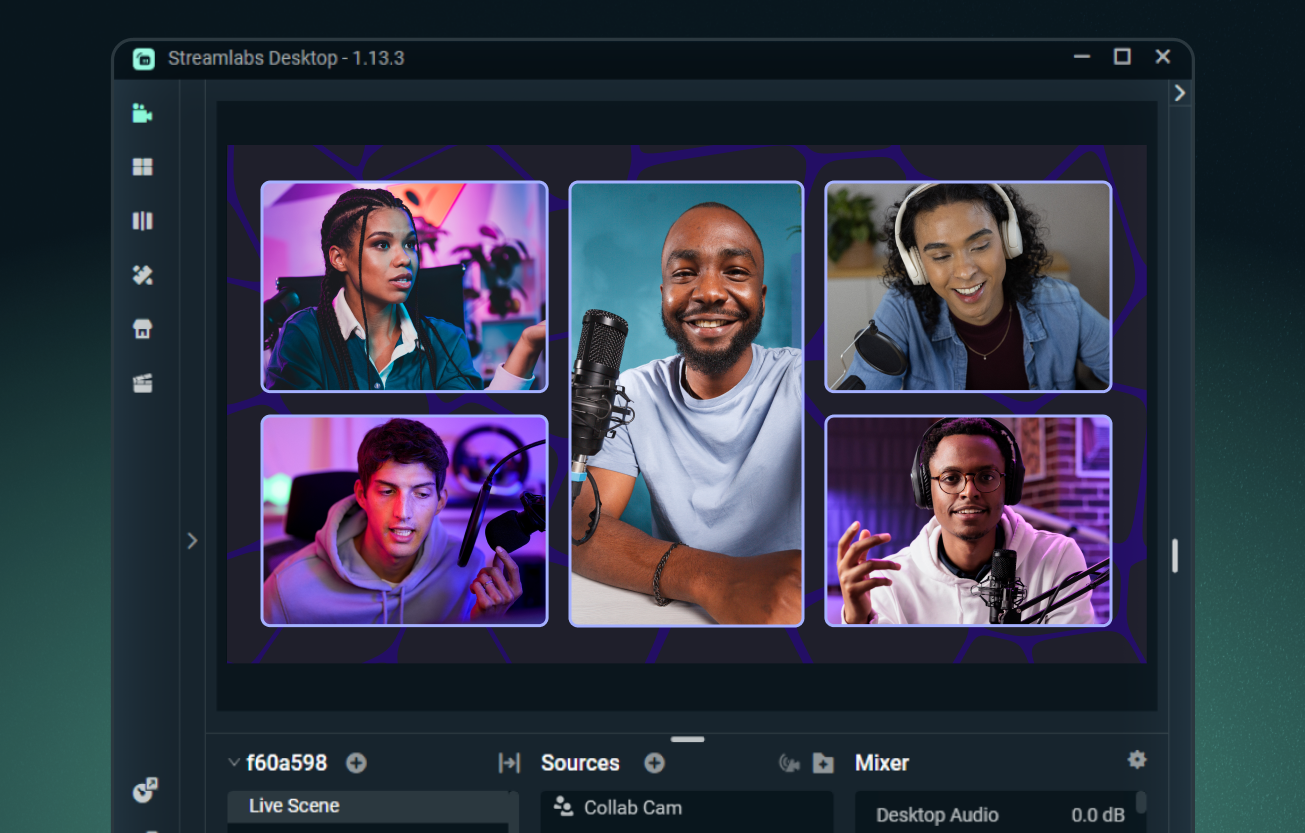
使用 Ultra 可添加多达 11 位访客
使用 Streamlabs Desktop 可免费添加一位访客,或升级至 Streamlabs Ultra,即可在直播中添加多达 11 位额外访客或摄像机角度。
了解更多关于 Ultra 的信息
常见问题解答
Collab Cam 是免费的吗?
是的,您可以完全免费使用 Streamlabs Collab Cam 邀请一位嘉宾。若要将您的协作直播提升到新高度,您可以升级到 Ultra,以便在直播中加入最多 11 位嘉宾。
我可以在哪里使用 Collab Cam?
Collab Cam 可在 Streamlabs Desktop 以及 Streamlabs Mobile 应用中使用。
我该如何开始使用 Collab Cam?
入门很简单。只需:
- 添加 Collab Cam 源。
- 将链接分享给您的朋友。
- 他们加入后,将其添加到您的直播中。
如需完整的逐步指导,请查看我们的 桌面版 Collab Cam 指南 以及我们的 移动版 Collab Cam 指南。
为什么要使用 Collab Cam?
Collab Cam 有助于让您的直播更具活力。通过为直播添加新嘉宾,您可以保持对话流畅并提升聊天互动。如果您在直播活动,Collab Cam 还允许您引入新的摄像机角度,让观众能更好地观看所有精彩画面。
如果我有更多疑问怎么办?
请通过此链接联系支持人员。