

Collab Cam
Lade Gäste ein, füge Kamerawinkel hinzu und arbeite live zusammen, ohne Streamlabs Desktop zu verlassen.
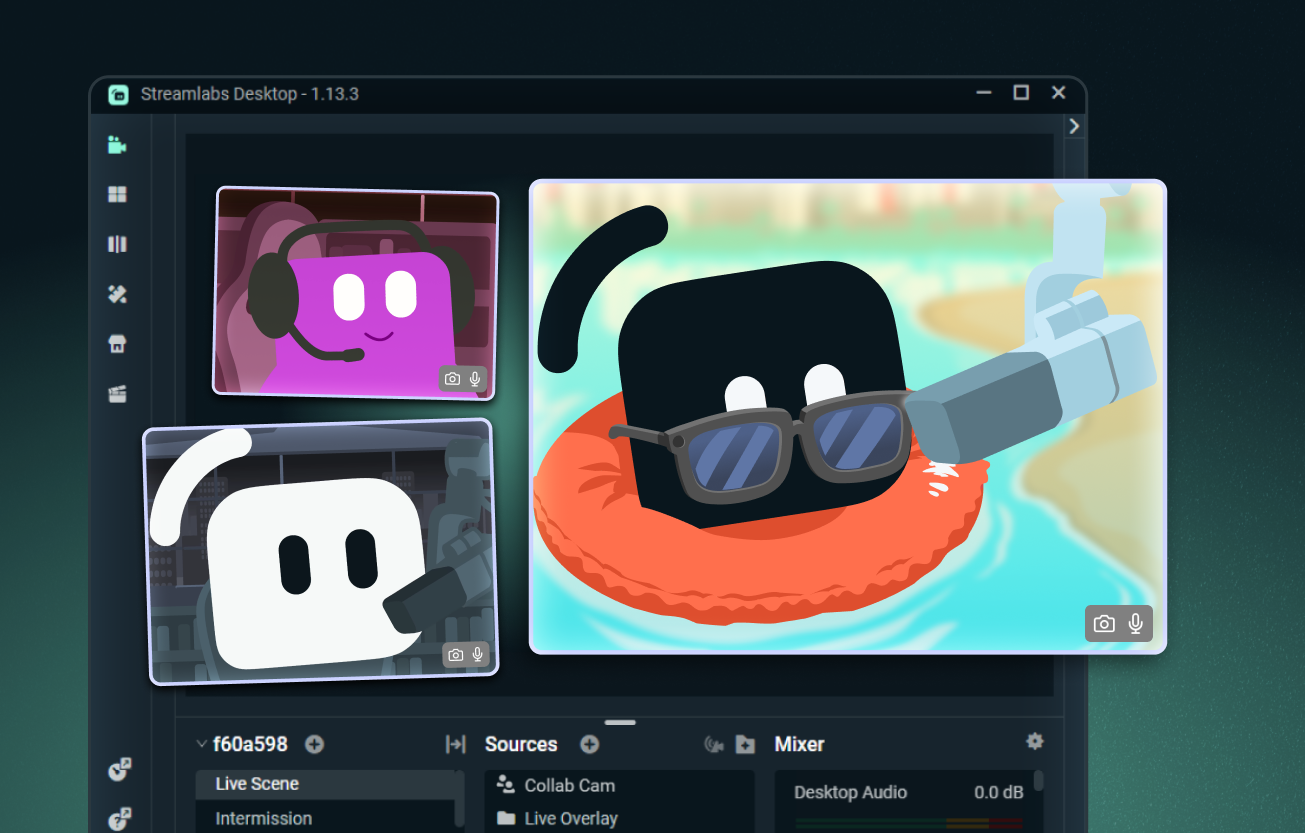
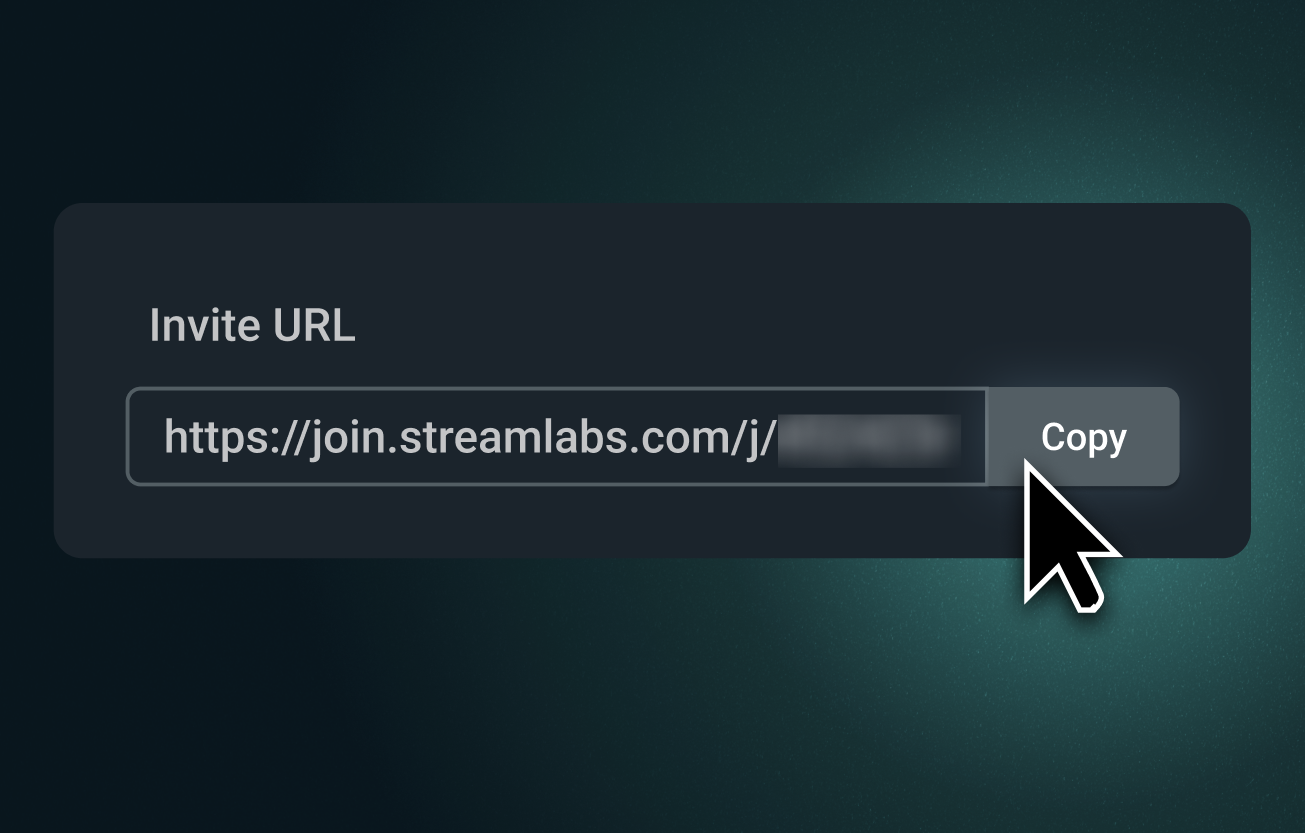
Deinem Stream Gäste hinzufügen – ganz einfach!
Sende einen Collab Cam-Link und lade jeden ein, deinem Stream über den Browser beizutreten. Sie können dich sehen und hören, den Chat verfolgen und in Echtzeit teilnehmen.
Perfekt für Co-Hosts, Interviews, Tabletop-RPGs und mehr.
Zusätzliche Kamerawinkel hinzufügen
Collab Cam ist nicht nur für Gäste gedacht. Nutze dein Smartphone als zweite Kamera, um neue Blickwinkel für Kunst-, Musik-, Koch- und andere praktische Streams hinzuzufügen.
Präsentiere deine Tastatur, deinen Controller, deinen Arbeitsplatz oder sogar eine Haustierkamera. Perfekt sowohl für Live-Streams als auch für Aufnahmen.
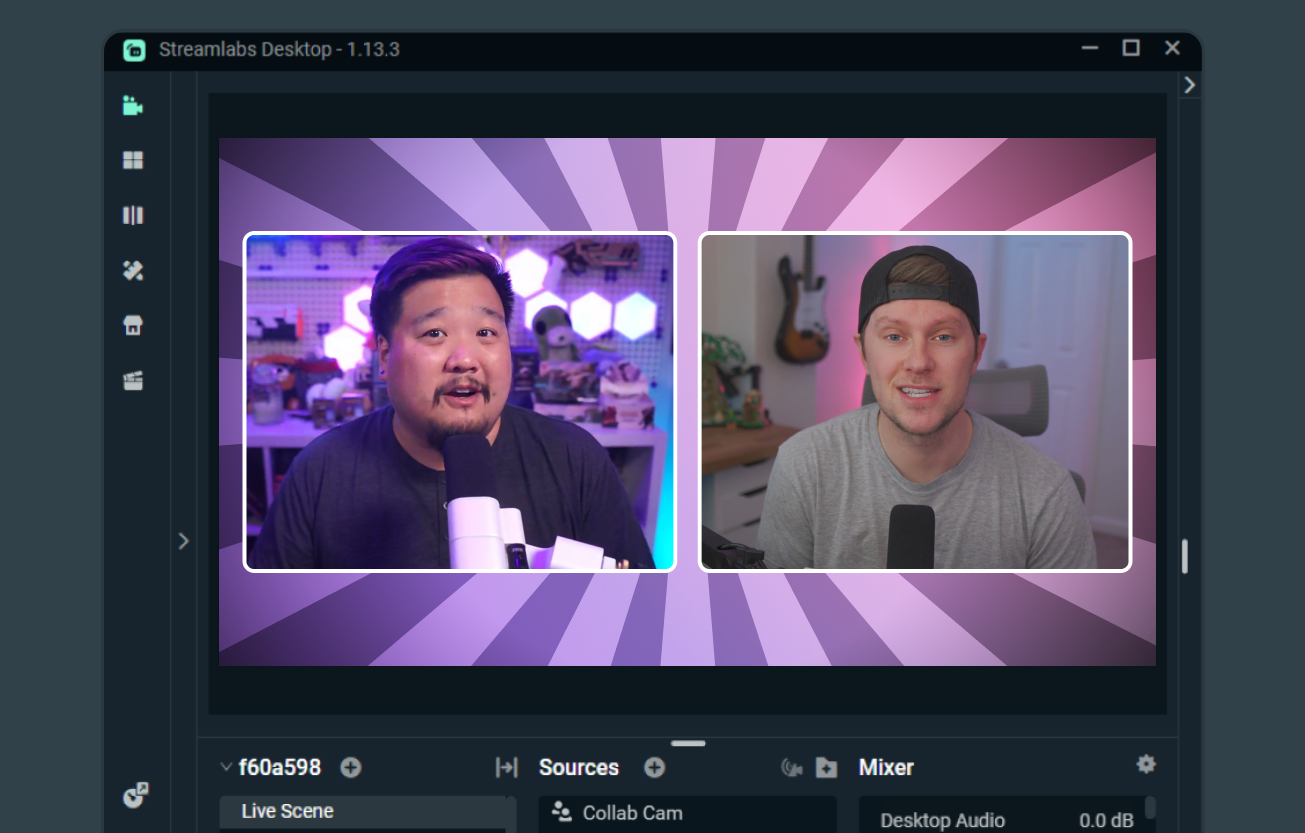
Co-Streaming leicht gemacht
Wenn beide Creator Streamlabs Desktop nutzen, erleichtert Collab Cam das gemeinsame Streamen, das Teilen von Szenen und Quellen sowie das Einblenden der jeweiligen Kamera-Feeds.
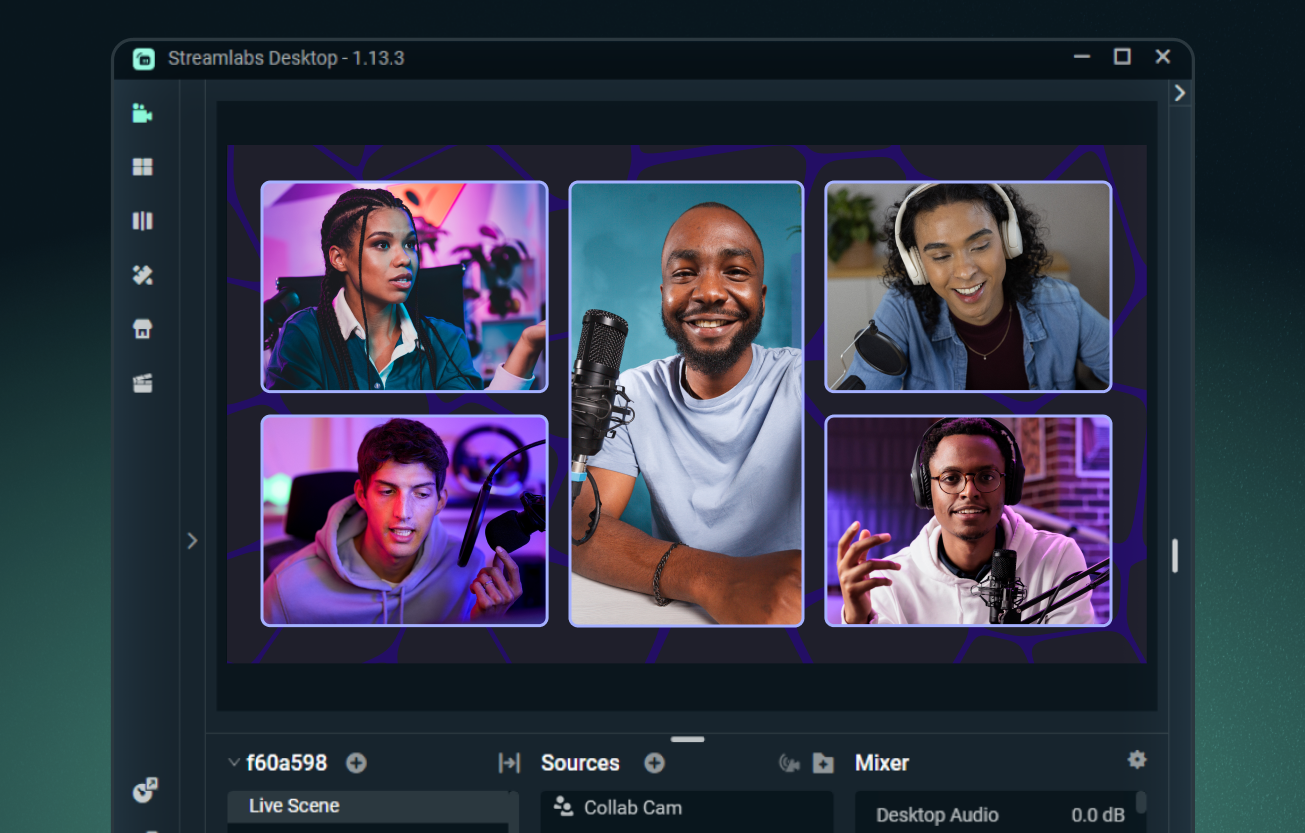
Mit Ultra bis zu 11 Gäste hinzufügen
Füge mit Streamlabs Desktop einen Gast kostenlos hinzu oder upgrade auf Streamlabs Ultra, um bis zu 11 zusätzliche Gäste oder Kamerawinkel in den Stream einzubinden.
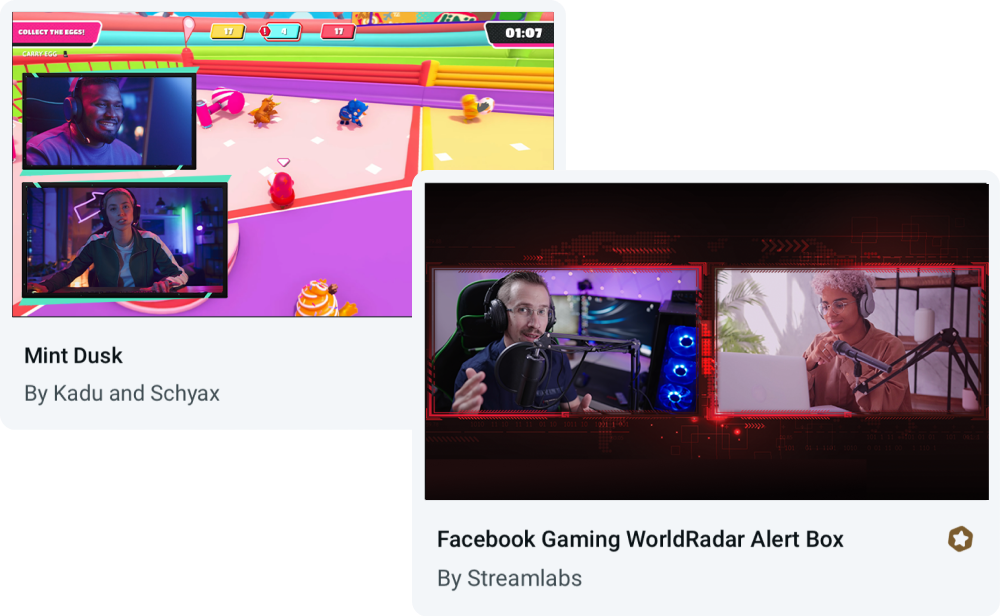
Für Collab Cam entwickelte Overlays
Verwende Collab Cam mit beliebigen Overlays oder wähle aus Themen aus, die integrierte Layouts für Gäste und mehrere Kamerawinkel enthalten.
Häufig gestellte Fragen
Ja, du kannst Streamlabs Collab Cam für einen Gast völlig kostenlos nutzen. Um deine Collabs auf die nächste Stufe zu heben, kannst du auf Ultra upgraden, um bis zu 11 Gäste in deinen Stream einzubinden.
Collab Cam ist sowohl in Streamlabs Desktop als auch in der Streamlabs Mobile-App verfügbar.
Der Einstieg ist einfach. Einfach:
- Füge eine Collab Cam-Quelle hinzu.
- Teile den Link mit deinem Freund.
- Sobald er beitritt, füge ihn deinem Stream hinzu.
Für eine vollständige Schritt-für-Schritt-Anleitung sieh dir unseren Desktop Collab Cam-Guide sowie unseren Mobile Collab Cam-Guide an.
Collab Cam hilft dabei, deinen Stream dynamischer zu gestalten. Indem du neue Gäste zu deinem Stream hinzufügst, kannst du das Gespräch am Laufen halten und den Chat einbinden. Wenn du Aktivitäten streamst, ermöglicht dir Collab Cam außerdem, neue Kamerawinkel einzubinden, um deinem Publikum eine bessere Sicht auf das gesamte Geschehen zu bieten.
Bitte kontaktiere den Support unter diesem Link.