
Go live or record in minutes
Invite guests, share your screen, and customize with themes—all from your browser. No downloads. No hassle.

Go live in 50 5 clicks — stream to any platform
Go live in hours minutes to any platform
Broadcast your live stream to Twitch, YouTube, TikTok, and more.


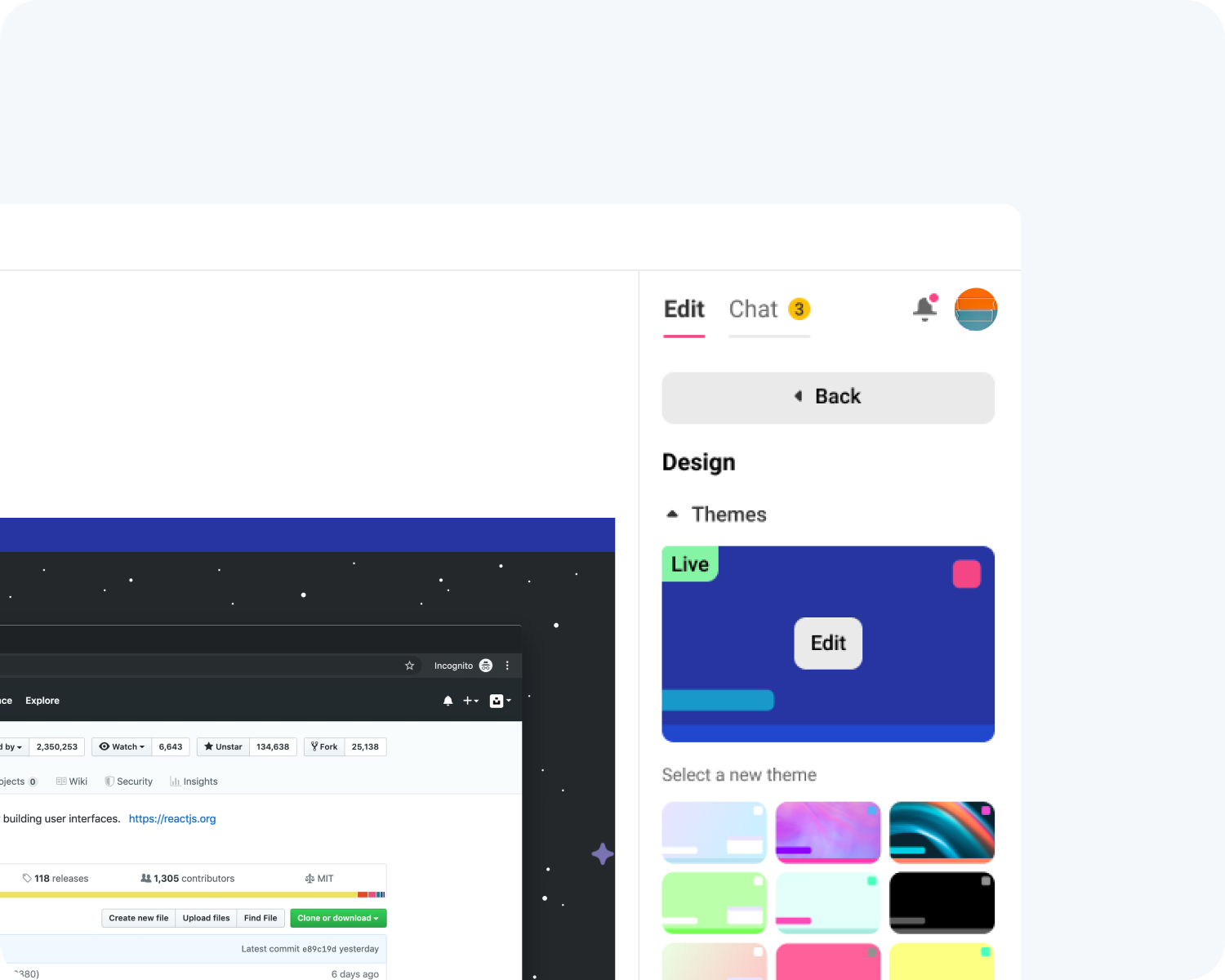
Add your branding
Add your logo, backgrounds, banners, and ticker to create a fully branded stream. Stream and record in crisp 1080p with complete control over your layout.

Bring guests on instantly
Guests can join with a single click—no account needed. Preview their cameras and add them to your stream whenever you’re ready.
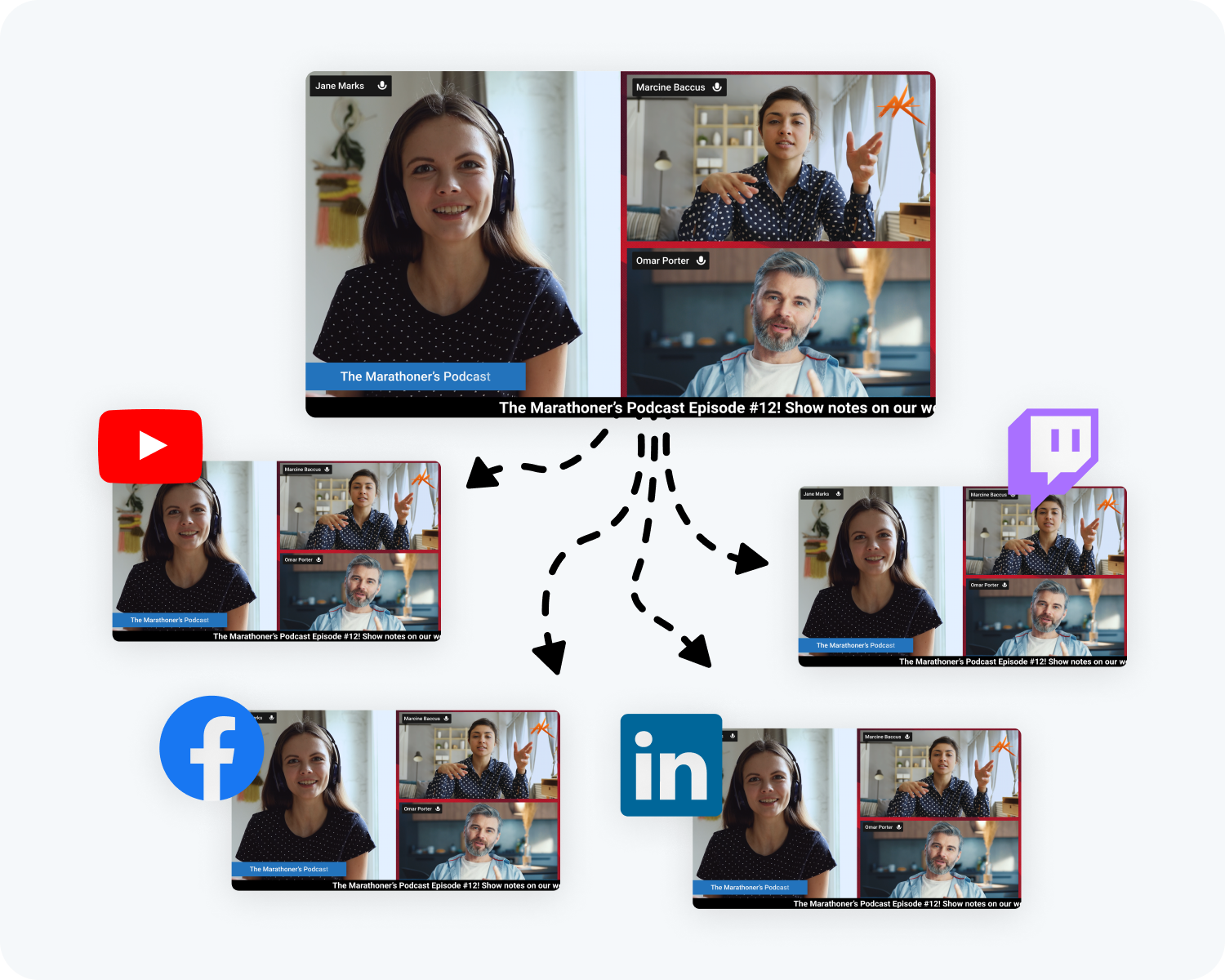
Multistream to all platforms
Go live on Facebook, YouTube, X (Twitter), LinkedIn, Twitch, Kick, or any custom RTMP—all at the same time, with a single click.
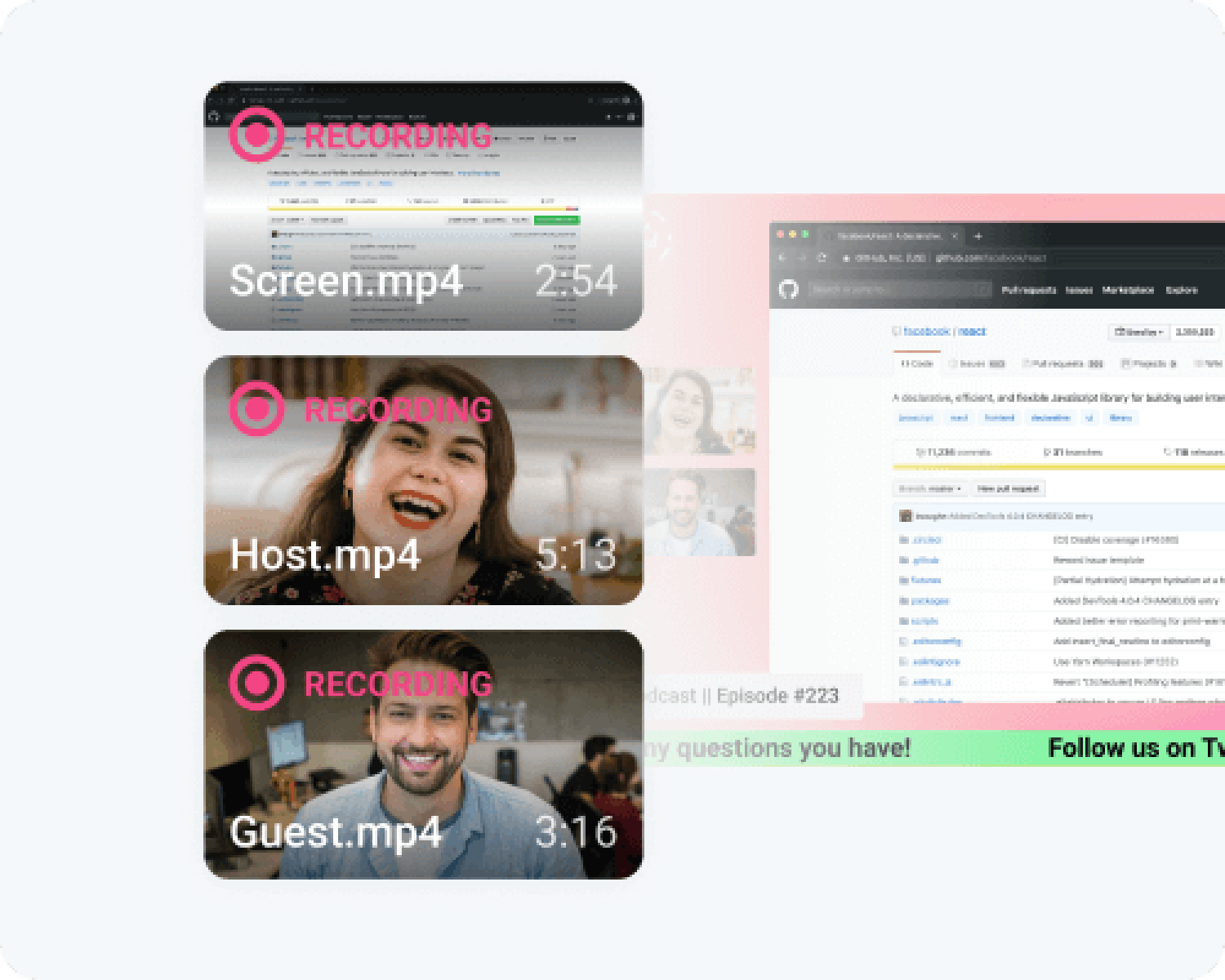
Record while you stream—or offline
Capture your stream and save it in full quality, or record without going live. Perfect for creating content for YouTube, TikTok, or any social platform. Edit recordings later in the Podcast Editor or schedule them to go live with Talk Studio.
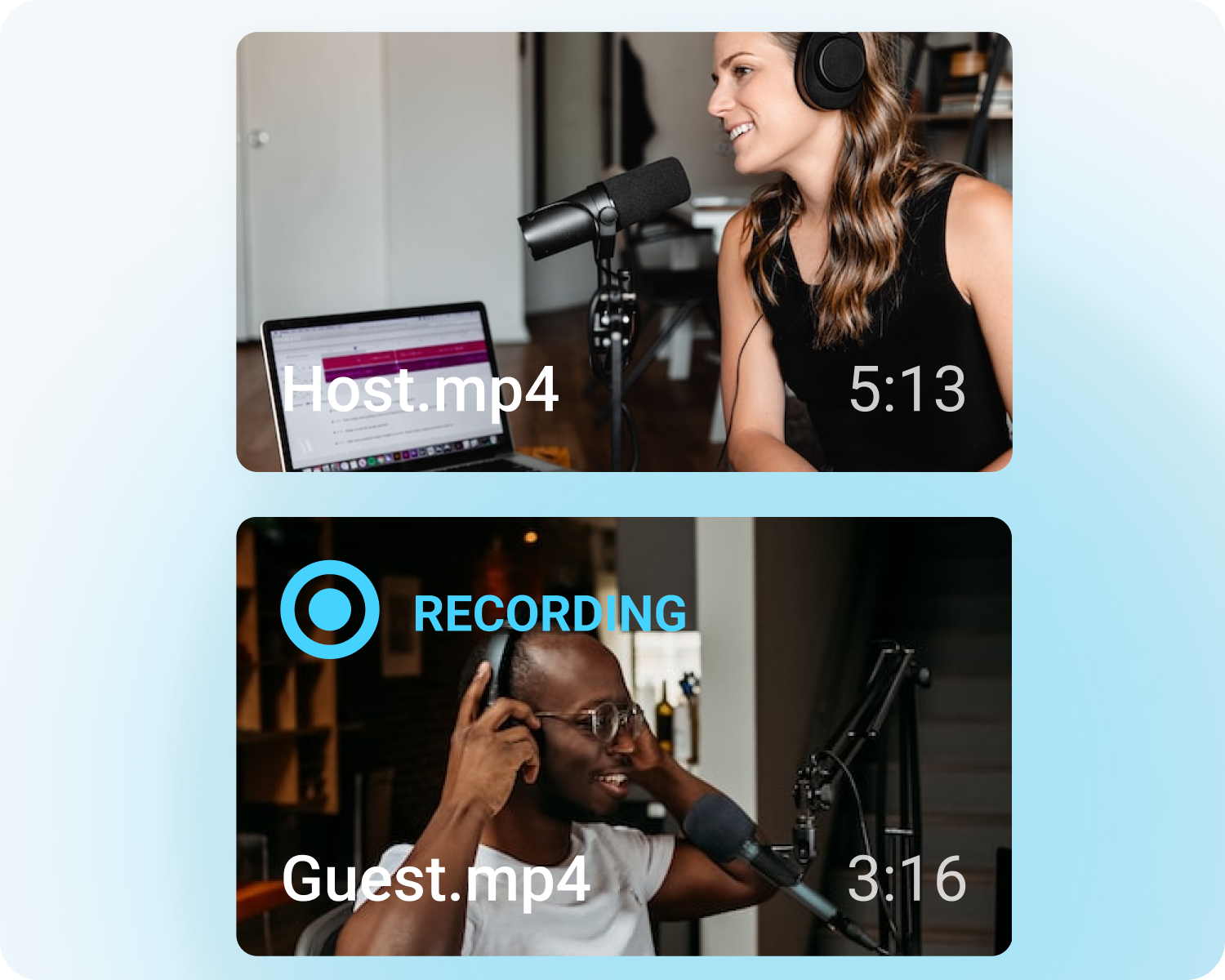
Local Recording
Capture raw audio and video tracks for each participant, giving you maximum flexibility in post-production. Files are automatically uploaded to the cloud and ready for download after your show.
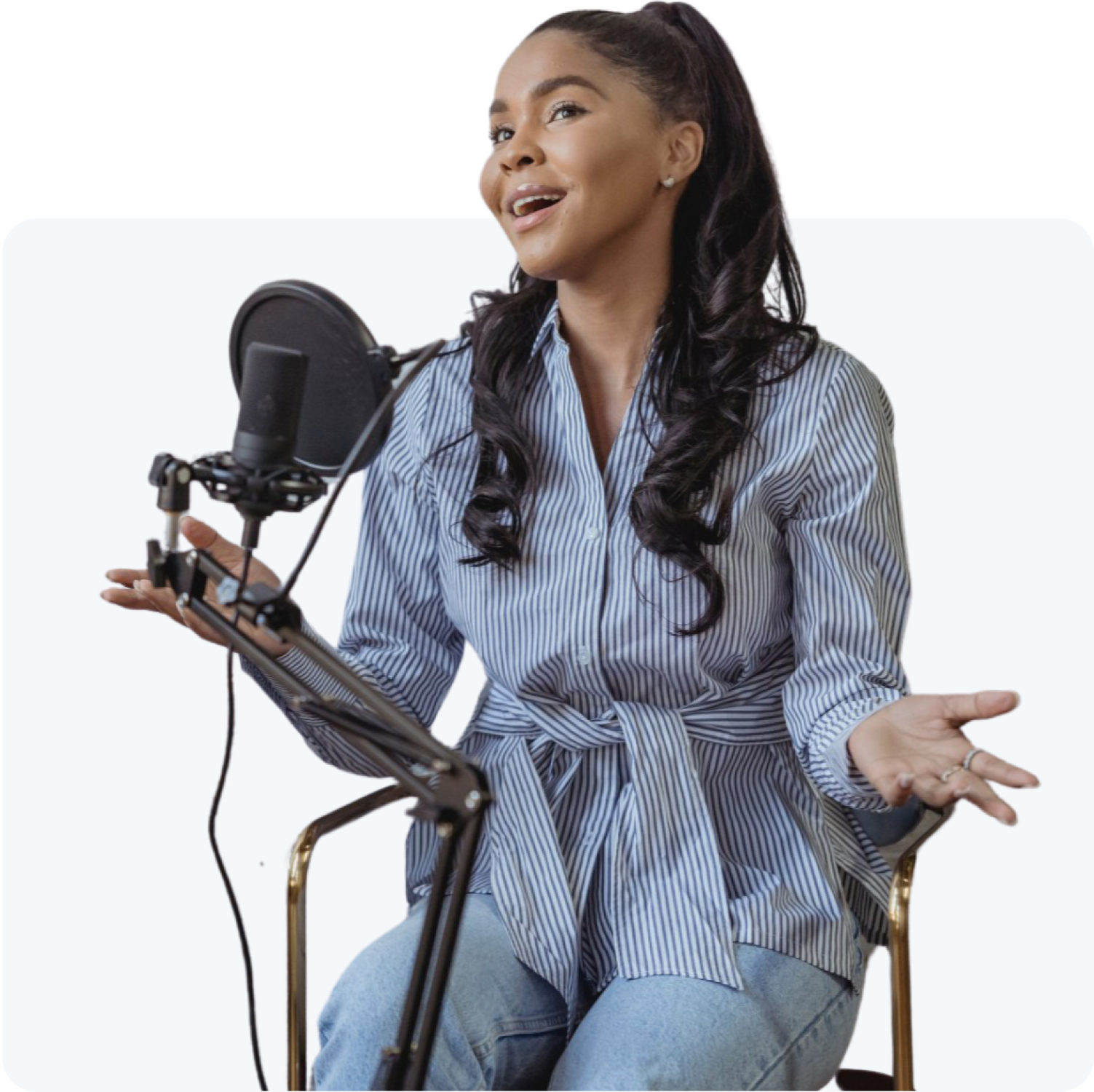
Built for every creator
Whether you’re streaming live or recording to upload later, Talk Studio makes it simple for anyone creating video content:
- Podcasters
- Vloggers
- Churches
- Teachers