

專為遊戲創作者打造
使用專為玩家打造的工具進行直播、錄製、產生精彩片段,並與觀眾互動。
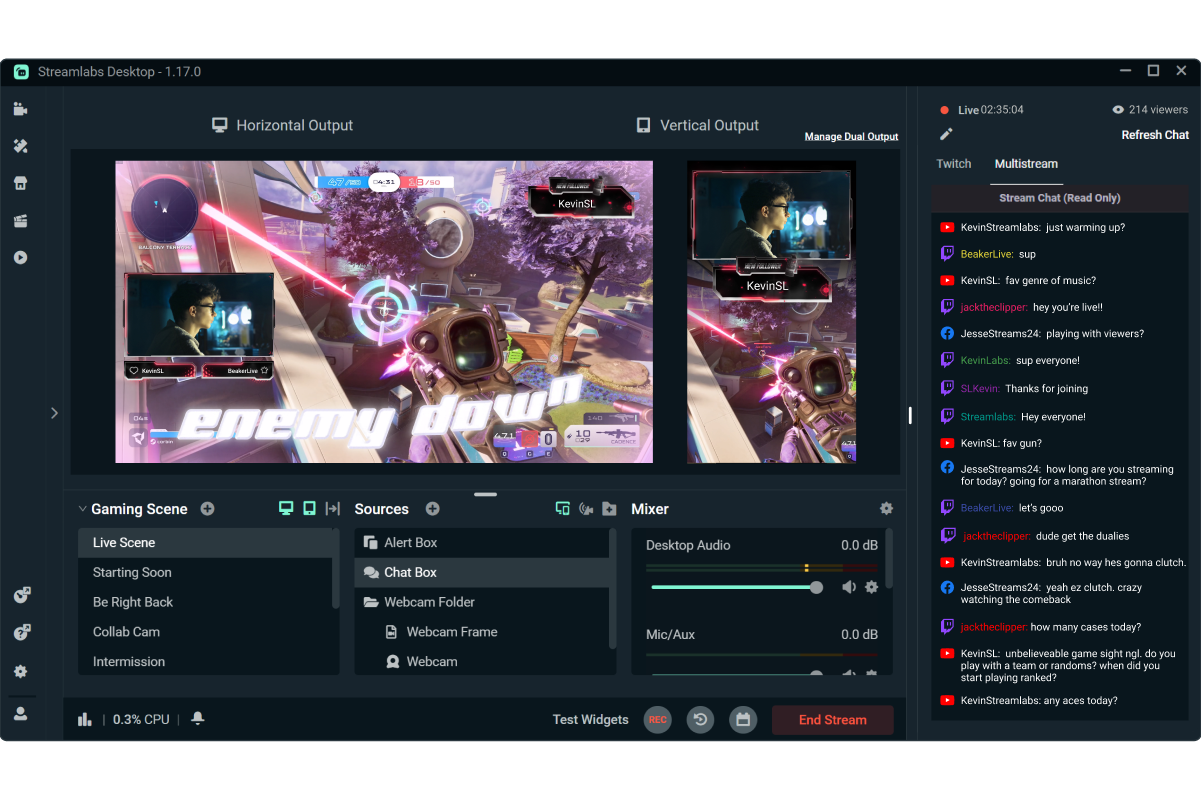
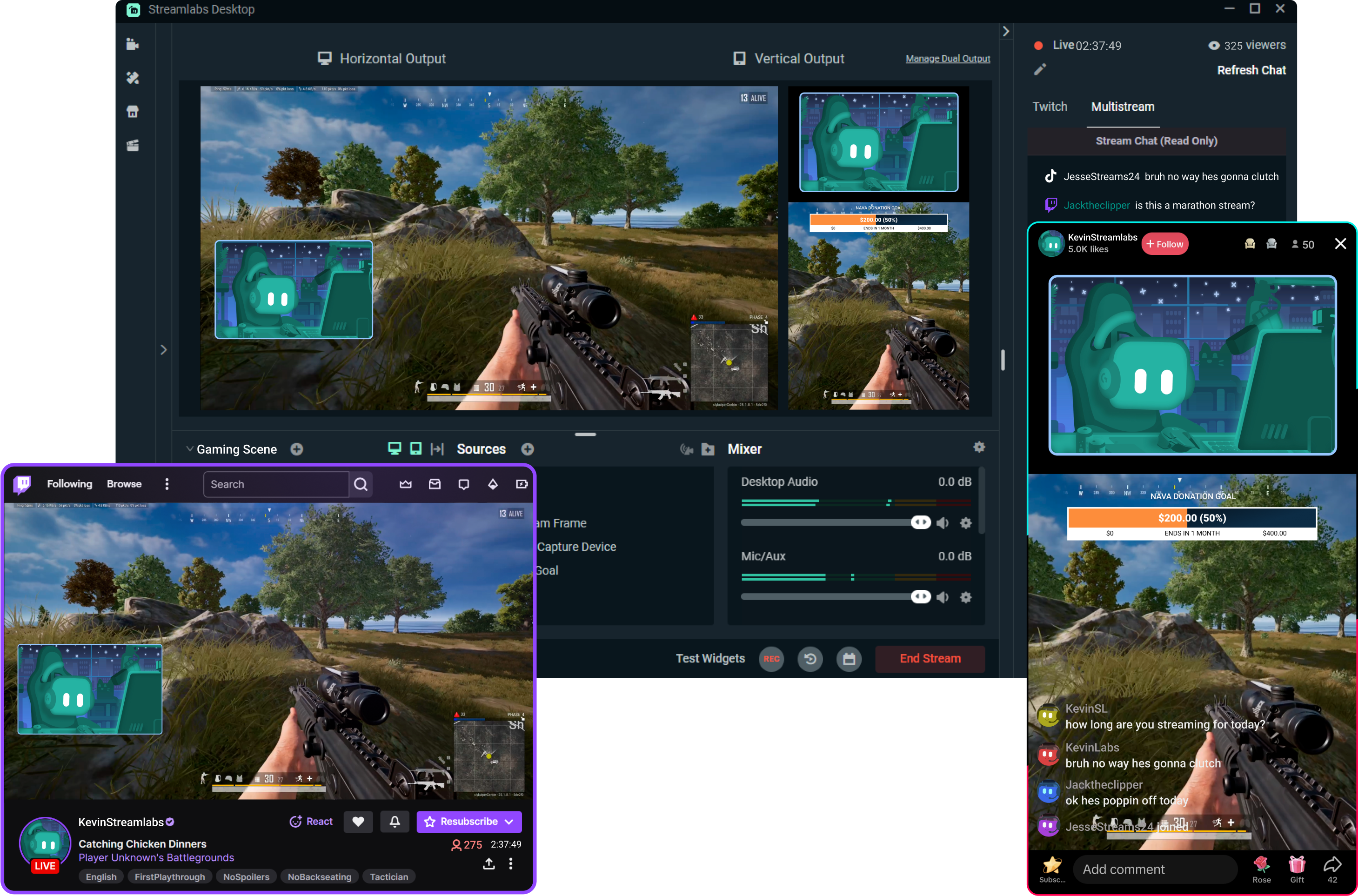
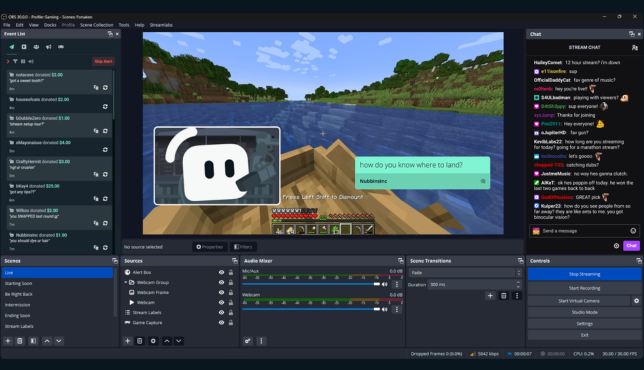
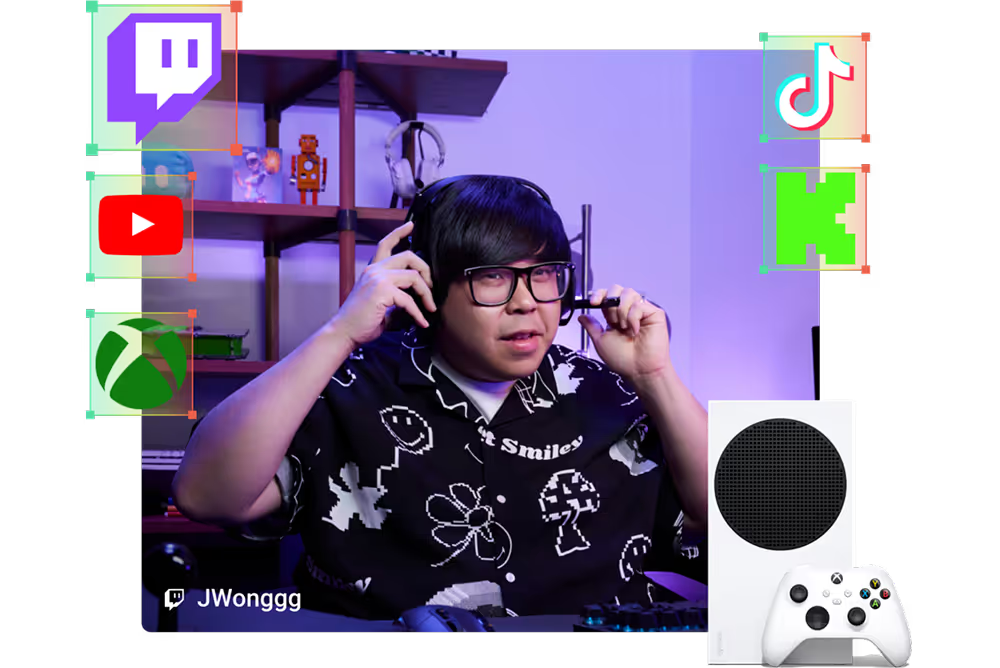
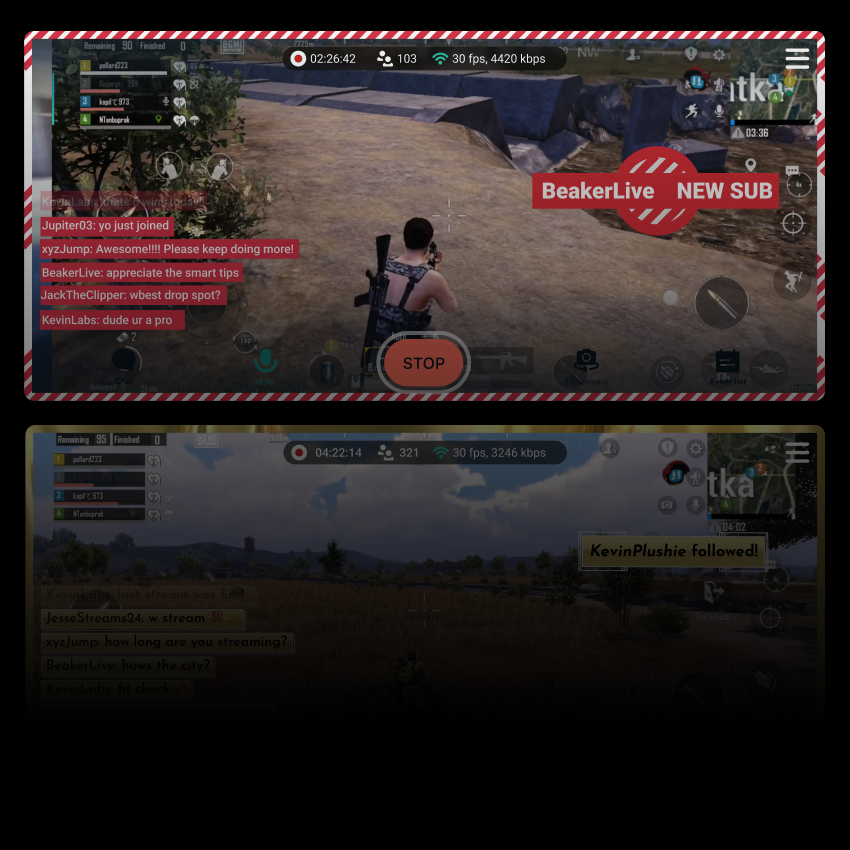


點擊 5 次即可開播 50— 直播到任何平台
在 數小時 數分鐘內 到任何平台開播
定期進行多平台直播的新創作者*,吸引 5 位以上同時觀看觀眾的機率是其他人的兩倍。
* 指的是已直播最多六個月,且進行過 7 次以上多平台直播的新使用者


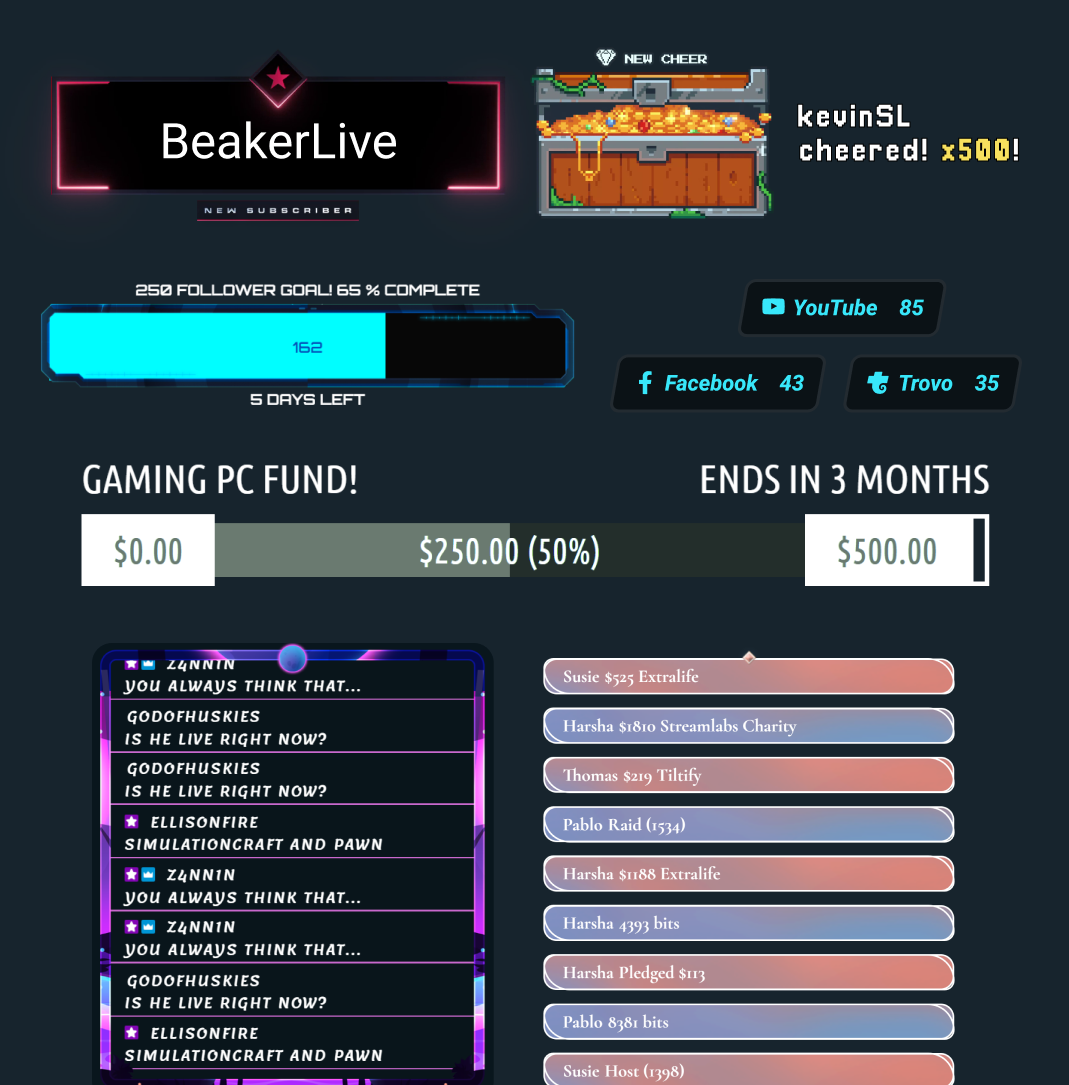
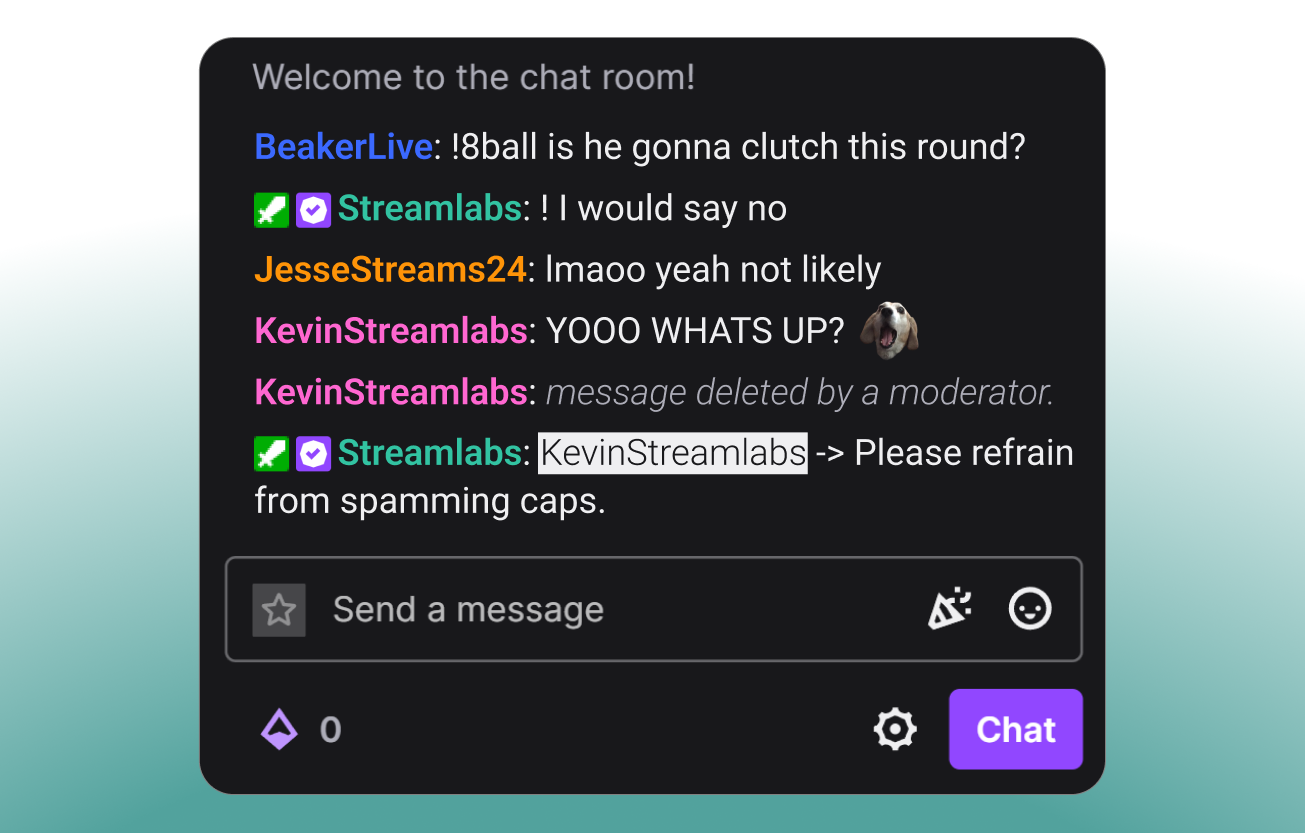


適合各類創作者的工具
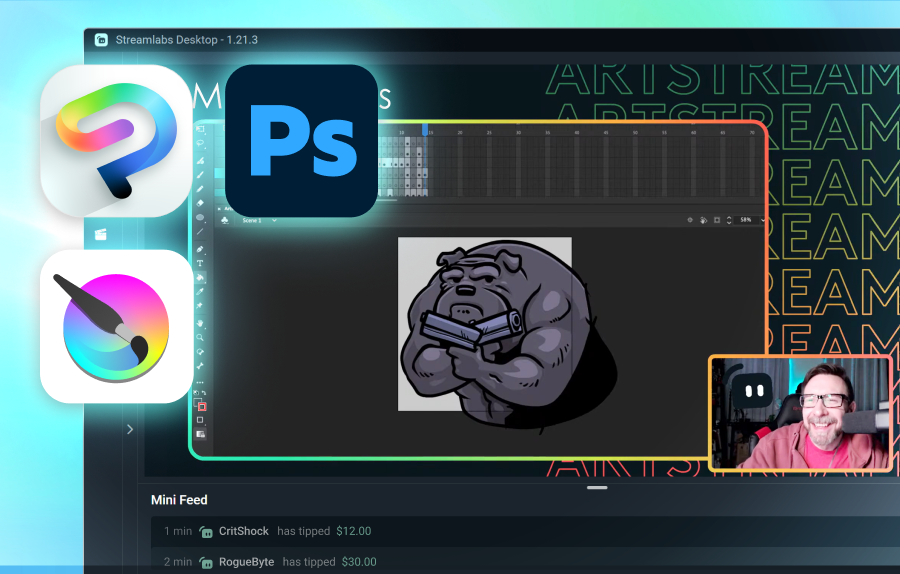
瞭解 Streamlabs 如何支援各種其他內容類型。
常見問題解答
直播電玩遊戲的最佳軟體是什麼?
最佳選擇取決於您的需求:
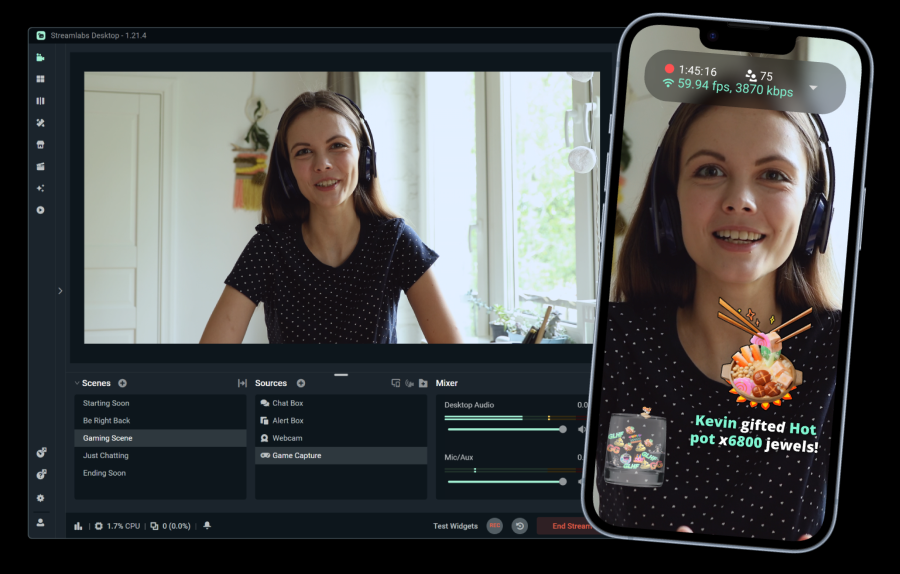
- Streamlabs Desktop 是簡單設定與擁有大量內建功能(如提示、用於單螢幕使用的遊戲疊加、自動精華片段等)的絕佳選擇。
- OBS with the Streamlabs Plugin 對於想要使用 OBS Studio 但同時需要 Streamlabs 功能(如小工具、疊加和多串流)的使用者來說,是一個可靠的選擇。
- Streamlabs Console 專為想要直接從主機進行直播的 Xbox 實況主所設計,無需 PC 或擷取卡。
- Streamlabs Mobile 是從 iOS 和 Android 裝置直播手機遊戲的理想選擇。
無論您以何種方式直播遊戲,Streamlabs 都有適合您需求的選項。
Streamlabs 為遊戲直播提供了哪些功能?
除了 Alert Box、Cloudbot 和打賞等基礎直播功能外,Streamlabs 還提供多種專為遊戲直播設計的工具:
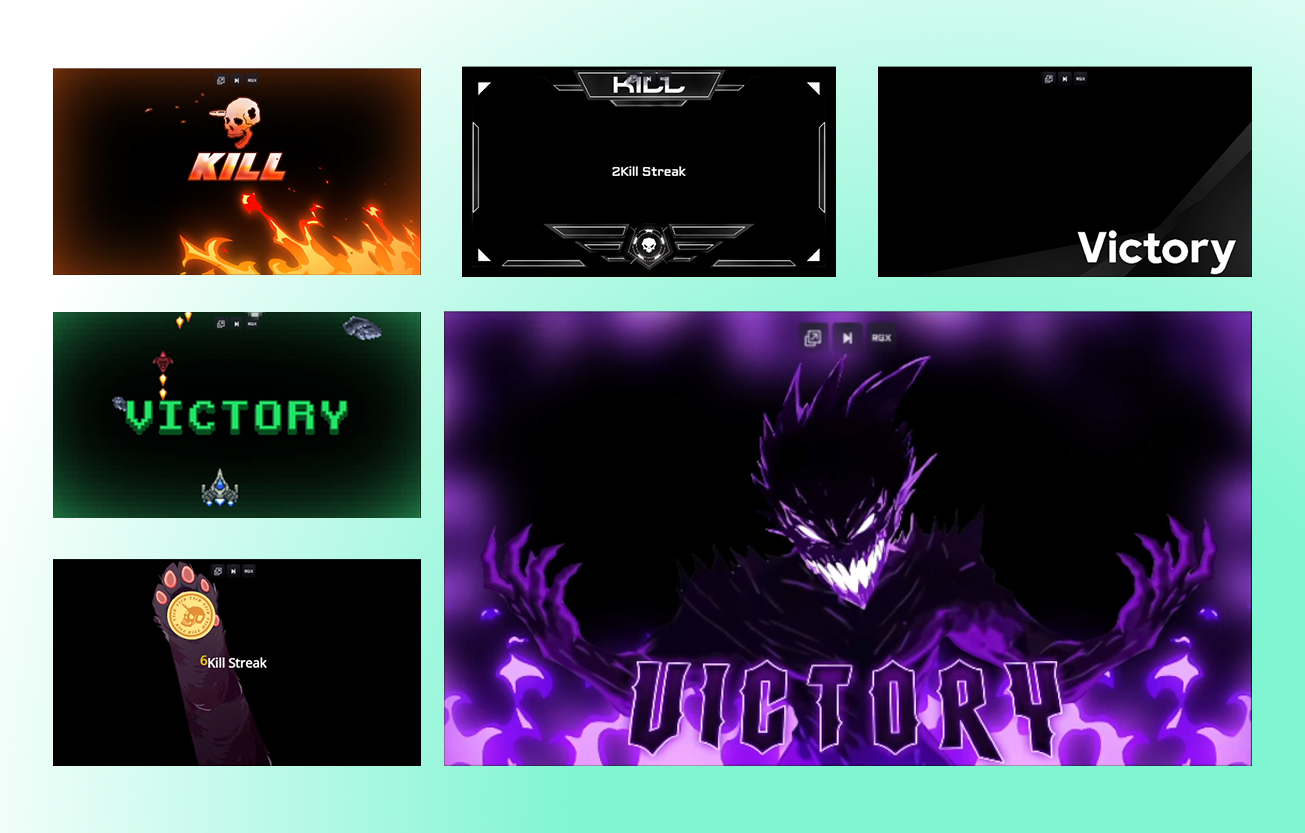
- Game Pulse:針對連殺、總失敗次數等事件觸發直播中的特殊效果與音效。支援數十款遊戲。
- 反應疊層:升級使用可根據遊戲內事件即時更新的疊層。支援超過十幾款遊戲。
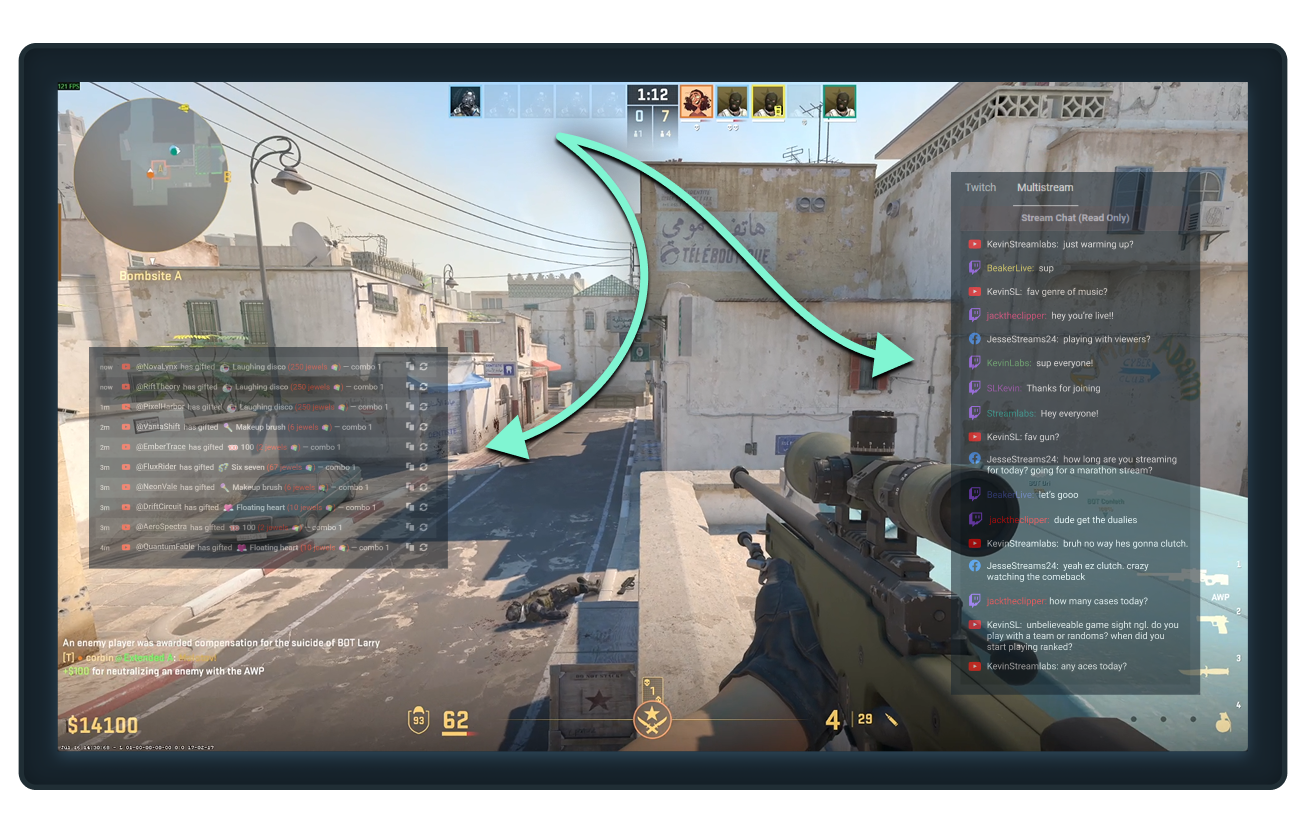
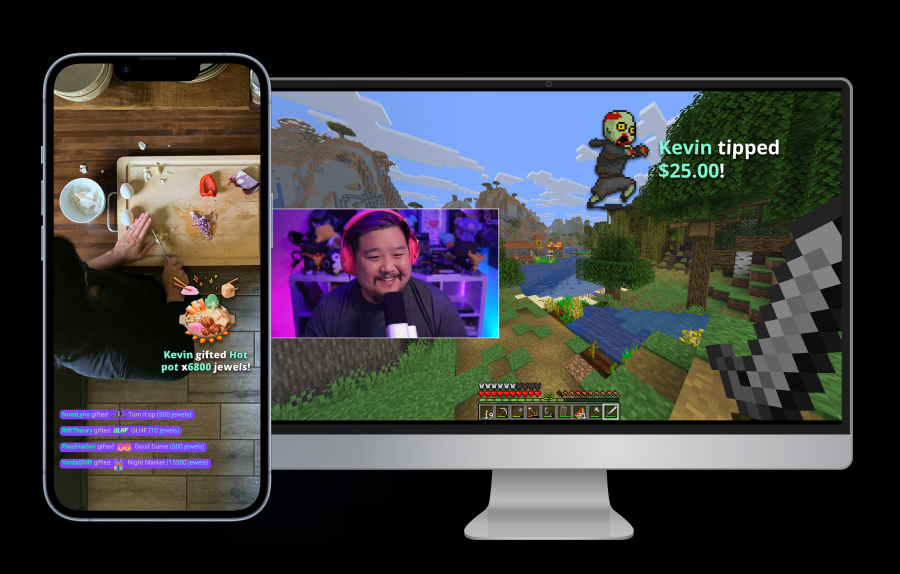
- 遊戲疊層:將聊天室和近期事件疊加在遊戲畫面上,讓您無需切換視窗即可進行直播,不錯過任何精彩時刻。
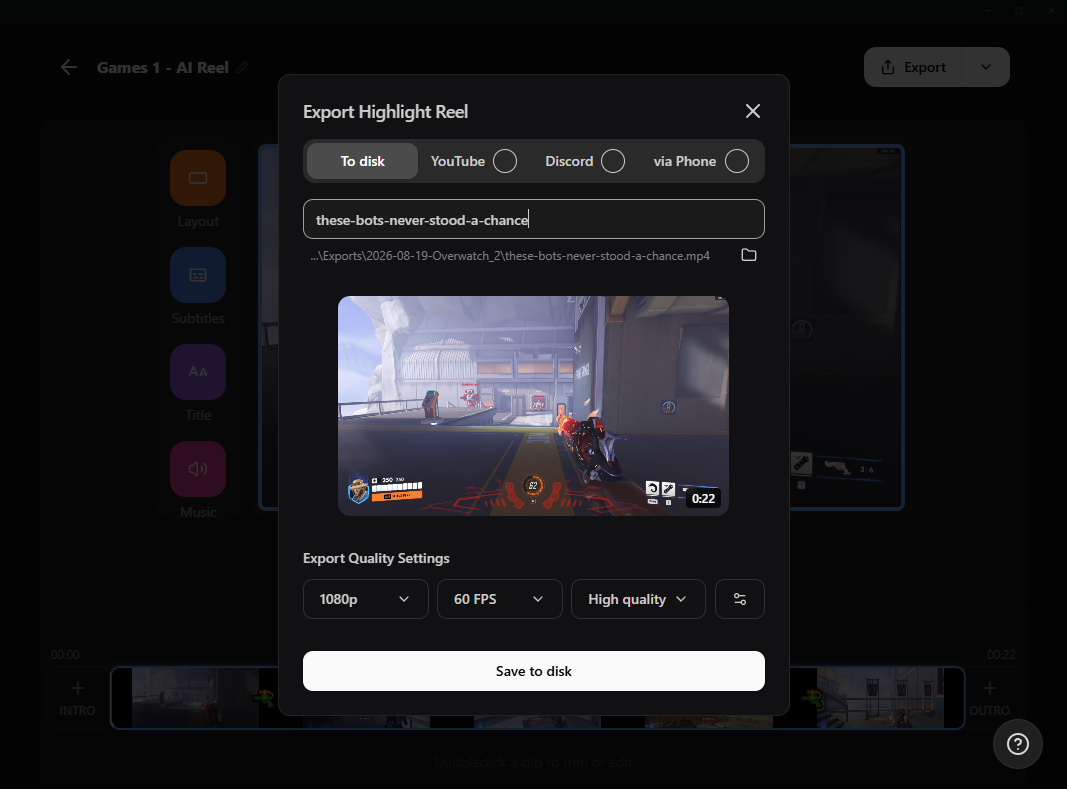
- G HUB Replay(前身為 Highlighter):根據 50 多款支援遊戲的遊戲內事件,自動產生精彩片段。
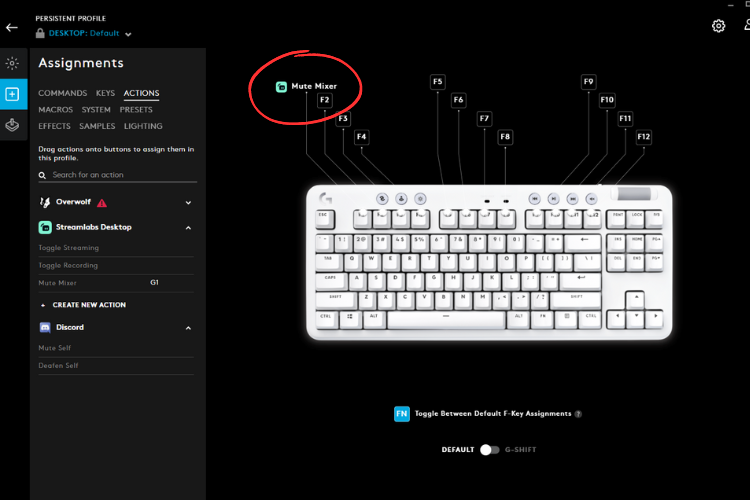
- Sidekick:您的直播共同主持人、製作人與技術支援。切換場景、控制音訊、與聊天室互動等等。
Streamlabs 讓我免費串流遊戲嗎?
是的! Streamlabs Desktop、OBS 外掛程式和行動應用程式皆允許您免費串流和錄製您的遊戲。
如果我還有其他問題該怎麼辦?
請透過此連結聯絡支援人員。