

Collab Cam
Streamlabs Desktop을 떠나지 않고도 게스트를 초대하고, 카메라 앵글을 추가하며, 라이브로 협업하세요.
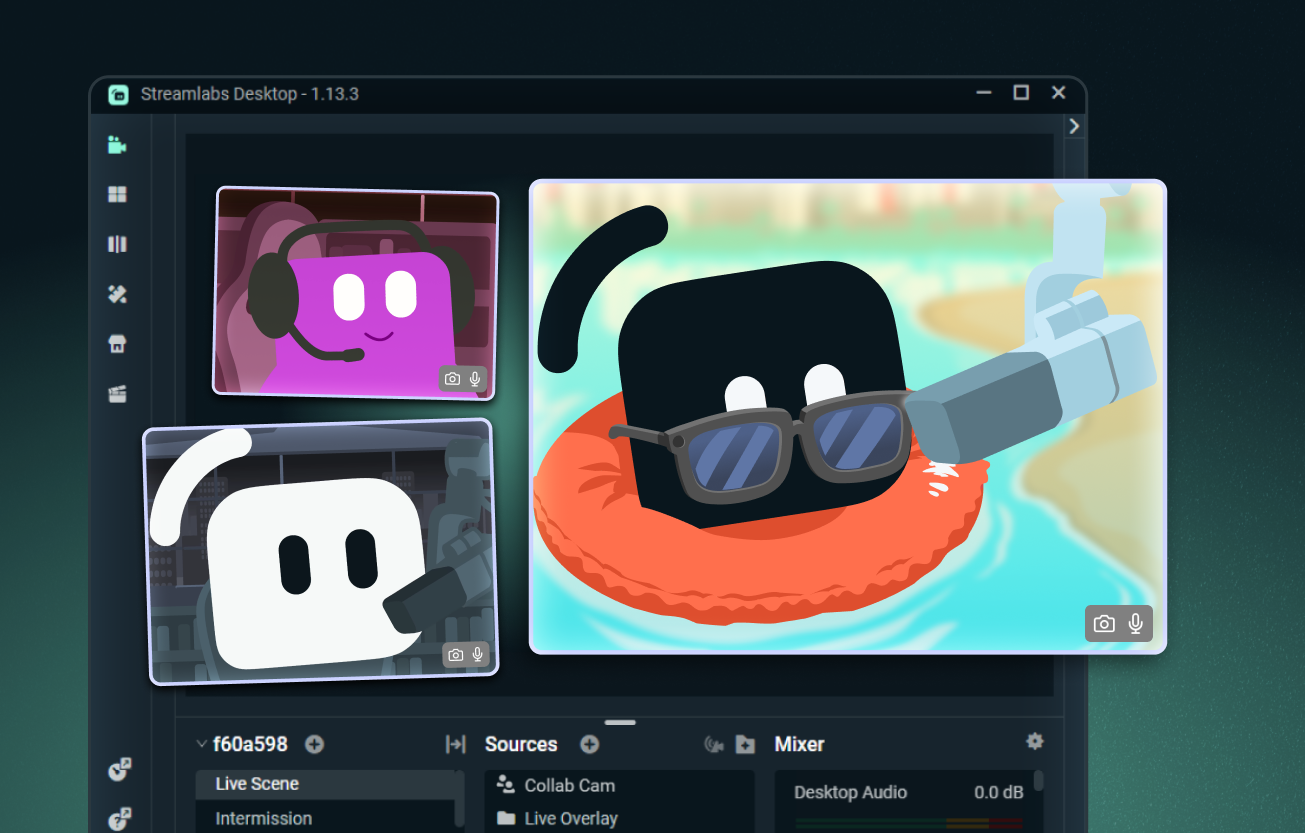
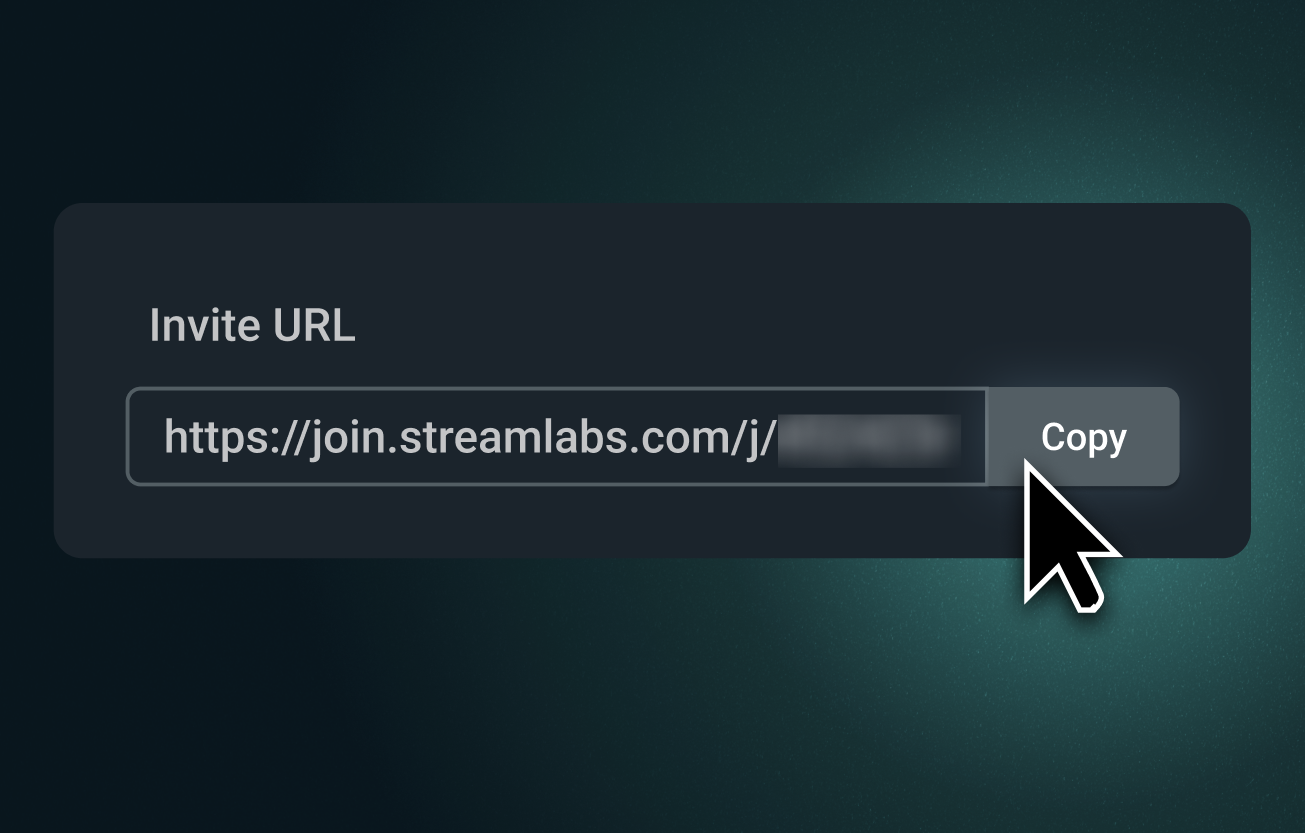
스트리밍에 편리하게 게스트 초대 가능
Collab Cam 링크를 보내 누구든 브라우저를 통해 스트리밍에 참여하도록 초대하세요. 참여자는 사용자를 보고 들을 수 있으며, 채팅을 확인하고 실시간으로 참여할 수 있습니다.
공동 진행자, 인터뷰, 테이블탑 RPG 등에 완벽합니다.
추가적인 카메라 앵글 활용 가능
Collab Cam은 게스트만을 위한 것이 아닙니다. 전화기를 보조 카메라로 사용하여 예술, 음악, 요리 및 기타 실습 스트리밍에 새로운 앵글을 추가하세요.
키보드, 컨트롤러, 작업 공간 또는 반려동물 캠까지 보여주세요. 라이브 스트리밍과 녹화 모두에 완벽합니다.
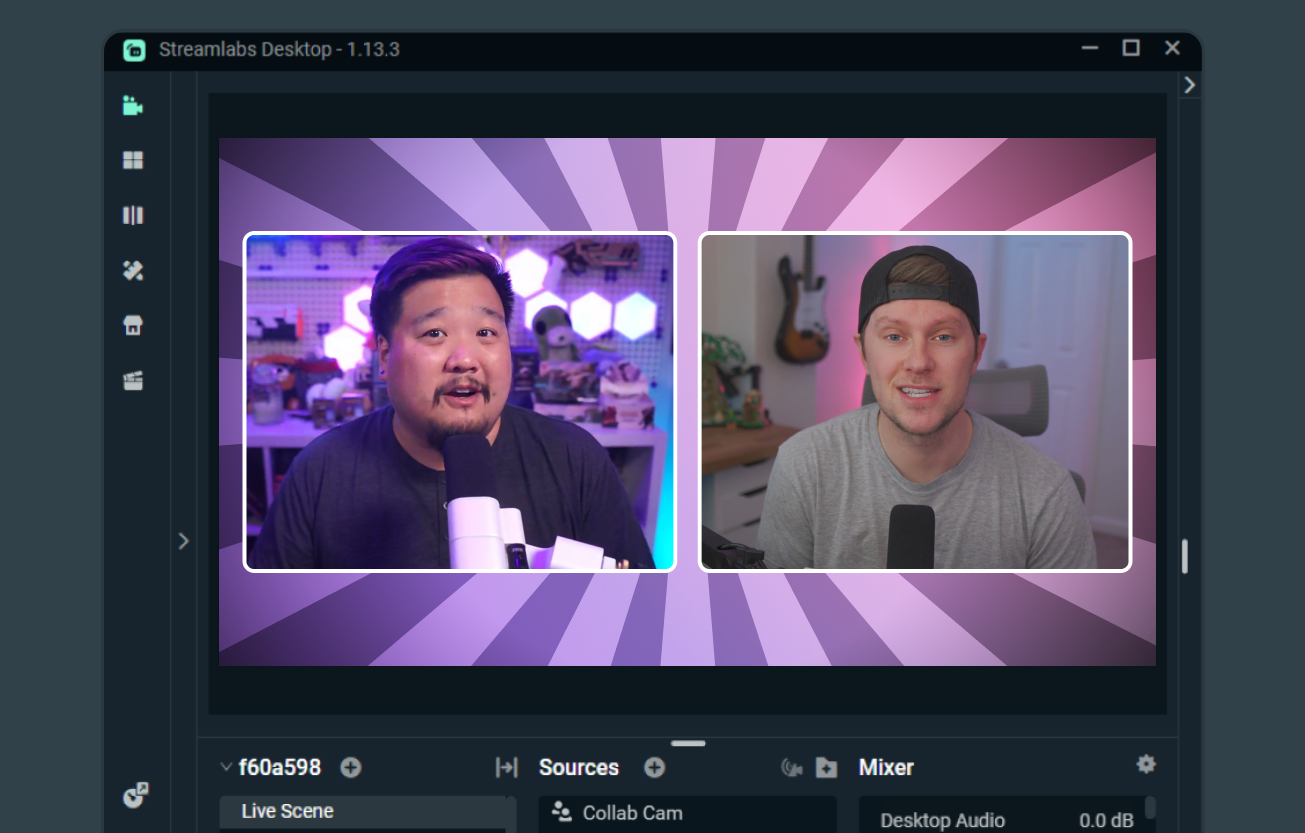
훨씬 쉬워진 합동 스트리밍
두 크리에이터 모두 Streamlabs Desktop을 사용하는 경우, Collab Cam을 통해 쉽게 공동 스트리밍하고, 장면과 소스를 공유하며, 서로의 카메라 피드를 보여줄 수 있습니다.
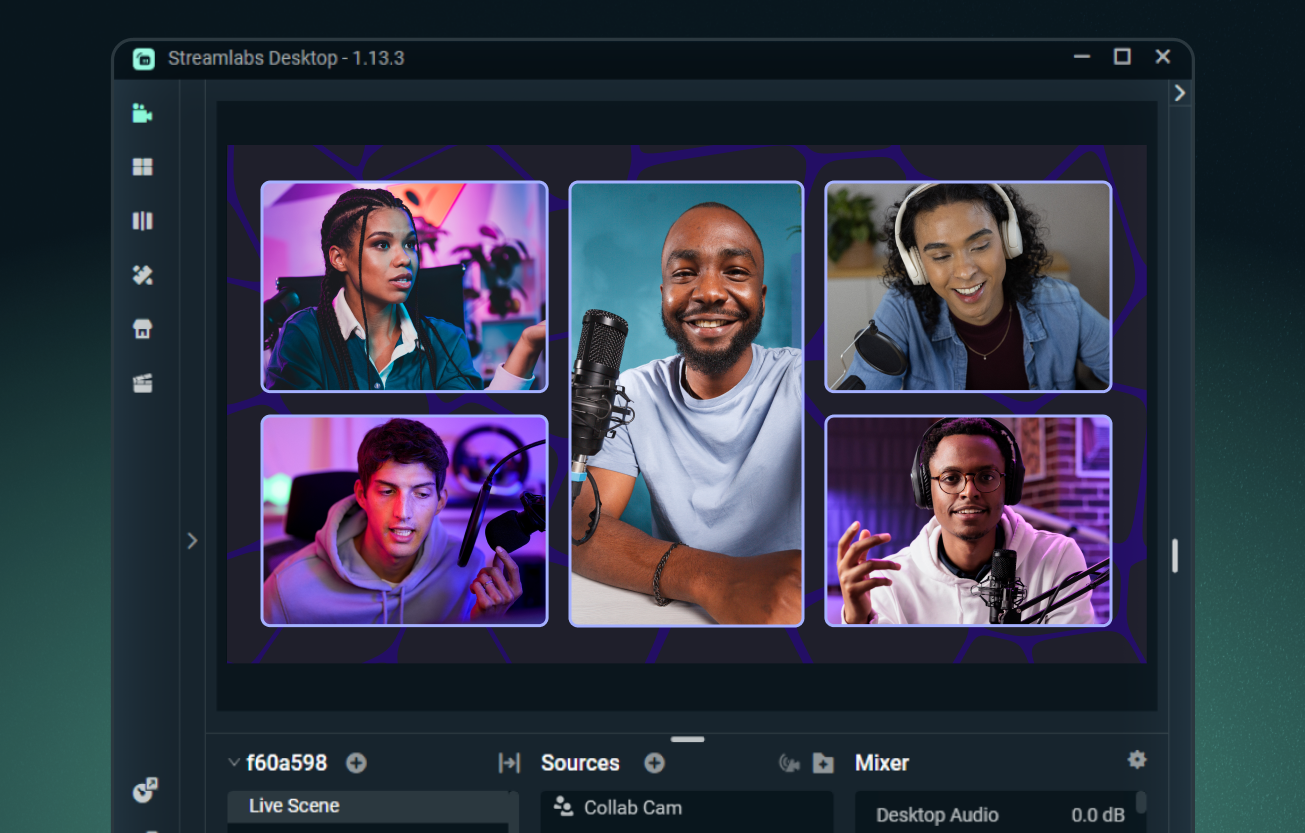
Ultra로 최대 11명의 게스트 추가
Streamlabs Desktop으로 게스트 1명을 무료로 추가하거나, Streamlabs Ultra로 업그레이드하여 최대 11명의 추가 게스트 또는 카메라 앵글을 스트림에 불러오세요.
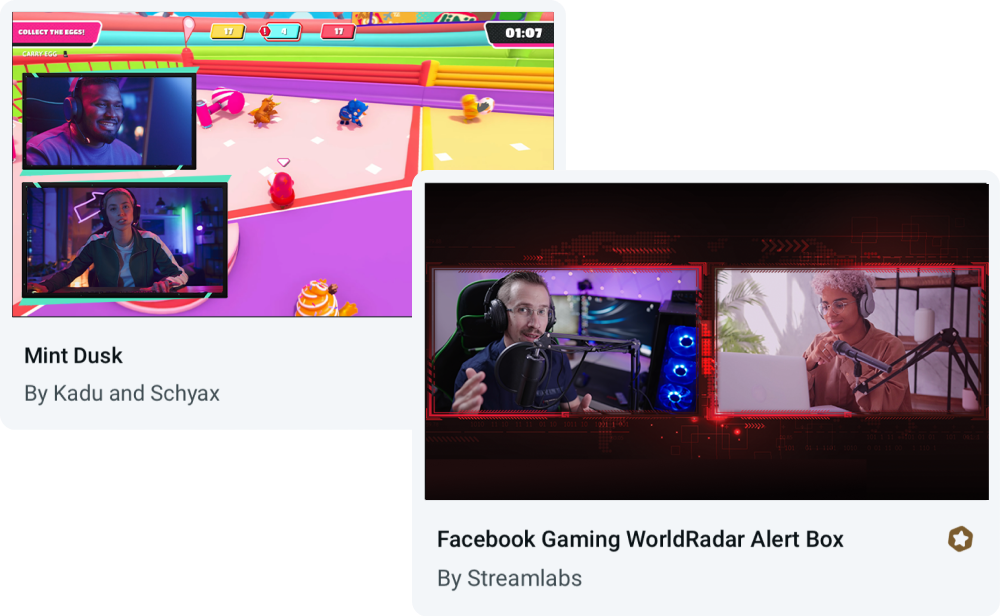
Collab Cam용으로 제작된 오버레이
모든 오버레이와 함께 Collab Cam을 사용하거나, 게스트 및 다중 카메라 앵글을 위한 레이아웃이 내장된 테마 중에서 선택하세요.
자주 묻는 질문
네, Streamlabs Collab Cam을 사용하여 게스트 1명을 완전히 무료로 초대할 수 있습니다. 콜라보레이션을 한 단계 더 발전시키려면 Ultra로 업그레이드하여 스트림에 최대 11명의 게스트를 포함할 수 있습니다.
Collab Cam은 Streamlabs Desktop뿐만 아니라 Streamlabs Mobile 앱에서도 사용할 수 있습니다.
시작하기는 쉽습니다. 간단합니다:
- Collab Cam 소스를 추가하세요.
- 친구와 링크를 공유하세요.
- 친구가 참여하면 스트림에 추가하세요.
전체 단계별 안내는 데스크톱 Collab Cam 가이드와 모바일 Collab Cam 가이드를 확인하세요.
Collab Cam은 스트림을 더욱 역동적으로 만들어 줍니다. 새로운 게스트를 스트림에 추가하면 대화를 이어가고 시청자의 참여를 유도할 수 있습니다. 활동을 스트리밍하는 경우, Collab Cam을 사용하여 새로운 카메라 앵글을 추가함으로써 시청자에게 모든 장면을 더 잘 보여줄 수 있습니다.
이 링크를 통해 지원팀에 문의하세요.