

小工具
目標
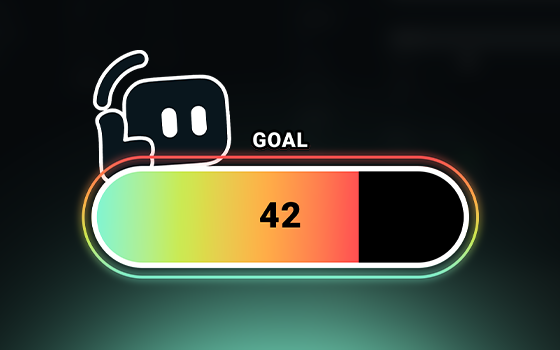
在直播上顯示目標,鼓勵觀眾協助您達成目標。
分享您的目標以帶動支持
設定明確的目標 (例如添購新硬體或捐款給慈善機構),能幫助支持者瞭解他們的貢獻將用在哪裡、鼓勵更多人參與,並在達成目標時一起慶祝,進而凝聚社群。
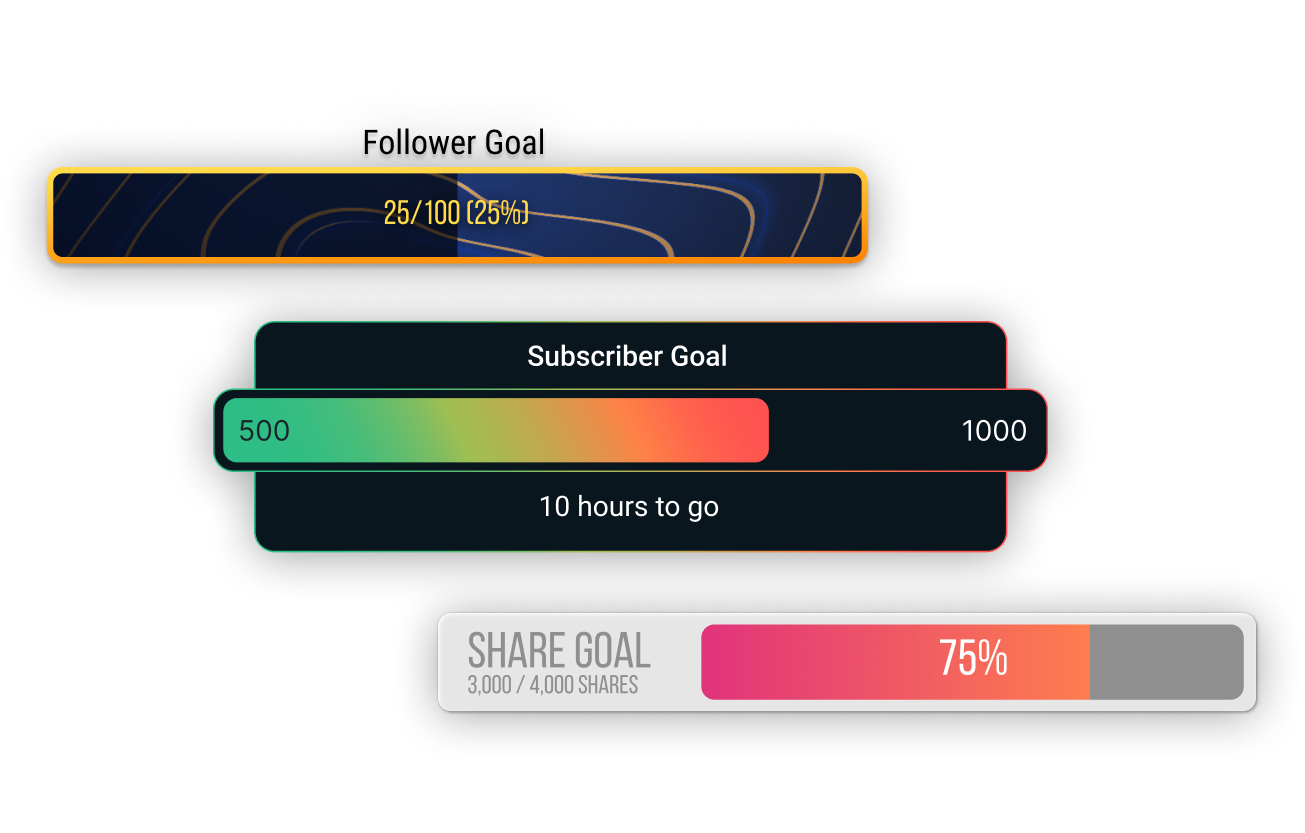
多樣化的目標小工具
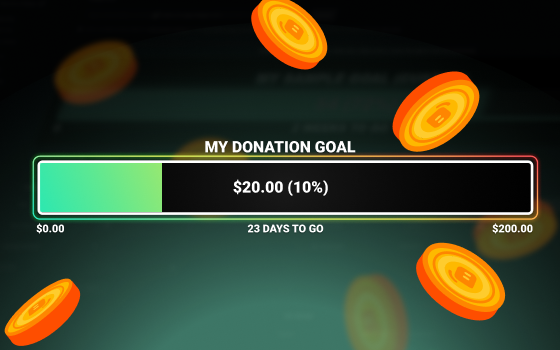
每種目標類型都有專屬小工具。使用「小費目標」小工具來鼓勵觀眾為金額目標貢獻、使用「關注者目標」小工具來鼓勵粉絲分享您的直播、使用「Streamlabs Charity 捐款目標」小工具為您最喜愛的公益募款等功能。
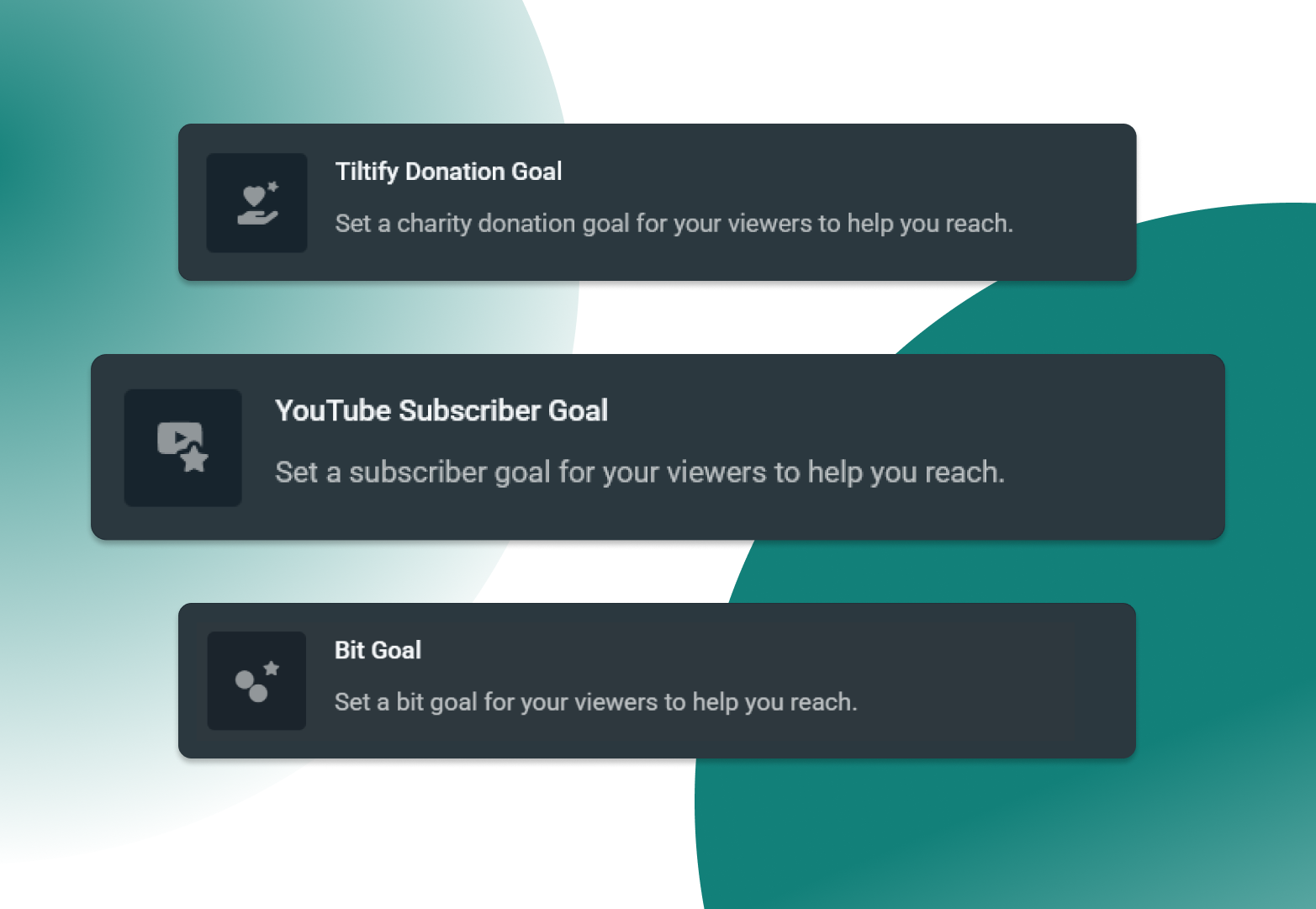
跨平台支援您的目標
You're sure to find a goal tailored to your ambitions with support for Twitch, X, YouTube, Kick, Facebook, Streamlabs Charity, Streamlabs tipping, and Tiltify.
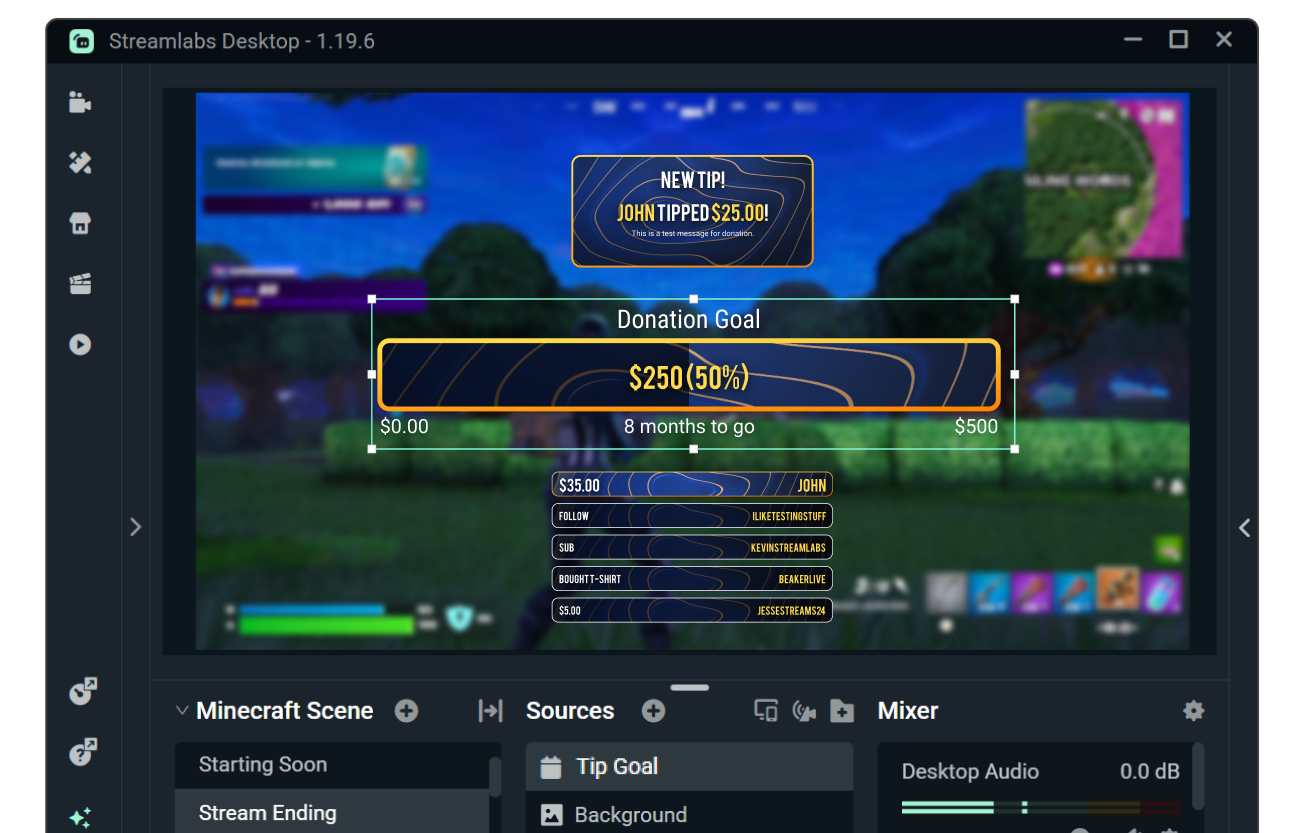
讓您的目標與疊層和提醒完美搭配
使用自訂字型與顏色調整目標的外觀與風格,或瀏覽小工具主題庫,選擇由專業藝術家設計、並搭配相符直播疊層與提醒的主題。
需要更進一步的控制嗎?可使用 HTML、CSS 與 JS 進一步自訂。
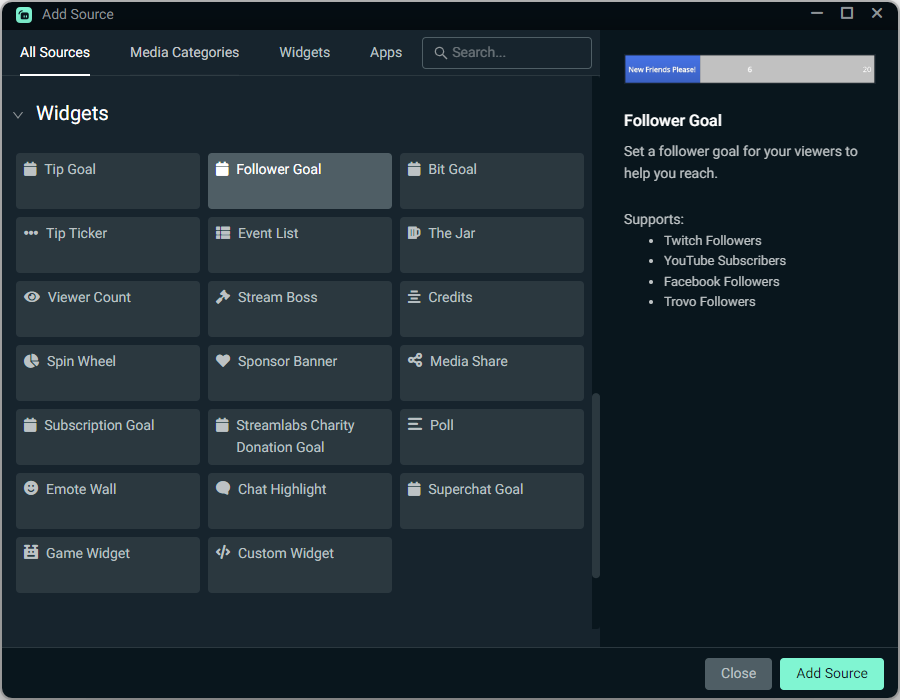
如何使用目標
自訂您的目標,接著只要輕鬆一點,即可將相關目標小工具來源 (可為一個或多個) 加入您的 Streamlabs Desktop 直播。
正在使用 OBS 或其他工具嗎?透過 OBS 的 Streamlabs 外掛程式可在數秒內安裝大多數目標,或以瀏覽器來源新增目標。
查看下方指南以取得逐步說明。
開始使用目標
在 Streamlabs Desktop 只要一點即可快速新增目標;透過 OBS 的 Streamlabs 外掛程式也能在數秒內安裝大多數目標,或以瀏覽器來源新增目標。
查看我們的指南以取得詳細說明。


常見問題解答
在 Streamlabs,我們提供多種目標小工具來支援您的成長,如下所述。您可以點擊名稱,系統會帶您前往 Streamlabs 儀表板中的目標小工具。
- 小費目標:透過您的 Streamlabs 小費頁面追蹤小費與捐款進度。
- 追隨者目標:追蹤 Twitch、Facebook、X (Twitter) 與 KICK 的追隨者,以及 YouTube 訂閱者的進度。
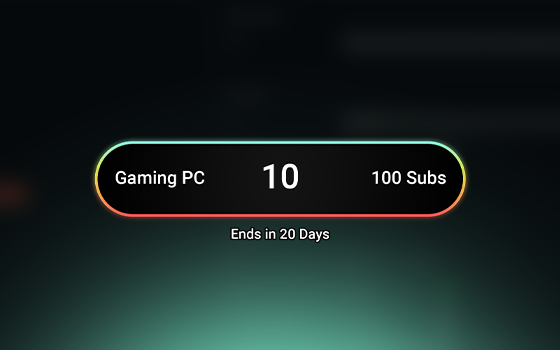
- 訂閱目標:追蹤 Twitch、X 與 KICK 訂閱、YouTube 會員資格,以及 Facebook 支持的進度。
- Bit 目標:追蹤 Twitch Bit 的進度。
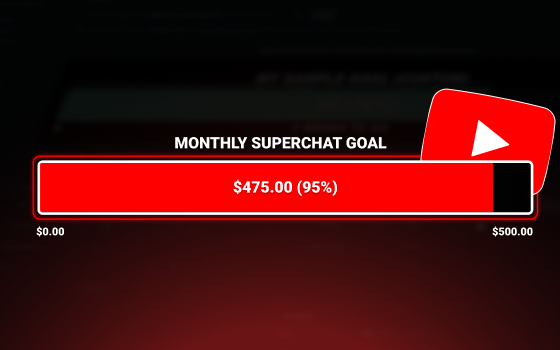
- 超級聊天室目標:追蹤 YouTube 超級聊天室的進度。
- Streamlabs Charity 捐款目標:追蹤 Streamlabs Charity 捐款的進度。
- Tiltify 贊助目標:追蹤 Tiltify 捐款的進度。
如果您使用 Streamlabs Desktop,可以透過新增來源並選擇想加入的目標來新增目標。
如果您使用 OBS,您可以使用 Streamlabs 儀表板中的小工具 URL,將任何目標以瀏覽器來源的方式加入。如果您使用 OBS 的 Streamlabs 外掛程式,也可以透過外掛程式來新增追隨者、訂閱與 Bit 目標小工具。
您可以在小工具設定中編輯字型與色彩來自訂目標小工具,也可以瀏覽小工具主題庫,選用專業設計的目標主題,或使用 HTML、CSS 和 JS 進行進階自訂。
請透過此連結聯絡支援人員。