

WIDGETS
Goals
Encourage your viewers to help you reach your goals by displaying them on stream.
Share your goals to drive support
Setting hard goals, like new hardware or donations to charities, can help supports see where their contributions are going, encourage others to participate, and allow you to celebrate together when you achieve a goal to foster community.
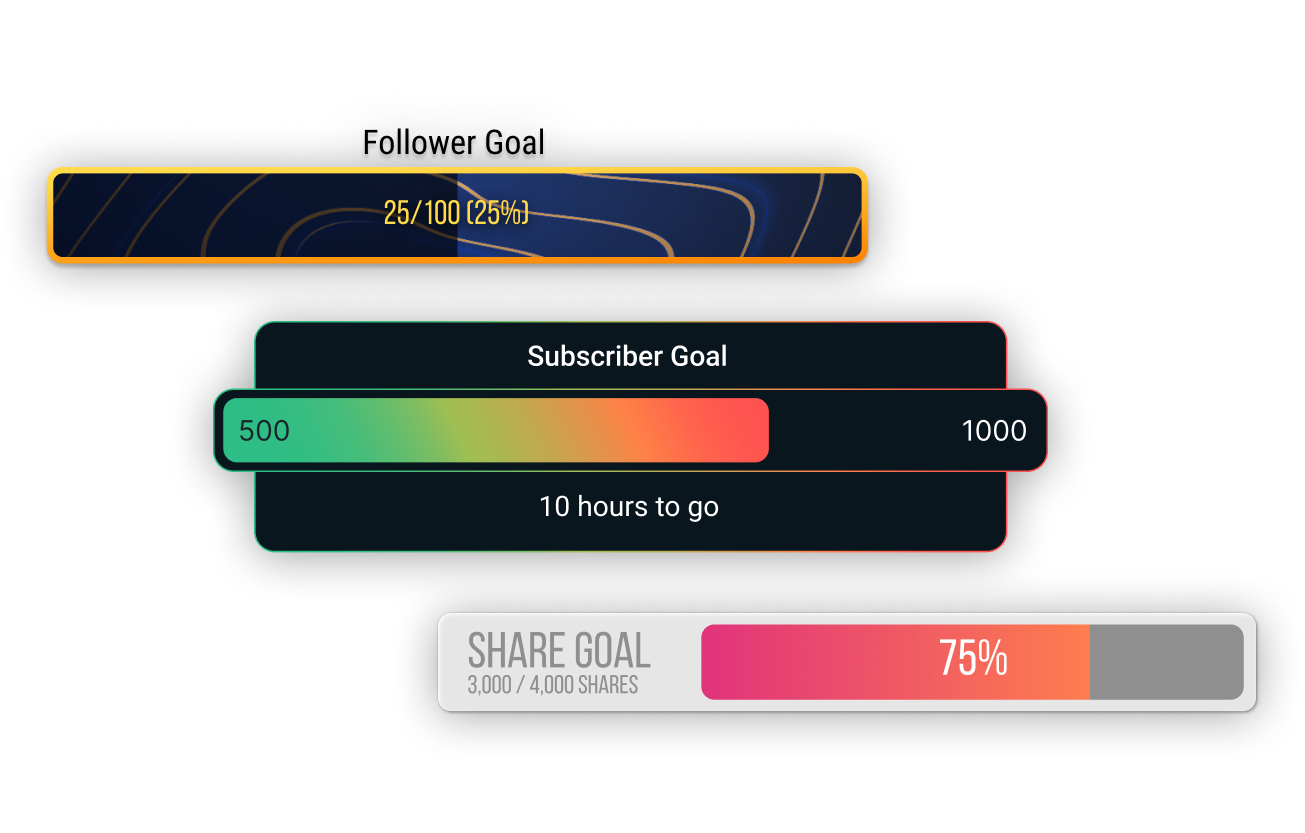
A variety of widgets for your goals
Each goal type has its own widget. Set up the Tip Goal widget to encourage viewers contribute to a financial goal, the Follower Goal widget to encourage your fans to share your stream, the Streamlabs Charity Donation Goal widget to raise money for your most-loved causes, and much more.
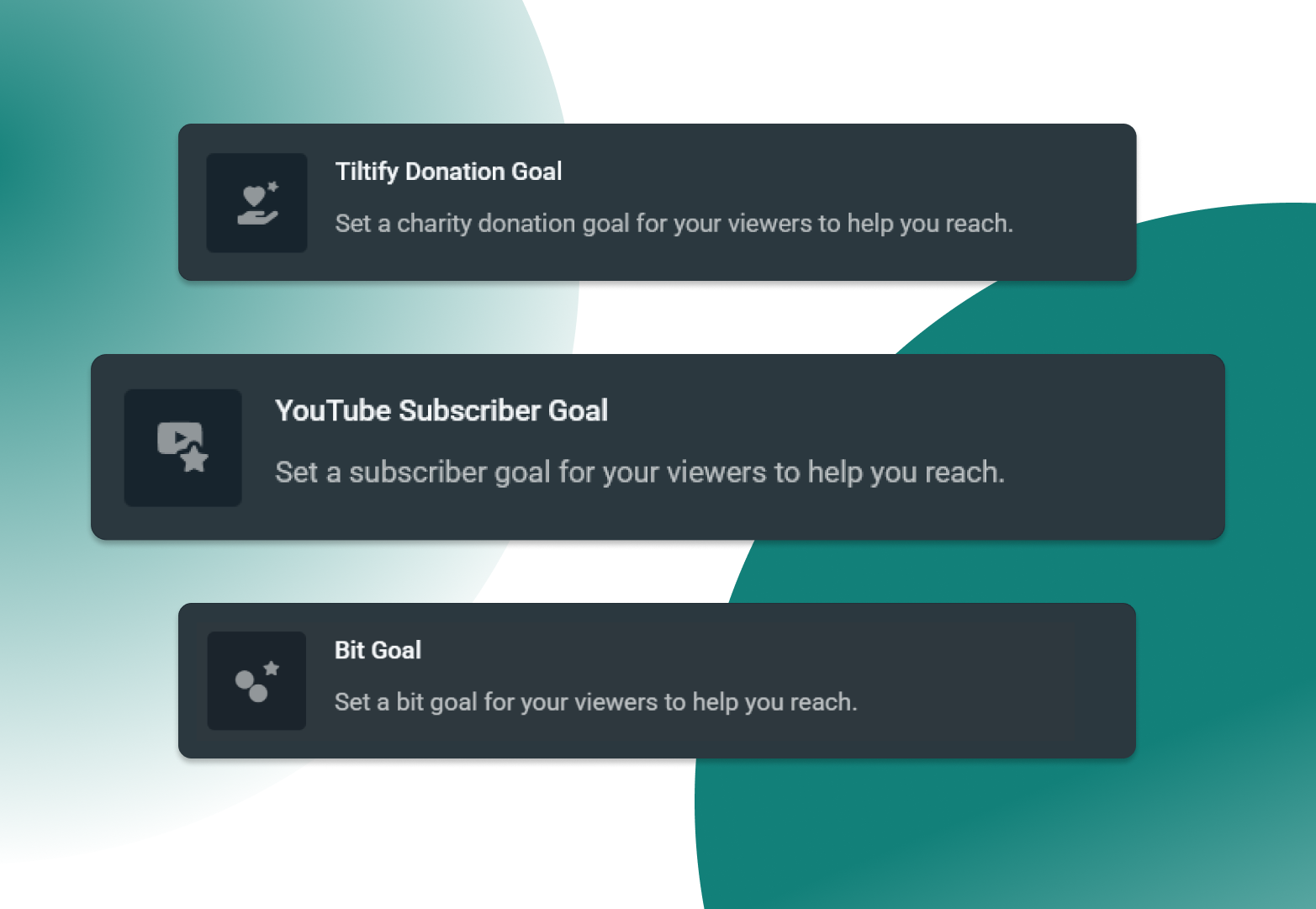
Support your goals across platforms
You're sure to find a goal tailored to your ambitions with support for Twitch, YouTube, Kick, Facebook, Streamlabs Charity, Streamlabs tipping, and Tiltify.
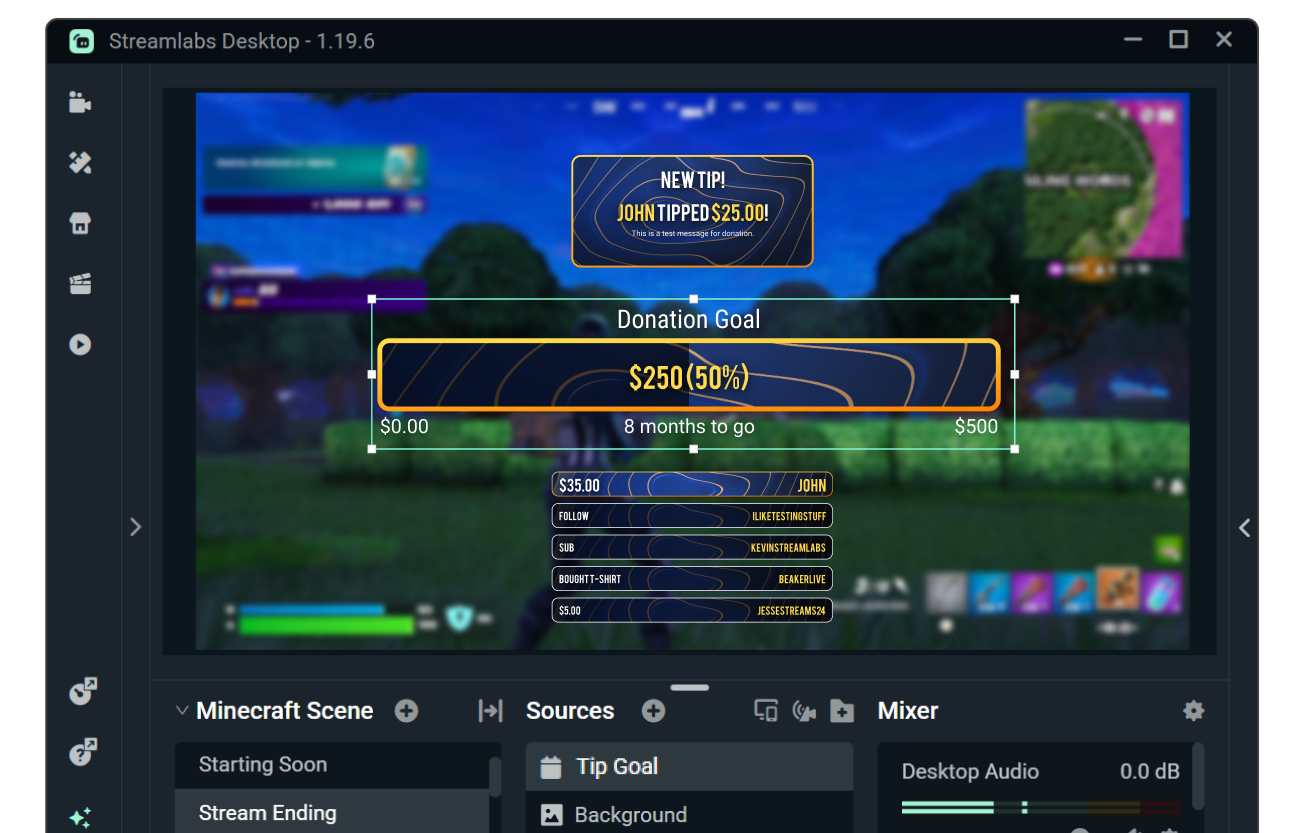
Match your goals to overlays and alerts
Customize the look and feel of your goals with custom fonts and colors or browse the widget theme library for themes designed by professional artists featuring matching stream overlays and alerts.
Need even more control? Customize further with HTML, CSS, and JS.
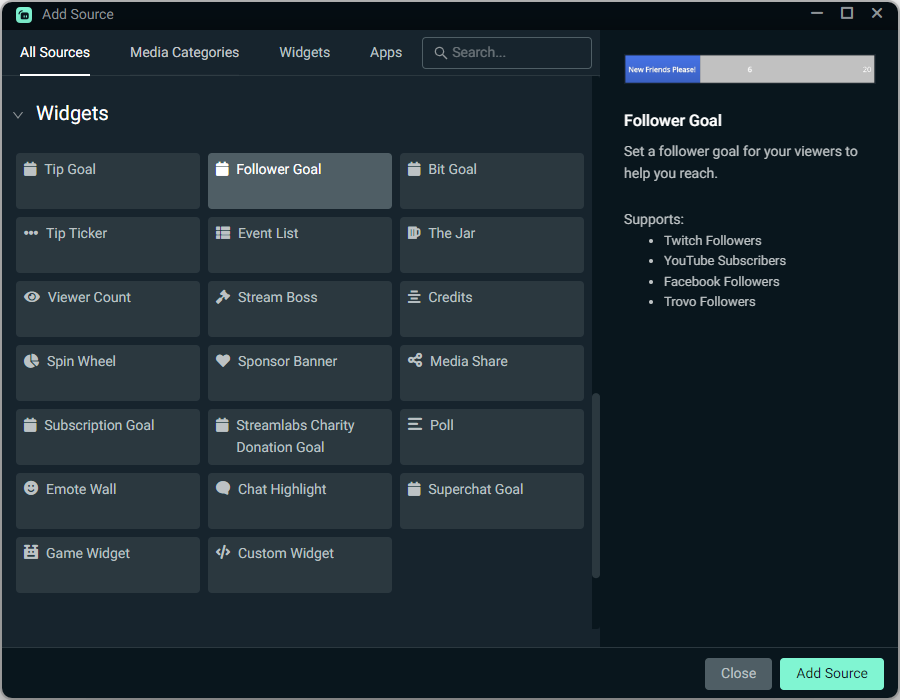
How to use Goals
Customize your goals, then add the relevant goal widget source or sources to your Streamlabs Desktop stream with a simple click.
Using OBS or another tool? Install most goals in seconds with the Streamlabs Plugin for OBS or add a goal as a Browser Source.
Check out our guides below for step-by-step instructions.
Get started with Goals


Frequently asked questions
At Streamlabs we offer a variety of goal widgets to support your growth as outlined below. You can click the name to be taken to the goal widget in your Streamlabs Dashboard.
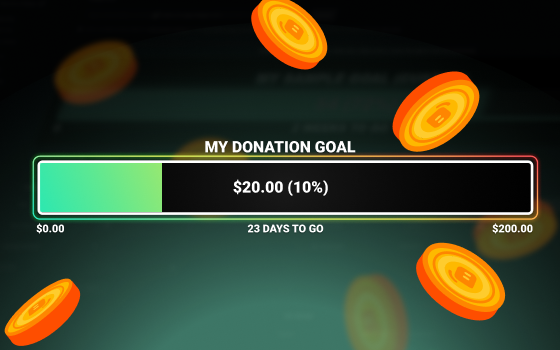
- Tip Goal: Track progress of tips and donations via your Streamlabs tip page.
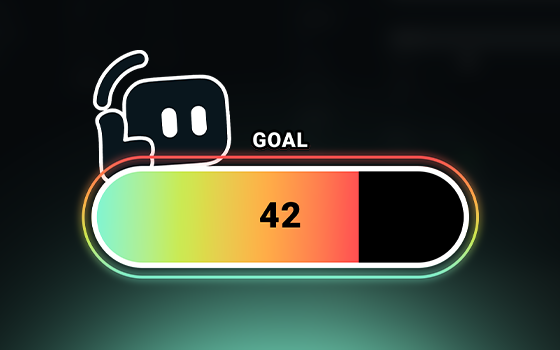
- Follower Goal: Track progress of Twitch, Facebook, X (Twitter), and KICK followers and YouTube subscribers.
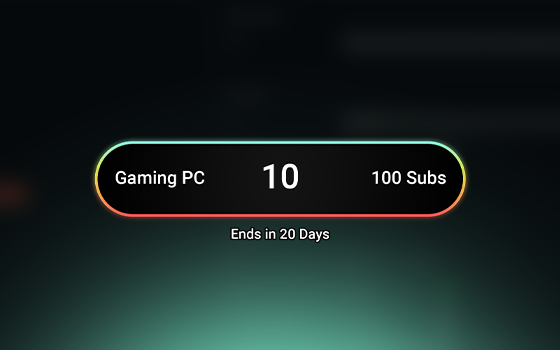
- Sub Goal: Track progress of Twitch, X, and KICK subscriptions, YouTube Memberships, and Facebook Supports.
- Bits Goal: Track progress of Twitch Bits.
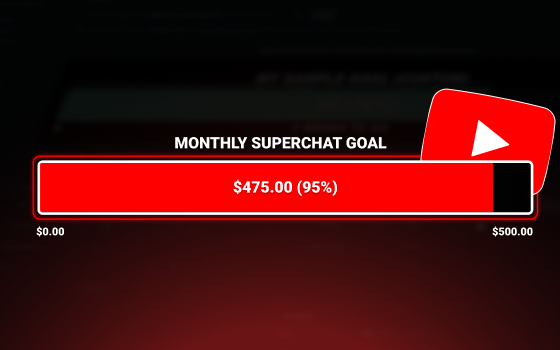
- Super Chat Goal: Track progress of YouTube Super Chats.
- Streamlabs Charity Donation Goal: Track progress of Streamlabs Charity donations.
- Tiltify Donation Goal: Track progress of Tiltify donations.
If you are using Streamlabs Desktop, you can add goals by adding a source and selecting the goal you want to add.
If you are using OBS, you can add any goal as a browser source by using the widget URL from your Streamlabs Dashboard. If you are using the Streamlabs Plugin for OBS you can also add the Follower, Sub, and Bits Goal widgets via the plugin.
You can customize goal widgets editing fonts and colors in the widget settings, by browsing the widget theme library for professionally designed goal themes, or use HTML, CSS, and JS for advanced customization.
Please contact support at this link.