

小工具
目标
通过在直播中展示目标,鼓励观众帮助您达成目标。
分享您的目标,以鼓励他人给予支持
设置明确的目标(例如购买新硬件或向慈善机构捐赠),可以帮助支持者了解其捐款去向,鼓励其他人参与,并在达成目标时共同庆祝,从而促进社区凝聚。
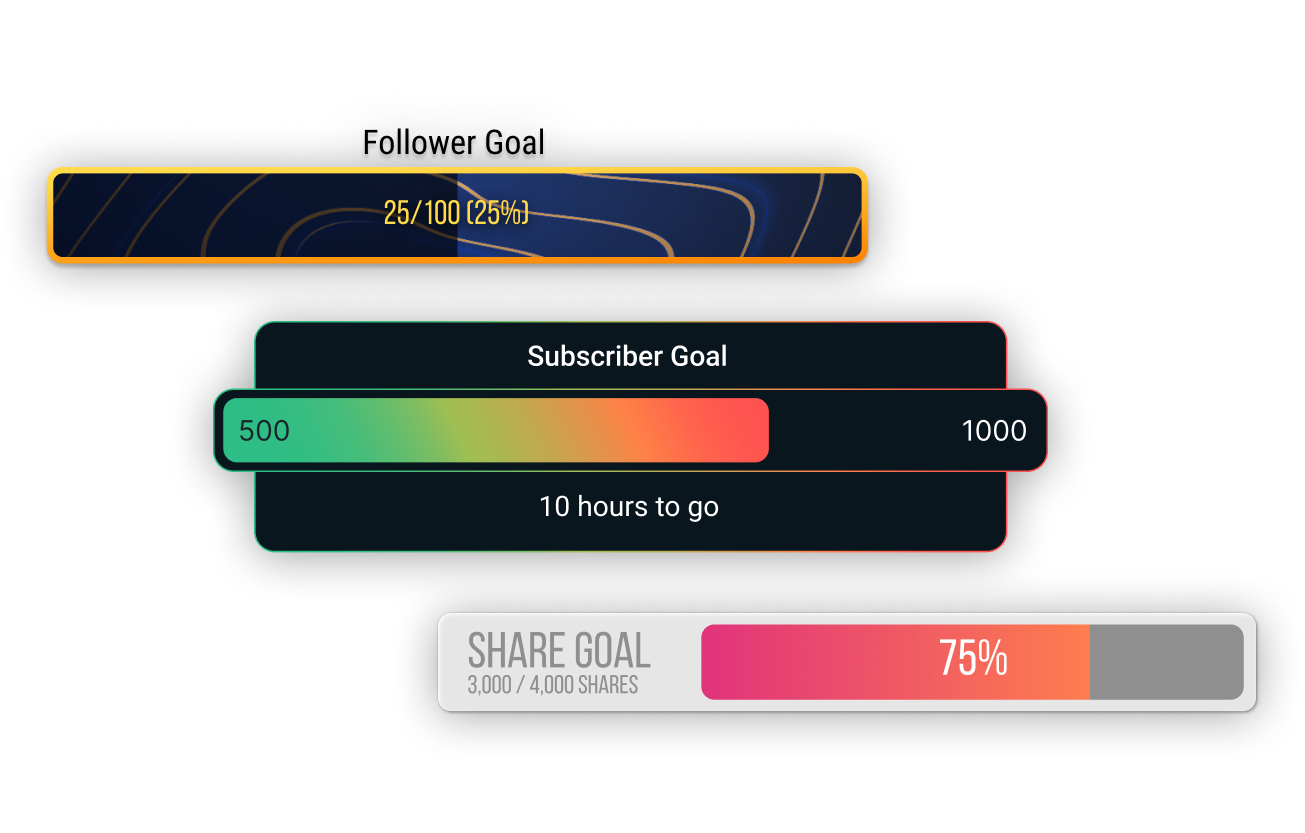
适用于您目标的多种小工具
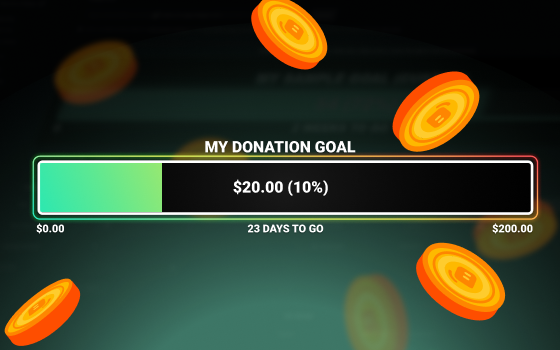
每种目标类型都有其专属的小工具。设置打赏目标小工具,鼓励观众为财务目标做出贡献;设置关注者目标小工具,鼓励粉丝分享您的直播;设置 Streamlabs Charity 捐赠目标小工具,为您热爱的事业筹款等。
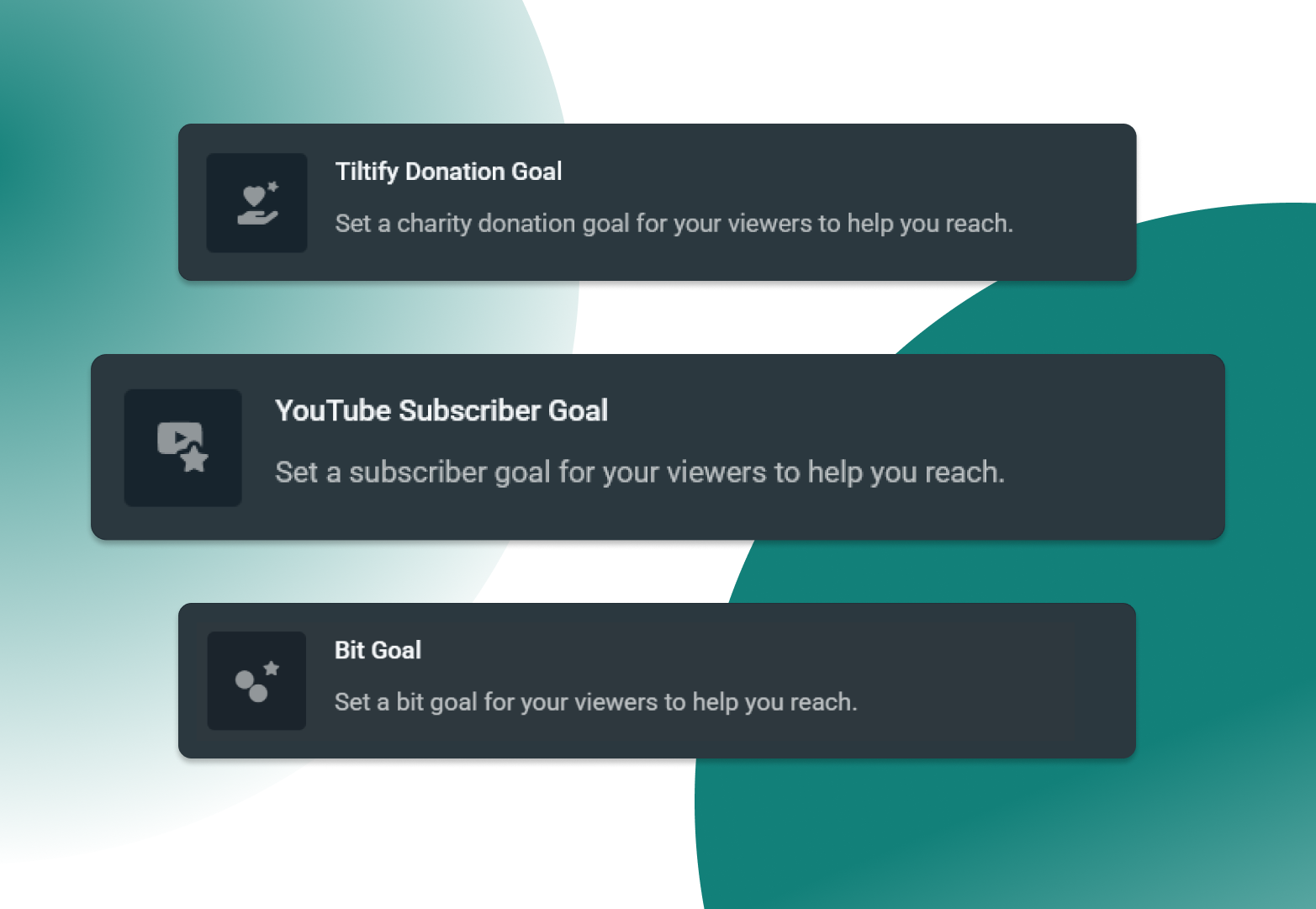
跨平台支持您的目标
You're sure to find a goal tailored to your ambitions with support for Twitch, X, YouTube, Kick, Facebook, Streamlabs Charity, Streamlabs tipping, and Tiltify.
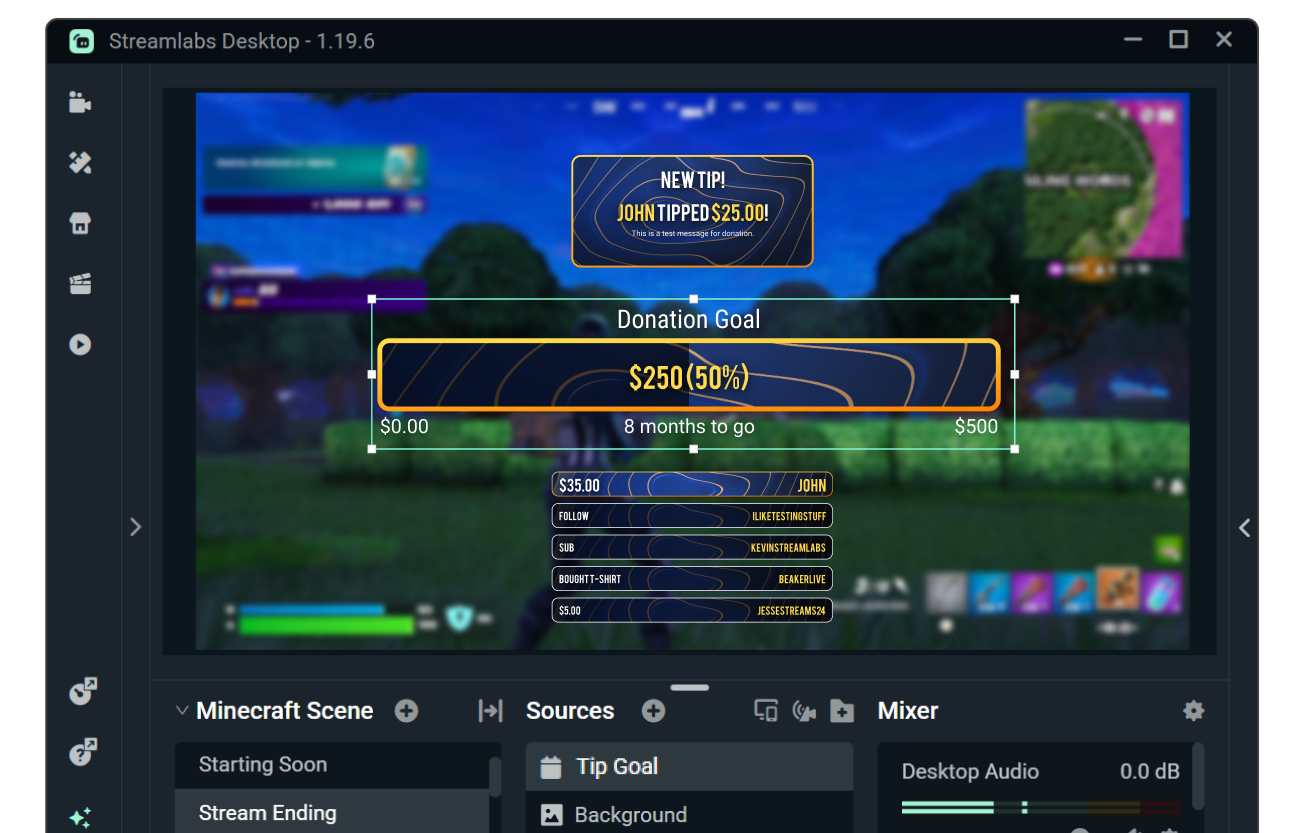
确保目标与叠加层和提醒相匹配
使用自定义字体及颜色,自定义目标的外观和风格,或浏览小工具主题库,了解由专业艺术家设计的主题(包含配套的直播叠加层和提醒)。
需要更多控制?使用 HTML、CSS 和 JS,实现进一步自定义。
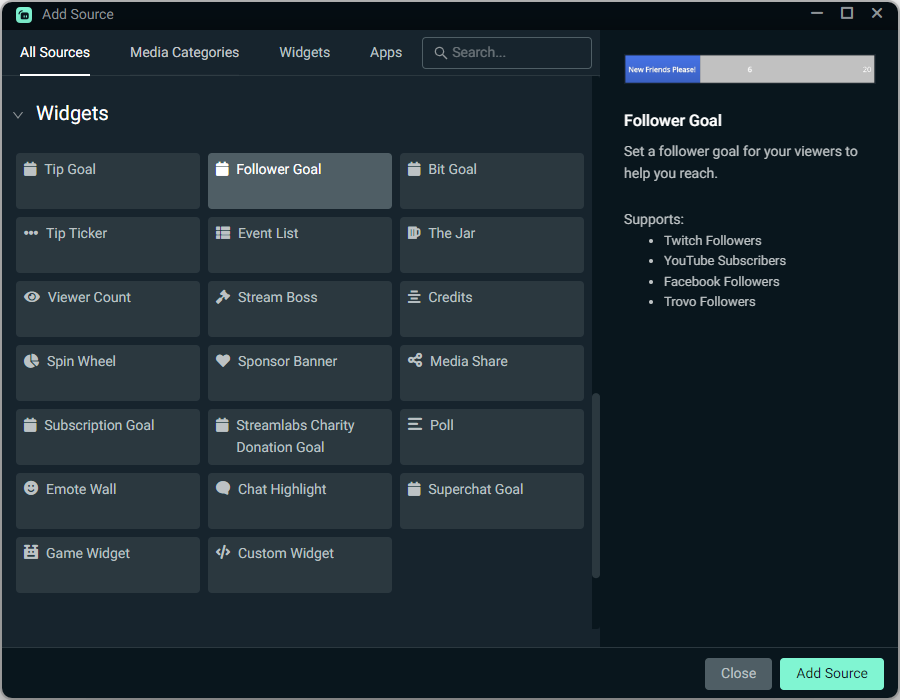
如何使用目标
自定义您的目标,然后通过一键操作,即可将相应的目标小工具源添加到您的 Streamlabs Desktop 直播中。
使用 OBS 还是其他工具?大多数目标可通过适用于 OBS 的 Streamlabs 插件在几秒钟内完成安装,也可以将目标添加为浏览器源。
请查看下方指南,获取分步说明。
开始使用目标
只需点击一下,即可在 Streamlabs Desktop 中快速添加目标,或者,大多数目标可通过适用于 OBS 的 Streamlabs 插件在几秒钟内完成安装,也可以将目标添加为浏览器源。
查看我们的指南,获取详细说明。


常见问题解答
在 Streamlabs,我们提供多种目标小工具来支持您的成长,具体如下所示。您可以点击名称,跳转至 Streamlabs 仪表板中的目标小工具。
- 打赏目标:通过 Streamlabs 打赏页面追踪打赏和捐赠的增长情况。
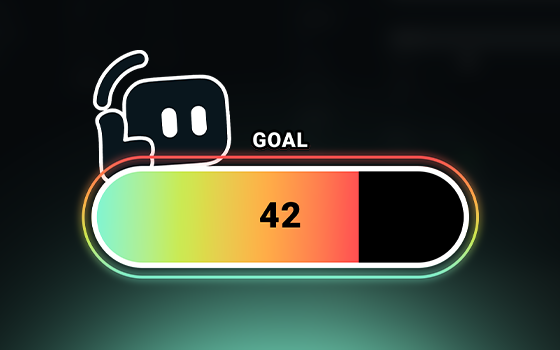
- 关注者目标:追踪 Twitch、Facebook、X (Twitter) 和 KICK 关注者以及 YouTube 订阅者的增长情况。
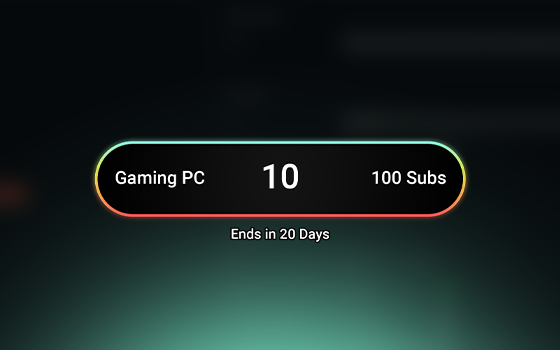
- 订阅目标:追踪 Twitch、X 和 KICK 订阅、YouTube 会员以及 Facebook 支持的增长情况。
- Bit 目标:追踪 Twitch Bit 的增长情况。
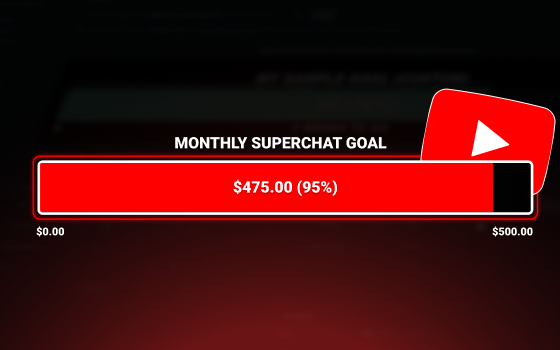
- 超级留言目标:追踪 YouTube 超级留言的增长情况。
- Streamlabs Charity 捐赠目标:追踪 Streamlabs Charity 捐赠的增长情况。
- Tiltify 捐赠目标:追踪 Tiltify 捐赠的增长情况。
如果您使用的是 Streamlabs Desktop,则可通过添加源并选择要添加的目标来设置目标。
如果您使用的是 OBS,则可在 Streamlabs 仪表板中使用小工具 URL 将任意目标添加为浏览器源。如果您使用的是适用于 OBS 的 Streamlabs 插件,也可通过该插件添加关注者、订阅者和 Bit 目标小工具。
可在小工具设置中通过编辑字体和颜色来自定义目标小工具,也可浏览小工具主题库获取专业设计的目标主题,或使用 HTML、CSS 和 JS 进行高级自定义。
请通过此链接联系支持人员。