

Network Boost
두 개(또는 그 이상)의 연결이 하나보다 낫습니다. 메인 연결이 끊기거나 약해질 때 Network Boost를 사용하여 IRL 스트리밍을 계속 유지하세요.
Streamlabs Mobile 전용.
IRL 스트리밍 연결 유지
사용 가능한 WiFi와 셀룰러 데이터 네트워크를 함께 사용하여 프레임 드롭을 줄이고, 불안정한 연결을 피하며, 실제 환경에서도 안심하고 라이브 방송을 유지하세요.
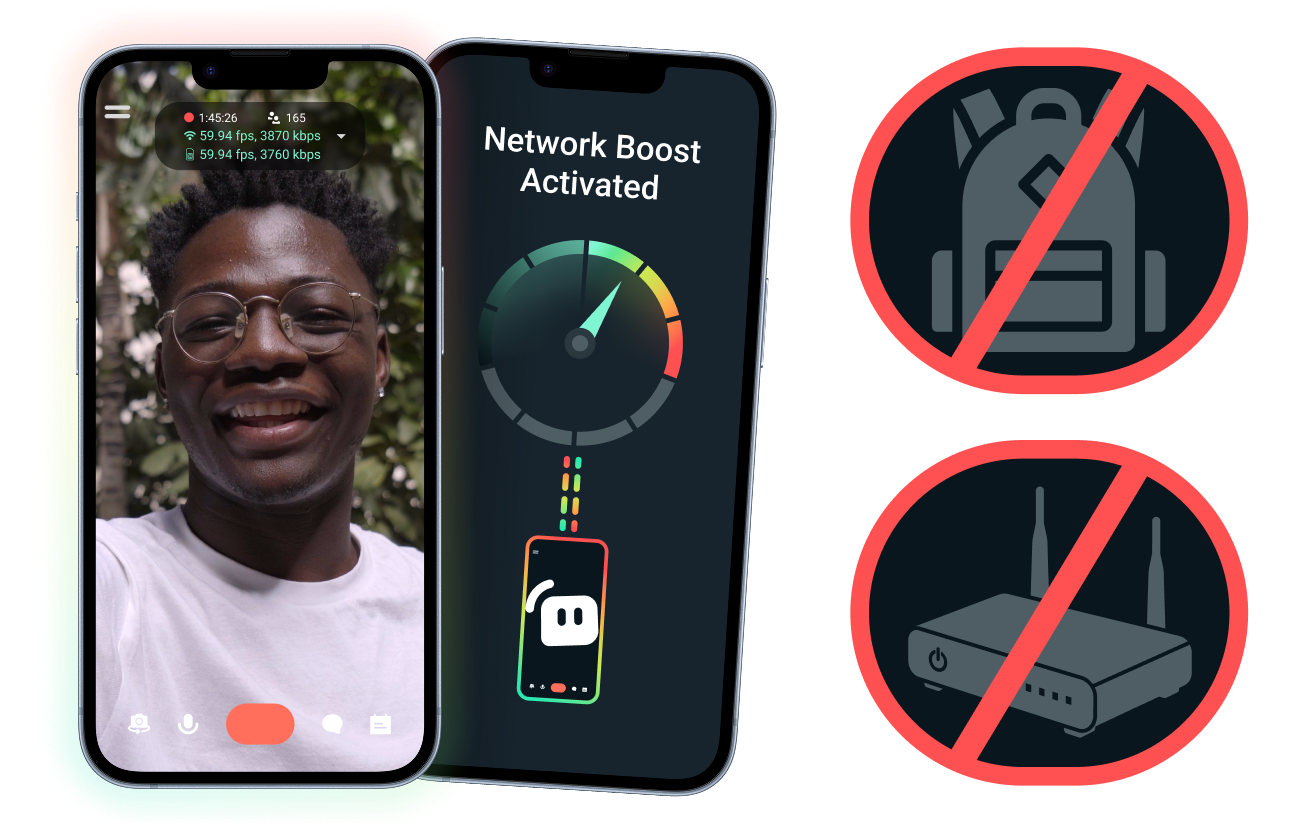
간편한 설정. 추가 하드웨어 불필요.
이미 보유한 연결을 사용하여 모바일 스트림을 안정화하세요. 고가의 라우터, 스트리밍 백팩 또는 복잡한 장비가 필요하지 않습니다. 하지만 고급 설정도 지원됩니다.
책상을 벗어나 라이브 스트리밍하기
이벤트, 호텔, 공원 또는 혼잡한 공공장소 어디에서 스트리밍하든, Network Boost가 연결을 강화하여 고정된 가정용 스트림 설정을 벗어나 라이브를 진행할 수 있도록 돕습니다.
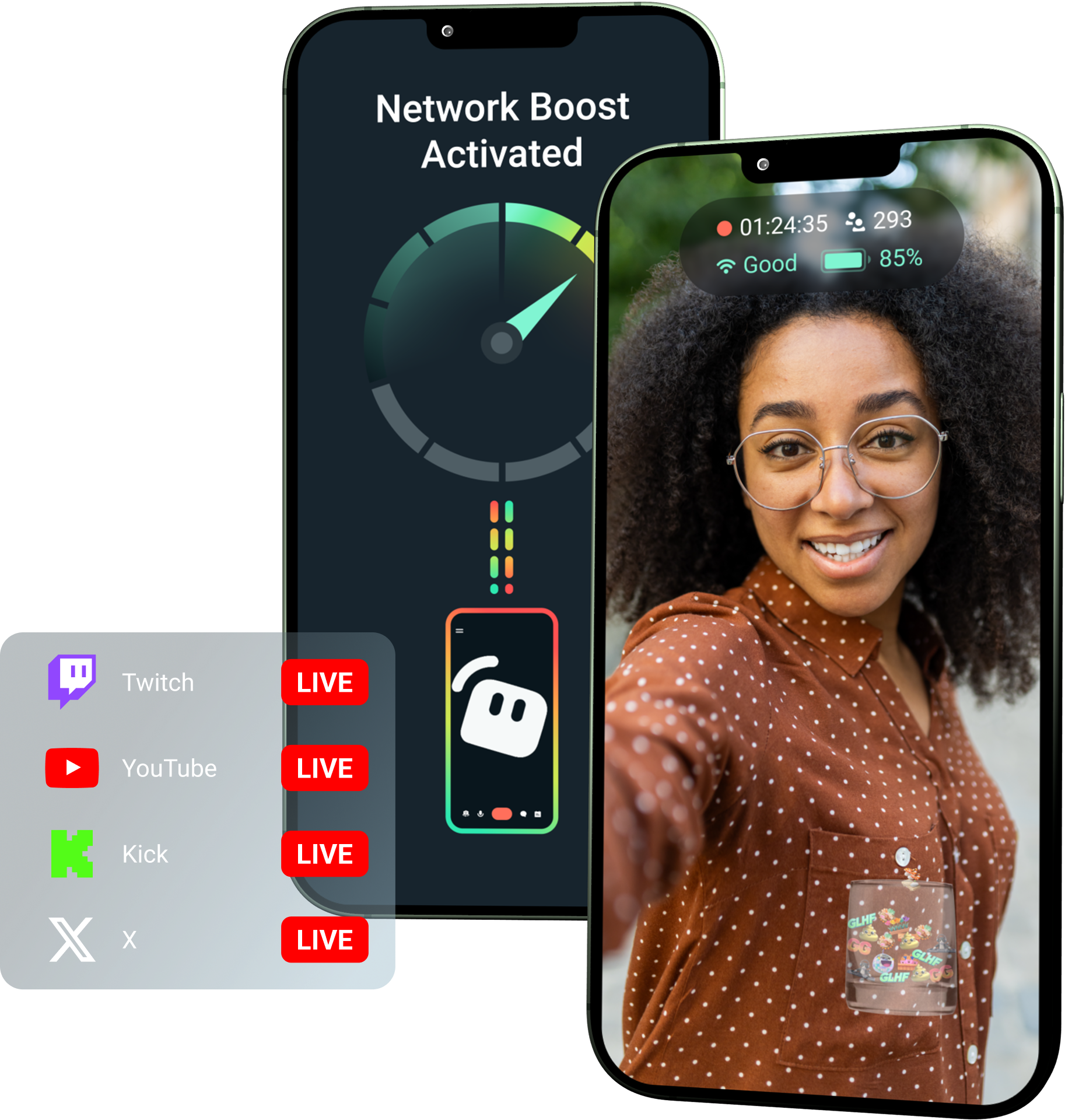
Streamlabs Ultra로 Network Boost를 잠금 해제하세요!
Ultra는 모바일 크리에이터에게 Network Boost, 멀티스트리밍, 연결 끊김 방지와 같은 프리미엄 기능을 제공하여 모바일 기기에서 더 나은 안정적인 스트림을 만들 수 있도록 돕습니다.
이용 방식
WiFi와 셀룰러 데이터를 함께 사용하여 연결 상태가 불안정할 때도 모바일 스트림을 라이브 상태로 유지하세요.
Streamlabs Mobile을 열고 Network Boost를 켜서 설정을 시작하세요. 여러 중계 기기를 사용하는 고급 설정의 경우, Streamlabs Controller를 열어 시작하세요.
QR 코드를 스캔하거나 연결 세부 정보를 수동으로 입력하여 기기를 페어링하세요.
연결되면 Streamlabs Mobile에서 라이브를 시작하세요. Network Boost가 백그라운드에서 실행되어 스트림 연결을 유지합니다!
Network Boost 대 기타 솔루션
| Network Boost | 스트리밍 장비 및 백팩 | 기타 소프트웨어 솔루션 | Other | |
|---|---|---|---|---|
최적 대상 | 추가 하드웨어 없이 모바일/IRL 스트림 안정성을 개선할 더 간단한 방법을 원하는 크리에이터 | 전문가 수준의 요구 사항과 더 큰 장비 예산을 가진 고급 IRL 크리에이터 | 인터넷 연결 관리를 돕기 위해 별도의 도구를 추가하는 데 익숙한 크리에이터 | Customizable tip page |
추가 하드웨어 필요 여부 | 아니요 | 네, 인코더, 모뎀, 라우터, 백팩 또는 액세서리가 필요한 경우가 많습니다 | 전용 스트리밍 하드웨어는 필요하지 않지만 별도의 앱이나 서비스가 필요할 수 있습니다 | Customizable tip page |
간편한 설정 | 간단한 설정—Streamlabs Mobile 및 Streamlabs Controller 앱(추가 연결용)을 통해 작동합니다 | 하드웨어 설정, 구성, 충전 및 운반이 필요합니다 | 스트리밍 앱 외부에서 설정해야 합니다 | |
비용 | 크리에이터를 위한 다양한 프리미엄 혜택 중 하나로 Streamlabs Ultra/Ultra+에 포함되어 있습니다 | 초기에 수백 또는 수천 달러가 필요할 수 있으며, 추가적인 데이터/서비스 비용이 발생할 수 있습니다 | 하드웨어 설정보다 저렴한 경우가 많지만 별도의 구독이 필요할 수 있습니다 | Customizable tip page |
IRL 스트리머를 위해 구축됨 | 네, 모든 수준의 모바일 스트리머를 위해 설계되었습니다 | 네, 하지만 보통 더 고급 IRL 프로덕션 설정을 기반으로 구축됩니다 | 연결 관리를 지원할 수는 있지만 항상 모바일 스트리밍 요구 사항에 맞춰 특별히 구축된 것은 아닙니다 | Customizable tip page |

Streamlabs Ultra로 라이브 스트리밍, 브랜딩, 편집 등 모든 제작 과정을 한 단계 업그레이드하세요
Streamlabs Desktop, Mobile, Console, Talk Studio, Podcast Editor, Cross Clip 등 전체 제품군의 프리미엄 기능을 하나의 합리적인 가격으로 이용할 수 있습니다. 자세히 알아보기
자주 묻는 질문
Network Boost는 WiFi 및 셀룰러 데이터와 같은 여러 인터넷 연결을 사용하여 모바일 스트리머가 스트림 안정성을 향상하도록 돕습니다. 한 연결이 약해지거나 불안정해지면 Network Boost가 프레임 드롭 및 중단을 줄여주어 크리에이터가 더 자신 있게 라이브를 유지할 수 있습니다.
Network Boost는 Streamlabs Mobile(또는 고급 연결을 위한 Streamlabs Controller 앱)을 통해 설정하며, Streamlabs Mobile로 라이브를 진행하는 크리에이터를 위해 제작되었습니다. 크리에이터는 Network Boost를 활성화하고 사용 가능한 인터넷 소스를 연결한 다음 평소처럼 라이브를 시작할 수 있습니다. Network Boost는 백그라운드에서 실행되어 네트워크 상태가 변경될 때 스트림을 지원합니다.
모바일 및 IRL 스트리머는 이벤트, 호텔, 야외 공간, 여행지, 공용 WiFi 네트워크 등 예측할 수 없는 환경에서 라이브 방송을 진행하는 경우가 많습니다. 연결이 약해지거나 끊기면 크리에이터는 프레임 드롭, 스트림 중단, 시청자 이탈, 참여도 감소 등의 위험을 겪게 됩니다.
또한 라이브 스트리밍 중에 반복적으로 방송을 일시 중지하거나, 문제를 해결하거나, 설정을 조정해야 할 경우 크리에이터의 IRL 경험이 방해받을 수 있습니다.
예. Network Boost는 활성 Streamlabs Ultra 및 Ultra+ 구독자 또는 해당 구독의 활성 체험판 사용자가 독점적으로 이용할 수 있습니다.
- Ultra 구독자는 매월 10시간의 Network Boost를 이용할 수 있습니다.
- Ultra+ 구독자는 매월 80시간의 Network Boost를 이용할 수 있습니다.
Streamlabs Ultra는 Stream Shift, 멀티스트리밍 등을 포함한 추가 모바일 스트리밍 도구도 잠금 해제합니다.
개인정보 보호 필터를 포함한 Streamlabs Mobile 경험의 다른 부분은 모든 Streamlabs Mobile 사용자에게 제공됩니다.
연결 상태가 좋지 않은 지역에서 스트리밍하는 경우, 여러 네트워크를 결합하여 더 안정적인 연결을 제공하는 Network Boost와 서비스가 완전히 중단되더라도 스트림을 계속 유지해 주는 연결 해제 방지 기능을 활용하세요. 둘 다 Ultra 멤버 전용 Streamlabs Mobile에서 사용할 수 있습니다.
현재 기본 스트리밍 장치는 iOS(예: iPad 또는 iPhone)여야 하며, 보조/릴레이 장치는 iOS 또는 Android일 수 있습니다. 성능은 사용 중인 네트워크의 강도와 가용성에 따라 달라집니다.
아니요. Network Boost는 스트리밍 백팩이나 라우터와 같은 추가 하드웨어가 필요하지 않습니다. 이 기능은 크리에이터가 이미 보유한 연결 및 장치와 함께 작동하도록 설계되었습니다.
이 링크를 통해 지원팀에 문의하세요.