

Ağ Hızlandırma
İki (veya daha fazla) bağlantı birden iyidir. Ana bağlantınız koptuğunda veya zayıfladığında IRL yayınınızı sürdürmek için Ağ Hızlandırma kullanın.
Yalnızca Streamlabs Mobile için.
IRL yayınınızı bağlı tutun
Kare kaybını azaltmaya, kararsız bağlantılardan kaçınmaya ve gerçek dünya koşullarında güvenle yayında kalmaya yardımcı olmak için mevcut WiFi ve hücresel veri ağlarını birlikte kullanın.
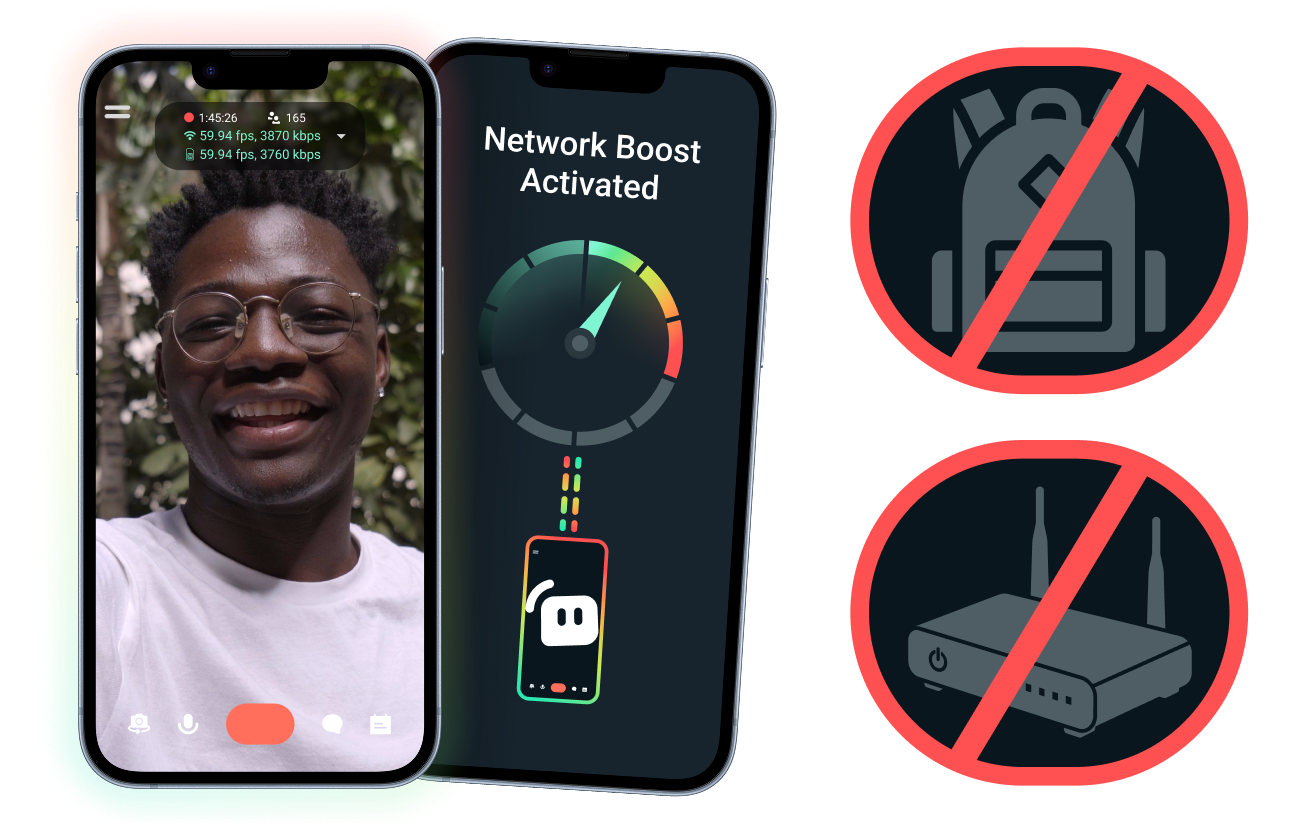
Kolay kurulum. Ek donanım gerektirmez.
Zaten sahip olduğunuz bağlantıları kullanarak mobil yayınınızı sabitleyin. Pahalı yönlendiriciler, yayın sırt çantaları veya karmaşık ekipmanlar gerekmez. Ancak gelişmiş kurulumlar da desteklenir.
Masanızın ötesinde canlı yayın yapın
Etkinliklerden, otellerden, parklardan veya kalabalık kamusal alanlardan yayın yapıyor olsanız da, Ağ Hızlandırma bağlantınızı güçlendirmenize yardımcı olur, böylece sabit, evdeki yayın kurulumunuzun ötesinde canlı yayın yapabilirsiniz.
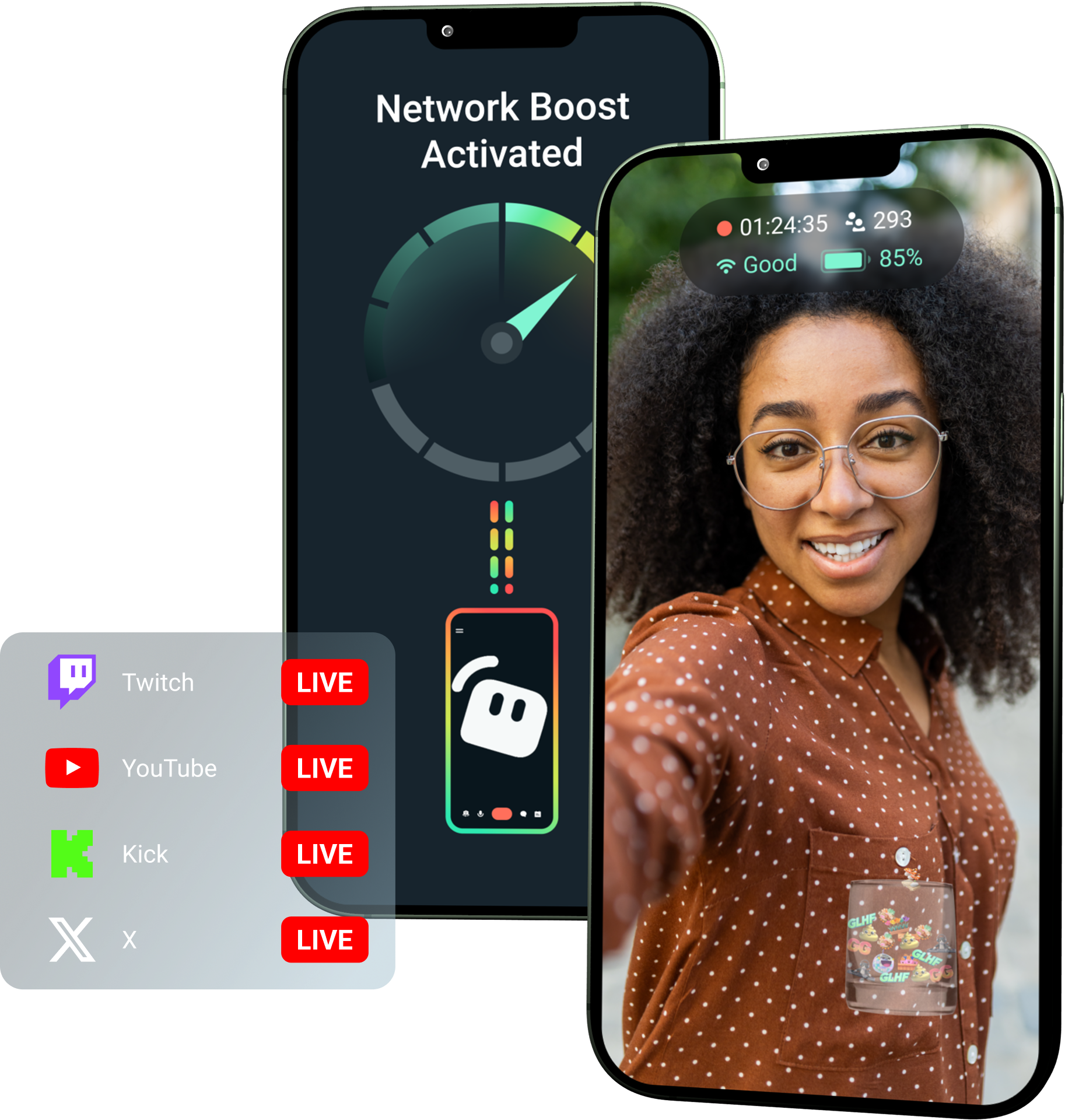
Streamlabs Ultra ile Ağ Hızlandırma kilidini açın!
Ultra, mobil içerik üreticilerine, mobil cihazlarından daha iyi ve kararlı yayınlar oluşturmalarına yardımcı olmak için Ağ Hızlandırma, Çoklu Yayın ve Bağlantı Kopma Koruması gibi premium özelliklere erişim sağlar.
Nasıl çalışır
Bağlantınız zayıfladığında bile mobil yayınınızı canlı tutmaya yardımcı olması için WiFi ve hücresel veriyi birlikte kullanın.
Streamlabs Mobile'ı açın ve kuruluma başlamak için Ağ Hızlandırma özelliğini açın. Birden fazla aktarım cihazı içeren gelişmiş kurulumlar için başlamak üzere Streamlabs Controller'ı açın.
Cihazlarınızı eşleştirmek için QR kodunu tarayın veya bağlantı ayrıntılarını manuel olarak girin.
Bağlandıktan sonra Streamlabs Mobile'da yayına başlayın. Ağ Hızlandırma, yayınınızın bağlantısını korumak için arka planda çalışır!
Ağ Hızlandırma ve Diğer Çözümler
| Ağ Hızlandırma | Canlı Yayın Kurulumları ve Sırt Çantaları | Diğer Yazılım Çözümleri | Other | |
|---|---|---|---|---|
En Uygun Olduğu Kişiler | Ek donanım olmadan mobil/IRL yayın güvenilirliğini artırmanın daha basit bir yolunu isteyen içerik üreticileri | Profesyonel seviyede ihtiyaçları ve daha büyük ekipman bütçeleri olan ileri seviye IRL içerik üreticileri | İnternet bağlantılarını yönetmeye yardımcı olması için ayrı bir araç ekleme konusunda rahat olan içerik üreticileri | Customizable tip page |
Ek Donanım Gerekli mi | Hayır | Evet, genellikle kodlayıcılar, modemler, yönlendiriciler, sırt çantaları veya aksesuarlar gerektirir | Özel bir yayın donanımı gerektirmez, ancak ayrı bir uygulama veya hizmet gerektirebilir | Customizable tip page |
Kolay Kurulum | Doğrudan kurulum—Streamlabs Mobile ve (ek bağlantılar için) Streamlabs Controller uygulaması aracılığıyla çalışır | Donanım kurulumu, yapılandırma, şarj etme ve taşıma gerektirir | Yayın uygulamalarının dışında kurulum gerektirir | |
Maliyet | İçerik üreticileri için birçok premium avantajdan sadece biri olarak Streamlabs Ultra/Ultra+ ile birlikte gelir | Başlangıçta yüzlerce veya binlerce dolar, artı olası devam eden veri/hizmet maliyetleri gerektirebilir | Genellikle donanım kurulumlarından daha düşüktür ancak ayrı bir abonelik gerektirebilir | Customizable tip page |
IRL Yayıncıları İçin Tasarlandı | Evet; her seviyedeki mobil yayıncılar için tasarlandı | Evet, ancak genellikle daha gelişmiş IRL prodüksiyon kurulumları etrafında oluşturuldu | Bağlantı yönetimini destekleyebilir ancak her zaman mobil yayın ihtiyaçları için özel olarak oluşturulmadı | Customizable tip page |

Streamlabs Ultra ile canlı yayınlarınızı, markanızı, düzenlemelerinizi ve daha fazlasını bir üst seviyeye çıkarın
Streamlabs Desktop, Mobile, Console, Talk Studio, Podcast Editor, Cross Clip ve daha fazlası dahil olmak üzere tüm paketteki premium özelliklere tek uygun fiyatla erişin. Daha Fazla Bilgi
Sıkça sorulan sorular
Network Boost, mobil yayıncıların WiFi ve hücresel veri gibi birden fazla internet bağlantısı kullanarak yayın güvenilirliğini artırmalarına yardımcı olur. Bir bağlantı zayıfladığında veya kararsız hale geldiğinde, Network Boost kare kaybını ve kesintileri azaltmaya yardımcı olur, böylece içerik üreticileri daha güvenle yayında kalabilir.
Ağ Hızlandırma, Streamlabs Mobile (veya gelişmiş bağlantılar için Streamlabs Controller uygulaması) aracılığıyla kurulur ve Streamlabs Mobile ile canlı yayına geçen içerik üreticileri için oluşturulmuştur. İçerik üreticileri Network Boost'u etkinleştirebilir, mevcut internet kaynaklarını bağlayabilir ve her zamanki gibi canlı yayına geçebilirler. Network Boost, ağ koşulları değiştiğinde yayını desteklemeye yardımcı olmak için arka planda çalışır.
Mobil ve IRL yayıncıları genellikle etkinlikler, oteller, dış mekanlar, seyahat noktaları ve halka açık WiFi ağları dahil olmak üzere öngörülemeyen ortamlardan canlı yayın yaparlar. Bağlantı zayıfladığında veya koptuğunda, içerik üreticileri kare kaybı, yayın kesintileri, izleyici kaybı ve etkileşim azalması riskiyle karşı karşıya kalır.
Ayrıca, canlı yayın sırasında sürekli duraklatmak, sorun gidermek veya kurulumlarını ayarlamak zorunda kaldıklarında bu durum içerik üreticisinin IRL deneyimini de bozabilir.
Evet. Ağ Hızlandırma, yalnızca aktif Streamlabs Ultra ve Ultra+ aboneleri veya her ikisinin de aktif deneme sürümüne sahip olanlar için kullanılabilir.
- Ultra aboneleri ayda 10 saat Network Boost hakkı kazanır
- Ultra+ aboneleri ayda 80 saat Network Boost hakkı kazanır.
Streamlabs Ultra ayrıca Stream Shift, çoklu yayın ve daha fazlası dahil olmak üzere ek mobil yayın araçlarının kilidini açar.
Gizlilik Filtresi dahil olmak üzere Streamlabs Mobil deneyiminin diğer bölümleri tüm Streamlabs Mobil kullanıcılarına açıktır.
Bağlantının zayıf olduğu bir bölgede yayın yapıyorsanız, daha kararlı bir bağlantı için birden fazla ağı birleştiren Ağ Hızlandırma (Network Boost) özelliğini ve hizmetiniz tamamen kesilirse yayınınızı canlı tutan Bağlantı Kopma Koruması özelliğini kullanın. Her ikisi de Streamlabs Mobile'da yalnızca Ultra üyeleri için mevcuttur.
Şu anda, birincil yayın cihazı iOS (ör. iPad veya iPhone) olmalı, ikincil/aktarıcı cihaz ise iOS veya Android olabilir. Performans, kullanılan ağların gücüne ve kullanılabilirliğine bağlıdır.
Hayır. Network Boost, yayın sırt çantası veya yönlendirici gibi ekstra donanım gerektirmez. İçerik üreticilerinin halihazırda sahip olduğu bağlantılar ve cihazlarla çalışacak şekilde tasarlanmıştır.
Destek ile iletişime geçmek için lütfen bu bağlantıya tıklayın.