

Boost de réseau
Deux connexions (ou plus) valent mieux qu’une. Utilise le boost de réseau pour maintenir ton stream IRL quand ta connexion principale faiblit ou se coupe.
Exclusivement pour Streamlabs Mobile.
Garde ton stream IRL connecté
Utilise les réseaux Wi-Fi et de données mobiles disponibles ensemble pour réduire les pertes d’images, éviter les connexions instables et rester en direct dans des conditions IRL en toute sérénité.
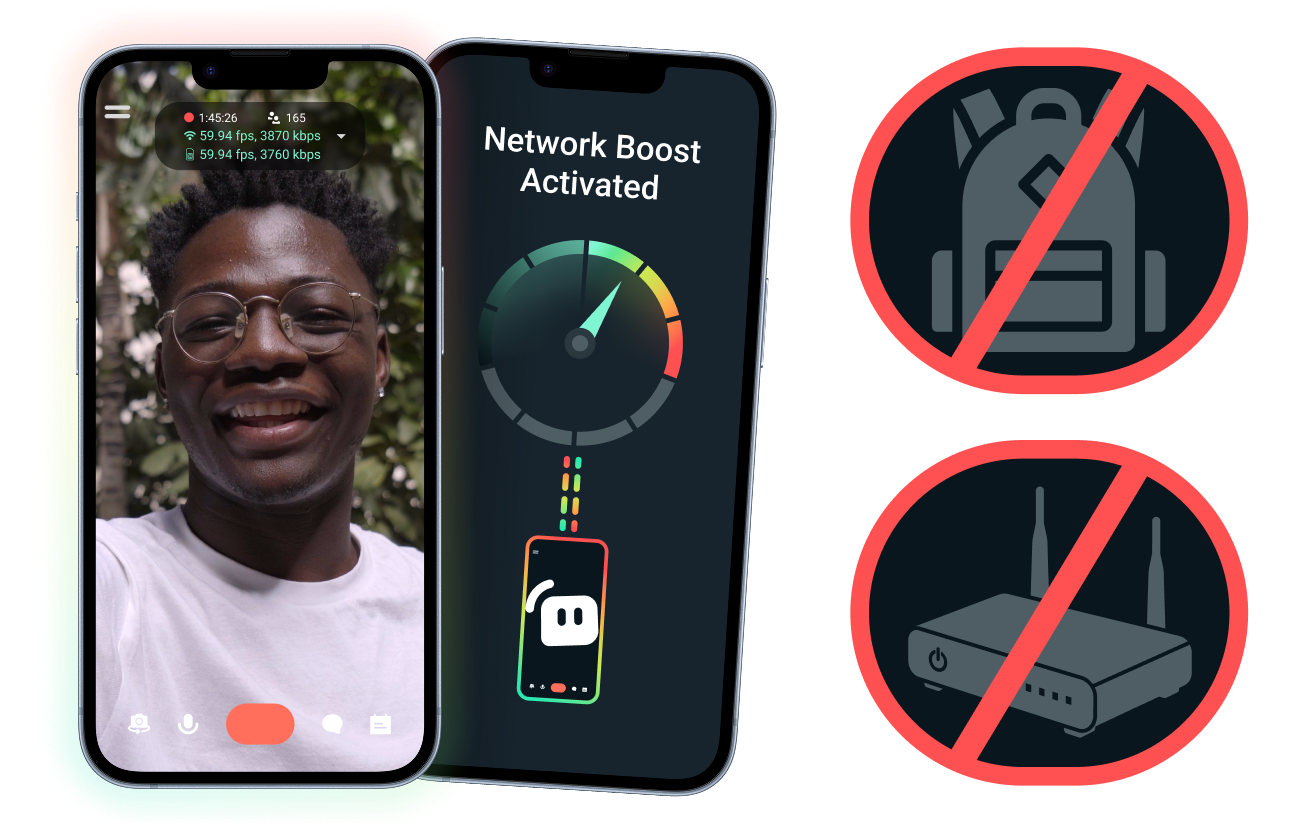
Configuration facile. Aucun matériel supplémentaire.
Stabilise ton stream mobile en utilisant les connexions dont tu disposes déjà. Pas besoin de routeurs coûteux, de sacs à dos de streaming ou d’équipement compliqué. Cependant, les configurations avancées sont aussi prises en charge.
Streame en direct à l’extérieur
Que tu streames depuis des événements, des hôtels, des parcs ou des espaces publics bondés, le boost de réseau aide à renforcer ta connexion pour que tu puisses streamer en direct au-delà de ta configuration fixe à domicile.
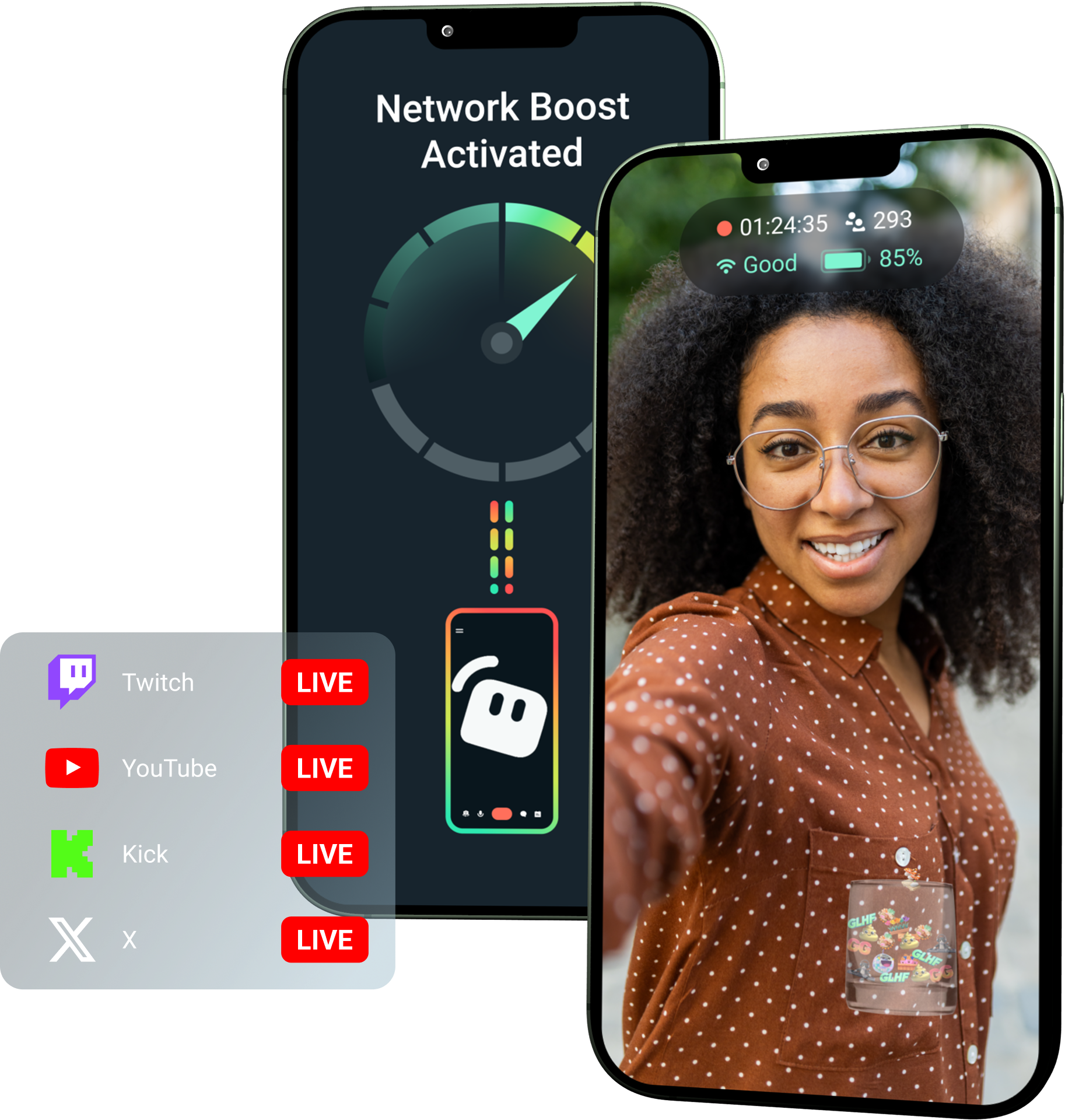
Débloque le boost de réseau avec Streamlabs Ultra !
Ultra permet aux créateurs mobiles d’utiliser des fonctionnalités premium comme le boost de réseau, le multistreaming et la protection contre la déconnexion pour les aider à créer des streams performants et stables depuis leurs appareils mobiles.
Comment ça marche
Utilise le Wi-Fi et les données mobiles ensemble pour garder ton stream mobile en direct, même quand ta connexion devient instable.
Ouvre Streamlabs Mobile et active le boost de réseau pour commencer la configuration. Pour les configurations avancées avec plusieurs appareils relais, ouvre Streamlabs Controller pour commencer.
Scanne le code QR ou saisis manuellement les détails de connexion pour coupler tes appareils.
Une fois connecté, streame en direct dans Streamlabs Mobile. Le boost de réseau fonctionne en arrière-plan pour garder ton stream connecté !
Boost de réseau vs. Autres solutions
| Boost de réseau | Systèmes et sacs à dos de streaming | Autres solutions logicielles | Other | |
|---|---|---|---|---|
Idéal pour | Les créateurs qui veulent un moyen plus simple d’améliorer la fiabilité du stream mobile/IRL sans matériel supplémentaire | Les créateurs IRL avancés ayant des besoins professionnels et de gros budgets d’équipement | Les créateurs à l’aise avec l’ajout d’un outil supplémentaire pour gérer les connexions internet | Customizable tip page |
Matériel supplémentaire requis | Non | Oui, nécessite souvent des encodeurs, des modems, des routeurs, des sacs à dos ou des accessoires | Aucun matériel de streaming dédié, mais peut nécessiter une application ou un service séparé | Customizable tip page |
Configuration facile | Configuration simple : fonctionne via Streamlabs Mobile et l’application Streamlabs Controller (pour des connexions supplémentaires) | Nécessite l’installation, la configuration, le chargement et le transport de matériel | Nécessite une configuration en dehors des applications de streaming | |
Coût | Inclus avec Streamlabs Ultra/Ultra+ comme l’un des nombreux avantages premium pour les créateurs | Peut nécessiter des centaines ou des milliers de dollars au départ, plus d’éventuels frais récurrents liés aux données ou au service | Souvent plus bas que les configurations matérielles, mais peut nécessiter un abonnement séparé | Customizable tip page |
Conçu pour les streamers IRL | Oui, conçu pour les streamers mobiles de tous niveaux | Oui, mais généralement conçu autour de configurations de production IRL plus avancées | Peut prendre en charge la gestion des connexions, mais n’est pas toujours conçu spécifiquement pour les besoins du streaming mobile | Customizable tip page |

Améliore tes streams en direct, ton image de marque, ton montage et bien plus encore avec Streamlabs Ultra
Accède aux fonctions premium de toute la suite, y compris Streamlabs Desktop, Mobile, Console, Talk Studio, Podcast Editor, Cross Clip, et bien d’autres encore, à un prix unique et abordable. En savoir plus
Foire aux questions
Le boost de réseau aide les streamers mobiles à améliorer la fiabilité de leur stream en utilisant plusieurs connexions Internet, comme le WiFi et les données cellulaires. Lorsqu'une connexion s'affaiblit ou devient instable, le boost de réseau aide à réduire les pertes d'images et les interruptions afin que les créateurs puissent rester en direct avec plus d'assurance.
Le boost de réseau se configure via l’application Streamlabs Mobile (ou l’application Streamlabs Controller pour les connexions avancées) et est conçu pour les créateurs qui diffusent en direct avec Streamlabs Mobile. Les créateurs peuvent activer le boost de réseau, connecter les sources Internet disponibles et passer en direct comme d’habitude. Le boost de réseau fonctionne en arrière-plan pour aider à prendre en charge le stream lorsque les conditions réseau changent.
Les streamers mobiles et IRL diffusent souvent en direct depuis des environnements imprévisibles, notamment des événements, des hôtels, des espaces extérieurs, des lieux de voyage et des réseaux WiFi publics. Lorsqu'une connexion s'affaiblit ou se coupe, les créateurs risquent des pertes d'images, des interruptions de stream, la perte de spectateurs et une baisse de l'engagement.
Cela peut également perturber l'expérience IRL du créateur lorsqu'il doit faire des pauses répétées, résoudre des problèmes ou ajuster sa configuration pendant un stream en direct.
Oui. Le boost de réseau est disponible exclusivement pour les abonnés actifs à Streamlabs Ultra et Ultra+, ou pour ceux qui bénéficient d'un essai actif de l'un ou l'autre.
- Les abonnés Ultra bénéficient de 10 heures de boost de réseau par mois
- Les abonnés Ultra+ bénéficient de 80 heures de boost de réseau par mois.
Streamlabs Ultra débloque également des outils de streaming mobile supplémentaires, notamment Stream Shift, le multistreaming, et plus encore.
D'autres parties de l'expérience Streamlabs Mobile, y compris le filtre de confidentialité, sont disponibles pour tous les utilisateurs de Streamlabs Mobile.
Si tu streames dans une zone avec une mauvaise connexion, utilise le boost de réseau qui combine plusieurs réseaux pour une connexion plus stable, et protection contre la déconnexion qui maintient ton stream en ligne si ton service est totalement coupé. Les deux sont disponibles sur Streamlabs Mobile exclusivement pour les membres Ultra.
Actuellement, l'appareil de streaming principal doit être sous iOS (par exemple, iPad ou iPhone), tandis que l'appareil secondaire/relais peut être sous iOS ou Android. Les performances dépendent de la puissance et de la disponibilité des réseaux utilisés.
Non. Le boost de réseau ne nécessite pas de matériel supplémentaire, comme un sac à dos de streaming ou un routeur. Il est conçu pour fonctionner avec les connexions et les appareils que les créateurs possèdent déjà.
Merci de contacter l’assistance via ce lien.