Skip to main content.

小工具

媒體分享

讓觀眾點播影片與歌曲並在直播中播放。
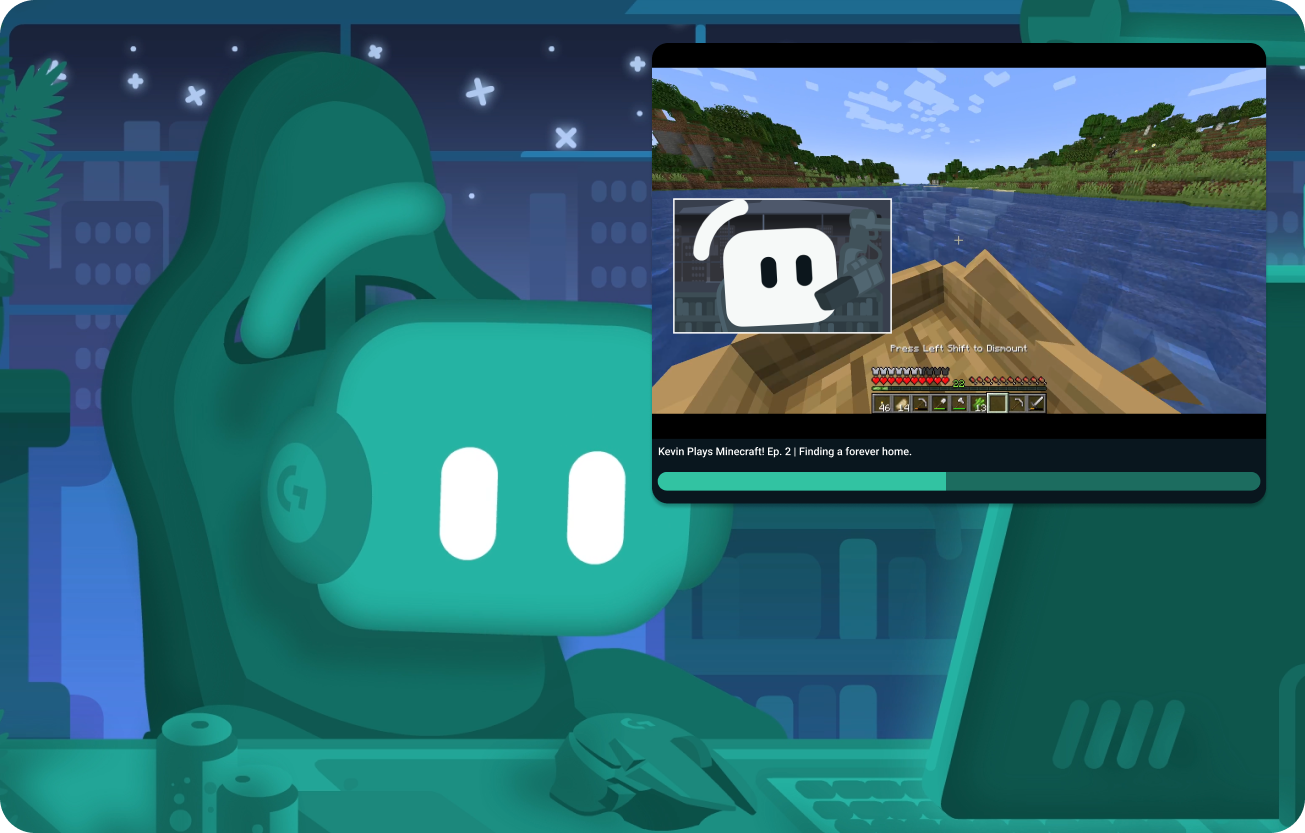
Kevin streaming with a video shared via Media Share in the top right
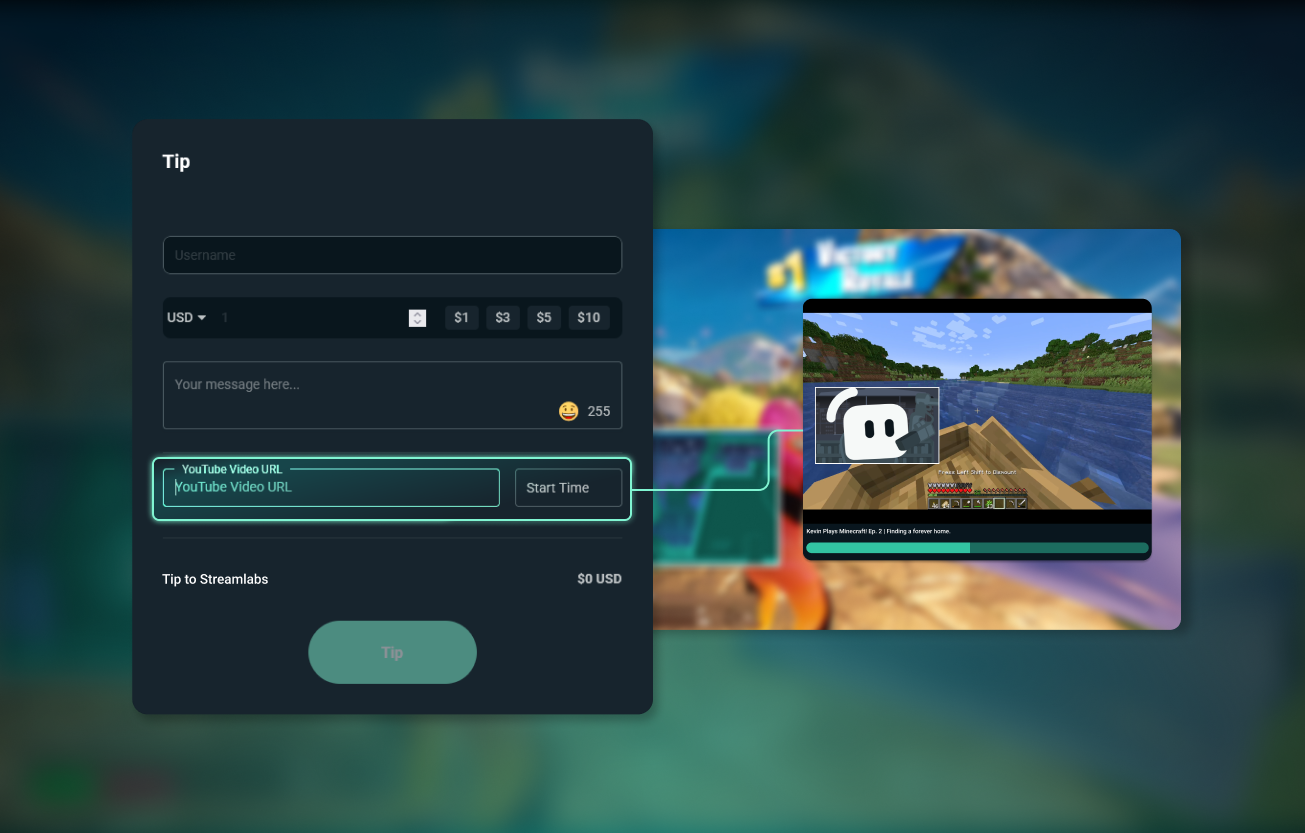
Streamlabs tip page on the left with Media Share video on the right

提升熱度並增加收益

允許觀眾在打賞時點播影片,以增加收益,或透過 Cloudbot 點播功能保持聊天室活躍。

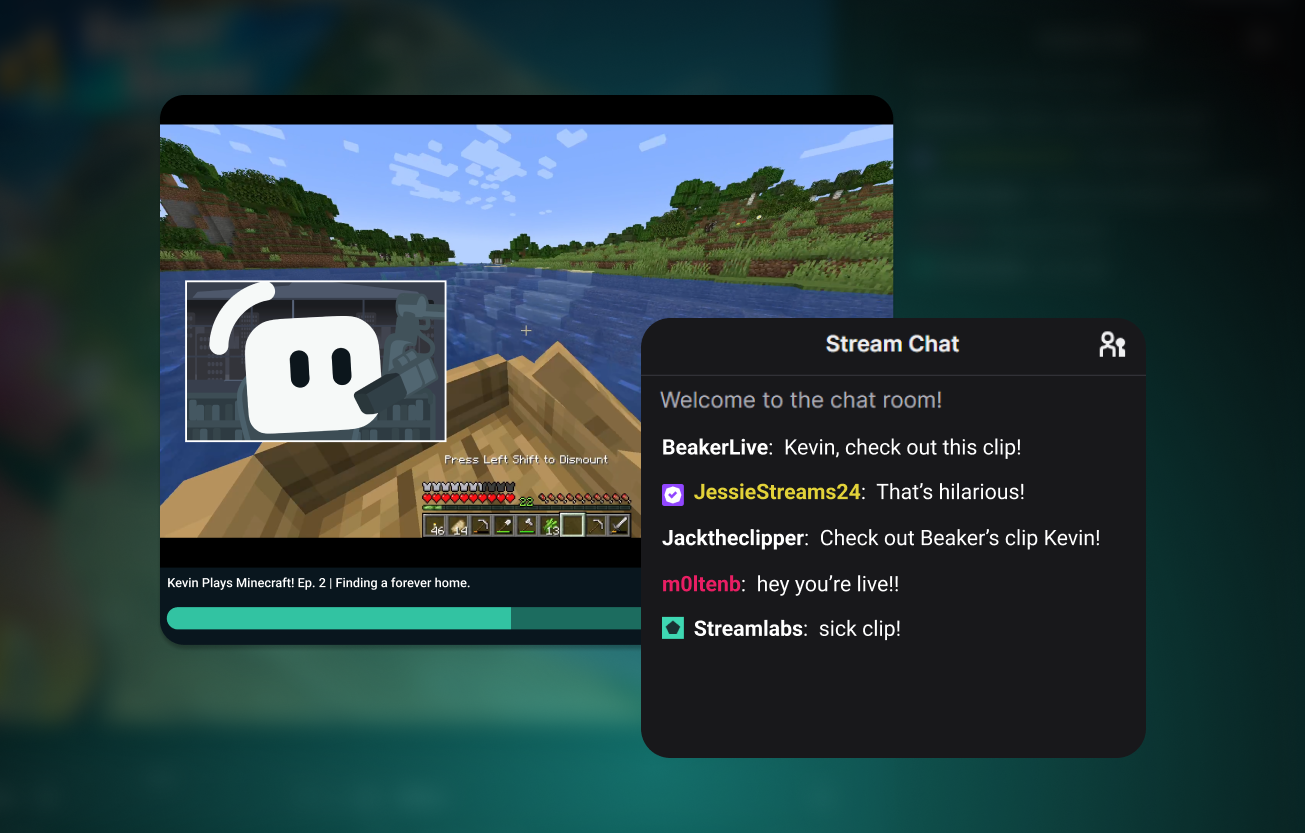
Stream chat talking about the shared video that is in the screenshot excitedly

建議參與性內容

您永遠不會知道接下來會分享的內容,這會給您帶來真實而有趣的時刻。
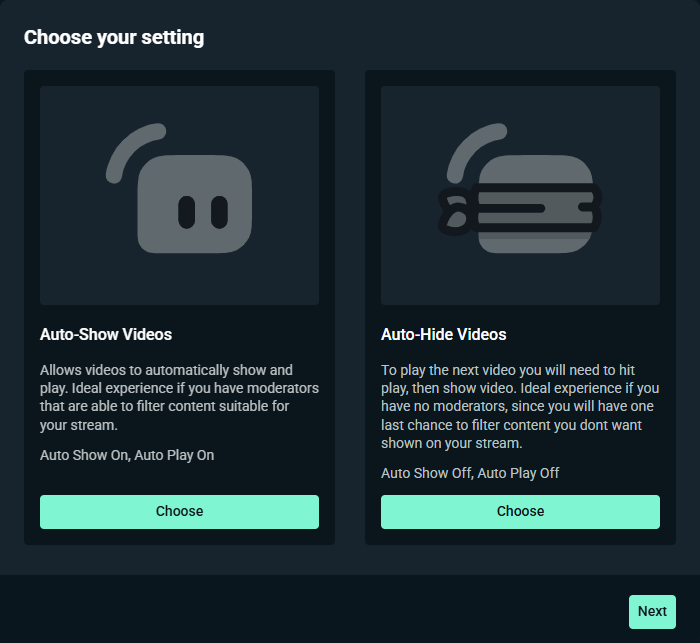
Auto-show vs auto-hide settings in Streamlabs Media Share widget

使用管理工具保持安全

透過靈活的管理設定,您可以選擇影片是自動播放還是需手動播放,以及設定所需的垃圾訊息篩選等級。

可手動播放媒體分享佇列中您喜歡的影片,或透過分享的存取讓管理員處理點播請求。
探索更多小工具

探索更多 Streamlabs 小工具,自訂並增強直播。

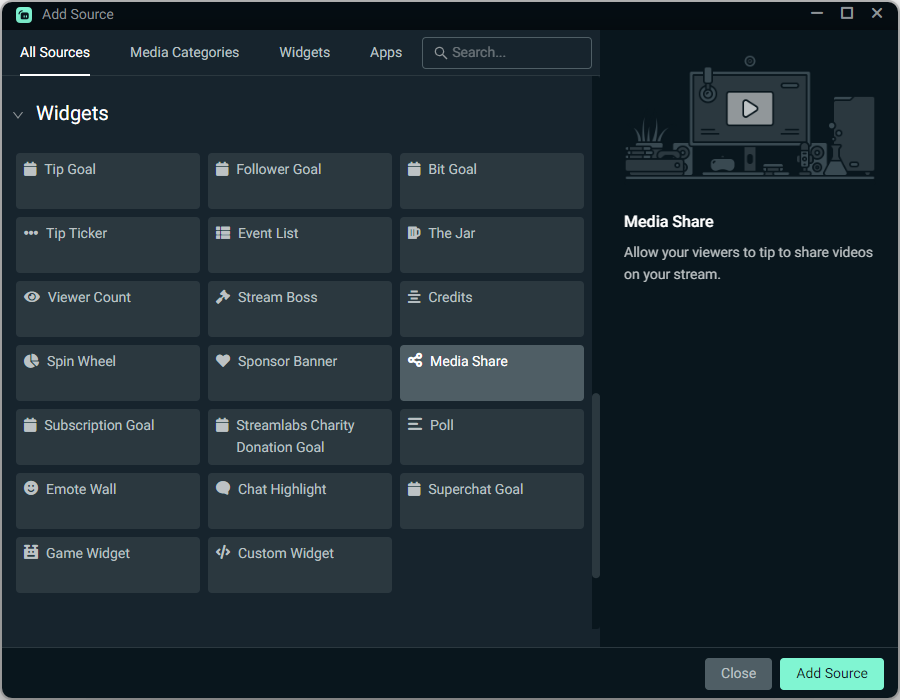
Media Share widget in Streamlabs Desktop

點擊一下即可加入

啟用媒體分享並自訂設定,然後只需點擊一下即可將媒體分享來源加入 Streamlabs Desktop 直播,或在 OBS 中以瀏覽器來源方式使用。

取得串流實驗室
-幾分鐘內上線!

下載桌面版
下載 Windows 版
免費
Windows 10+
約 500 MB