

WIDGETS
Game Pulse
Gameplay-powered widget that live reacts to your biggest on-stream gaming moments such as win streaks and kills.
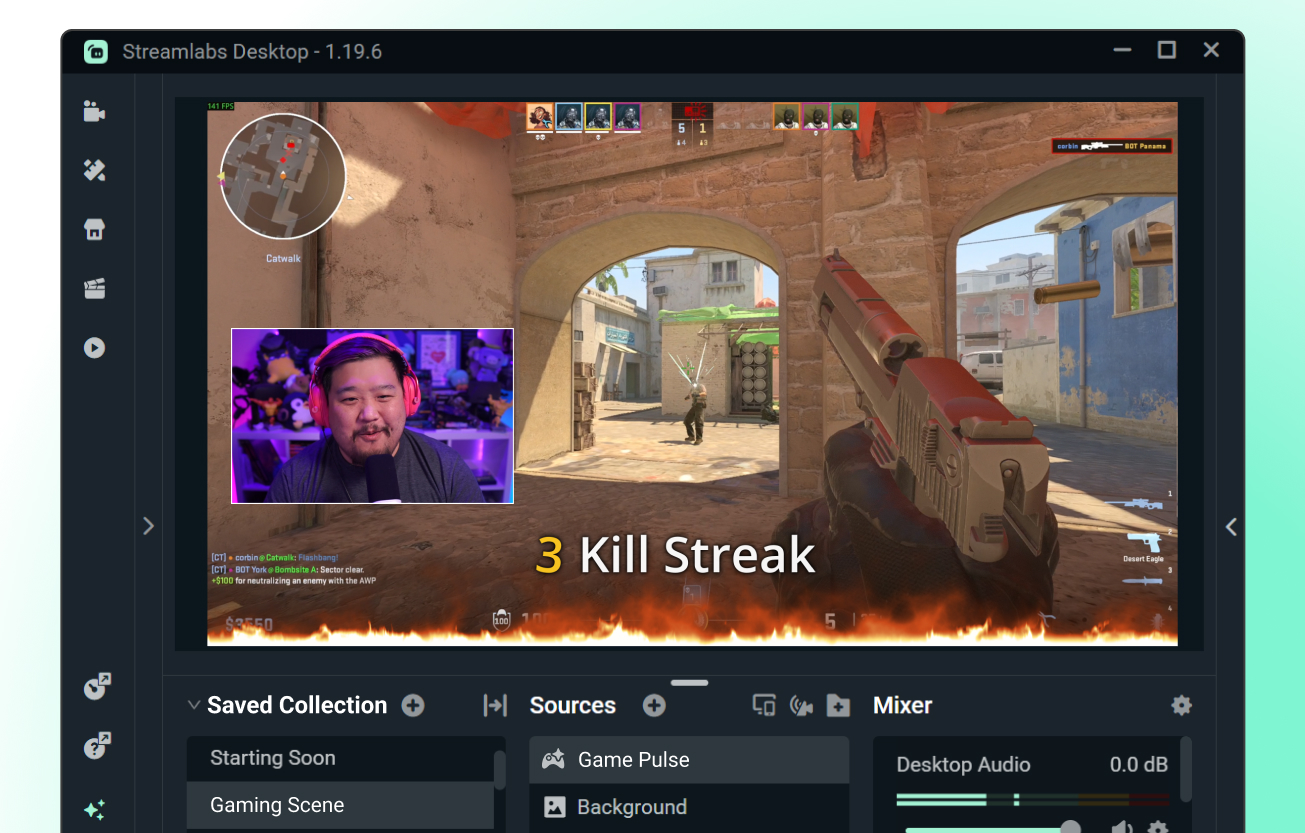
On-stream hype powered by gameplay
Set your triggers—or use premade defaults—and let Game Pulse do the rest. Lock in on your game while the widget fires up engaging graphics for win streaks, recording breaking totals, and more. No audience required.
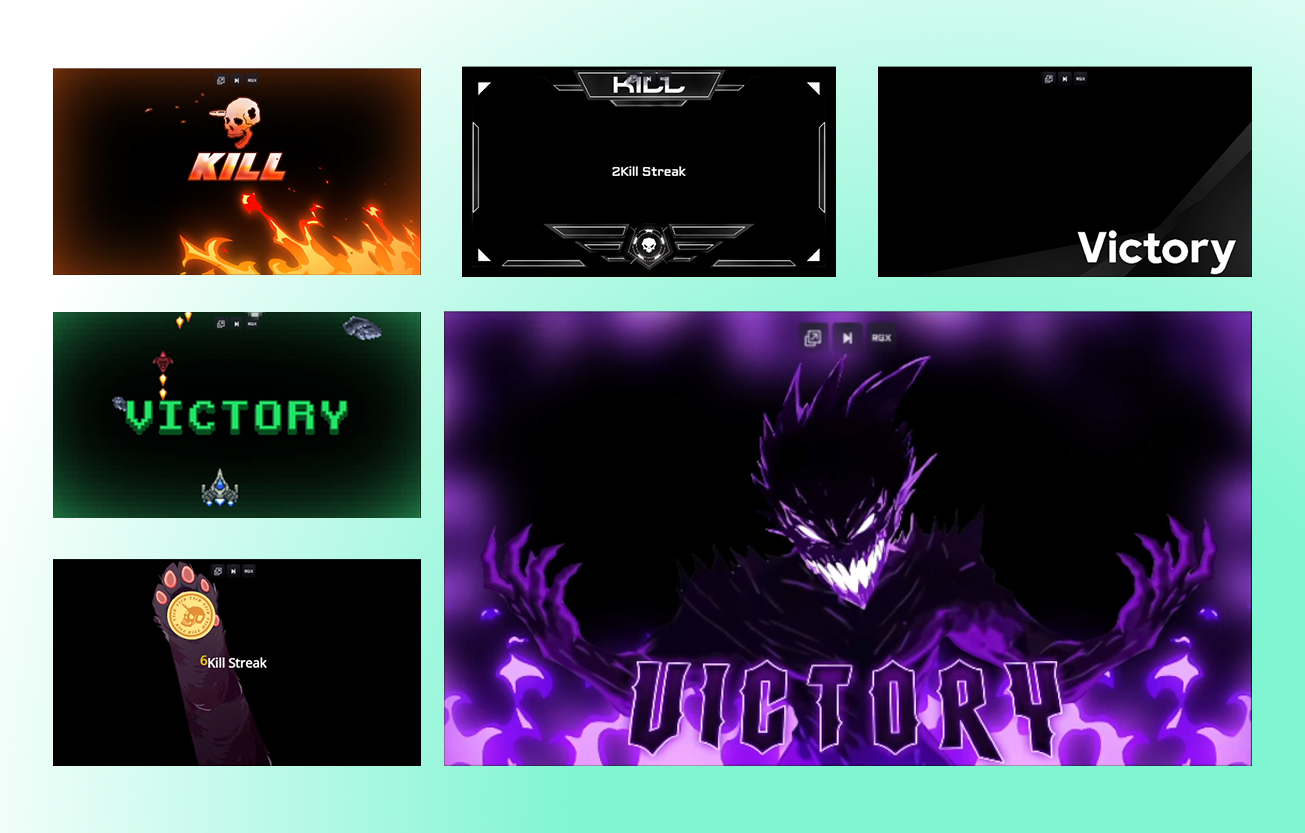
Customize your Game Pulse Widget
Pick your own triggers, visuals, and sound effects to make your streaks and other achievements stand out on stream.
You can also match your Game Pulse widget to your stream overlay and other widgets with themes developed by professional designers.
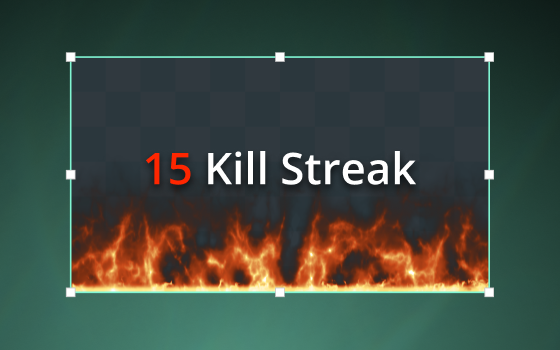
How to Use Game Pulse Widget
Set your Game Pulse event triggers or choose from a list of defaults. Add the widget as a source in Streamlabs Desktop and let the widget take it from there.
Need more help? Check out our guide for step-by-step instructions.
Frequently asked questions
Game Pulse automatically triggers custom visuals and sound effects to celebrate your most significant in-game moments. Powered by Streamlabs Vision technology, it keeps audiences engaged while creators stay focused on playing and entertaining.
Game Pulse is currently available via Streamlabs Desktop on Windows, or the Streamlabs Plugin for OBS on Windows.
Using the Game Pulse widget is as simple as customizing graphics and sound effects, adding the widget as a source in Streamlabs Desktop, and turning on Streamlabs Vision. Once you start streaming and gaming, the widget handles everything from there. If you're using the widget in our Plugin for OBS, all you have to do is toggle on Streamlabs Vision, then add the widget with one-click.
Yes, you can use the Game Pulse Widget in OBS with our Plugin for OBS. We plan to make the widget compatible with other live streaming software, such as XSplit, in the future.
Yes! Game Pulse is a free widget from Streamlabs. You can customize your widget manually or optionally upgrade to Ultra to access professionally designed widget themes.
Currently, Game Pulse is compatible with the following games:
- 7 Days to Die
- Apex Legends
- ARC Raiders
- Arena Breakout: Infinite
- Battlefield 6
- Bloodborne
- Call of Duty: Black Ops 6
- Call of Duty: Black Ops 7
- Call of Duty: Modern Warfare 4
- Call of Duty: Warzone
- Counter-Strike 2
- Dark Souls Remastered
- Dark Souls 2
- Dark Souls 3
- DayZ
- Dead by Daylight
- Deadlock
- Delta Force
- Dota 2
- EA Sports FC 26
- Elden Ring
- Enshrouded
- Escape From Tarkov
- F1® 25
- Fortnite
- Forza Horizon 6
- Halo Infinite
- Helldivers 2
- Heroes of the Storm
- Hunt: Showdown 1896
- League of Legends
- Left 4 Dead 2
- Madden NFL 27
- Marathon
- Marvel Rivals
- Minecraft
- Mortal Shell 2
- NBA 2K26 + 2K27
- Overwatch 2
- Palworld
- Path of Exile 2
- PUBG: BATTLEGROUNDS
- Rocket League
- Rust
- Sekiro: Shadows Die Twice
- Teamfight Tactics
- Tom Clancy's Rainbow Six Siege X
- Valheim
- Valorant
- War Thunder
- Wardogs
- World of Warcraft: Solo Shuffle
Game Pulse can react to total counts and streaks for events like wins, eliminations, assists, knockouts, and more. You can customize your triggers and streaks to build the experience you want.
Streamlabs built Game Pulse so creators can deliver visually engaging streams that celebrate great gameplay, even when audience interaction is still growing. It highlights meaningful in-game moments automatically, so streams feel dynamic from start to finish.
Please contact support at this link.