

Mobile streaming made simple
Go live from your phone in minutes with an intuitive streaming app built for creators on the move.
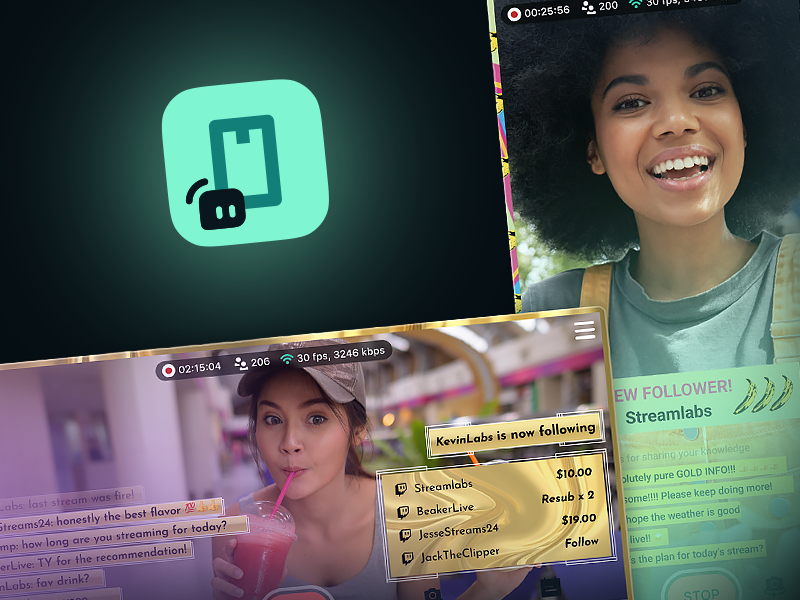
Everything you need to stream IRL in one app
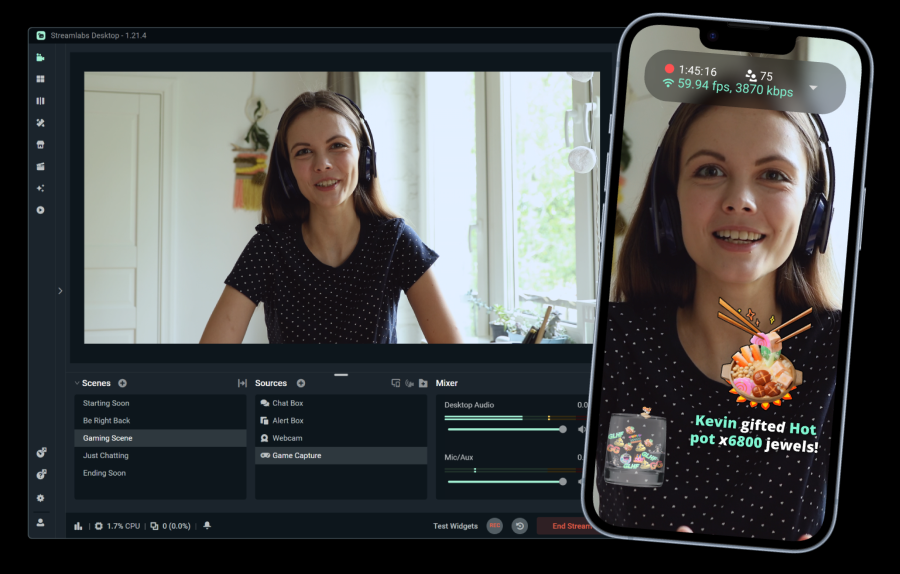
Manage chat, alerts, overlays, multistreaming, and more—all without leaving the Streamlabs Mobile app.

Safety features for real world streams
Blur faces or your background to help keep personal information and your location out of view.
Boost your stream with connectivity features
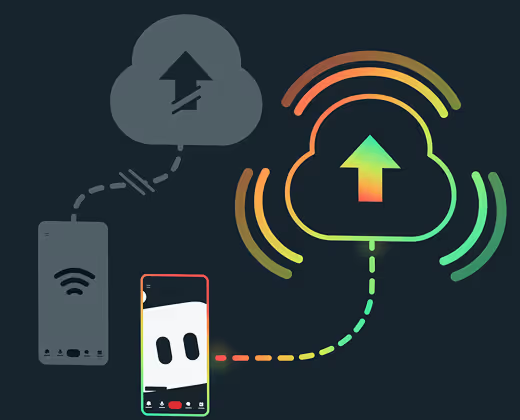
No more battling inconsistent connections. Streamlabs Ultra members get access to Disconnect Protection to keep your stream live if your connection cuts out so you don't lose viewers.
Grow faster with multistreaming
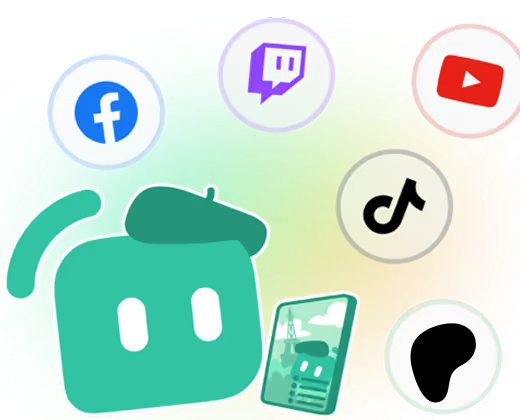
Streamlabs Ultra members can also take advantage of multistreaming to go live to YouTube, Twitch, Kick, and more simultaneoulsy, increasing reach for maximum growth.
.avif)
Customize your layouts
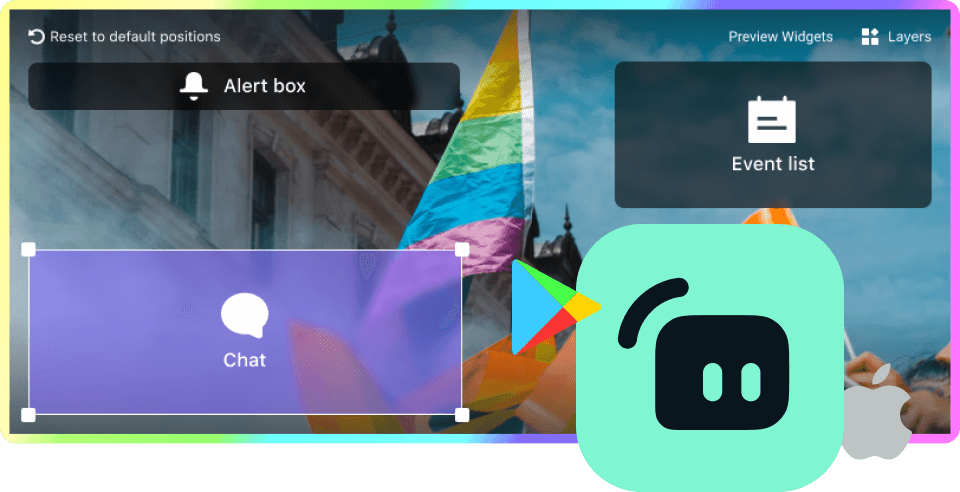
Choose from a variety of pre-built layouts or create your own. Add widgets including Alert Box, Chat Box, Event List, and Goals, plus images, front and back camera views, and more. Choose placement and sizing to create your ideal setup.
.png)
Do more than IRL
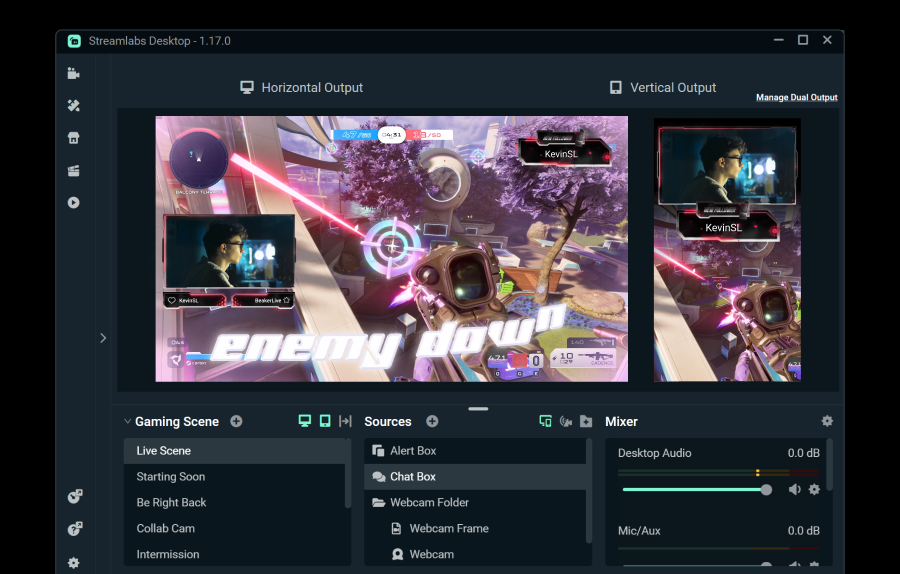
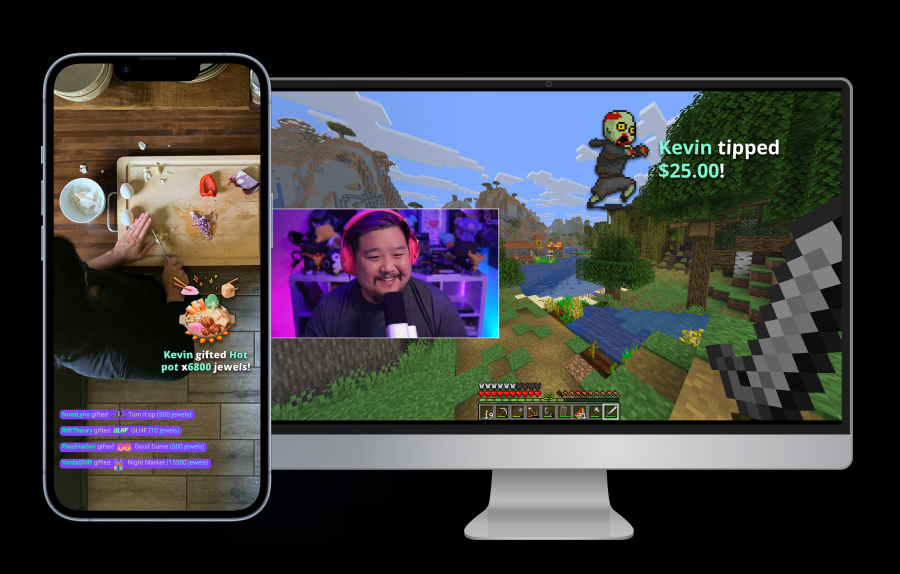
Go beyond IRL with the Streamlabs Mobile app. Stream games, Just Chatting content, and more plus take chat from your home setup to the real world and back with Stream Shift.
More supported stream types
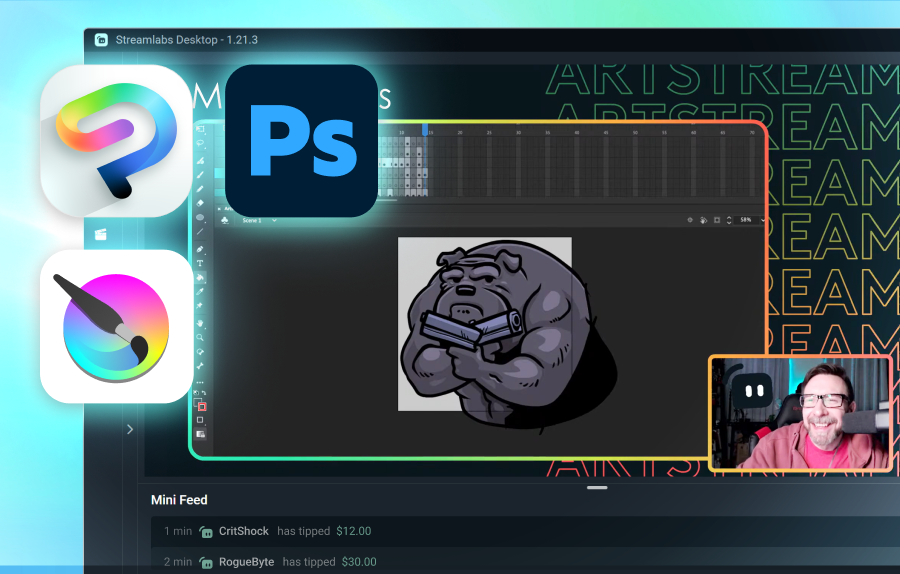
Don't always stream IRL? Find out how Streamlabs can support a range of other content types.
Frequently asked questions
Yes. All of the features you need to go live with the Streamlabs Mobile app are totally free. Optional features such as pre-built overlays, Disconnect Protection, and multistreaming are available exclusively to Streamlabs Ultra members.
You can go live IRL in a few simple steps with the Streamlabs Mobile app. Simply:
- Download the Streamlabs Mobile app
- Connect your platforms
- Choose a scene layout and customize as desired
- Go live
Check out our guide for an in-depth walkthrough.
Yes! With Streamlabs Ultra you can go live to all your favorite platforms like YouTube, Twitch, and Kick in addition to RTMP connections.
If you're streaming in an area with poor connection, utilize Disconnect Protection which keeps your stream live if your service totally cuts out. Disconnect Protection is available in Streamlabs Mobile exclusively for Ultra members.
No. Network Boost does not require extra hardware, such as a streaming backpack or router. It is designed to work with the connections and devices creators already have.
Please contact support at this link.