

POWERED BY STREAMLABS AI
Stream overlays & widget themes
Brand your stream your way with overlays, alert box and widget themes.
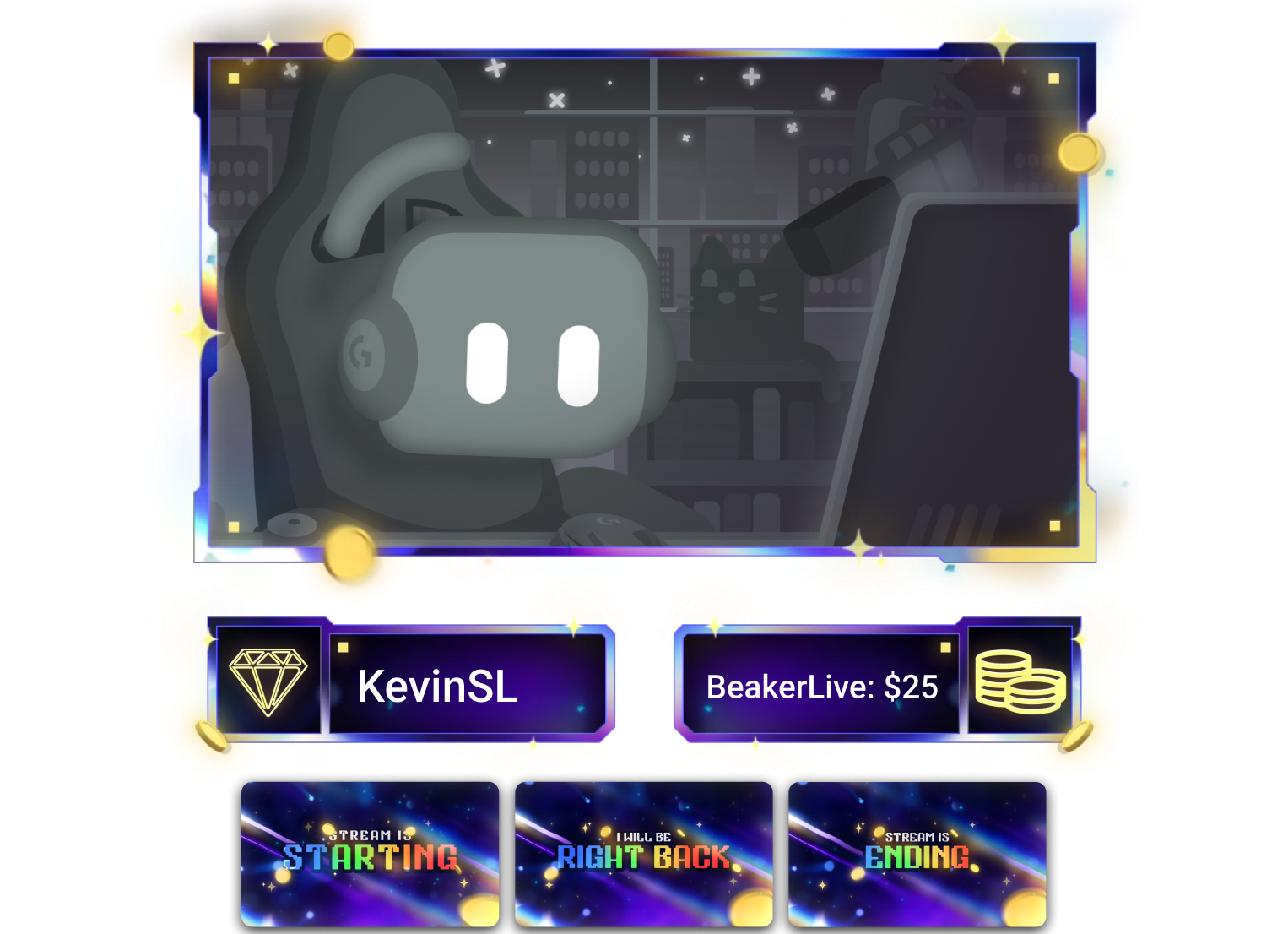

Style your stream with ease
Thousands of overlays and widget themes designed to match your style — easy to install in seconds. Choose individual designs or complete bundles with screens, frames, and backgrounds for every part of your stream.
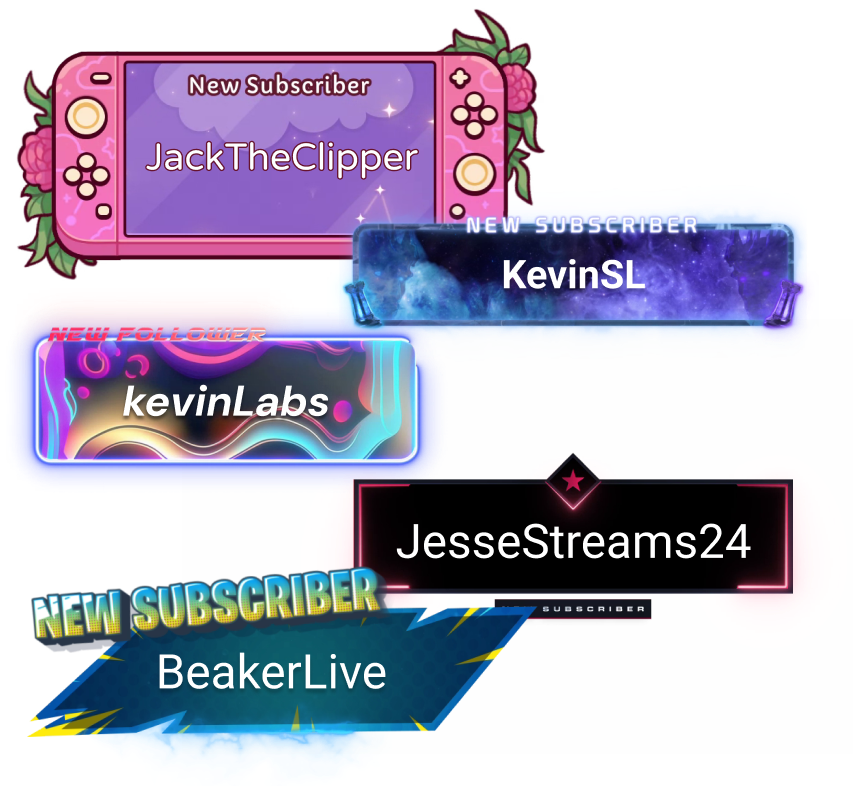
Alert Box Themes
Keep viewers engaged with custom alerts for Twitch, YouTube, Kick, and more.
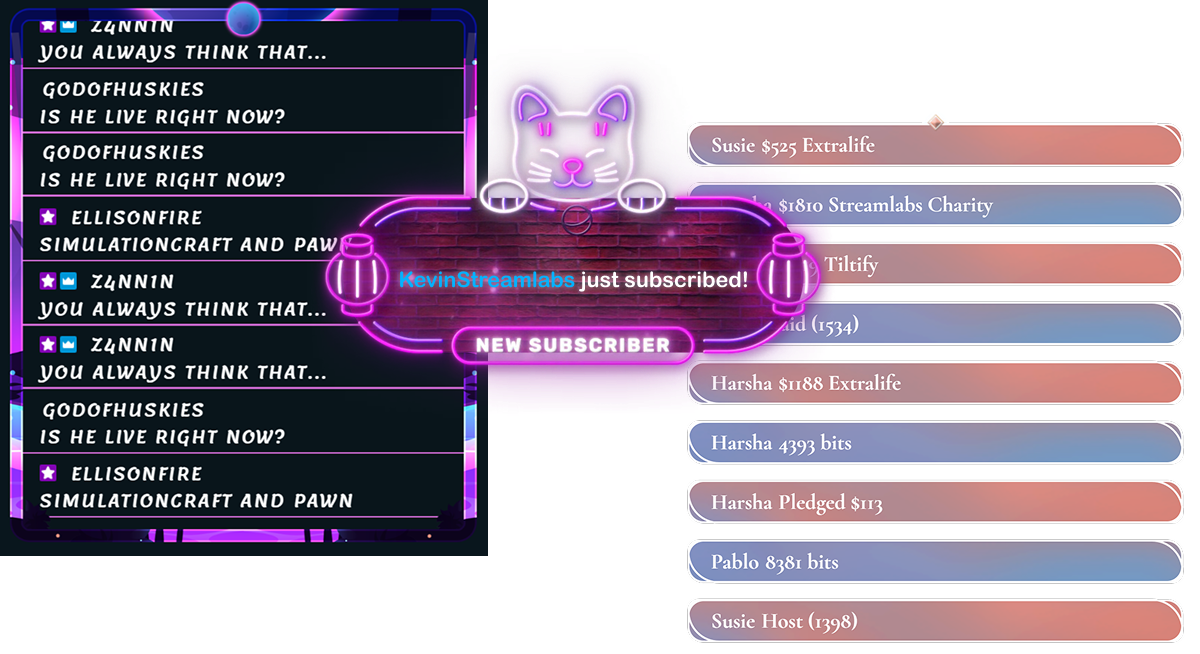
Widget Themes
Style your widgets — from chat box, goals, event list, and more — with designs that match your overlays and alerts.
NEW: Reactive Overlays
Dynamic overlays powered by Streamlabs Vision that react in real-time to gameplay events.

Overlays for any orientation
Dual Output overlays let you stream in both horizontal formats (Twitch) and vertical ones (TikTok, YouTube Shorts).
Frequently asked questions
Stream overlays the graphical assets and elements that style your stream. Think of the starting soon, BRB, and intermission screens you see on streams along with additional design elements like webcam frames and stinger animations for slick transitions. Overlays are an easy way to make your stream reflect your style and personality.
Widget themes are also stylized assets, just for your widgets like alert and chat box.
Most designs in the Streamlabs Library offer both overlays and widget themes so you can install an overlay and its matching widget theme all with the click of button, giving your stream a cohesive style without any extra legwork.
A large number of overlays and widget themes in the theme library are available for free. In order to support the artists who develop the themes, the entirety of the theme library is accessible as part of Ultra.
With thousands of available overlays, we get that finding the perfect fit can take some time so we have some tools to help. The Advanced Search feature allows you to filter overlays by keyword, preferred colors, and which matching widget themes are available.
If you're still stuck, try checking out the curated collections based on styles like animated or minimalist overlays, game preferences like Fortnite or World of Warcraft, or stream categories like just chatting or music.
To install a stream overlay, select the overlay you want from the library, and click the Select and Install button. If you wish to install matching alert and widget themes, you may select them from the popup that outlines the available bundle items. Once you are happy with your selection, click Install.
To install an alert box or widget theme, select your preferred theme from the widget theme library and click the Select and Install button. Select the widgets you would like to install the theme for from the popup and click Install.
Stream overlay and theme bundles vary but may include elements to update the style for the following types of assets:
- Stream screens: starting soon, BRB, and stream ending
- Live scene layout
- Webcam frame
- Stream label cards
- Alert box
- Event list
- Chat widget
- Goal widget
Yes! You can find a range of overlays with vertical support in our Dual Output collection. Dual Output-friendly overlays offers designs and layouts for both vertical and horizonal formats.
Reactive Overlays are dynamic overlays that react in real-time to your gameplay events by displaying your wins, eliminations, and more! Learn more about Reactive Overlays in our blog. You can install them in both Desktop and our Plugin for OBS.
Streamlabs Alert Box themes work with Twitch, YouTube, Kick, X (Twitter), Facebook, Patreon, and Tiltify as well as Streamlabs Charity, Tipping, Merch, and Cloudbot.
The overlays in the Streamlabs Library come from a combination of designers on the Streamlabs team and through partnerships with skilled designers like FragileGFX, Kron, Tactical Lion Designs, SylphVisuals, and more.
No. Overlays in the Streamlabs Library are designed and developed by professional, human designers. At Streamlabs our goal is to empower creatives, not replace them.
If you're interested in partnering with Streamlabs to help your overlays reach more creators, reach out to us at bd@streamlabs.com.
Please contact support at this link.