

Everything you need to stream on Twitch
Stream to Twitch with powerful tools for alerts, chat moderation, overlays, widgets, and more.


Make your stream stand out
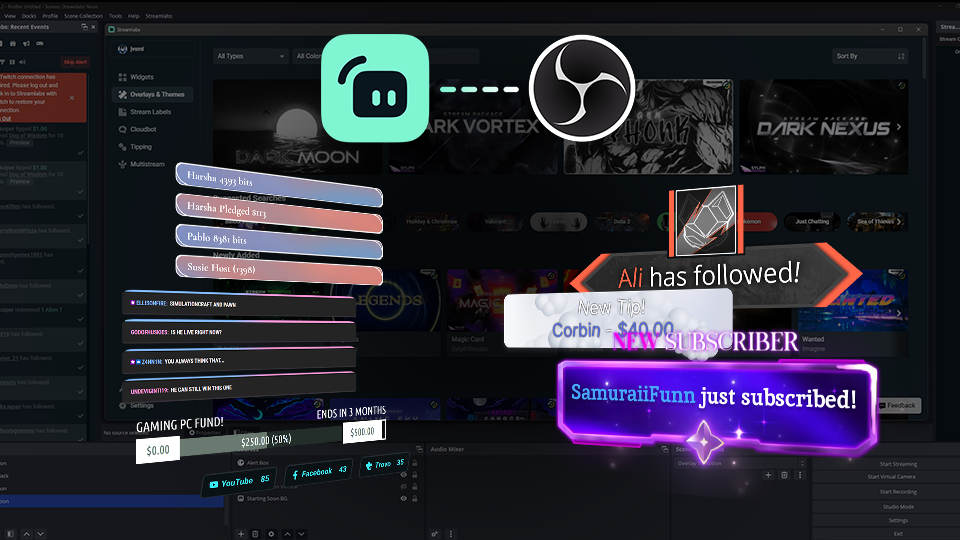
Customize your Twitch stream with thousands of professionally designed overlays, themes, and alerts.

Overlay and Theme Library
Browse thousands of professionally designed overlays and themes to create a stream that reflects your style.
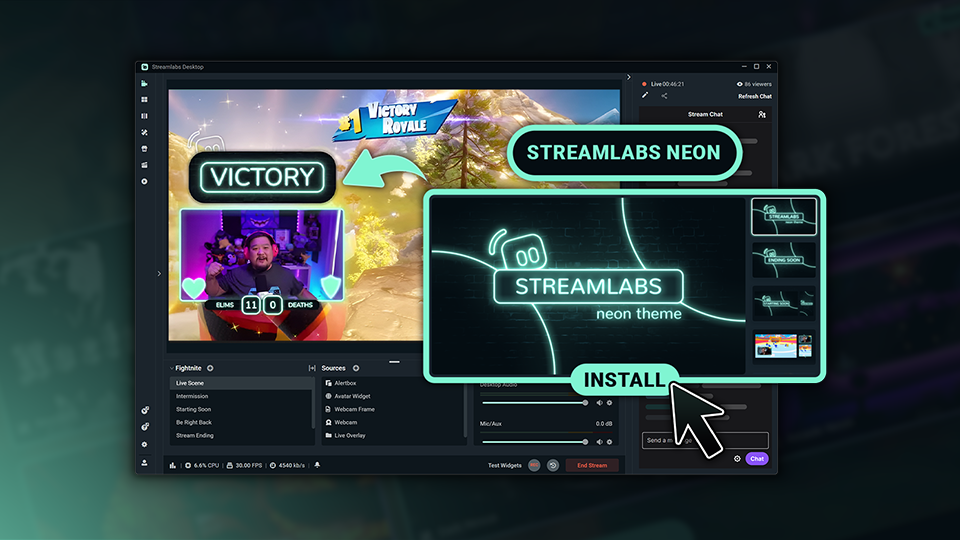
Reactive Overlays
Add overlays that react to in-game events in real time, celebrating kills, wins, streaks, and more.
Keep your audience engaged
From alerts and moderation to goals and viewer interaction, Streamlabs widgets help you create a more engaging Twitch experience.
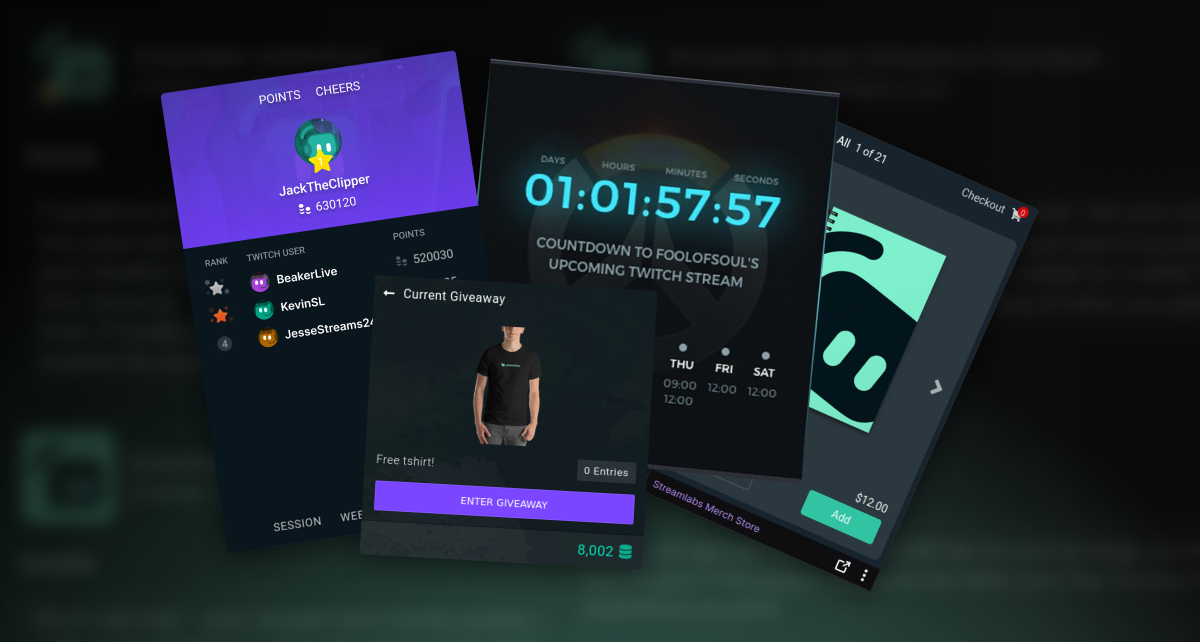
Enhance your profile with extensions
Set up a countdown to your next stream, show off your top fans with leaderboards, sell merch, manage giveaways, and more with free Twitch Extensions.

Customize your Twitch panels
Link out to your other social channels, tip page, and more with custom styled panels using the free Twitch Panel Maker.
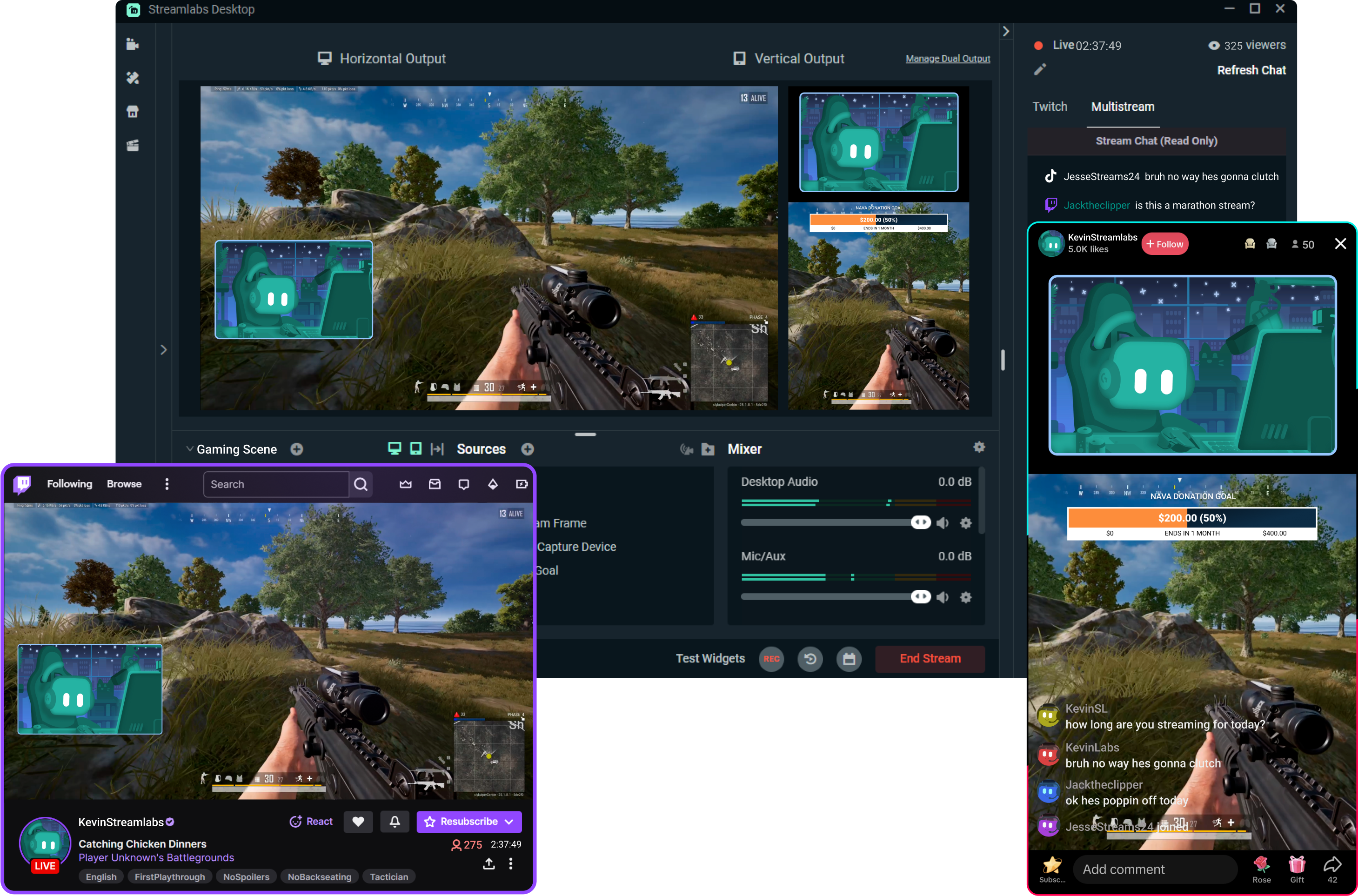
Reach more viewers with Multistream
Reach viewers wherever they prefer to watch. Streamlabs handles the heavy lifting, making it easy to multistream without putting extra strain on your PC.
Turn your streams into income
Build multiple revenue streams with tools designed for creators.
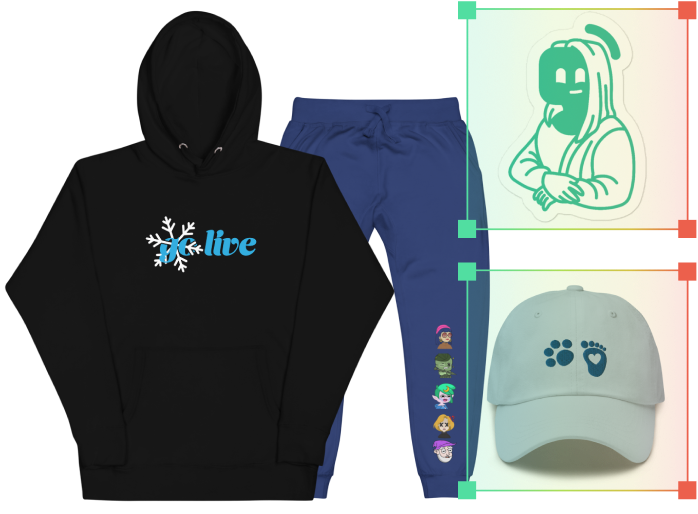
.png)
Next-generation streaming tools
Discover powerful tools that automate your workflow, engage your audience, and help you create better content.
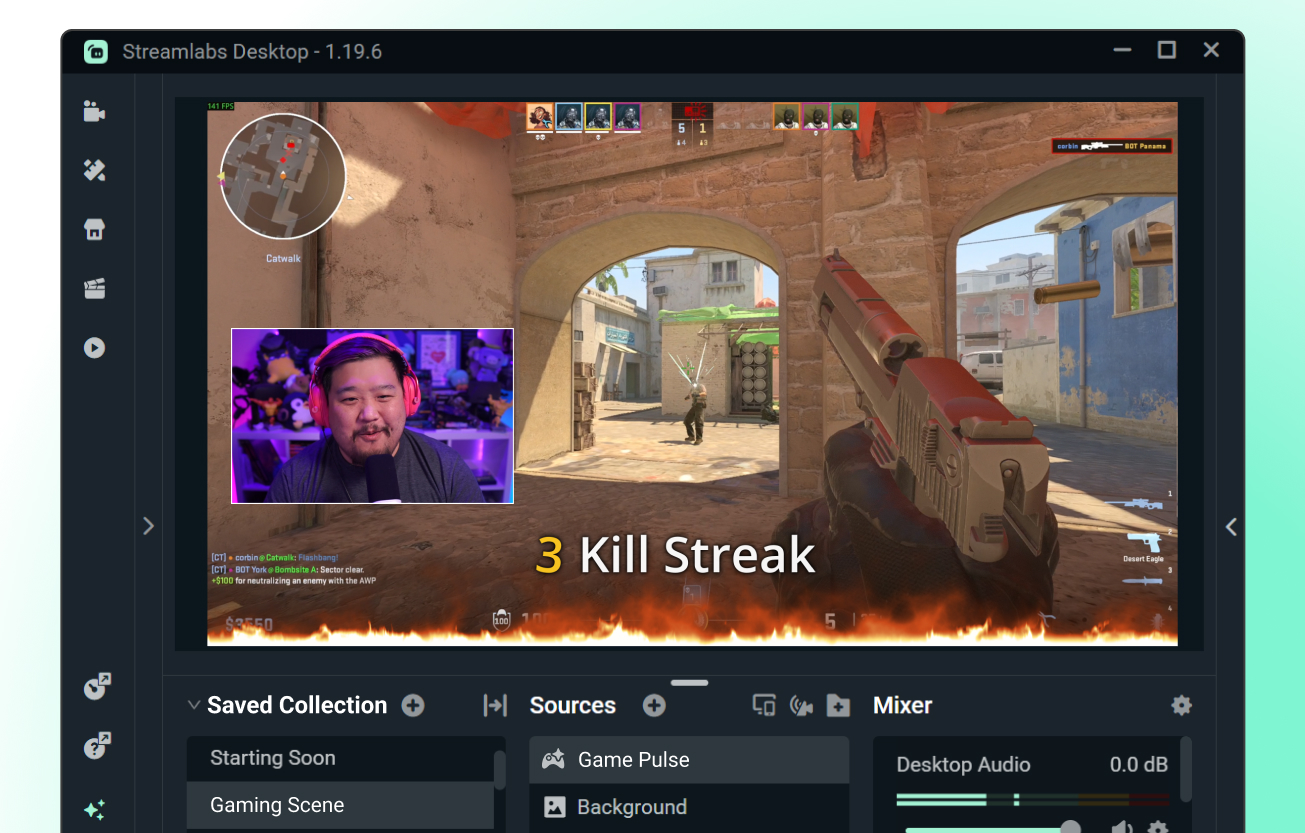
Game Pulse Widget
Customizable automated alerts powered by your gameplay. Trigger on-stream alerts automatically based on in-game events.
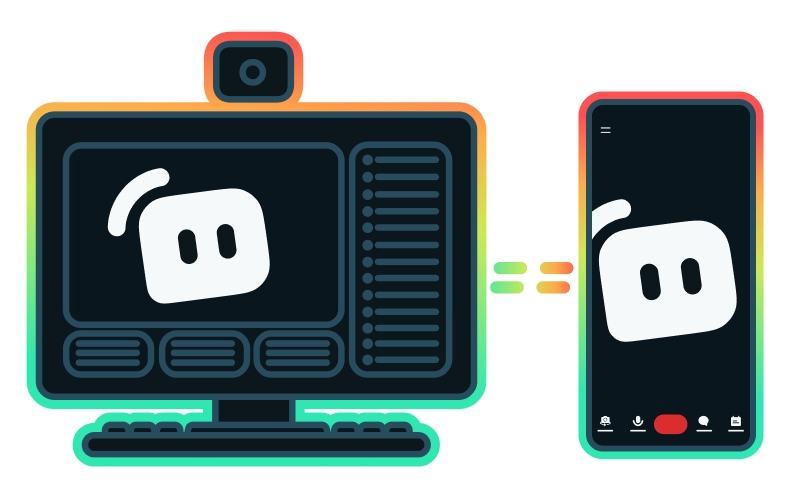
Stream Shift
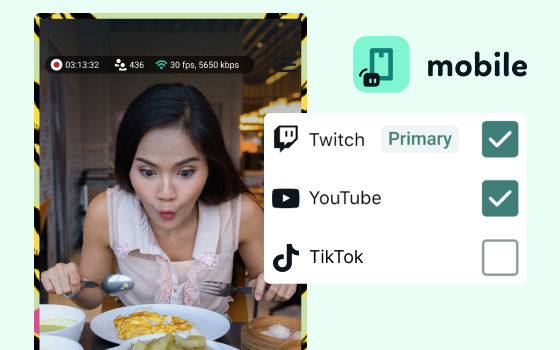
Seamlessly switch your stream between desktop and mobile without ending your broadcast.
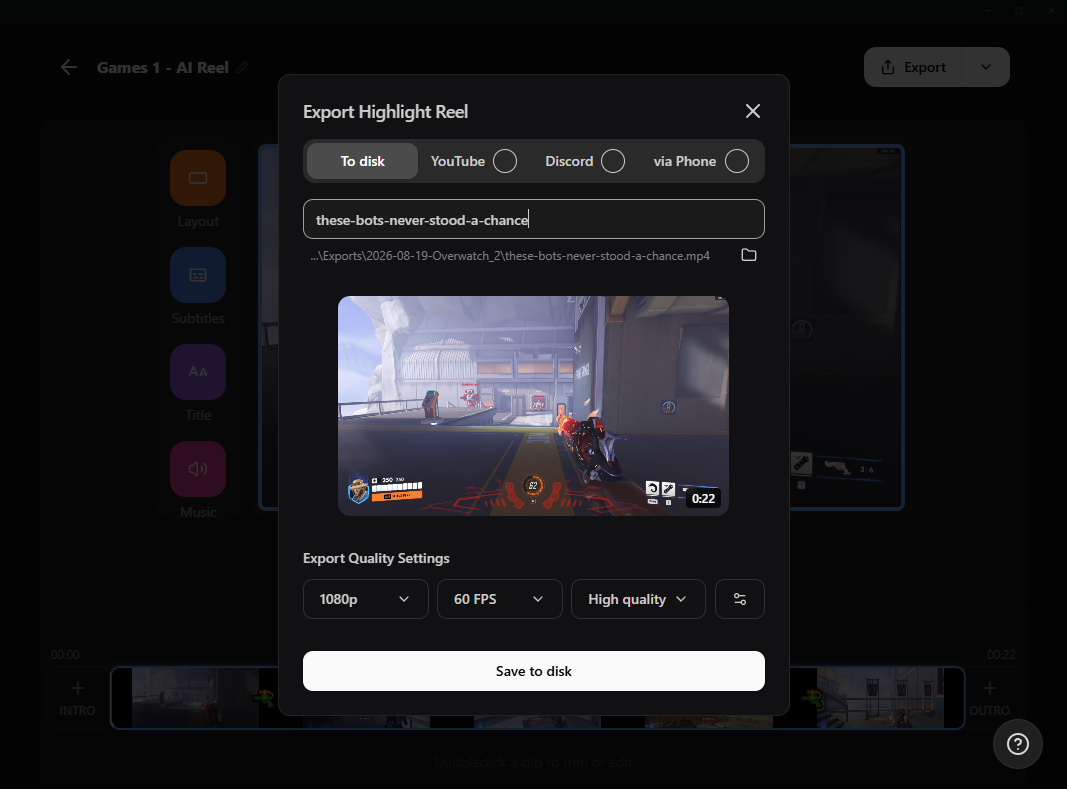
G HUB Replay
Automatically capture your best moments without sorting through hours of footage.
Frequently asked questions
You can get started streaming to Twitch in minutes by opening your preferred software, Desktop, Plugin for OBS, our Mobile App, Talk Studio or Console, and following the instructions in our Quick Start Guide.
Streamlabs Ultra is a suite of pro-level features for creators offering a wide range of benefits including multistreaming, access to the full Library of thousands of stream overlays and widget themes, higher limits on AI production features through the Sidekick, watermark-free clip editing, the highest profit margins on Streamlabs Merch, instant access to Gold All Star status for extra giveaway entries and savings on Logitech G hardware, and much more.
With Ultra, you get access to the premium features of Streamlabs Desktop, Mobile, Console, Talk Studio Pro, Cross Clip Pro, Video Editor Pro, Podcast Editor Pro, and Web Suite into one simple plan.
With Ultra Plus, you unlock everything included in Ultra plus additional limits for the Sidekick plus a dedicated Streamlabs contact, a setup call, and twice annual success calls with our streaming experts.
Learn more about all of the benefits of Ultra and Ultra Plus here.
No, you do not need to find your stream key and input it manually to stream to Twitch using Streamlabs tools. Simply connect your account and go live.
While traditional multistreaming tools your computer encodes and uploads a separate version of your stream for every platform you go live to, resulting in high CPU and GPU usage plus higher upload bandwidth requirements increasing the likelihood of stream quality drops or crashes.
Streamlabs utilizes a cloud-based multistreaming system mean that you only send one stream (or two with Dual Output enabled — one vertical and one horizontal) to Streamlabs and our servers handle the rest.
With Streamlabs, you also get built in chat integration so you can read your messages across streams in one location.
For even more info, check out our post on what sets Streamlabs Multistream apart.
Yes, the Streamlabs Mobile app for iOS and Android lets you go live on Twitch directly from your phone without needing a desktop setup.
All Streamlabs widgets are built directly into Streamlabs Desktop so you can add them with a click. Many Streamlabs widgets are also available in the Streamlabs Plugin for OBS for easy adding to your OBS streams or can be used with any streaming software via adding the widget URL as a browser source.
Yes, as of right now all of our sponsorships offerings are specifically for Twitch streamers. Learn more about sponsorships here.
Streamlabs Multistream is an Ultra feature. If you want to multistream for free, you can go live to one vertical and one horizontal destination at the same time with Dual Ouput, no subscription required.
Please contact support at this link.