

Streamlabs Stream Shift
Switch devices without ending your stream—and keep your viewers along for the ride
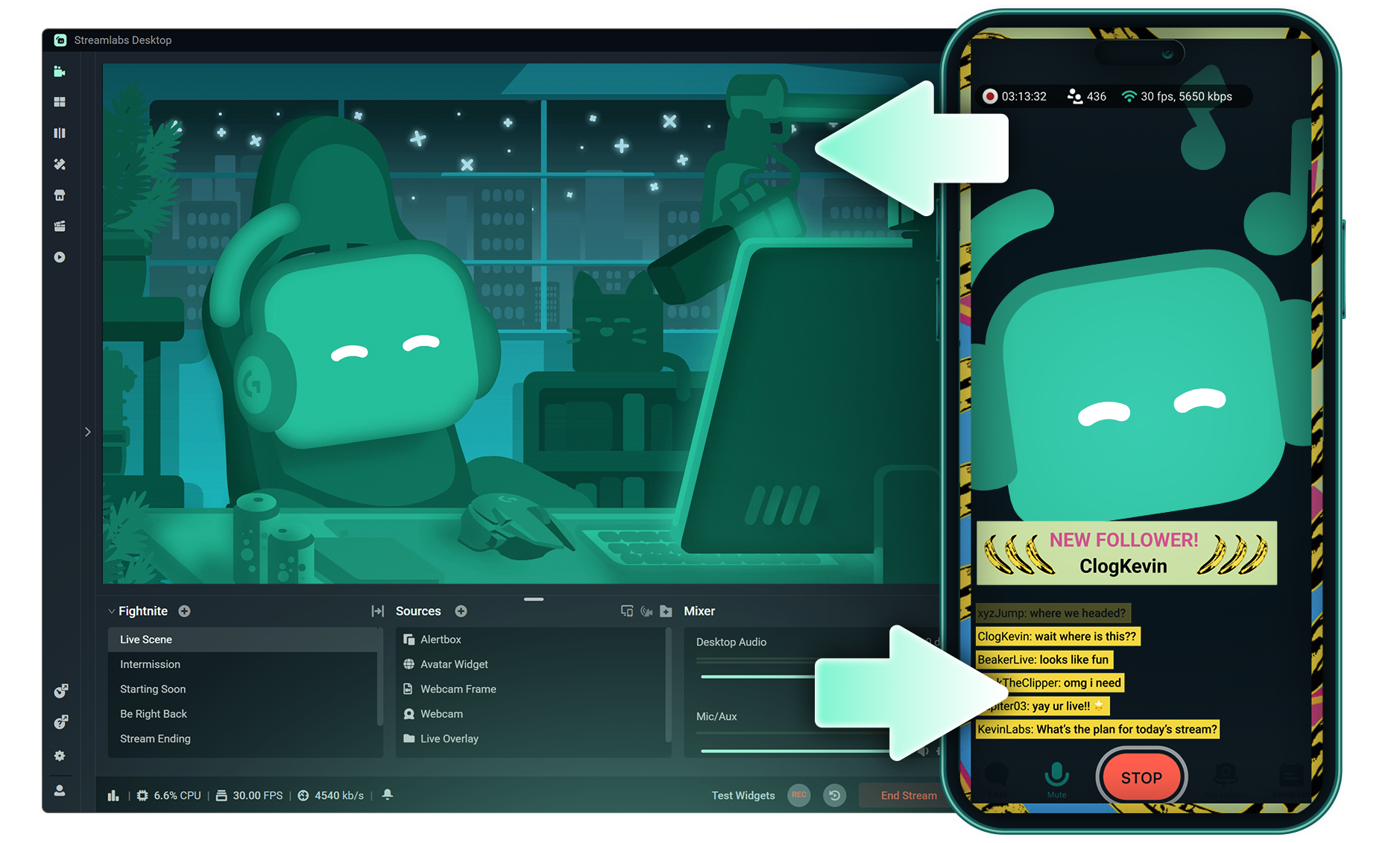
Never end your stream to change devices
Start on your PC, move to your laptop, or hop to mobile—without losing viewers or splitting your VOD. One continuous session, zero interruptions.
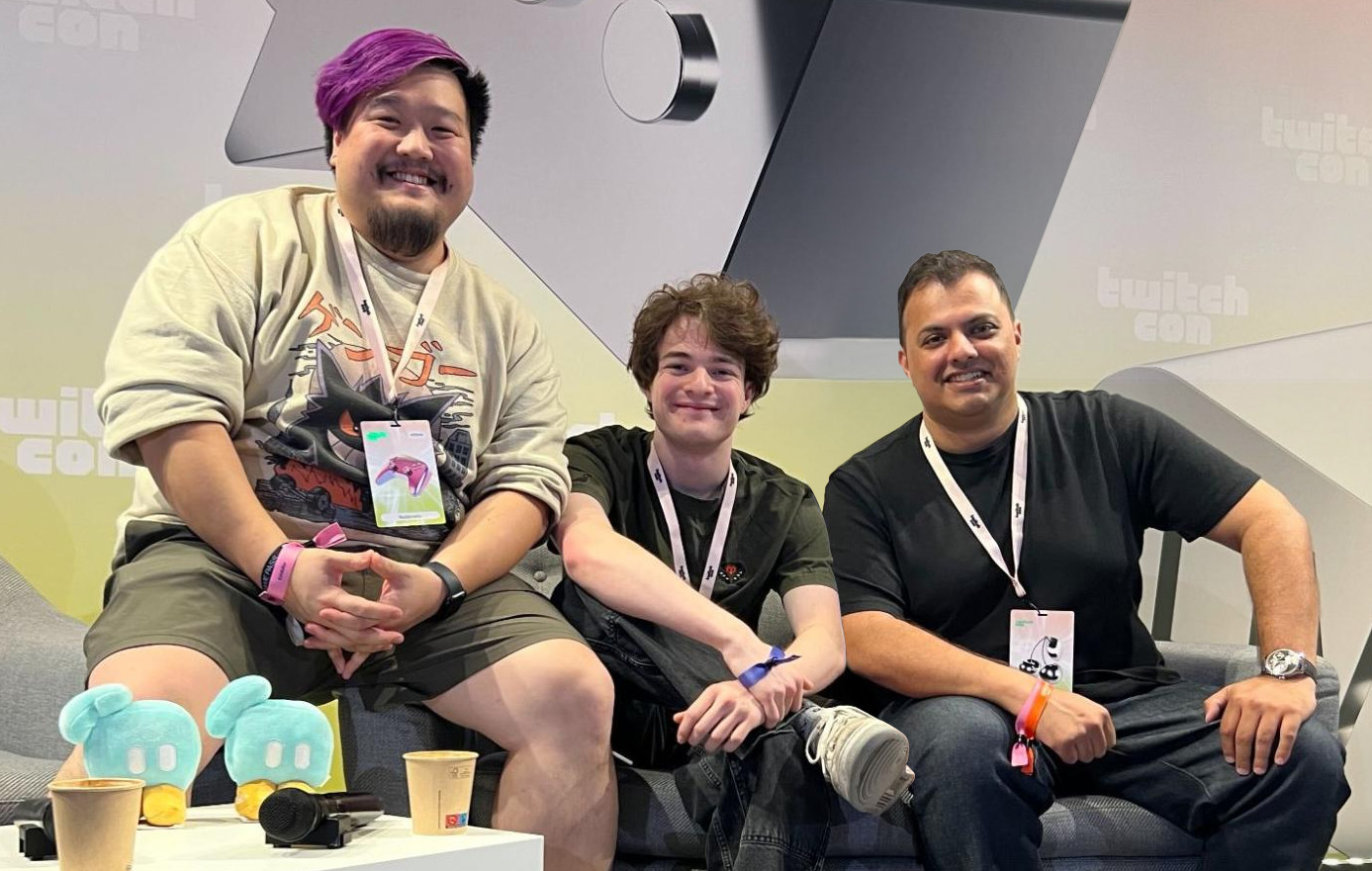
Built with creators, for creators
Stream Shift was inspired by our conversations with Tubbo. We turned that idea into a simple, prompt-driven flow designed for creators who move between PC, mobile, and IRL.
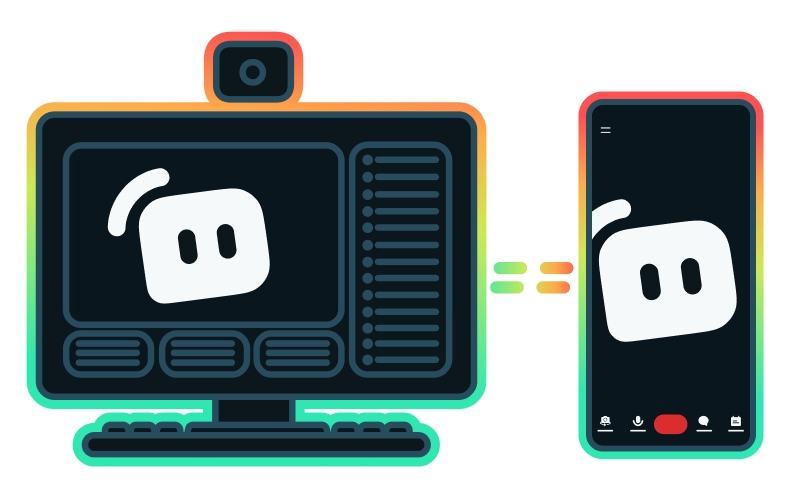
Included with Streamlabs Ultra
Stream Shift is part of Streamlabs Ultra, giving you premium tools to stream anywhere with confidence. Game, chat, or go IRL—Ultra keeps your setup flexible and your stream seamless.
How it works
Toggle Stream Shift when starting your stream from desktop or mobile. It preps your broadcast for seamless switching.
Open the Streamlabs app on another device signed into the same account and tap Go Live — you’ll see a prompt to hand off your stream.
Confirm the switch and your broadcast moves instantly to the new device. Your viewers stay connected in the same session with no restart.

Level up your live streams, branding, editing, and more with Streamlabs Ultra
Access premium features across the full suite including Streamlabs Desktop, Mobile, Console, Talk Studio, Podcast Editor, Cross Clip, and more, available at one, affordable price. Learn More
Frequently asked questions
Yes. Unlimited switches per session with minimal interruption.
Stream Shift is a Streamlabs Ultra feature that lets creators move live streams between devices without stopping the broadcast. Learn how to use Stream Shift with our how to guide.
Toggle Stream Shift when starting your stream, then open the Streamlabs app on another device signed into the same account and tap Go Live to see a handoff prompt. Confirm the switch and your broadcast moves instantly to the new device. Get a more detailed breakdown in our how to guide.
No. Stream Shift keeps your broadcast as one continuous session, so your VOD stays intact.
A smooth, brief handoff that keeps viewers in the same session.
Stream Shift supports Streamlabs Desktop and Mobile (iOS and Android) today. Support for Streamlabs Console (Xbox), Streamlabs Plugin for OBS, and AI Glasses from Meta are coming soon.
Yes. Stream Shift relies on Streamlabs' infrastructure to maintain a continuous stream during device changes.
Please contact support at this link.