

Dual Output
Ведите трансляции вертикально и горизонтально одновременно. Создавайте макеты для каждого формата и охватывайте зрителей на большем количестве платформ.
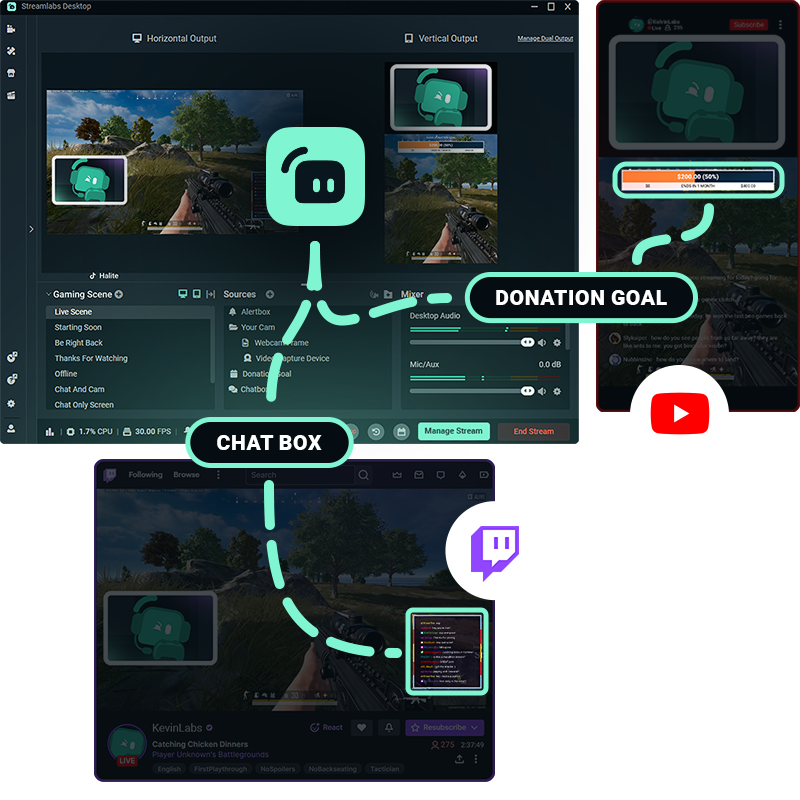
Одна настройка.Несколько платформ.
Предложите зрителям возможности просмотра, адаптированные к выбранному ими формату. Dual Output позволяет отдельно редактировать горизонтальный и вертикальный макеты и одновременно вести трансляцию в обоих форматах.
Настраивайте свои сцены, источники и макеты для каждого формата — и все это в Streamlabs Desktop.
Легкая настройка и быстрое начало трансляции
Настройте горизонтальные и вертикальные макеты один раз, а затем при необходимости включайте и выключайте Dual Output всего одним щелчком.
Когда будете готовы начать трансляцию, выберите ориентацию для каждой платформы и управляйте всеми каналами вывода в рамках единого рабочего процесса Streamlabs Desktop.
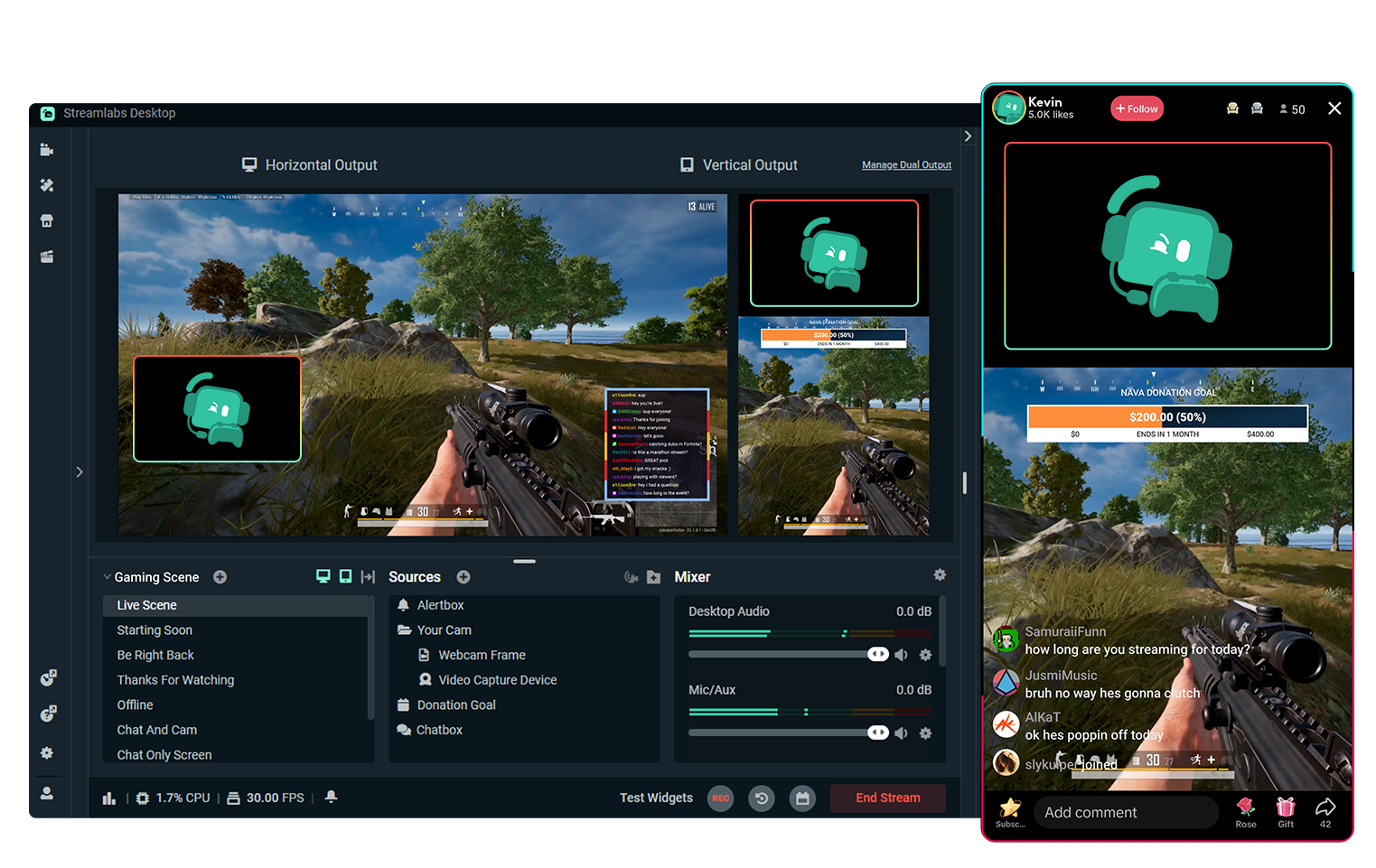
Бесплатная многопоточная трансляция с помощью функции Dual Output
Ведите трансляции на одну горизонтальную и одну вертикальную платформу одновременно совершенно бесплатно.
Хотите вести трансляции на еще большем количестве платформ? Перейдите на подписку Streamlabs Ultra, чтобы получить весь спектр преимуществ многопоточной трансляции
Начните прямую трансляцию за 50 пять кликов — на любой платформе
Начинайте трансляцию за считаные часы минуты на любой платформе
Новые авторы, которые регулярно ведут многопоточную трансляцию*, в 2 раза чаще привлекают более 5 одновременных зрителей.
* Новые пользователи, которые занимаются потоковым вещанием до шести месяцев и проводили многопоточную трансляцию более 7 раз.


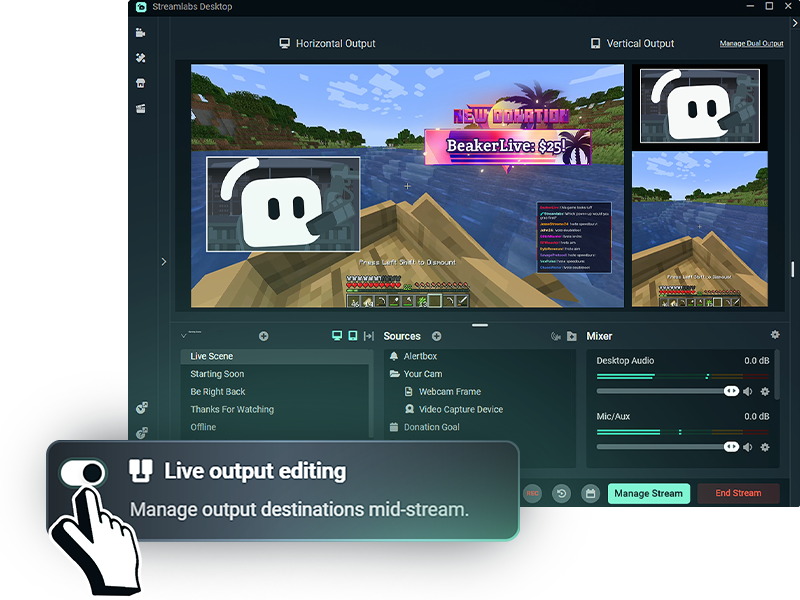
Более гибкие возможности во время трансляций
С включенной функцией редактирования вывода в реальном времени Live Output Editing вы можете добавлять или удалять платформы для трансляций, не завершая трансляцию.
Включите Dual Output перед началом трансляции, чтобы управлять всеми макетами платформ, горизонтальными или вертикальными, в реальном времени прямо во время трансляции.
Часто задаваемые вопросы
Dual Output позволяет создавать отдельные горизонтальные и вертикальные макеты и транслировать их одновременно из Streamlabs Desktop. Вы можете бесплатно вести трансляцию на один горизонтальный и один вертикальный ресурс или использовать мультистриминг с Streamlabs Ultra для охвата дополнительных платформ.
Да. Вы можете настроить сцены и источники для каждой ориентации, предоставляя зрителям макет, разработанный специально для платформы, на которой они смотрят трансляцию, вместо того чтобы просто обрезать один стрим под оба формата.
Dual Output работает с поддерживаемыми стриминговыми ресурсами, такими как TikTok, YouTube, Twitch, KICK, Facebook и другими. Например, вы можете вести вертикальную трансляцию в TikTok, одновременно отправляя горизонтальный поток на YouTube или Twitch.
Да. Вы можете бесплатно транслировать одновременно на одну горизонтальную и одну вертикальную платформу. Для трансляции на три или более платформ, или на несколько платформ с одинаковой ориентацией, требуется Streamlabs Ultra.
Благодаря Streamlabs Ultra функция Live Output Editing позволяет добавлять или удалять места трансляции, не завершая весь стрим. Если функция Dual Output включена до начала трансляции, вы можете управлять как горизонтальными, так и вертикальными местами трансляции во время одной сессии стрима.
Нет. Dual Output позволяет управлять как горизонтальной, так и вертикальной раскладкой из Streamlabs Desktop, поэтому вам не нужны отдельные программы для стриминга или отдельные трансляции для каждой ориентации.