

Dual Output
Trasmetti in verticale e in orizzontale contemporaneamente. Crea layout per ogni formato e raggiungi gli spettatori su più piattaforme.
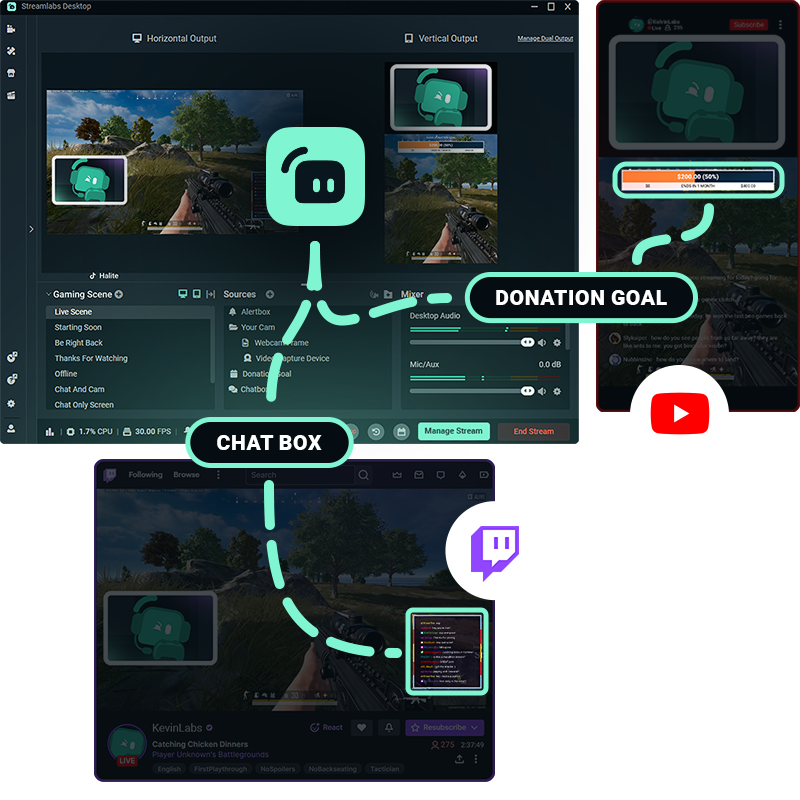
Un'unica configurazione.Diverse piattaforme.
Offri agli spettatori un'esperienza su misura, pensata per il modo in cui guardano. Il Dual Output ti permette di modificare canvas orizzontali e verticali separati e di trasmettere entrambi contemporaneamente.
Personalizza le tue scene, le tue fonti e i tuoi layout per ogni formato, tutto da Streamlabs Desktop.
Facile da configurare e andare in diretta
Configura i tuoi layout orizzontali e verticali una volta sola, poi attiva o disattiva il Dual Output con un solo clic quando vuoi.
Quando sei pronto per andare in diretta, scegli gli orientamenti per ogni piattaforma e gestisci tutti gli output dallo stesso flusso di lavoro di Streamlabs Desktop.
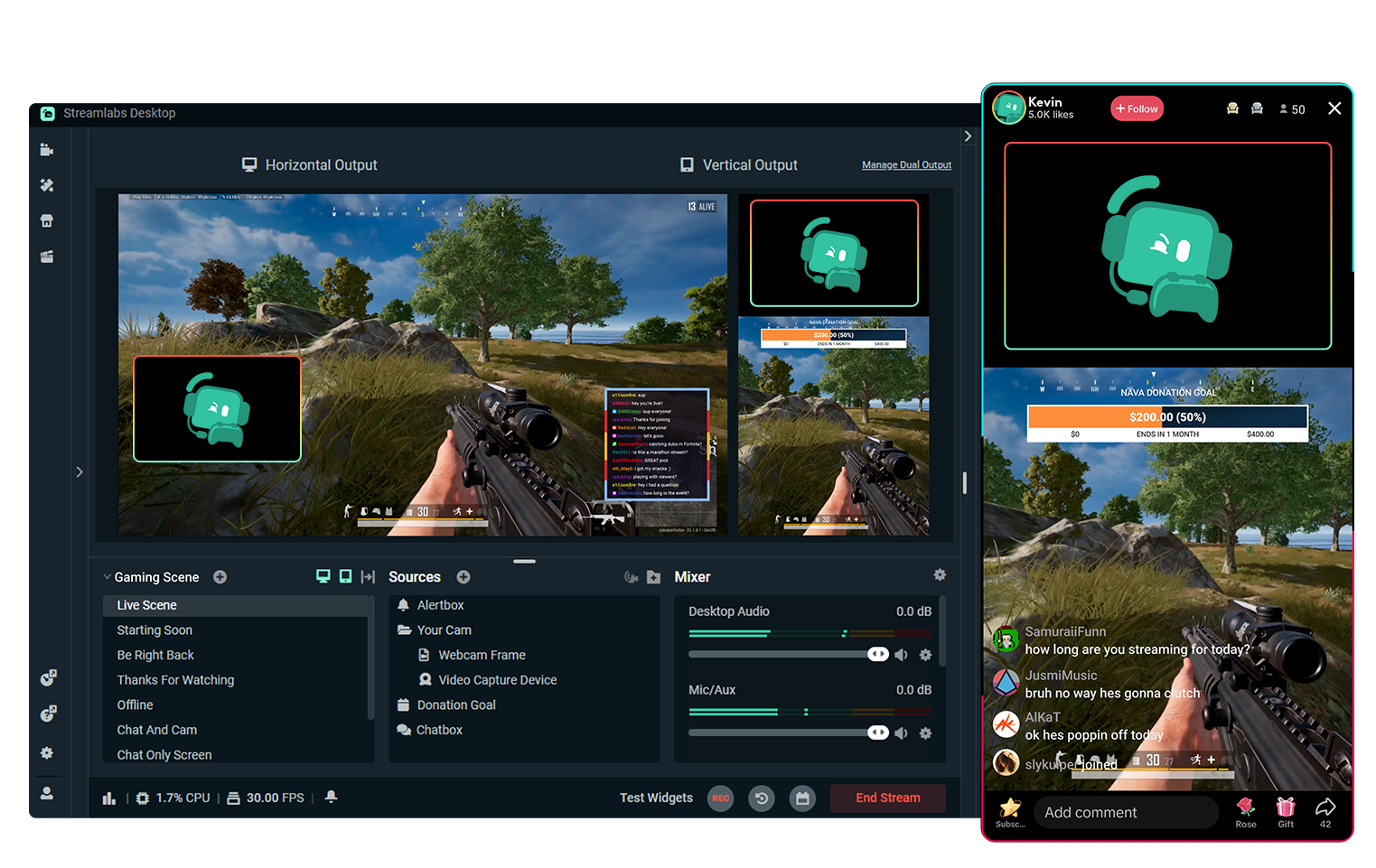
Multistreaming gratis con Dual Output
Trasmetti su una piattaforma orizzontale e una verticale contemporaneamente, in modo completamente gratuito.
Vuoi trasmettere su ancora più destinazioni? Passa a Streamlabs Ultra per l'esperienza multistream completa
Vai in diretta con 50 5 clic: trasmetti su qualsiasi piattaforma
Vai in diretta dopo ore pochi minuti su qualsiasi piattaforma
I nuovi creatori che fanno spesso multistreaming* hanno il doppio di possibilità di avere più di 5 spettatori contemporaneamente.
* Nuovi utenti che fanno streaming da un massimo di sei mesi e che hanno realizzato almeno 7 multistream


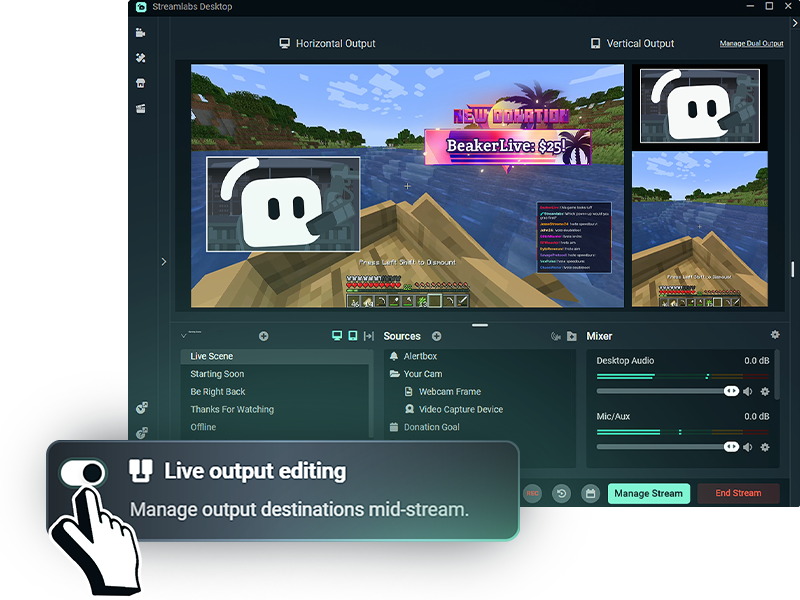
Più flessibilità durante la trasmissione
Con la modifica dell'output in diretta abilitata, puoi aggiungere o rimuovere destinazioni di streaming senza interrompere l'intera trasmissione.
Abilita il Dual Output prima di andare in diretta per gestire tutti i layout delle tue piattaforme, orizzontali o verticali, mentre sei live.
Domande frequenti
Dual Output ti consente di creare layout orizzontali e verticali separati e di trasmetterli simultaneamente da Streamlabs Desktop. Puoi trasmettere gratuitamente verso una destinazione orizzontale e una verticale, oppure usare il Multistreaming con Streamlabs Ultra per raggiungere altre piattaforme.
Sì. Puoi personalizzare le tue scene e le tue fonti per ogni orientamento, offrendo agli spettatori un layout progettato per la piattaforma che stanno guardando invece di ritagliare semplicemente una trasmissione per adattarla a entrambe.
Il Dual Output funziona con le destinazioni di streaming supportate come TikTok, YouTube, Twitch, KICK, Facebook e altre. Ad esempio, puoi trasmettere in verticale su TikTok mentre invii uno streaming orizzontale su YouTube o Twitch.
Sì. Puoi trasmettere contemporaneamente su una destinazione orizzontale e una verticale gratuitamente. Trasmettere su tre o più piattaforme, o su più piattaforme con lo stesso orientamento, richiede Streamlabs Ultra.
Con Streamlabs Ultra, Live Output Editing ti permette di aggiungere o rimuovere destinazioni senza terminare l'intera trasmissione. Quando Dual Output è abilitato prima di andare in diretta, puoi gestire sia le destinazioni orizzontali che quelle verticali durante la stessa sessione di streaming.
No. Dual Output ti permette di gestire sia i layout orizzontali che quelli verticali da Streamlabs Desktop, così non ti servono software di streaming separati o trasmissioni separate per ogni orientamento.