

所有聊天內容。同一個地方。
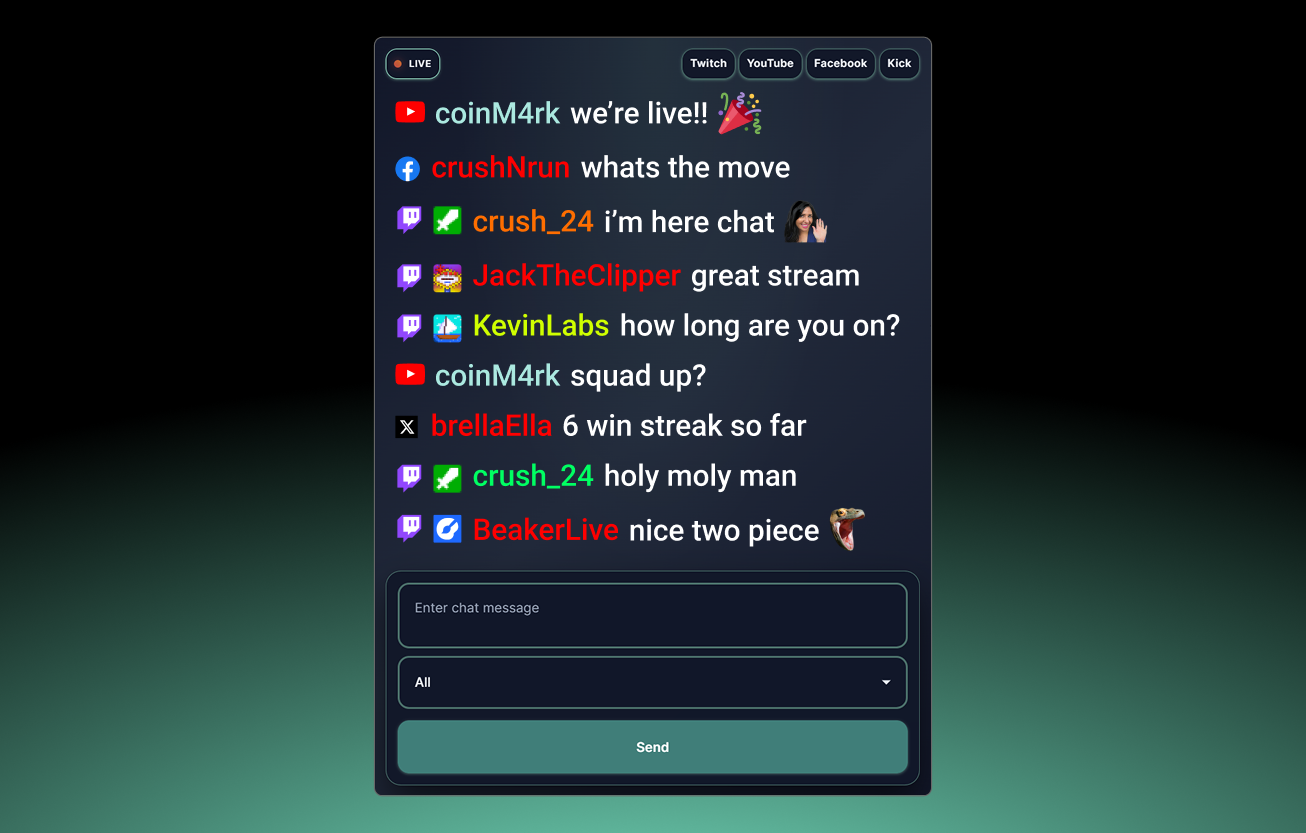
在單一視窗中掌握每一則聊天訊息。透過 Streamlabs Desktop、OBS 或網頁瀏覽器,閱讀並回覆跨平台的聊天訊息。
多平台直播的完美夥伴
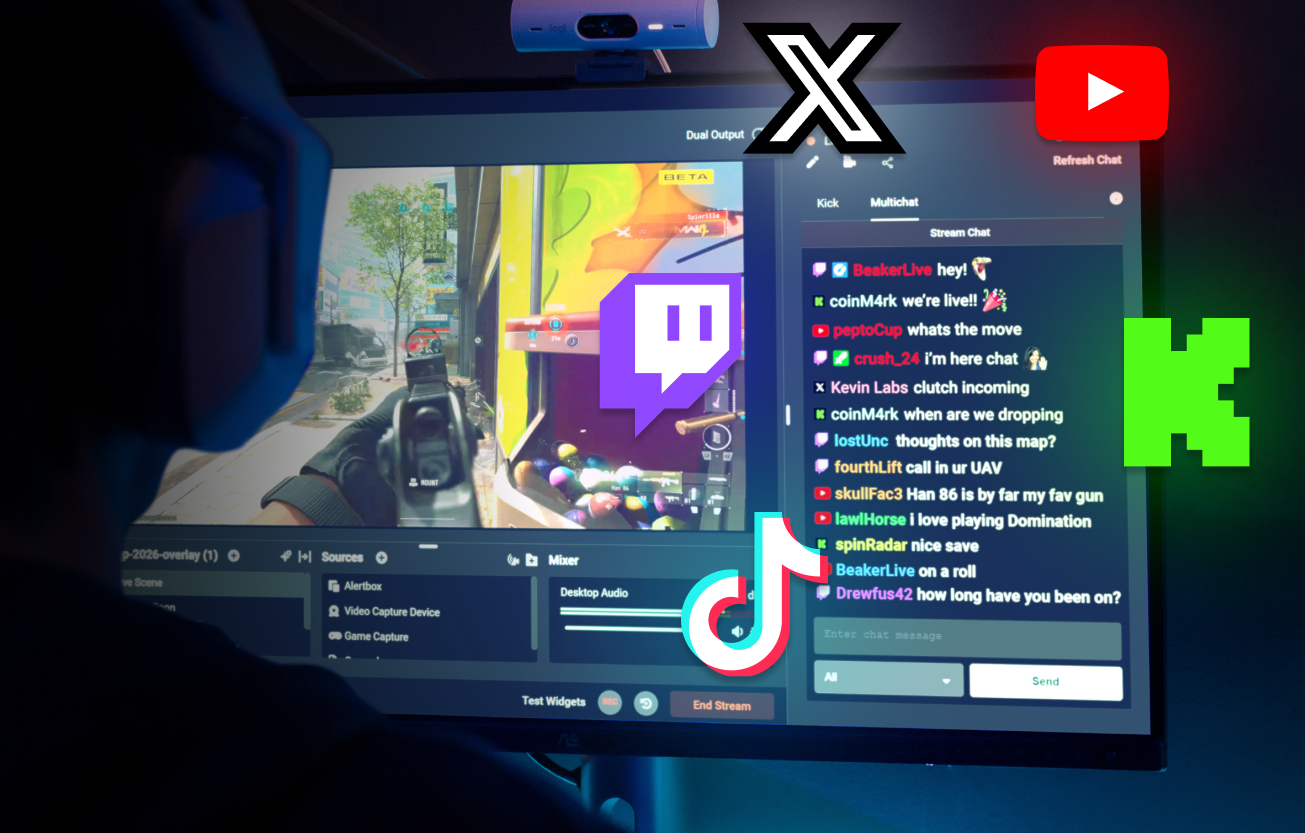
多平台直播能協助您觸及更多平台的觀眾。多重聊天功能讓您更輕鬆地在同一處掌握所有聊天訊息。
多重聊天功能讓您在同一個視窗中查看來自 Twitch、YouTube、KICK、X 與 Facebook 的聊天訊息,絕不錯過任何內容。
瞭解關於多平台直播的更多資訊
Dual Output 免費多重聊天功能
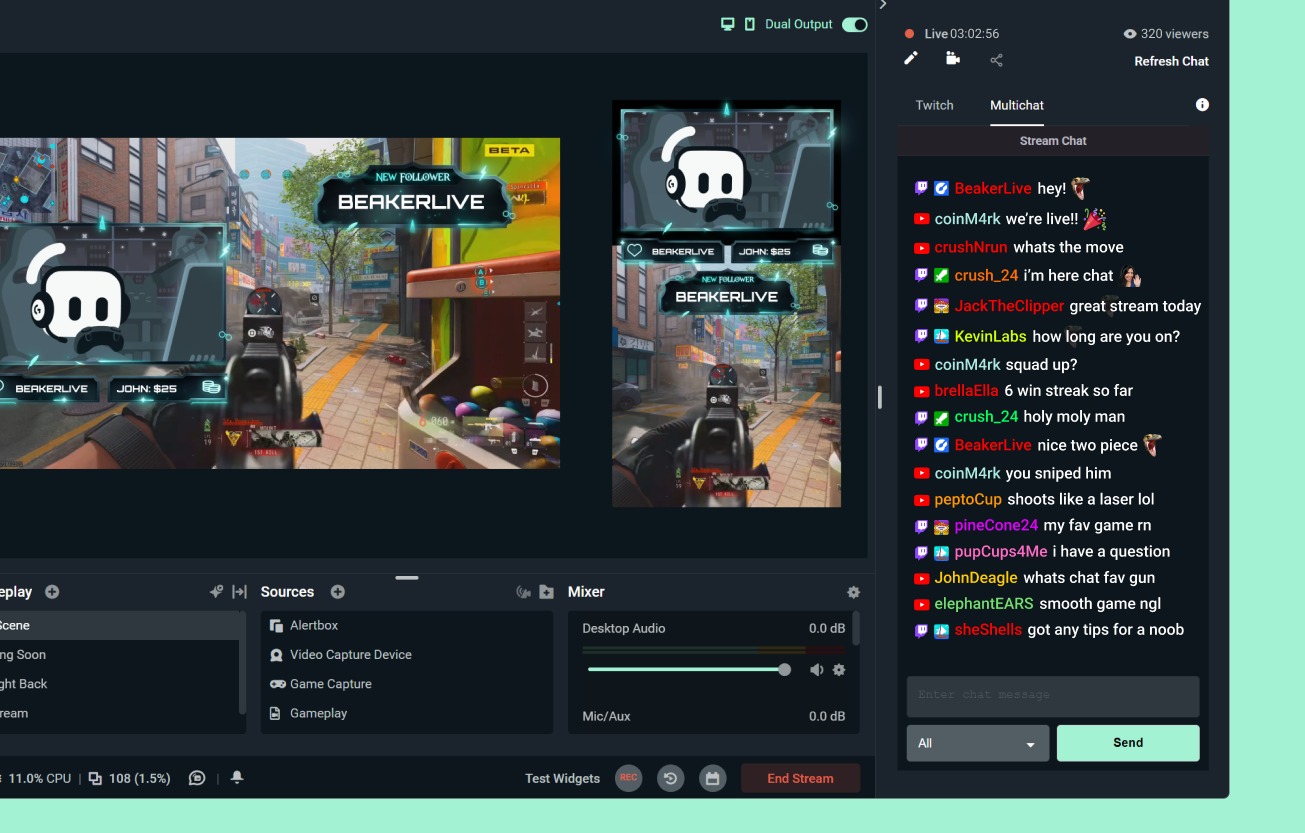
透過 Dual Output,您可以免費同時直播至一個橫向與一個直向平台,並在兩者上使用多重聊天功能。
想要同時在更多平台直播與聊天嗎? Streamlabs Ultra 包含無限多平台直播與多重聊天功能。
進一步了解 Dual Output
多重聊天功能支援的平台
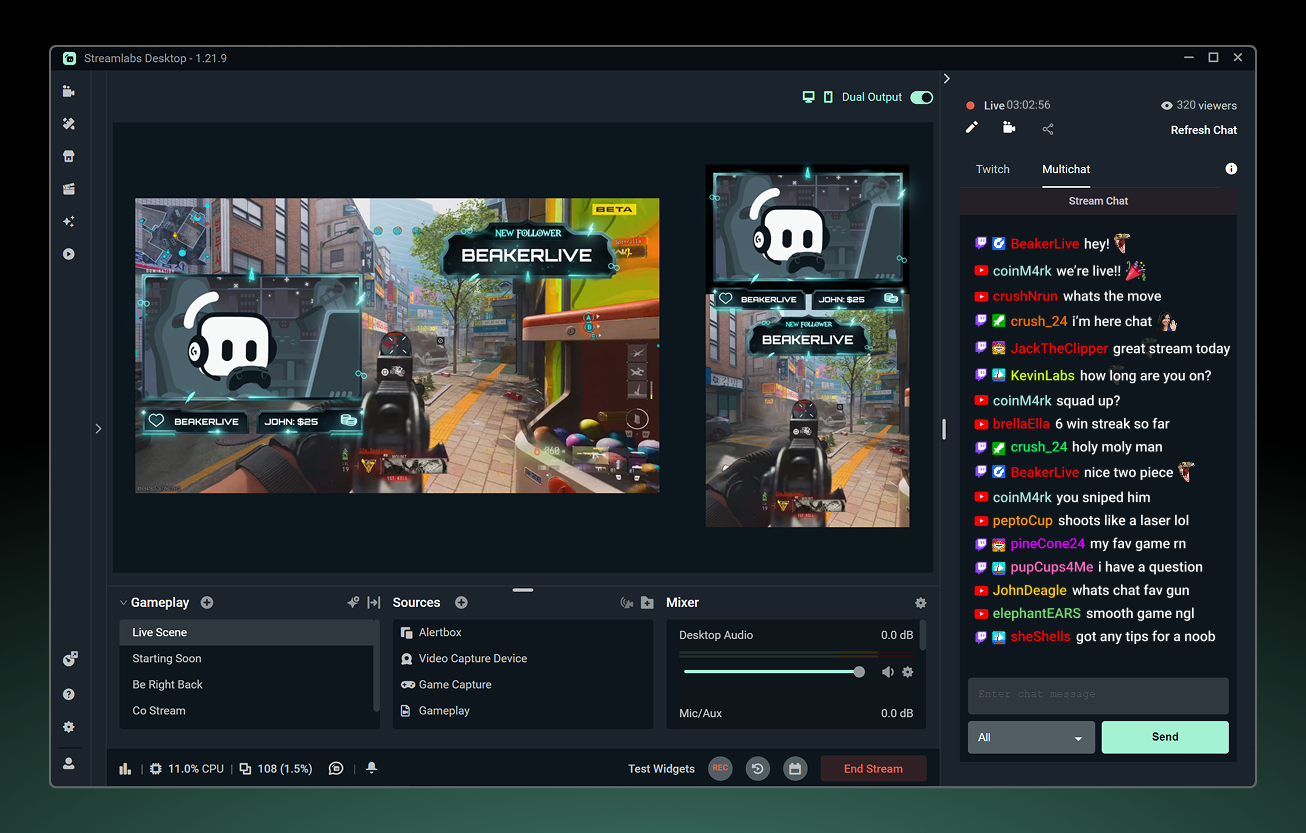
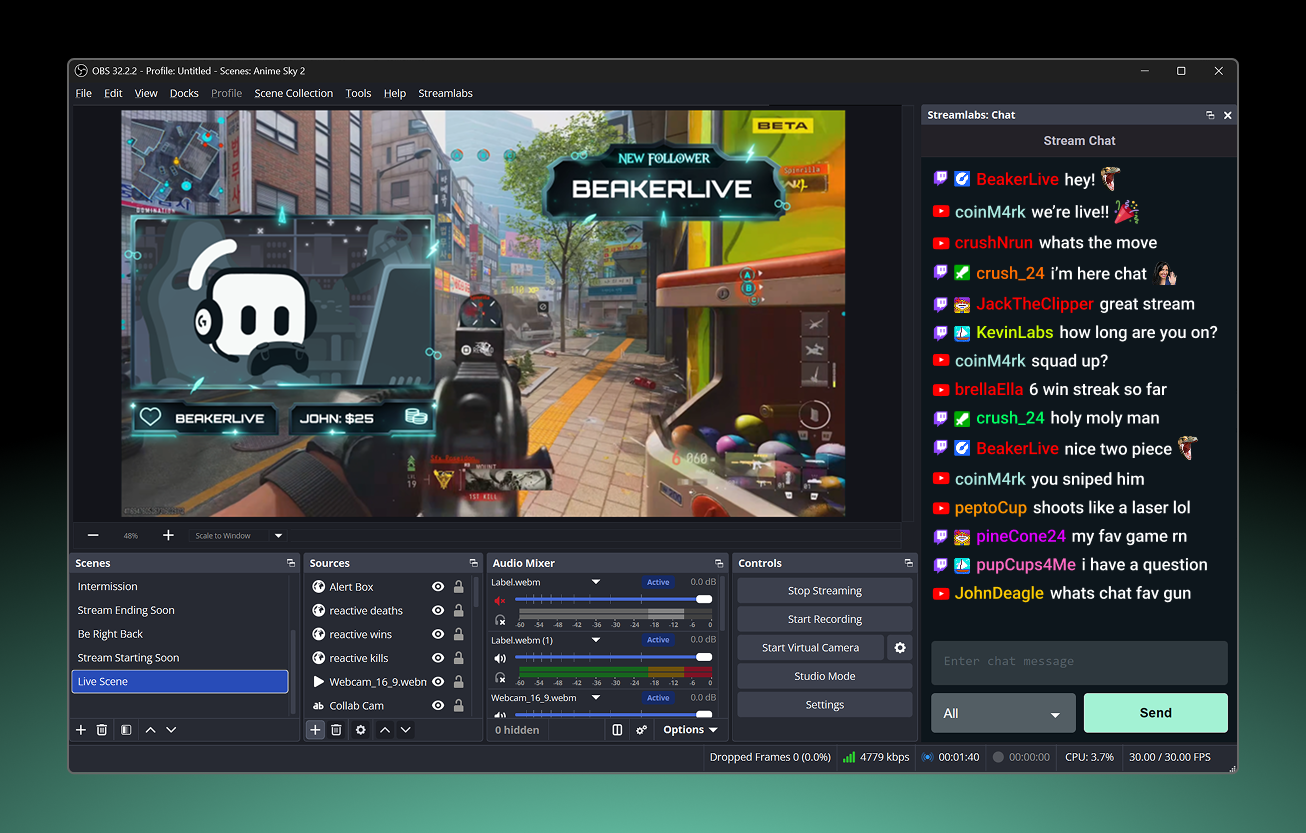
查看您可以在 Streamlabs Desktop、OBS 外掛程式與網頁瀏覽器中,透過多重聊天功能查看聊天訊息與傳送訊息的位置。
| 查看聊天 | 傳送訊息 | Desktop 與外掛程式:閱讀 | Desktop 與外掛程式:發送 | |
|---|---|---|---|---|
Twitch | ||||
YouTube | ||||
Facebook 粉絲專頁 | 僅限 Streamlabs Desktop | |||
Facebook 個人檔案 | 僅限 Streamlabs Desktop | |||
X (Twitter) | 可於 OBS 外掛程式與瀏覽器多重聊天功能中使用,並可於 Desktop 中單獨使用 | |||
KICK | 可於 OBS 外掛程式與瀏覽器多重聊天功能中使用,並可於 Desktop 中單獨使用 | |||
TikTok | ||||
Instagram 直播 | ||||
常見問題解答
什麼是多重聊天室?
多重聊天室是 Streamlabs 內建的功能,它將來自 Twitch、YouTube、KICK 等多個串流平台的聊天訊息整合至單一聊天資訊流中,讓您無需切換視窗或分頁即可掌握所有訊息。
多重聊天室是免費的嗎?
雖然多重聊天室的完整功能需透過多平台串流(此為 Ultra 功能)來解鎖,但您可以將多重聊天室與 Dual Output 搭配使用,即可免費使用。透過 Dual Output,您可以免費同時直播至兩個平台,方法是以橫向版面串流至一個平台,並以縱向版面串流至另一個平台,同時也能存取這些平台的多重聊天室。
多重聊天室適用於 OBS 嗎?
是的。 Streamlabs 多重聊天室 (multichat) 可透過 OBS 的 Streamlabs 外掛程式在 OBS 中使用。您也可以透過瀏覽器 在此存取多重聊天室。
多平台直播聊天室 (multichat) 支援哪些平台?
Streamlabs 多人聊天室支援最受歡迎的直播平台。
您可以透過多人聊天室閱讀和發送評論給以下平台:
- YouTube
- Twitch
- Facebook 粉絲專頁
您可以透過多人聊天室閱讀以下平台的聊天室訊息:
- Kick
- X (Twitter)
- Facebook 個人檔案
如果我還有其他問題該怎麼辦?
請透過此連結聯絡支援人員。