

Multistream
Reach more viewers and grow your following faster — with no added strain on your connection.
.png)
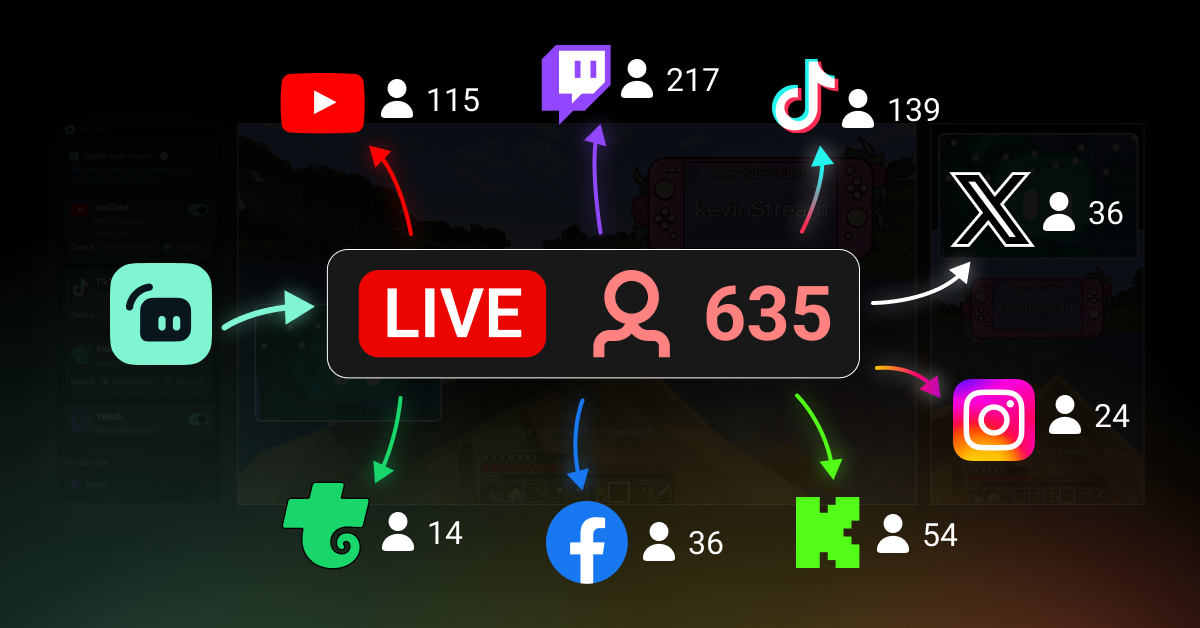
Expand your reach to unlimited platforms
Multistream to Twitch, YouTube, TikTok, Kick, Facebook, Trovo, and more RTMP connections simultaneously. Easily customize scenes for both horizontal and vertical formats with Dual Output.
Go live in 50 5 clicks — stream to any platform
Go live in hours minutes to any platform
New creators who multistream regularly* are 2x as likely to attract 5+ concurrent viewers.
* new users who have been streaming up to six months and who have multistreamed 7+ times


Let our servers do the work
With most other tools, your internet has to upload each stream separately, draining bandwidth and risking quality crashes.
With Streamlabs, you send a single stream to us, and our servers forward it to each platform without straining your setup.
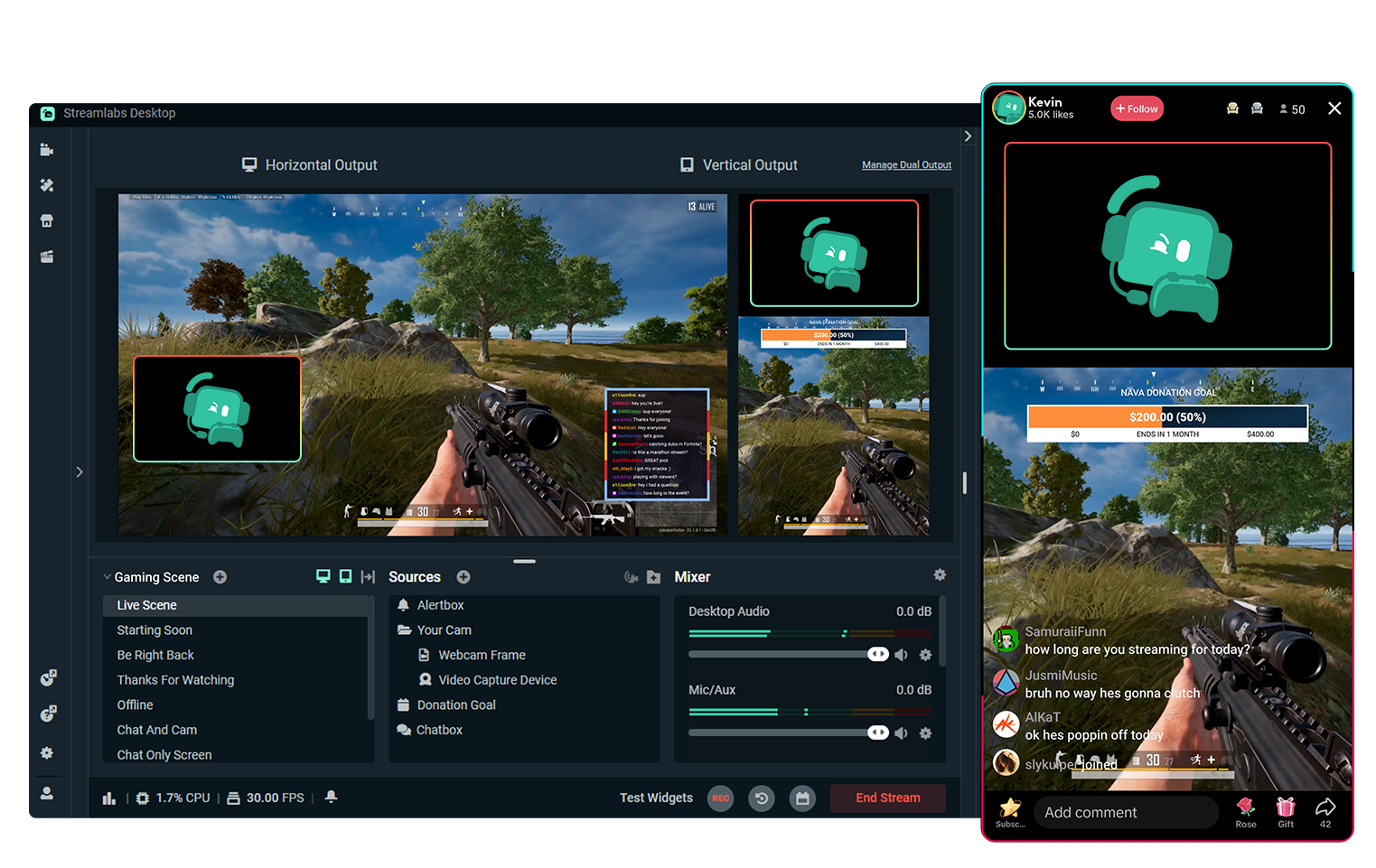
Free multistreaming with Dual Output
Give your viewers the best experience by setting up separate horizontal and vertical canvases with Dual Output — available in Streamlabs Desktop.
Stream to one platform per canvas, completely free.
Get Streamlabs Desktop - go live in minutes!

Easy to set up and go live everywhere
Simply connect your streaming accounts and toggle on the platforms you want to go live to.
Turn on Dual Output to specify which platforms you want to stream to in horizontal and vertical formats.
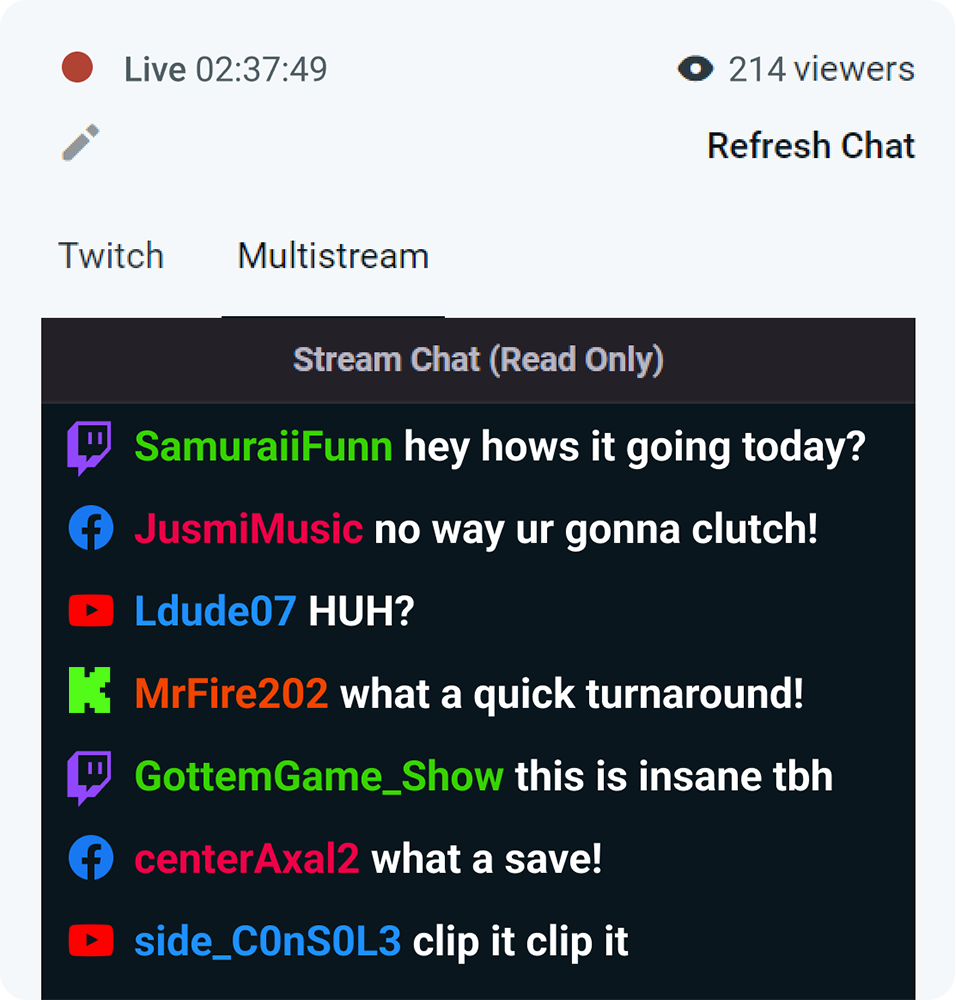
Don't miss anything in chat
Keep every conversation in one place with chat support for Twitch, YouTube, Kick, Facebook, and more.

Multistream from any streaming software
Streamlabs Multistream works across all your setups — available in Streamlabs Desktop, Mobile, and the OBS Plugin with Ultra.
Prefer a different streaming app? No problem. Set it up through your Streamlabs Dashboard and use your custom RTMP URL and stream key to go live from any software.
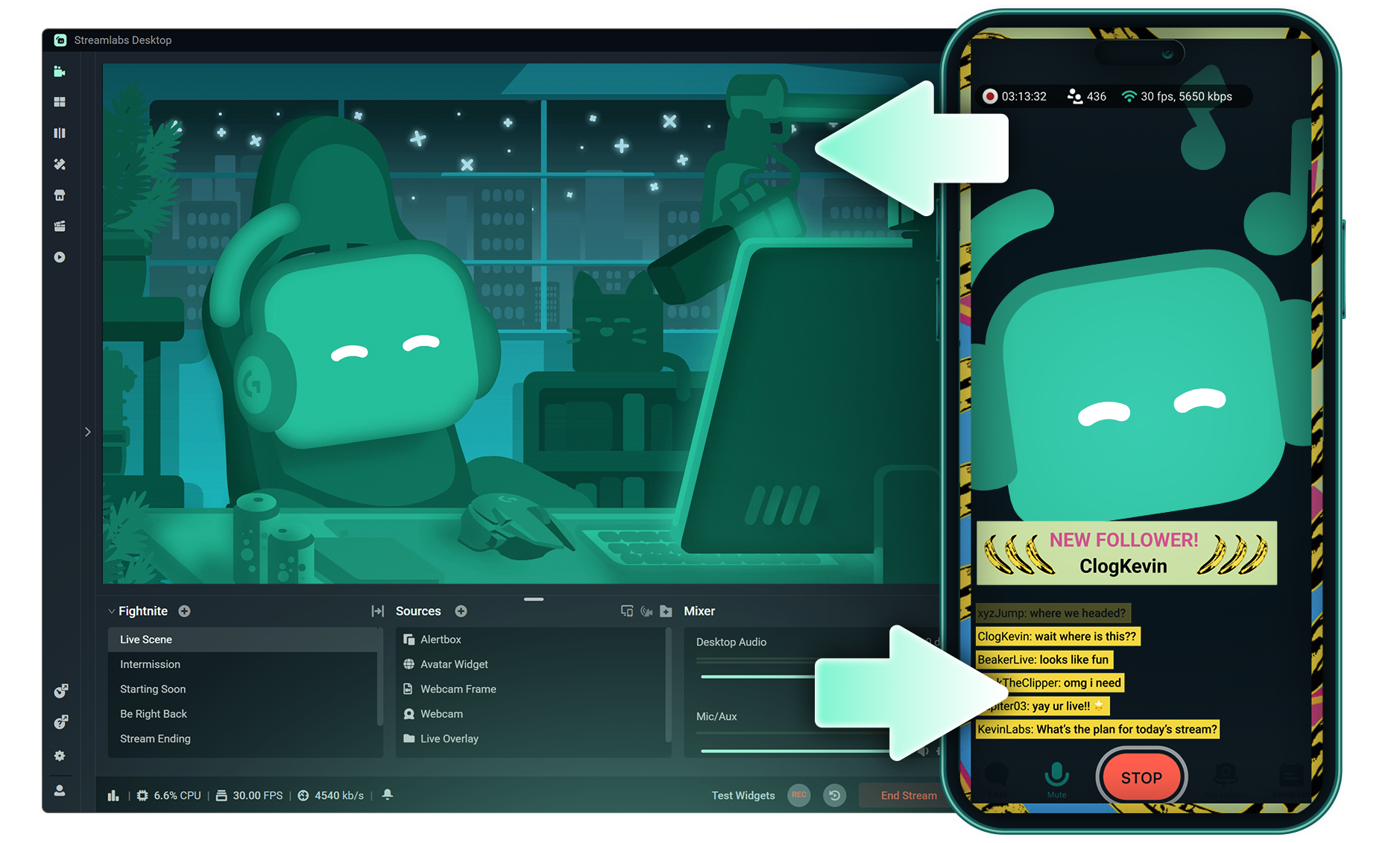
Switch devices mid-stream with Stream Shift
Start your stream on PC, switch to your mobile device or another computer, and shift back again all without ending your stream, losing viewers, or splitting up your VOD.
Frequently asked questions
Streamlabs Multistream is a feature that allows you to broadcast your live stream to multiple platforms at once. With Multistream you can go live to Twitch, YouTube, TikTok, Kick, Facebook, X(Twitter), and RTMP destinations simultaneously. We process your stream on our servers so you can expand your reach without straining your PC. You can use Streamlabs Multistream with Streamlabs Desktop, Plugin for OBS, or any other streaming software via the Dashboard.
Streamlabs Multistream is an Ultra feature. If you want to multistream for free, you can go live to one vertical and one horizontal destination at the same time with Dual Ouput, no subscription required.
You can multistream to Twitch, YouTube, TikTok, Kick, Facebook, Instagram, Patreon, X (Twitter), and additional platforms using custom RTMP connections.
While traditional multistreaming tools your computer encodes and uploads a separate version of your stream for every platform you go live to, resulting in high CPU and GPU usage plus higher upload bandwidth requirements increasing the likelihood of stream quality drops or crashes.
Streamlabs utilizes a cloud-based multistreaming system mean that you only send one stream (or two with Dual Output enabled — one vertical and one horizontal) to Streamlabs and our servers handle the rest.
With Streamlabs, you also get built in chat integration so you can read your messages across streams in one location.
For even more info, check out our post on what sets Streamlabs Multistream apart.
Streamlabs Multichat supports the most popular streaming platforms.
You can read chat and post comments from Multichat for:
- YouTube
- Twitch
- Facebook Pages
You can read chat from Multichat for:
- Kick
- X (Twitter)
- Trovo
- Facebook Profiles
Yes! You can customize your stream title and description for each platform. And if you’re using Dual Output, you can also customize layout and resolution per output (such as horizontal vs. vertical).
Yes, you have two options if you want to use Streamlabs to Multistream from OBS.
Streamlabs Plugin for OBS
Multistreaming is built into the Streamlabs Plugin for OBS.
RTMP
If you want to use OBS without the Plugin, you can set up your platforms in your Multistream setting in Dashboard and use the RTMP URL and Stream Key from this page as your stream destination in OBS to go live to all of the platforms you have toggled on, no additional steps required.