

Import from StreamElements to Streamlabs
Keep your stream live! Bring your assets and settings from StreamElements to Streamlabs with a click.
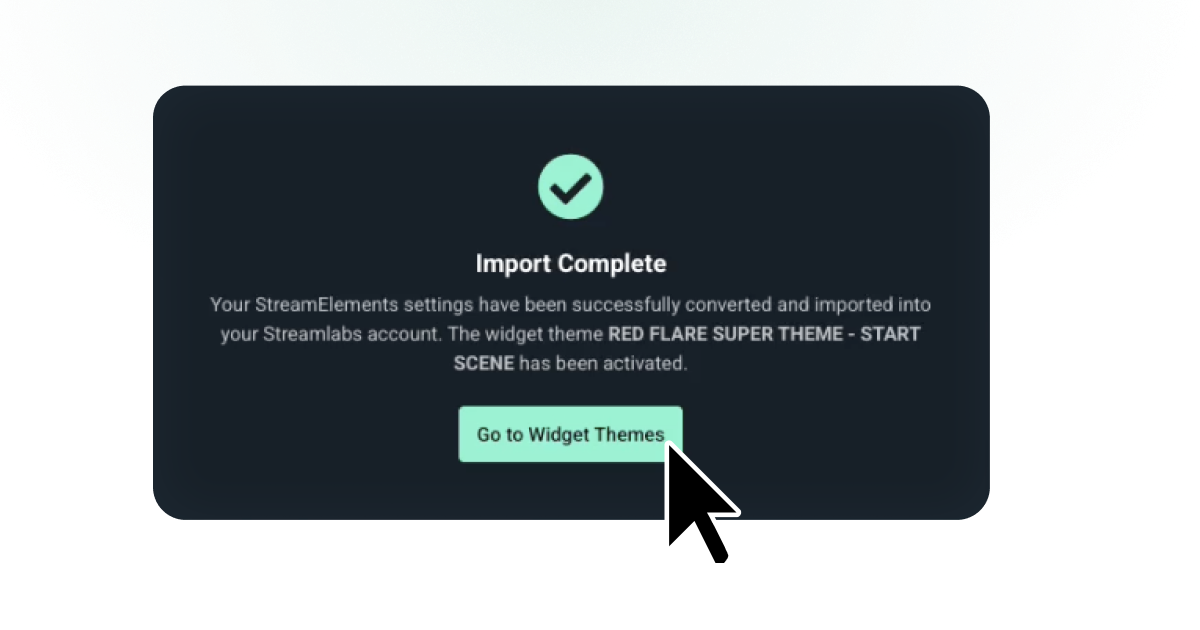
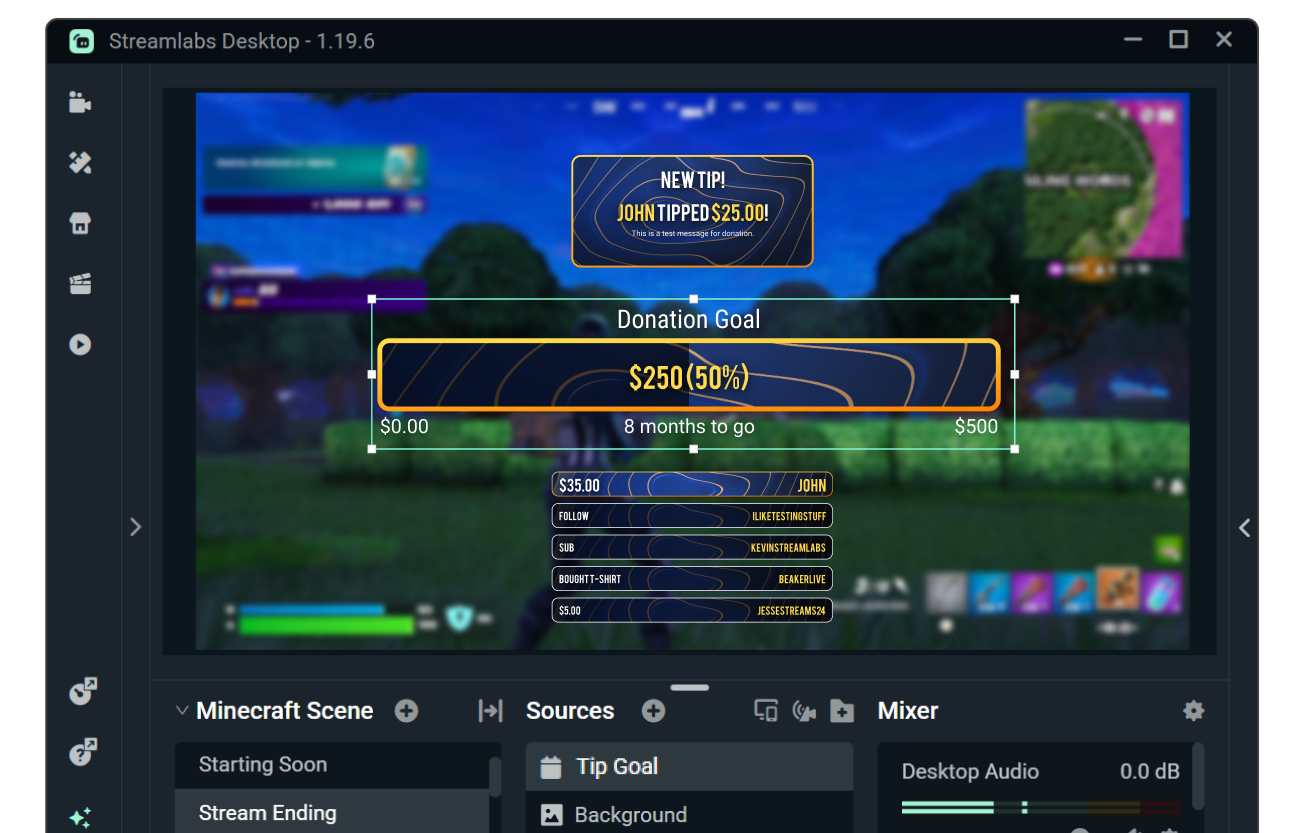
No need to restart your setup
Don't stress over losing your settings. The StreamElements to Streamlabs importer lets you bring your alerts, overlays, and widget settings plus chatbot, loyalty program, and tip page settings with you.
Pick and choose which elements you want to transfer.
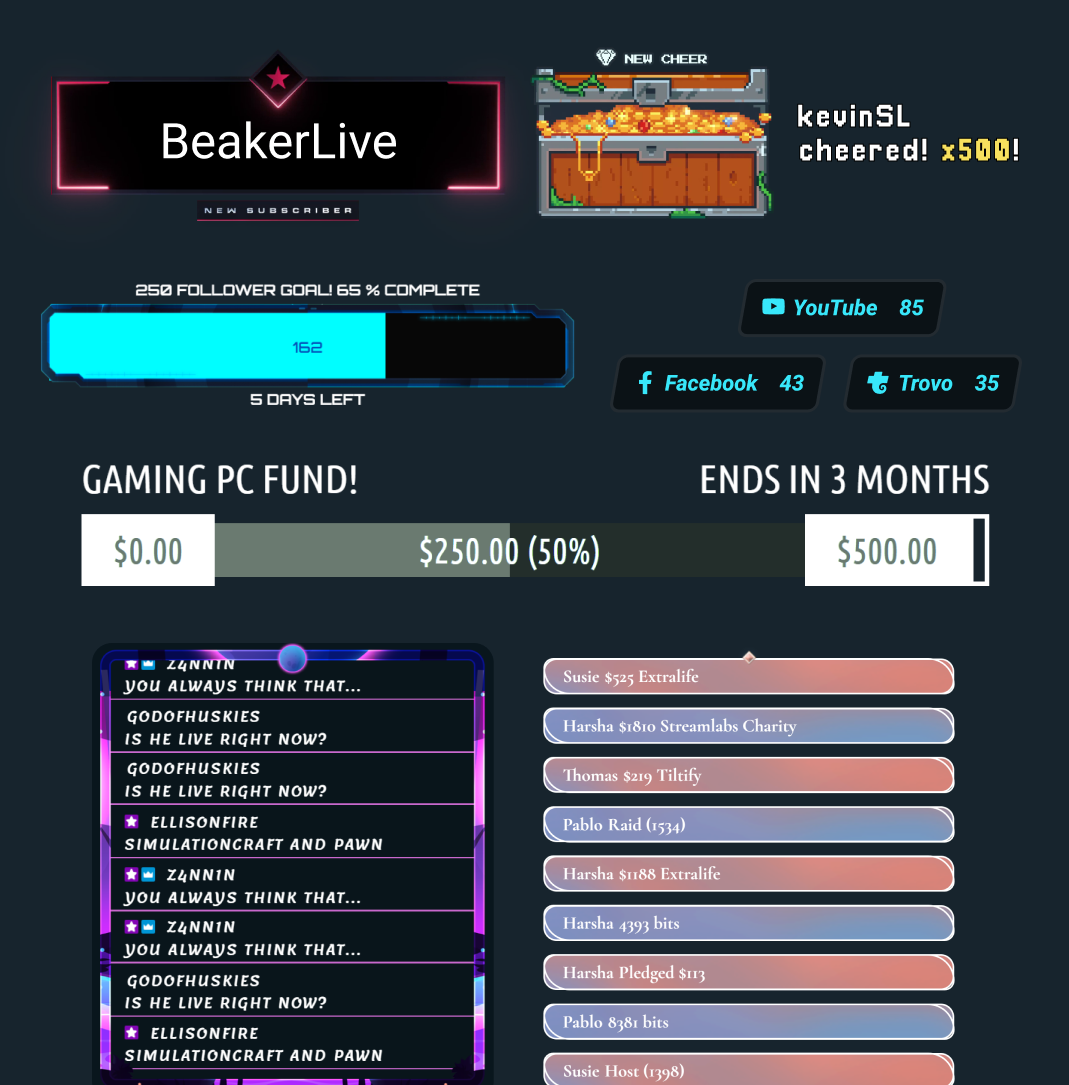
Transfer your alerts and overlays
Keep your carefully crafted alerts, widgets, and overlays. With the importer, your style comes with you, no need to go back through manual setup.
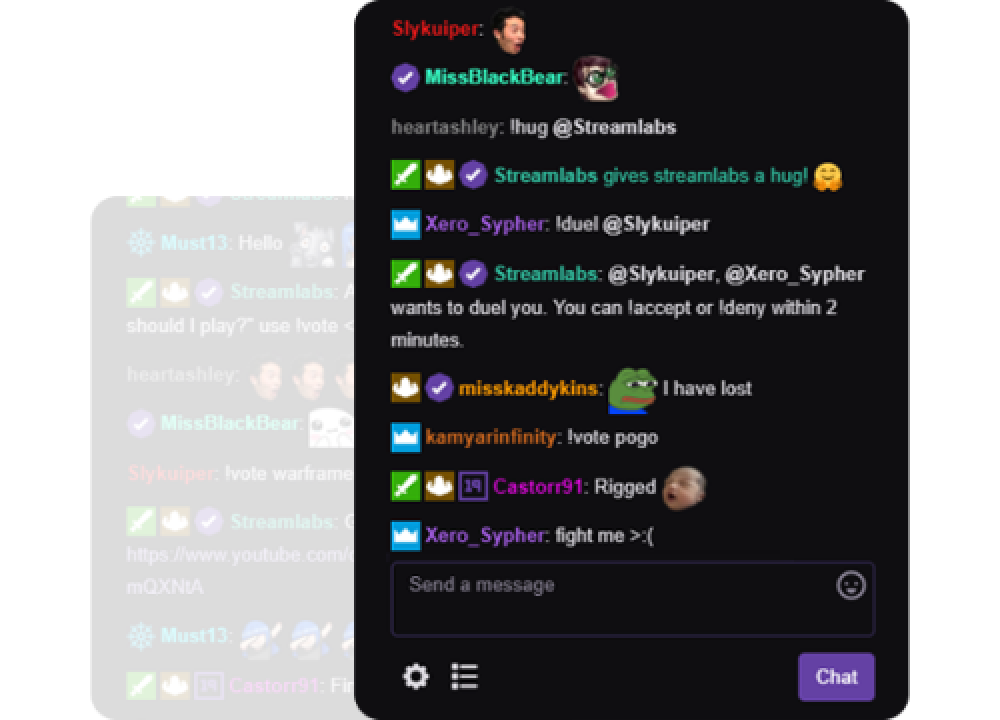
Migrate chatbot settings
Bring your chatbot settings, including loyalty settings and balances to Streamlabs Cloudbot.
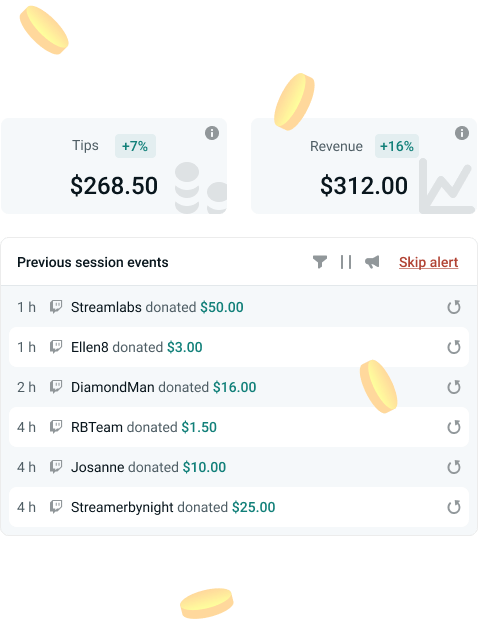
Keep your tipping settings
Move your tipping settings like currency, minimums, and more to Streamlabs tipping. We never take a cut so you keep your earnings after payment processor fees.
Import in 3 Simple Steps
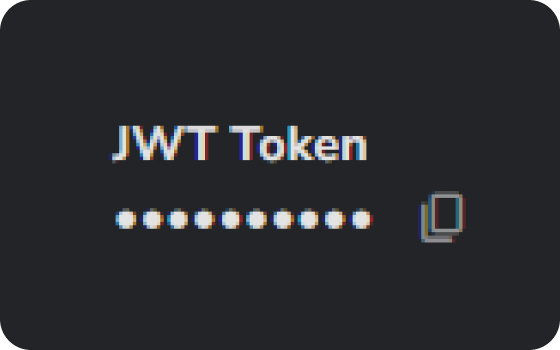
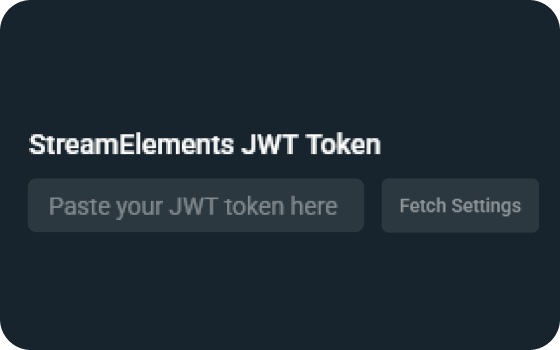
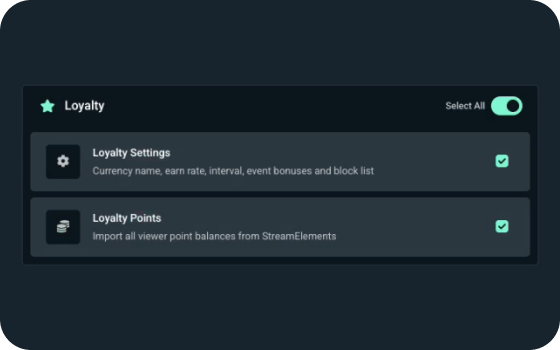
Choose your elements
Choose which items you want to import and you're done!
Frequently asked questions
The importer supports a wide range of settings and assets including:
- Tip page settings
- Currency
- Amounts
- Presets
- Profanity filter
- Overlays (imported as scene collections)
- Widget settings for:
- Alert Box
- Chat Box
- Emote Wall
- End Credits
- Event List
- Tip Goal
- Follower Goal
- Sub Goal
- Media Share
- Stream Boss
- Chatbot settings
- Commands
- Timers
- Banned words
- Loyalty
- Loyalty program
- Currency name
- Viewer point balances
- Earn rate
- Interval
- Event bonuses
- Block list
Yes! Streamlabs features are compatible with OBS. You can use elements as browser sources or connect directly with the Streamlabs Plugin for OBS.
Please contact support at this link.