WIDGETS
Media Share
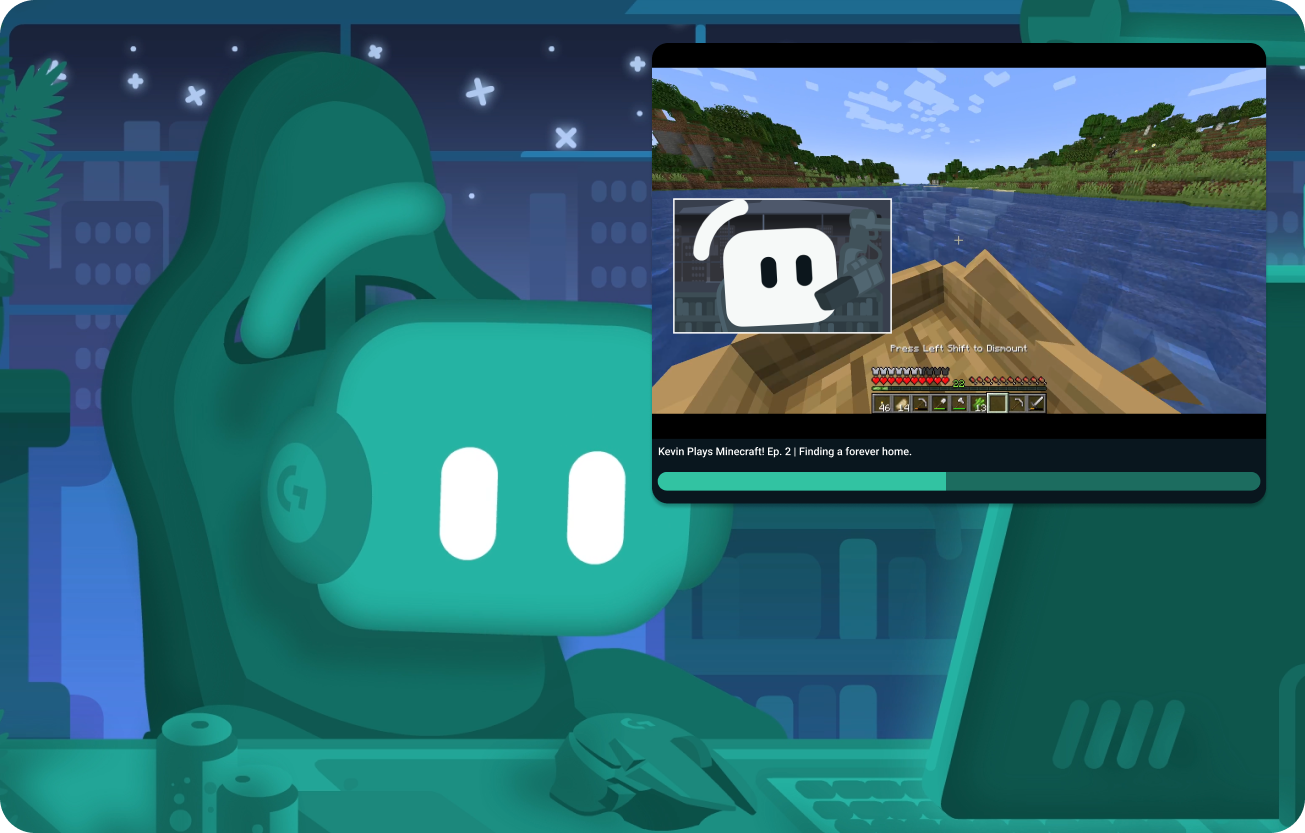
Let viewers request videos and songs and play them on stream.
Increase hype and earn more
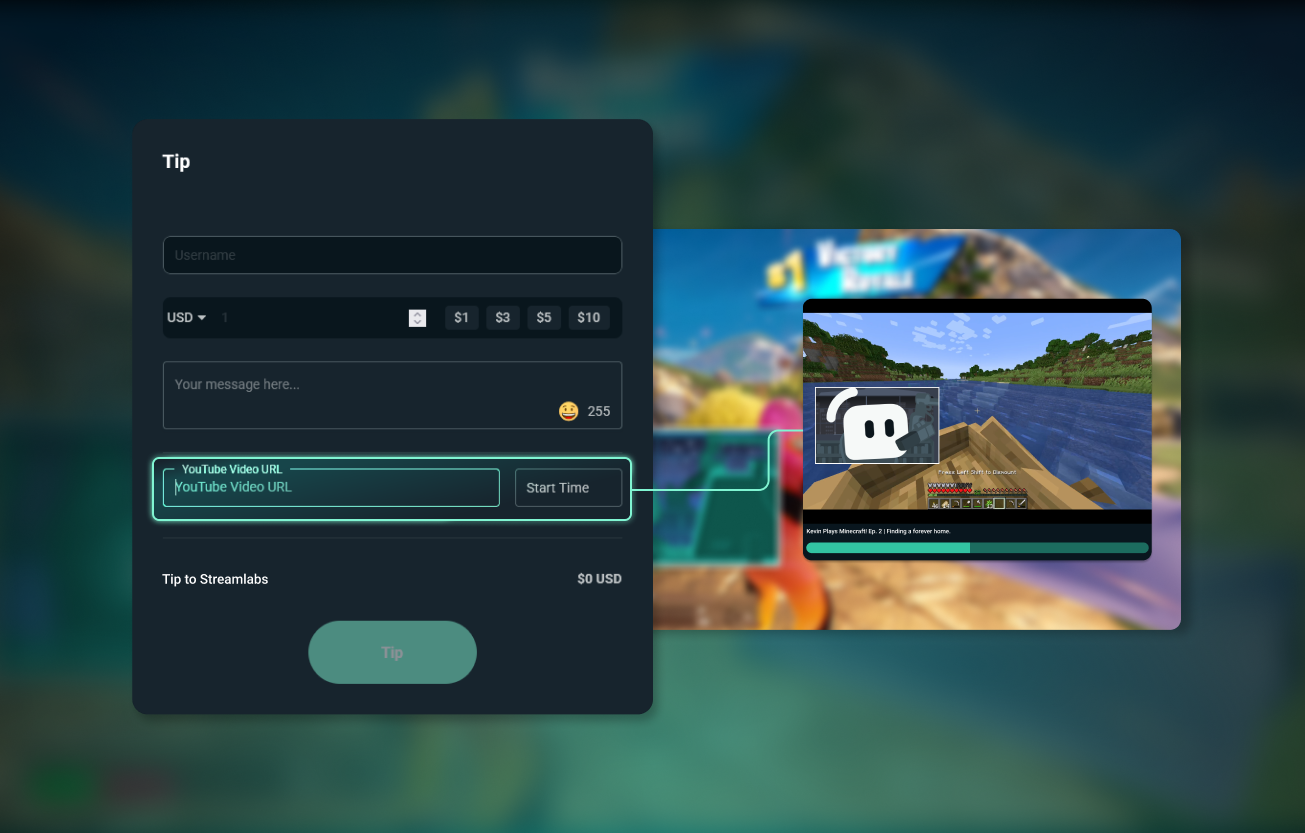
Allow viewers to request a video when they tip to increase revenue or keep chat active with free requests through Cloudbot.
Create engaging content
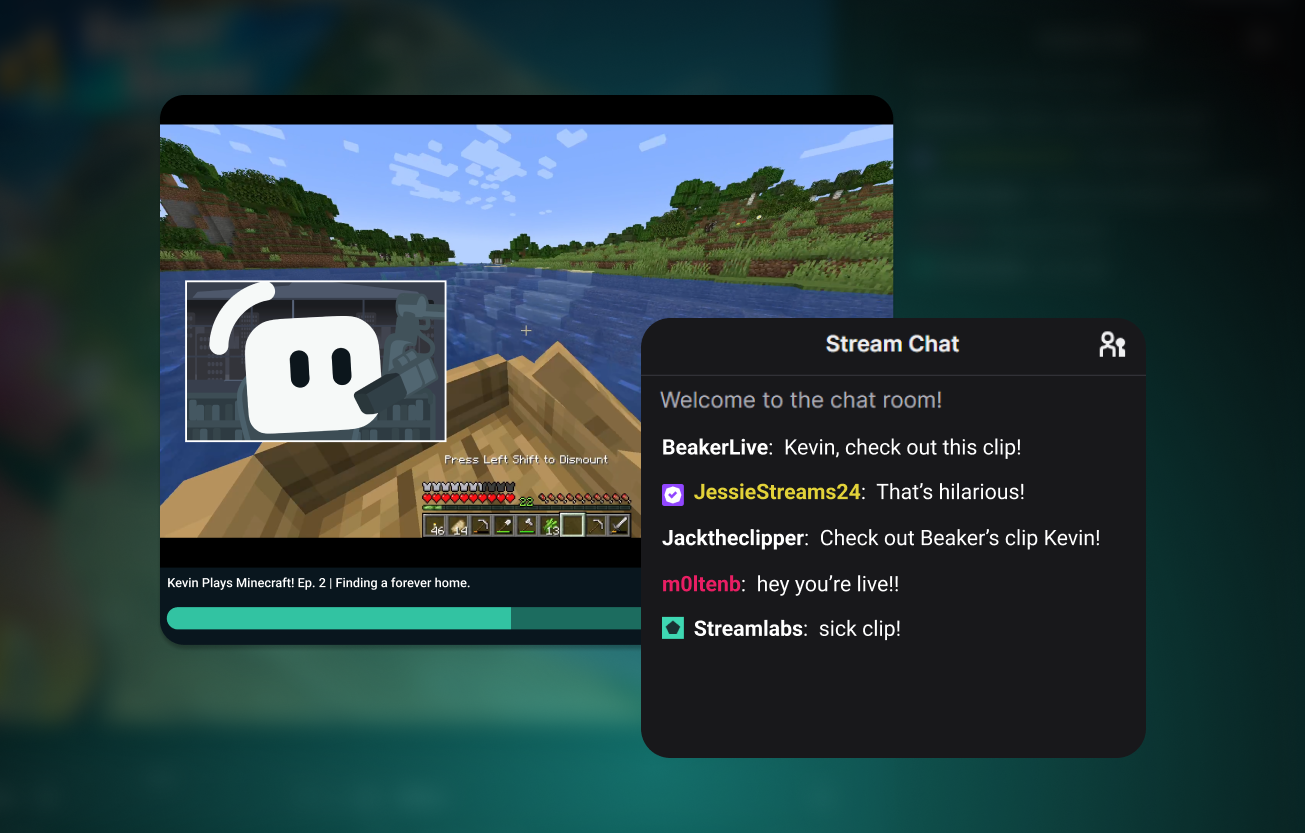
You never know what will be shared next, making for authentic and funny moments.
Stay safe with moderation tools
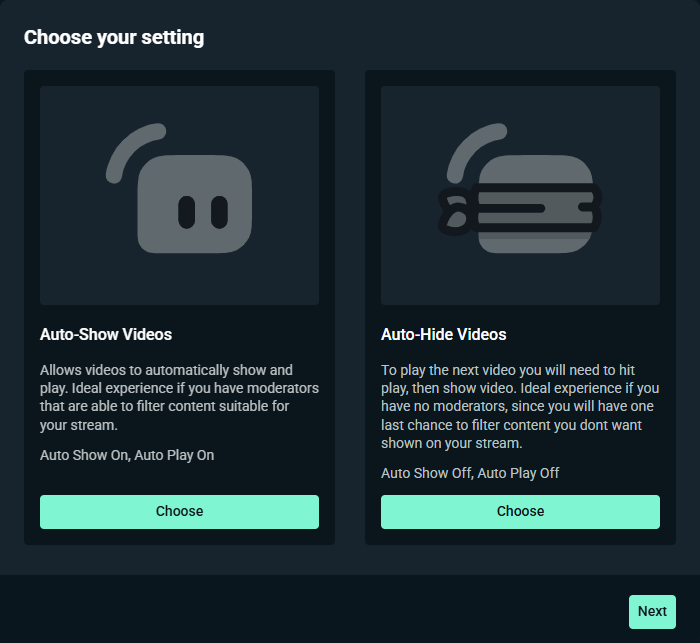
With flexible moderation settings, you can choose if videos show automatically or must be manually played and what level of spam filtering you want.
Play only the videos you like from your Media Share queue manually or let your mods handle your requests with Shared Access.
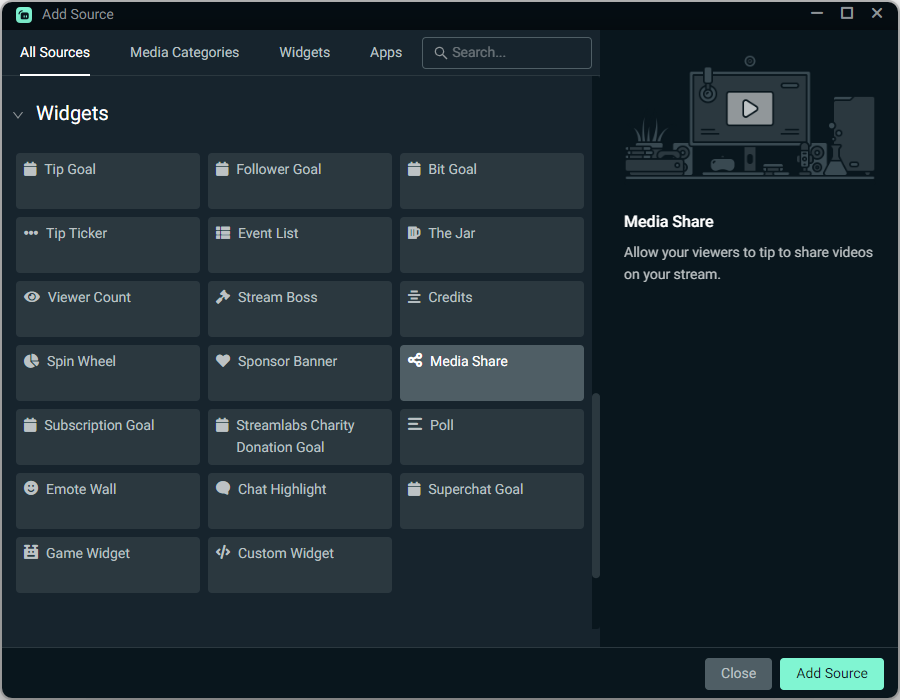
Add with a click
Enable Media Share and customize your settings, then add the Media Share source to your Streamlabs Desktop stream with a single click or use it as a Browser Source in OBS.