

Please choose which type of processor your Mac has to download the correct version of Streamlabs Desktop
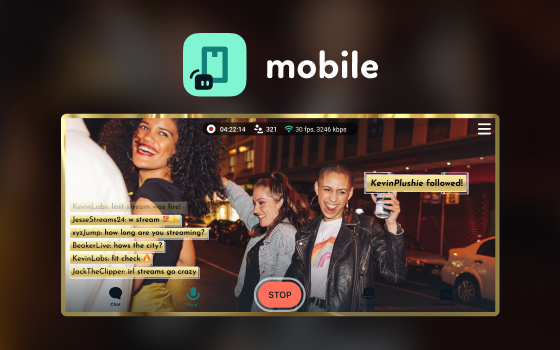
Stream on iOS and Android from anywhere.
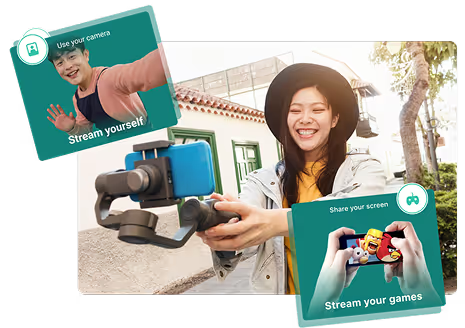
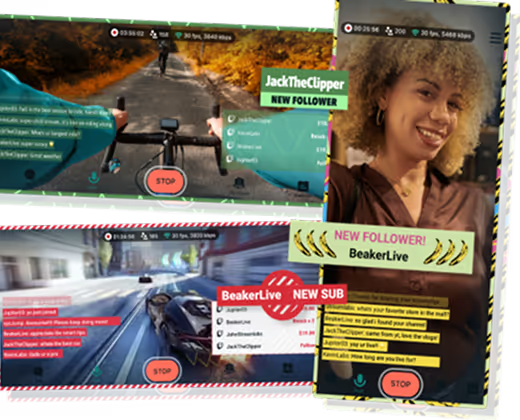
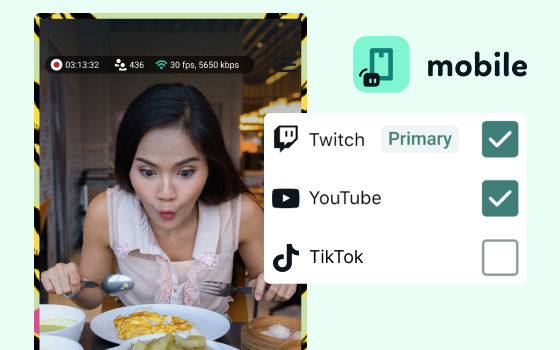
Stream your mobile games like PUBG Mobile and Call of Duty Mobile. With the Android app, you can stream your screen and camera simultaneously. Or use it for IRL streams like travel, GRWM, cooking, and so much more. Go live to Twitch, KICK, YouTube, TikTok, Facebook, and more.
.avif)
Set up your scenes, alerts, and more in minutes then go live. Your chat and event list keep you up-to-date with your community.
.avif)
Set up tipping in app and start collecting tips from your viewers. Streamlabs doesn’t take a cut so you make the most!

Access premium features across the full suite including Streamlabs Desktop, Mobile, Console, Talk Studio, Podcast Editor, Cross Clip, and more, available at one, affordable price. Learn More
.png)
Stream to earn points and redeem them for awesome perks like multistream access, mobile overlays, disconnect protection, and more!
Find practical tips, tutorials, and step-by-step guides to help you get the most out of Streamlabs on your live streming journey.
| Streamlabs Mobile | PRISM Live Studio Mobile | Talk Studio | StreamYard | |
|---|---|---|---|---|
Best For The best solution for your stream needs | Mobile creators streaming IRL or mobile games who want an all-in-one solution | Mobile creators who want VTubing support | Guest-centric creators who don’t want an app | Guest-centric creators who don’t want an app |
Free Availability No cost features to get you started | Stream to 1 platform without limits, no ads or watermarks, unlimited sources, widgets, & scenes, privacy features | Stream to 1 platform, includes ads, watermark, and outro, 1 scene, 2 sources, 30 minutes of VTuber tracking | Basic features with streaming limits and logo inclusion | |
Safety for IRL Streamers Protect your information | Privacy filter with background + facial blur | |||
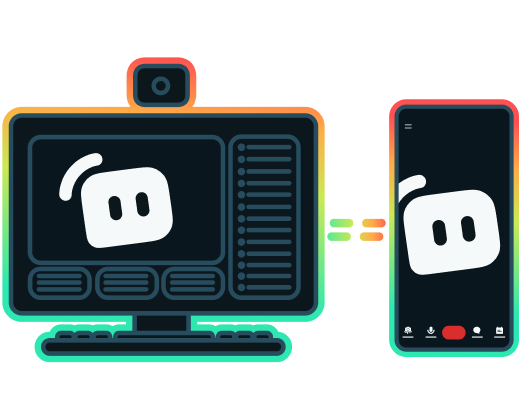
Seamless Workflow Move between devices | Use Stream Shift to switch between mobile and desktop setups | |||
Support Help when you need it | iOS + Android apps | iOS + Android apps | Available via mobile browser | Available via mobile browser |
Multistreaming Reach more viewers across platforms | Unlimited channels with Ultra or rewards redemption | Up to 6 channels with PRISM Plus | Integrated platforms + custom RTMP | Paid plans, plan limits vary |
Stream Stability Features Keep streaming with minimal disruptions | Network Boost and Disconnect Protection for smooth streams | Standard app streaming; no mobile network bonding or backup connection | ||
Tipping / Monetization Earn from your stream | Integrated with Streamlabs Tipping | Standard app streaming; no mobile network bonding or backup connection | Integrated with Streamlabs Tipping | |
Widgets Increase you stream engagement | Over a dozen Streamlabs widgets integrated, including alerts, chat box, and event list | Limited — chat widget, text widget, web widget, media playlist, RTMP overlay, etc. | Integrated Streamlabs Alert Box, Chat Box, and Tip Goal widgets | On-screen comments, banners, and titles |
Overlays & Customization Make your stream stand out. | Advanced mobile scenes including overlays, alerts, widgets, and custom layers | Supports effects, videos, images, music, VTuber modes, web sources, text widgets, and overlay sources | Supports logos, studio backgrounds, overlays, brand colors, fonts, themes, banners, tickers, chat/name tags | On-screen comments, banners, and titles |
Scene Switching Set different scenes for stream segments | Full scene layout control | Limited customizable sources available | Create up to 10 stream profiles with varying customizations | Studio scenes; browser based |
Guest/Collab Streaming Invite your friends on stream | Invite via built-in Collab Cam | Invite via sharable link | Invite via sharable link | |
Rewards Earn perks as you stream | Earn points and redeem premium perks | |||
Yes, Streamlabs Mobile is free to download and go live on iOS and Android devices. You can stream to one platform for free as much as you like.
If you'd like to immediately multistream to more platforms, get access to Disconnect Protection, and instantly access all stream themes, you can upgrade to the premium Streamlabs Ultra plan. Or you can earn rewards toward these premium features the more you stream.
Streamlabs Mobile supports iOS version 14 and higher and Android 5.0 and higher devices.
With Streamlabs Mobile you can stream to Twitch, YouTube, X (Twitter), Facebook, Kick, TikTok, and other platforms through custom RTMP. With Streamlabs Ultra you can multistream to any and all of these destinations at the same time.
Yes, you can stream mobile games using Streamlabs Mobile. Simply add your game as a source and go live.
With Streamlabs Mobile you can stream to multiple platforms at the same time with the ability to have alerts and chat across platforms. You also have the ability to add tipping so viewers can tip you directly without platforms taking a cut. It gives you more control of how your stream looks and feels vs. the limited options per platform.
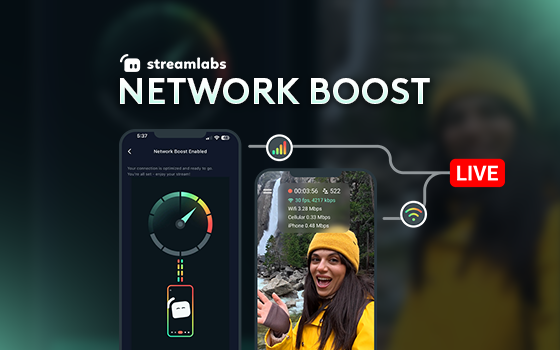
No. Network Boost does not require extra hardware, such as a streaming backpack or router. It is designed to work with the connections and devices creators already have.
Yes, you can customize your mobile stream scenes with Alert Box and other widget plus overlays.
You can stream with Streamlabs Mobile using just your mobile device (iOS or Android). Optionally, you may find it helpful to have a powerbank for additional battery, a wireless microphone, and a gimbal or tripod for stability.
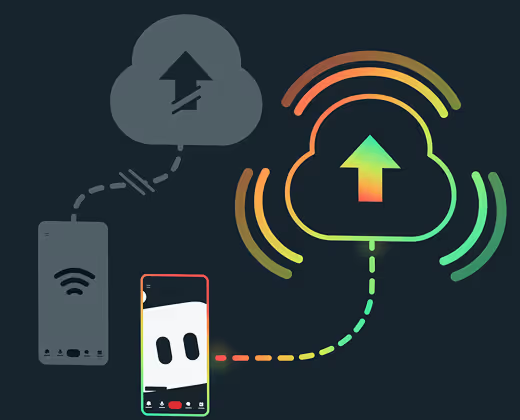
With Disconnect Protection, your stream will stay online with a "be right back" screen instead of going offline. Disconnect Protection is included with Streamlabs Ultra or earned through rewards.
Disconnect Protection keeps your stream online with a "be right back" screen if you lose internet connection instead of ending the stream. This Ultra feature helps you keep your viewers when your connection isn't stable.
Mobile streaming is incredibly accessible since most people already have a compatible mobile device. It's perfect for sharing moments with your community when you are away from your computer whether that be sharing a recipe in your kitchen, crafting in your den, sightseeing with friends, checking out a new restaurant, or showcasing your workout routine. Mobile streaming offers ways to connect with fans in new ways right from your phone while still having access to your chat and alerts.
It also gives you the opportunity to share your mobile gameplay.
Please contact support at this link.
.png)
.png)