

Encourage interaction with widgets
Create your perfect stream with widgets designed to drive growth and build hype in chat.
Available directly in Streamlabs Desktop and Plugin for OBS or as a browser source.
Must-have essentials
Check out our top—and new—widgets!
Keep scrolling to learn about and view more widgets.
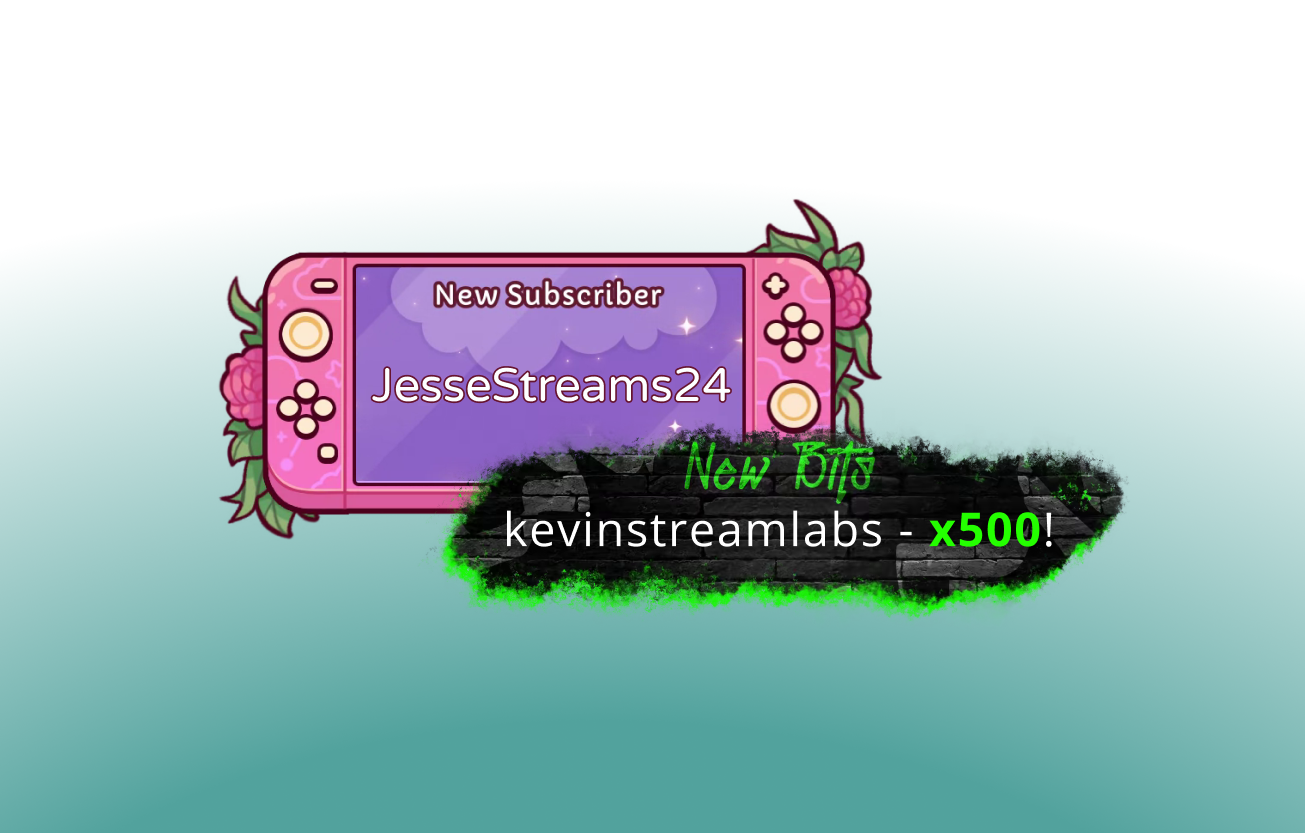
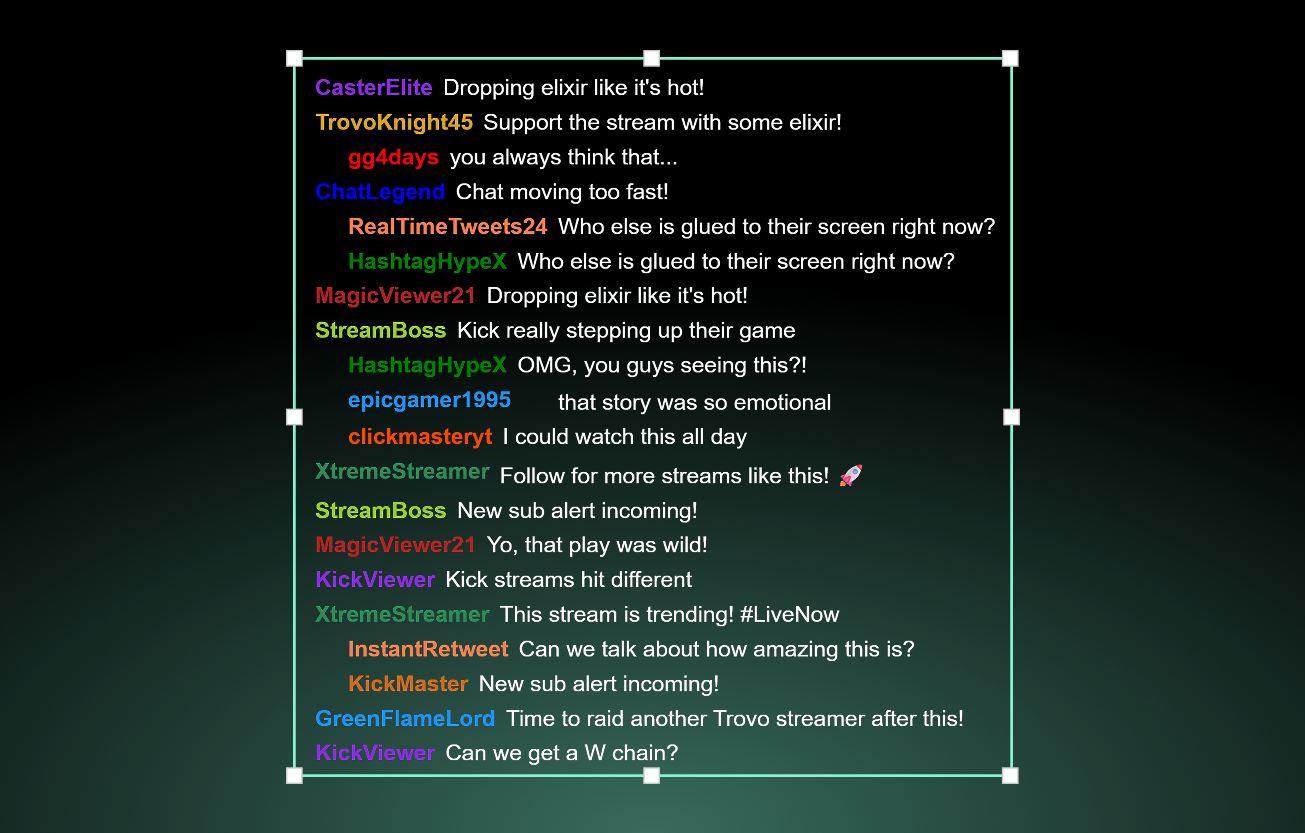
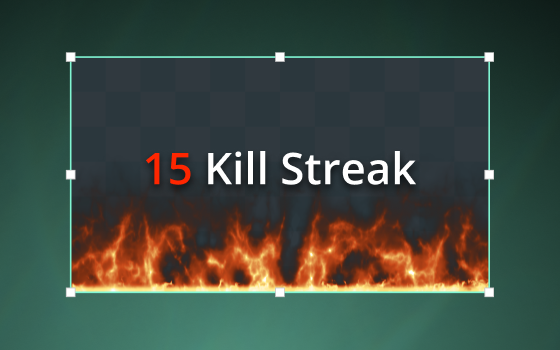
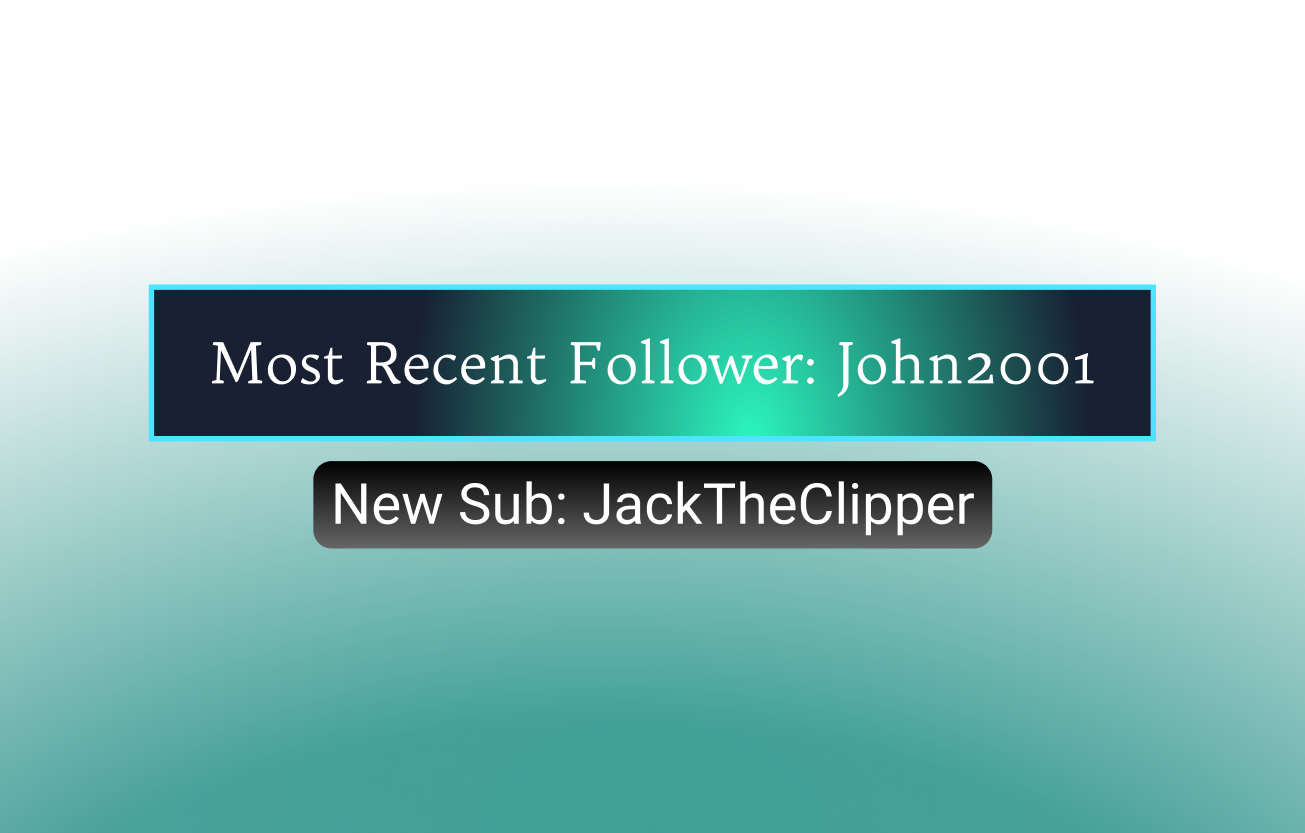
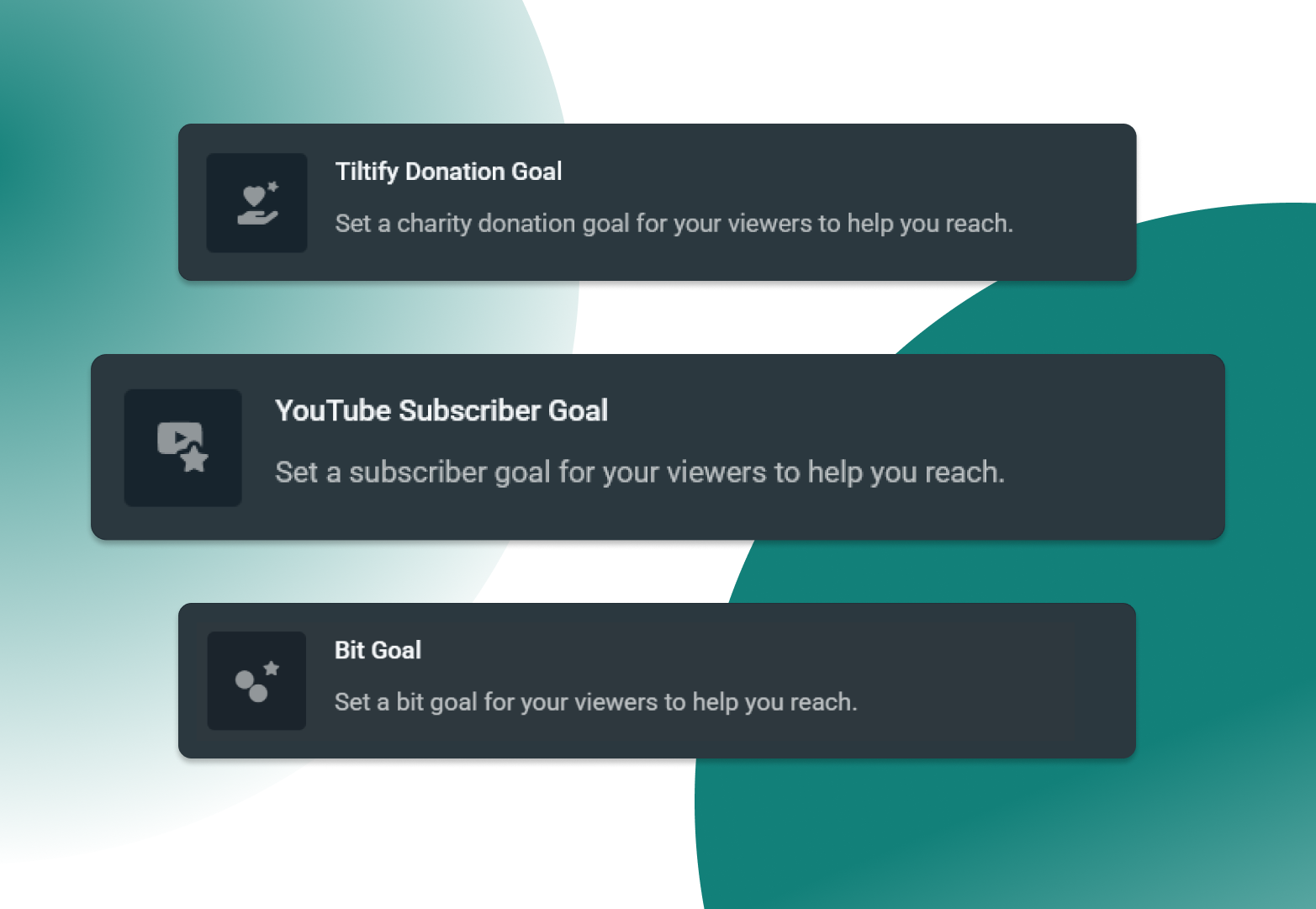
Dozens of widgets for all your favorite platforms
Explore a wide range of widgets that integrate seamlessly with Twitch, YouTube, Kick, Facebook, X (Twitter), and more to create an interactive stream, letting you keep viewers engaged and grow faster.
Customized for your personal brand
Design and style your widgets your way with manual customizations or explore a mix of thousands of free and Ultra-exclusive themes from 100% human professional artists.
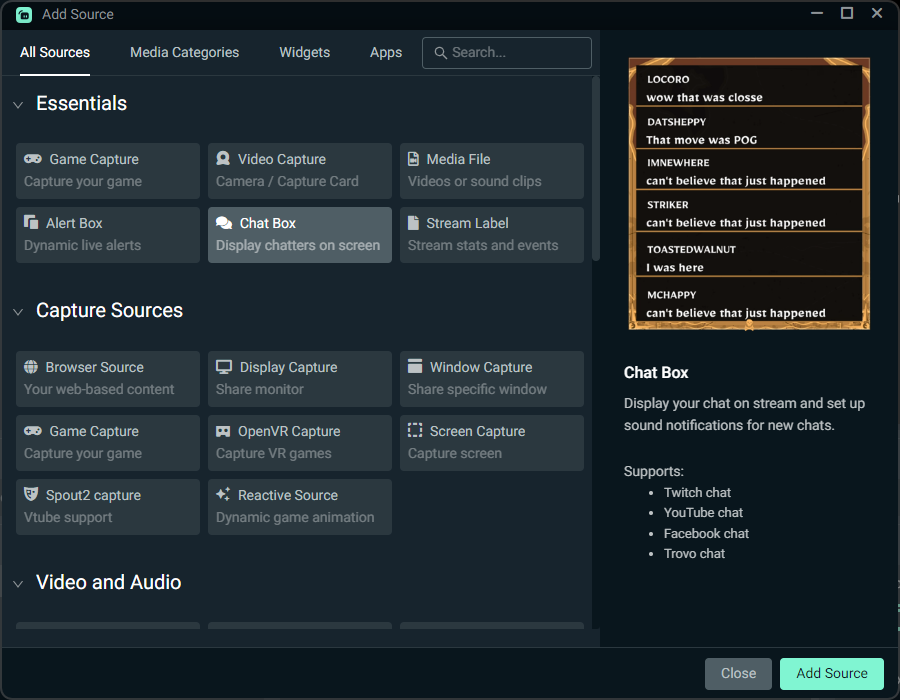
Use with any streaming software
Streamlabs widgets are built directly into Streamlabs Desktop for the easiest experience building your perfect stream and going live.
Most widgets are also available in the Streamlabs Plugin for OBS and all widgets are available for use with OBS or any other tool via URL as a browser source.
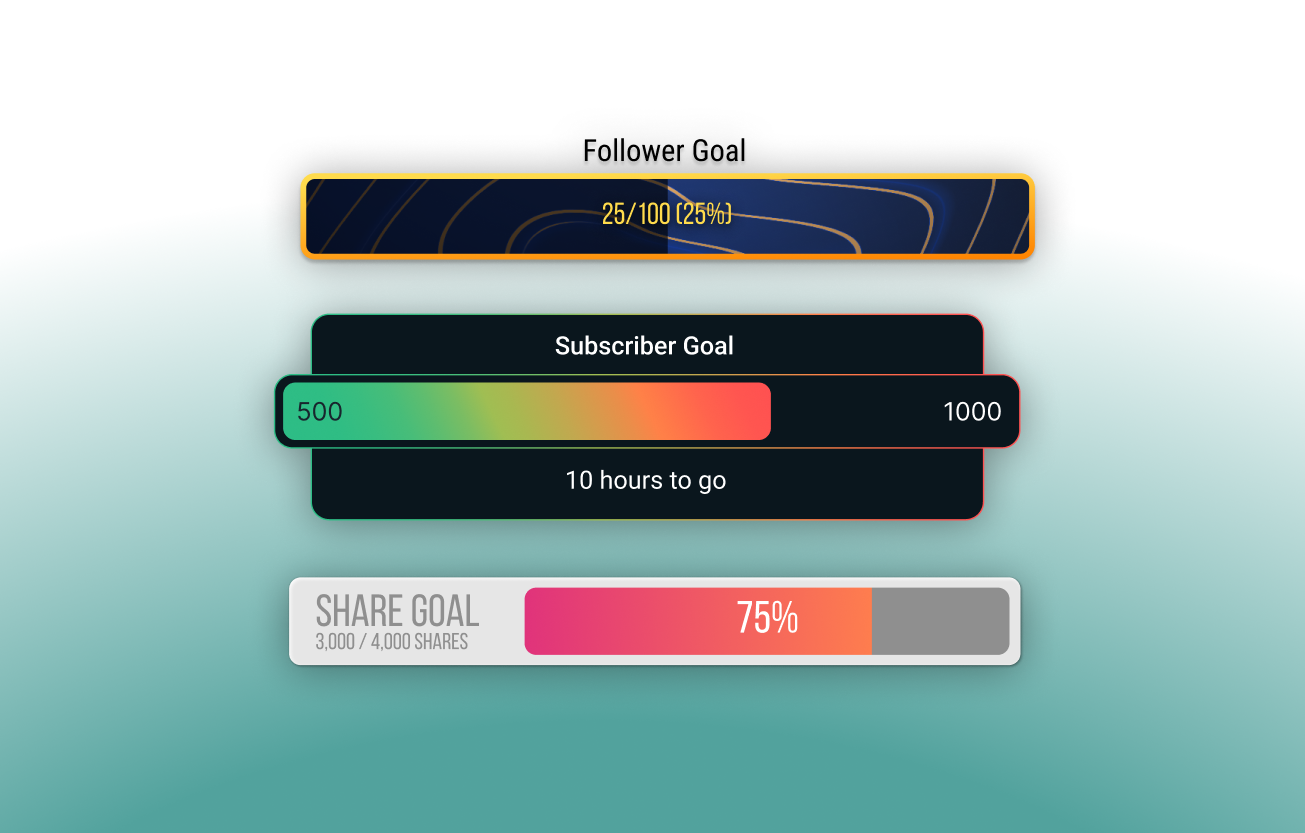
Grow your following and boost earnings
Encourage your viewers to become active supporters.
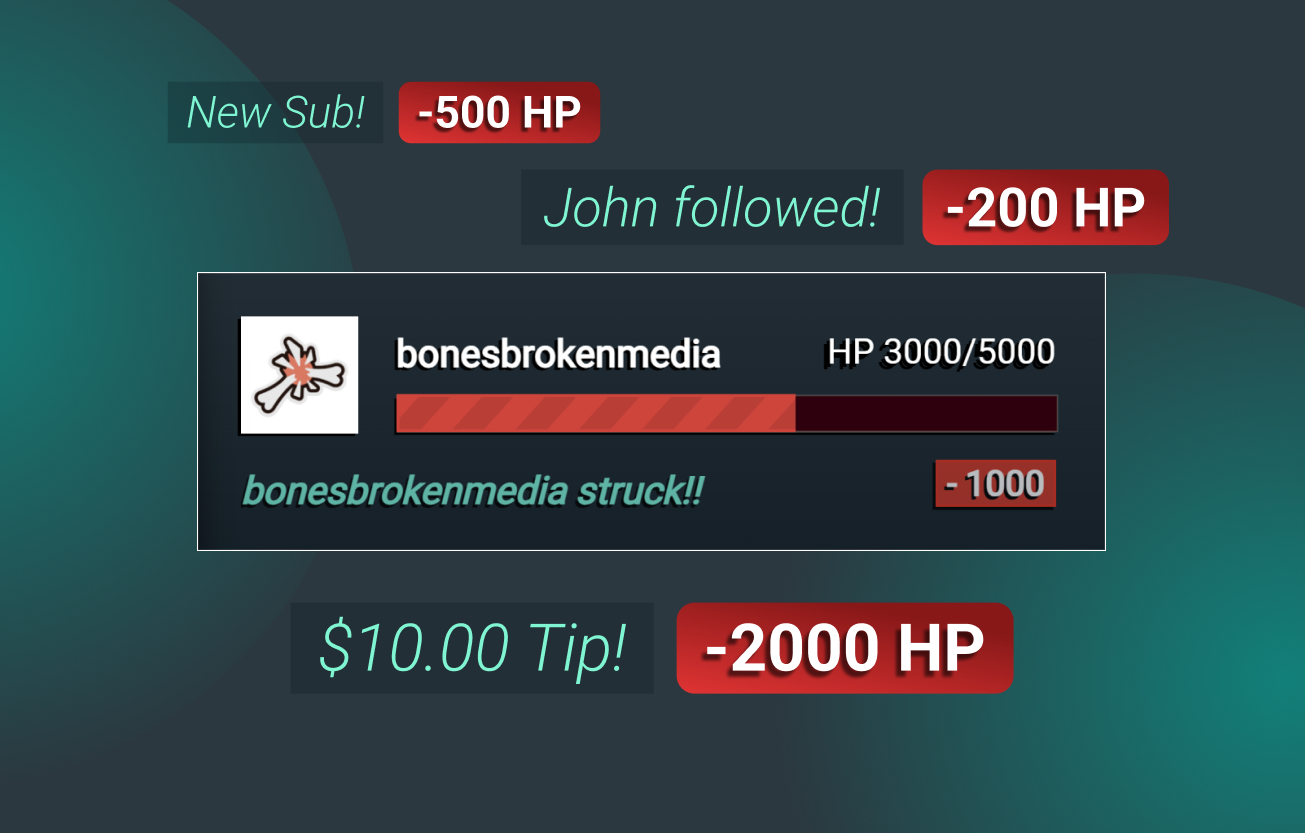
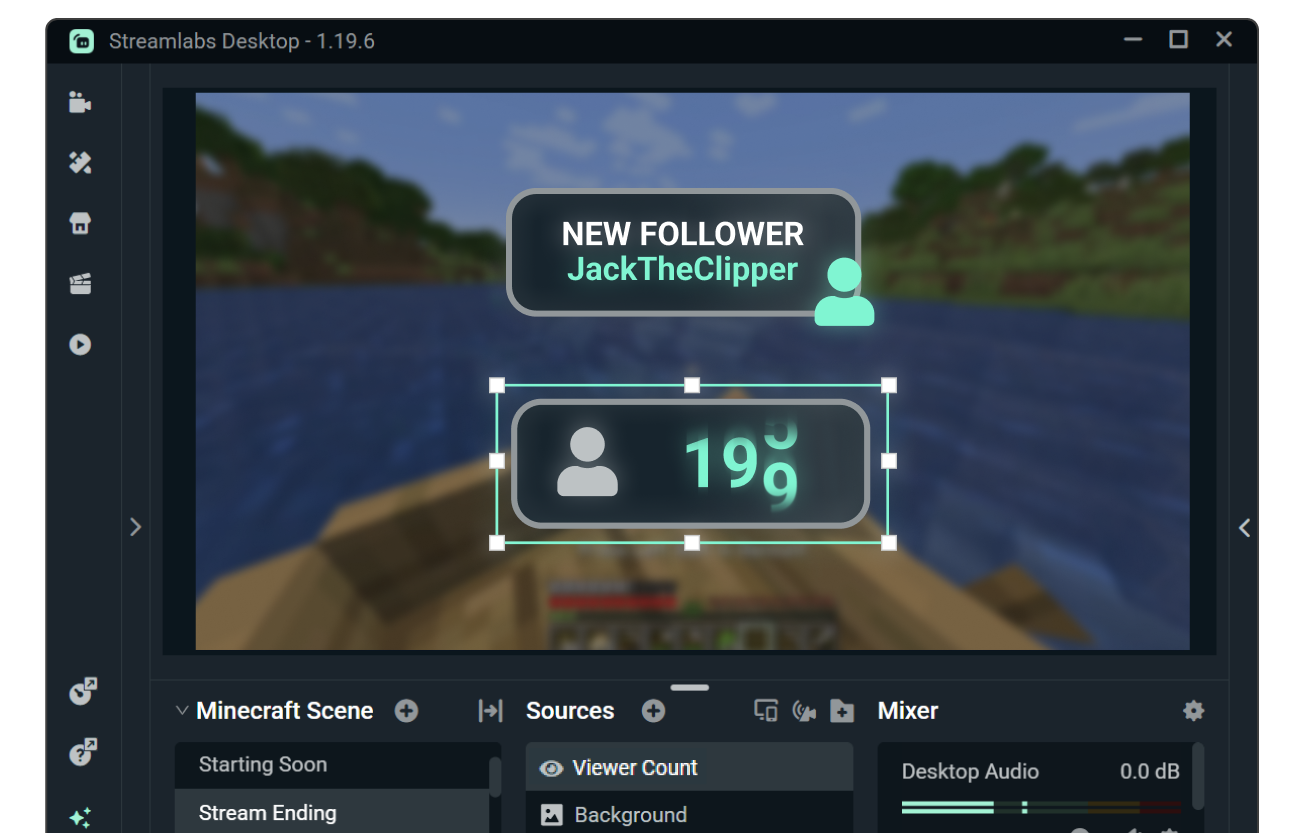
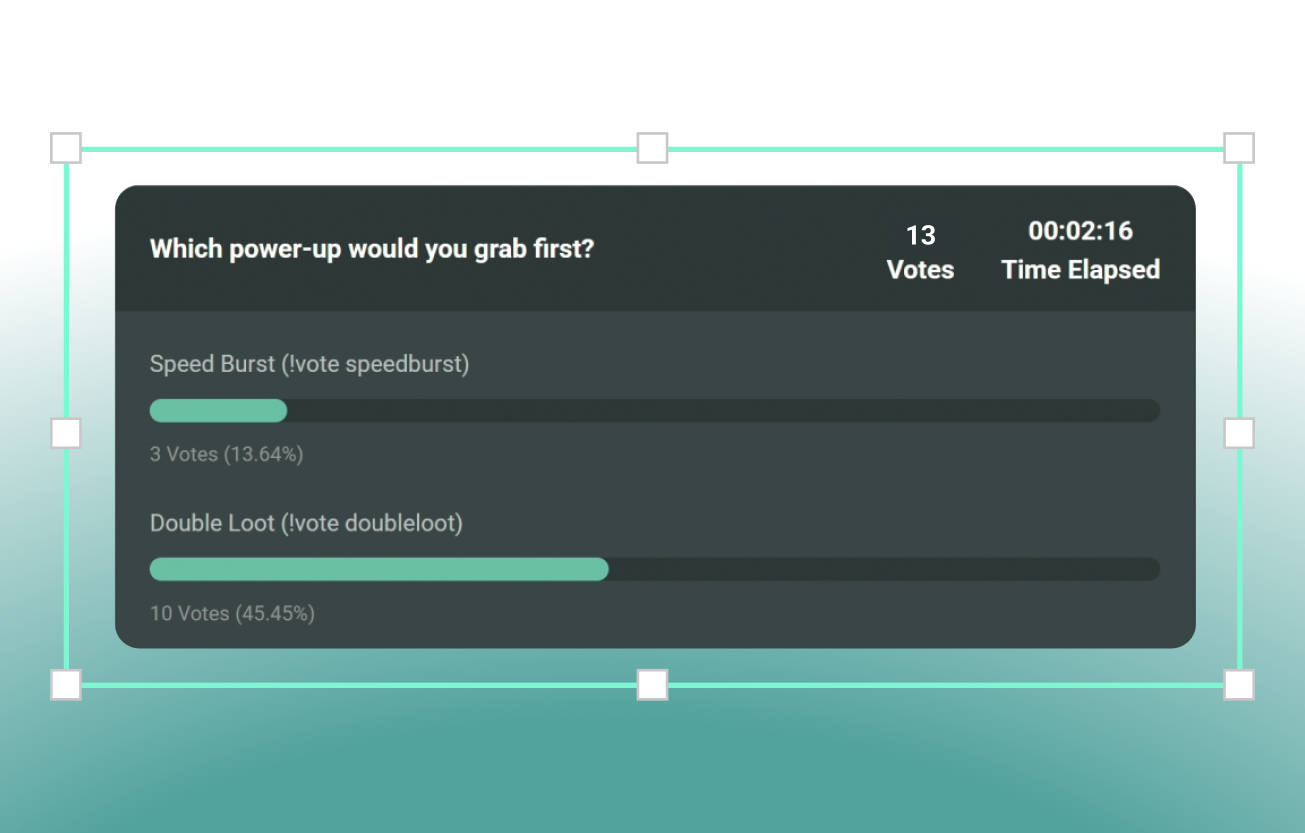
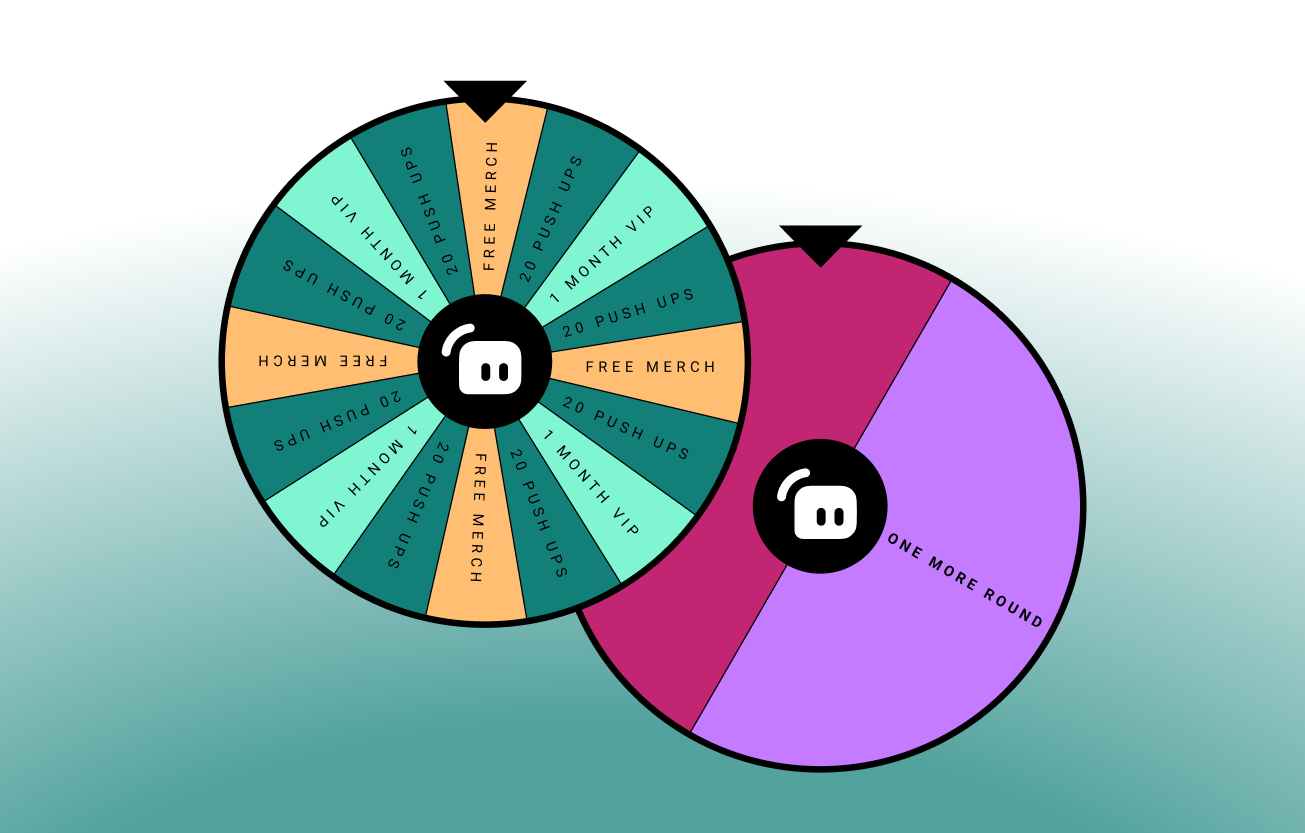
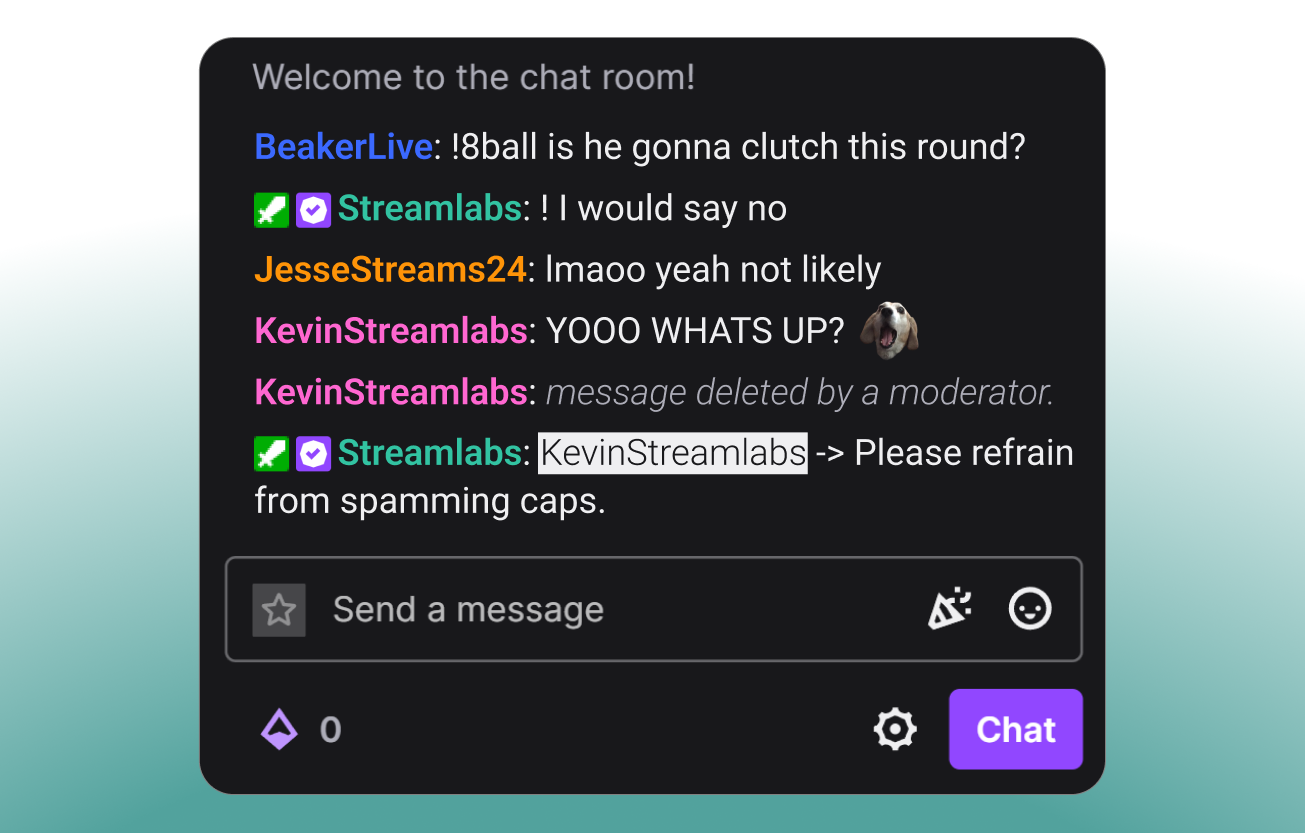
Keep chat chatting
Get your chat hyped and participating.

Highlight your supporters
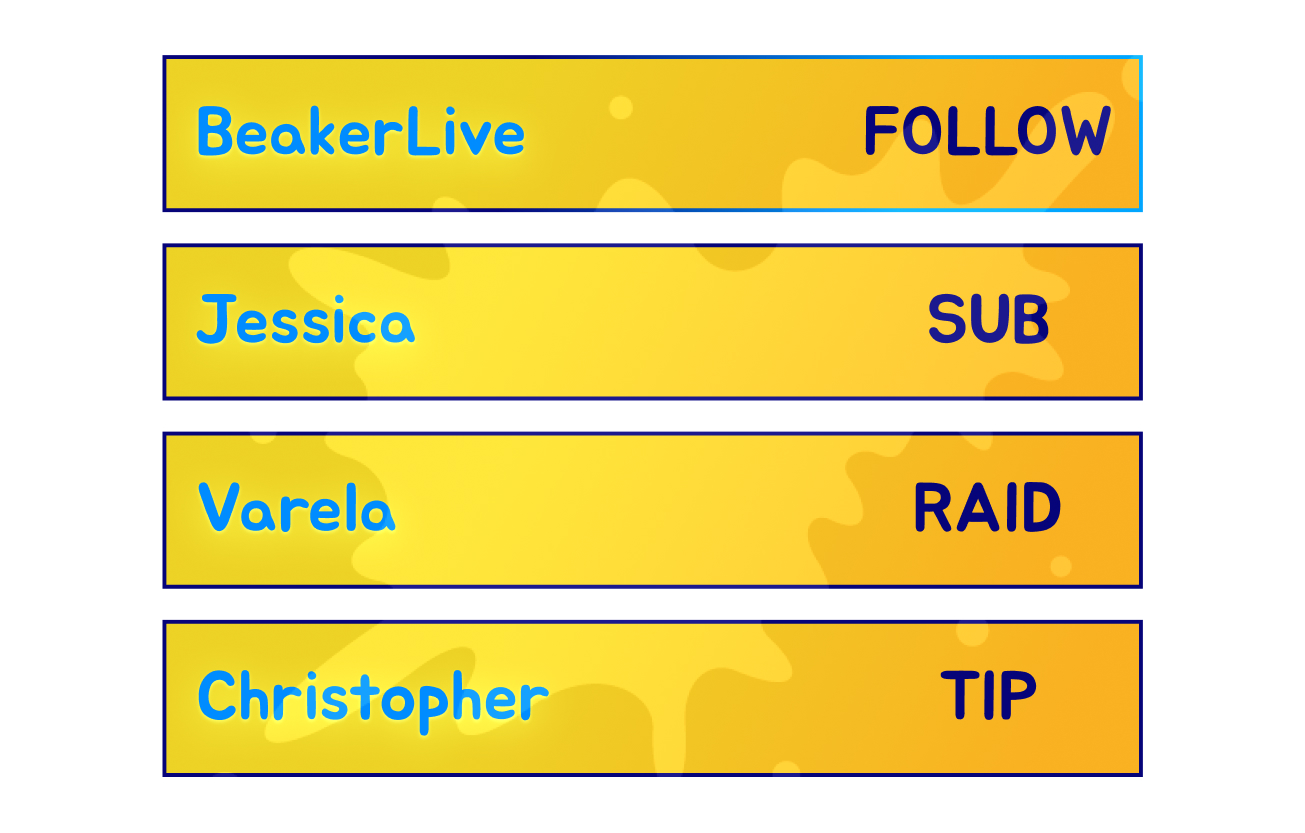
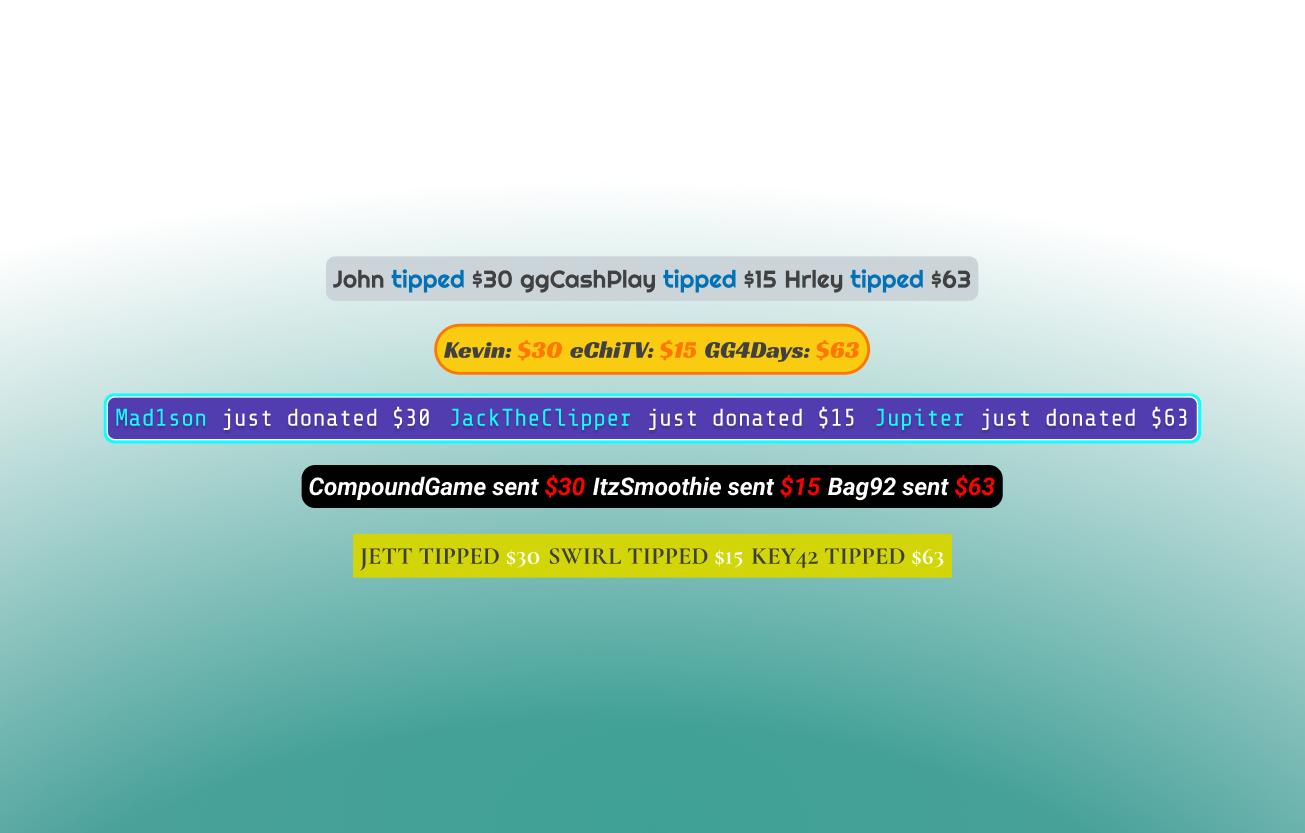
Show appreciation for your community by putting their name in lights.

Frequently asked questions
Stream widgets are visual and auditory elements that enhance streams by displaying alerts, chat messages, goals, and more to help create an engaging stream and viewers want to interact with. Streamlabs has created over a dozen customizable widgets like Alert Box, Chat Box, and Game Pulse to help set your stream apart.
Yes! All Streamlabs widgets are free to use and customize. The completely optional upgrade to Ultra unlocks more widget themes available from professional artists plus matching overlays, multistreaming, and more.
All Streamlabs widgets are built directly into Streamlabs Desktop so you can add them with a click. Many Streamlabs widgets are also available in the Streamlabs Plugin for OBS for easy adding to your OBS streams or can be used with any streaming software via adding the widget URL as a browser source.
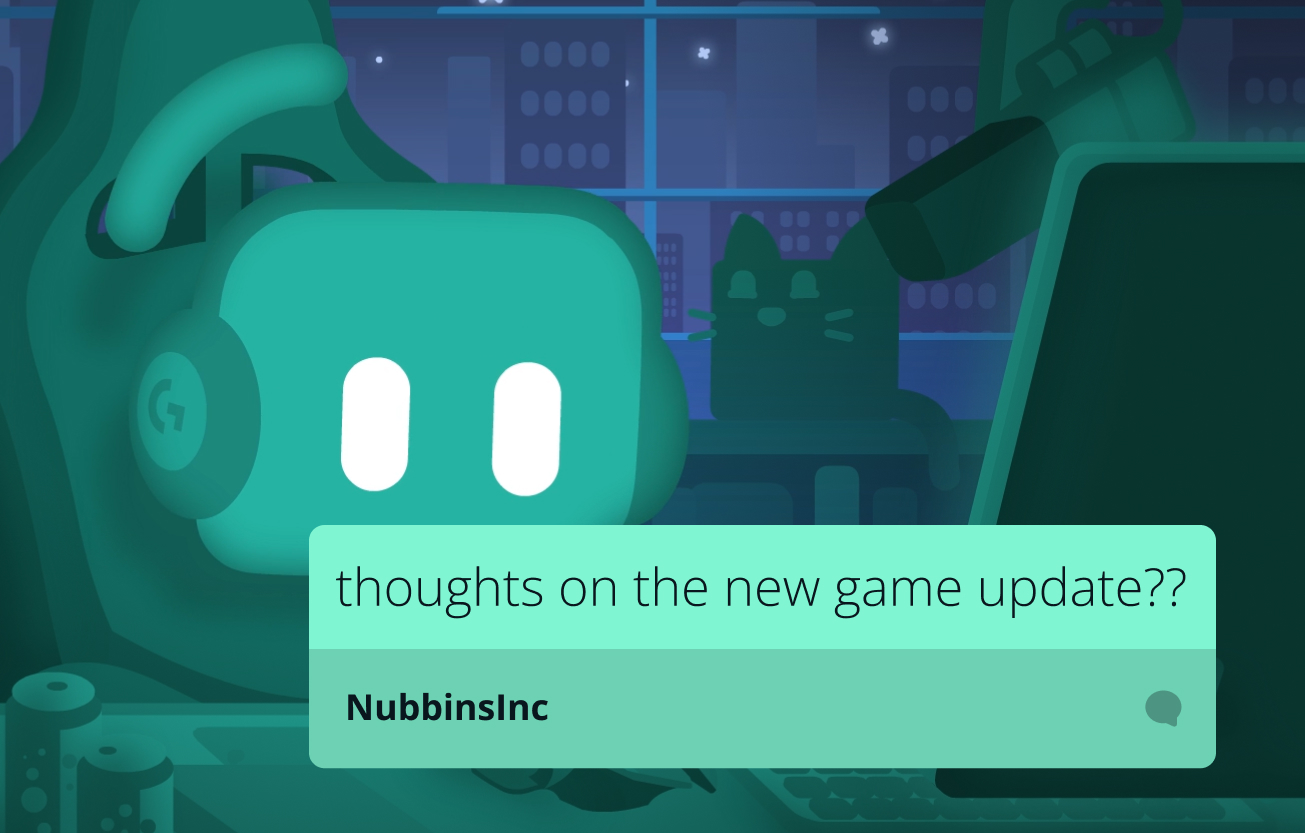
Must-have widgets include Alert Box for follows and tips, Chat Box for displaying multi-platform chat, Game Pulse for AI-powered gaming reactions, and Stream Labels for highlighting viewer engagement.
Yes, you can design and style widgets with custom colors, fonts, sounds and more right from your Streamlabs Dashboard. Don't feel like designing? Choose from thousands of free and Ultra-exclusive themes from professional artists in the Streamlabs Library and get an overlay to match.
Yes! Streamlabs widgets are available for use with OBS Studio with the Streamlabs Plugin for OBS or via URL as a browser source.
Streamlabs widgets integrate with Twitch, YouTube, Kick, Facebook, X (Twitter), and more to create an interactive stream across multiple platforms.