

WIDGETS
Chat Highlight
Pin Twitch & YouTube chat messages to your stream.
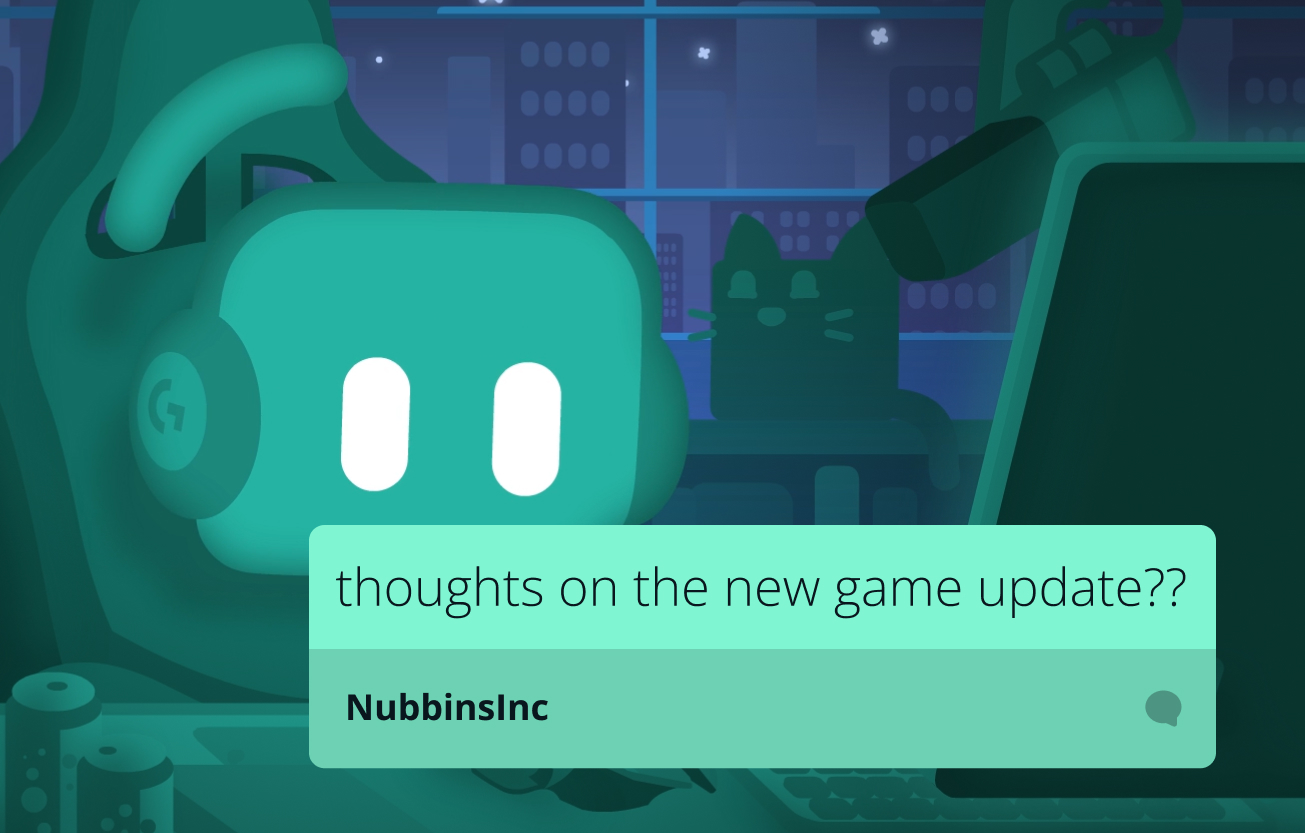
Increase visibility by pinning messages
Help chat keep up with the convo by pinning important or funny messages on your stream.
Encourage viewers to chat on Twitch and YouTube for their own chance to have their message highlighted.
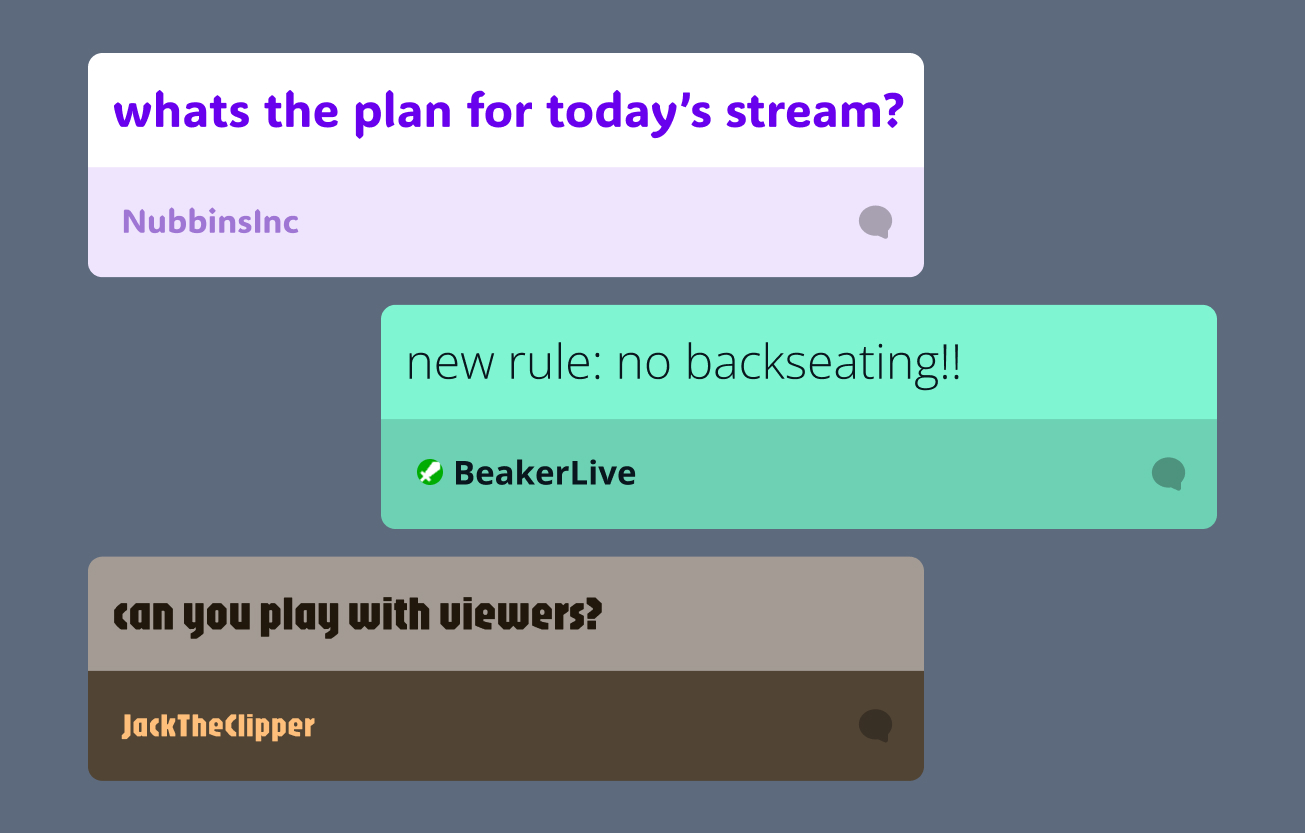
Customize your chat highlights
Customize your Chat Highlight widget with your preferred font and colors plus set how long messages stay pinned on stream.
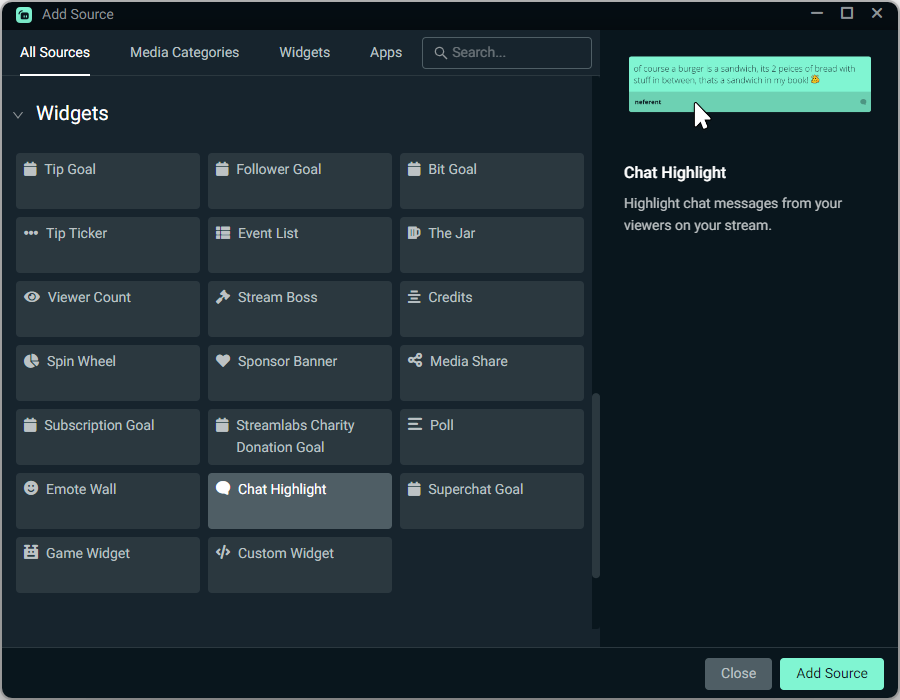
How to use Chat Highlight
Customize the design for your pinned chats, then add the Chat Highlight source to your Streamlabs Desktop stream with a simple click or use as a Browser Source with OBS. Once you go live, click the push pin icon on any chat message to pin it your your stream.
Check out our guide for step-by-step instructions.
Frequently asked questions
The Chat Highlight widget allows you to pin a Twitch and YouTube chat message directly onto your live stream so all viewers can see it. The widget is perfect for highlighting a question you're answering, topic of discussion, or funny message you think deserves some extra attention.
Customize the design for your pinned chats, then add the Chat Highlight source to your Streamlabs Desktop stream with a simple click or use as a Browser Source with OBS.
Once you go live, click the push pin icon on any chat message in the chat window to pin it to your stream. Check out our guide for step-by-step instructions.
Yes! You can customize your Chat Highlight widget with your preferred font and colors, plus set how long messages stay pinned on stream.
Chat Highlight helps chat keep up with the conversation and encourages viewers to chat for their own chance to have their message highlighted.
Yes, the Chat Highlight widget works with both Twitch and YouTube chat messages.
Yes. You can add the Chat Highlight widget as a browser source in OBS.