

8 Creator Apps, ein :ultra-Logo Ultra-Abonnement.


8 Creator Apps, ein :ultra-Logo Ultra-Abonnement.
Hast du nicht gefunden, wonach du gesucht hast? Suche in allen Kategorien.
kein Ergebnis
PreparationBefore you get started with any of the troubleshooting, ensure that you double-check the following:The bot is turned ON in the platform you...
Mehr erfahren
Diese Anleitung hilft dir, ausgelassene Frames und CPU- und GPU-Probleme zu beheben sowie die Streaming-Qualität insgesamt in Streamlabs Desktop zu verbessern.
Mehr erfahren
Want to stream from your Xbox on Twitch, YouTube, Kick and TIkTok? Here’s how you do it with Streamlabs Console.
Mehr erfahren
The first step you need to know in order to follow this guide is which (high-performance) GPU manufacturer your laptop uses- this can be either Nvidia...
Mehr erfahren
Identify Your Graphics Card ManufacturerThere may be times that you need to perform a clean installation of your graphics card drivers. Please make...
Mehr erfahren
Setting Tipeeestream Integration setup has been made very simple. Tipeeestream is a great option for streamers in Western EuropeFor more info visit...
Mehr erfahren
A Form 1099 is a type of income return used to report earnings annually to the IRS.You will get a 1099 form in the mail if you received certain...
Mehr erfahren
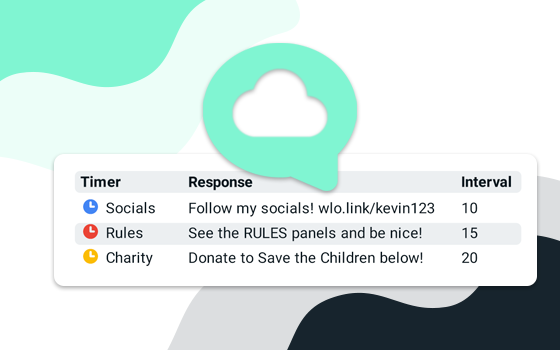
Learn how to create a custom command with Streamlabs Cloudbot.
Mehr erfahren
Step 1: Disable 3rd party overlaysIn some cases using 3rd party in-game overlays could cause additional FPS drop or instabilities, especially when you...
Mehr erfahren
On 4/1/2019, the TwitchAlerts.com domain will stop redirecting to Streamlabs.com. To make sure you have no disruption in service, replace the text...
Mehr erfahren