

8 içerik oluşturucu uygulaması, bir  Ultra aboneliği.


8 içerik oluşturucu uygulaması, bir Ultra aboneliği.
sonuç yok

Streamlabs, Inworld AI, and NVIDIA are excited to unveil our new intelligent streaming assistant. This AI Agent leverages cutting-edge technology developed by Logitech G’s Streamlabs, in collaboration with NVIDIA, and Inworld to simplify the live streaming experience by giving the streamer their very own production team.
Daha fazlasını okuyun
Here’s how you can find your perfect custom live stream overlay in the Streamlabs Overlay Library!
Daha fazlasını okuyun
Unlock the full potential of your VTube Studio or VSeeFace avatar with Streamlabs and Spout2!
Daha fazlasını okuyun
If you’re a content creator looking to improve your workflow, there’s a suite of apps for that.
Daha fazlasını okuyun
Get the minimum and recommended PC requirements for streaming with Streamlabs Desktop.
Daha fazlasını okuyun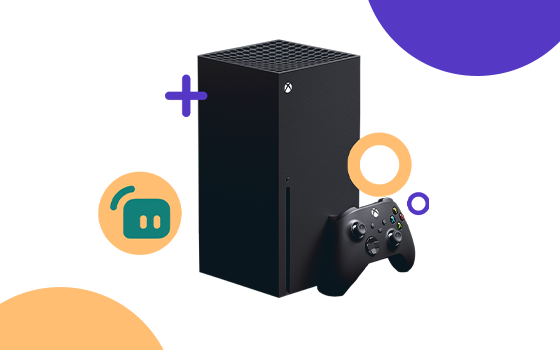
If you're looking to stream your favorite Xbox games, there are a few ways to do so. We'll tell you what hardware and software you'll need to start streaming your Xbox gameplay.
Daha fazlasını okuyun
Get started on your VTubing journey with this guide on setting up a 3D avatar for live streaming.
Daha fazlasını okuyun
Are you looking to grow your YouTube channel? Read this article to learn ten proven ways to help you get more subscribers on YouTube.
Daha fazlasını okuyun
Your Guide to Help you Stream Your Class in Zoom
Daha fazlasını okuyun
In order for you to be able to use the bot in the Discord you have to link your Twitch account together with your Discord account so the bot knows who you are. This will only take a minute and all you have to do is follow the...
Daha fazlasını okuyun