Ultra aboneliği.

If you’ve been trying to figure out how to get a TikTok stream key so you can stream from your desktop setup, you’ve probably noticed it’s not exactly…available. That’s because TikTok doesn't give every creator access to a stream key.
The good news is you don’t actually need one to get started. In this guide, we’ll walk through how to stream to TikTok from your desktop (without a stream key), plus the tools that make it possible.
How Do I Get My TikTok Stream Key?
From what creators and other sources have shared, streamers find the most success in obtaining a TikTok stream key from:
- Being part of a Live agency (a specialized TikTok LIVE Creator Network that manages creators)
- Having a large or established audience on the platform
- Getting manually approved by TikTok for RTMP streaming
Even then:
- Access isn’t always guaranteed
- Requirements aren’t publicly documented
- Creators must stream at least 50% gaming content when using third party software
TLDR; There’s no reliable “apply here and get a key” option for the average creator.
Do You Need a TikTok Stream Key to Go Live?
Short answer: No.
While some creators look for TikTok stream keys to use with live streaming software like Streamlabs Desktop , you don’t actually need one to go live. However, there is one important requirement to keep in mind: when using third-party tools, TikTok expects the majority of your stream to include gaming content.
If you’re primarily a gaming creator, this likely won’t be an issue. But if your content is mostly non-gaming, you risk potential loss of your streaming access.
How to Stream to TikTok Without a Stream Key
Here are two ways we recommend to stream to TikTok from your desktop without needing a stream key.
Option 1: Streamlabs Desktop (No Stream Key Required)
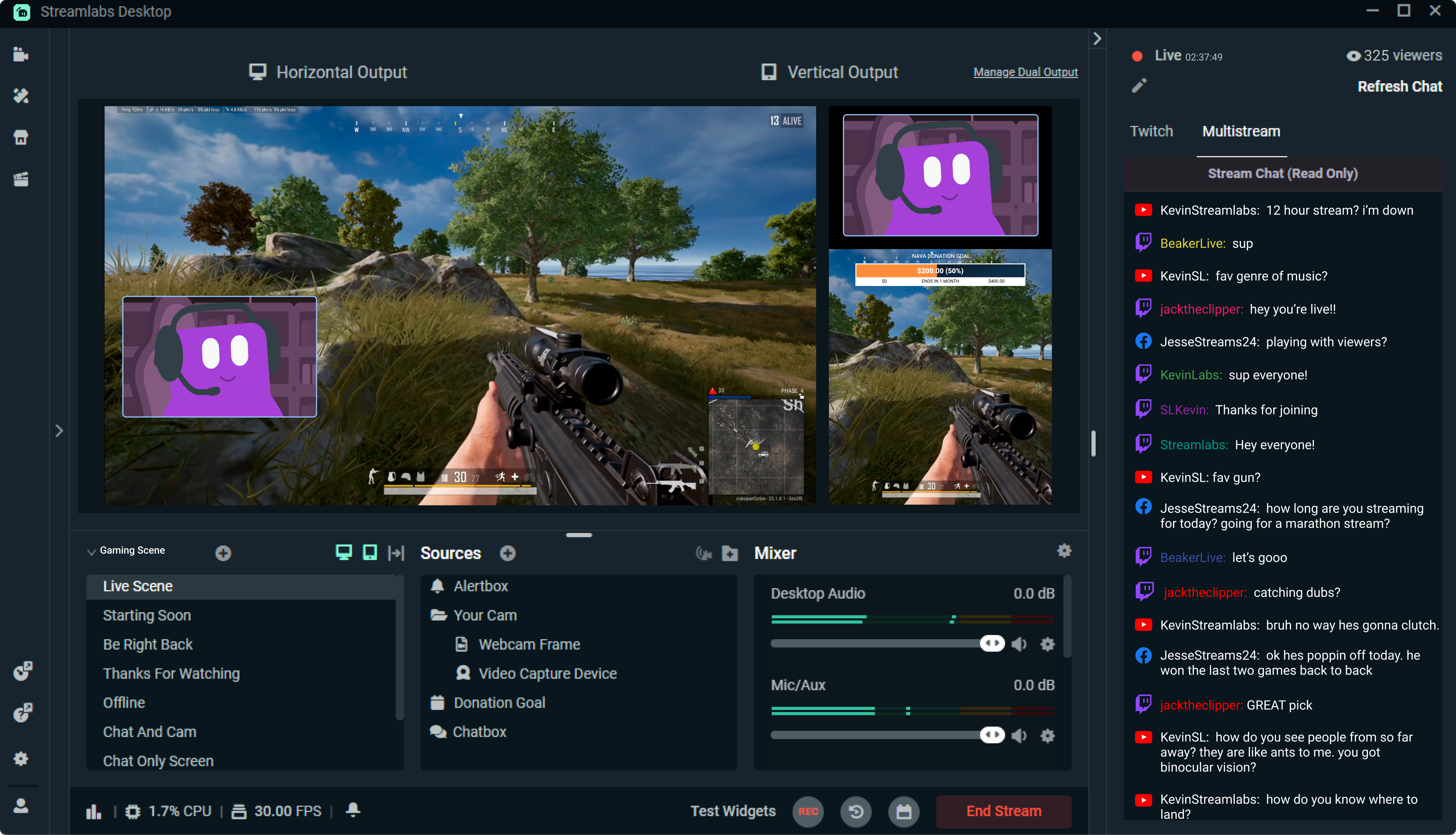
Streamlabs Desktop is an easy way to stream to TikTok from a computer without a stream key. You can connect your account directly and go live in just a few steps.
How to stream to TikTok using Streamlabs Desktop:
- Download and open the free Streamlabs Desktop application.
- Log in with your TikTok account.
- Set up your sources and scenes (camera, gameplay, brb etc.)
- Click Go Live and select TikTok.
No stream key, no extra setup.
You can check out this guide for a full walkthrough of streaming to TikTok from your Desktop .
Why creators use this setup:
- Avoids the hunt for a stream key and URL
- Makes customizing your TikTok live stream easy
Option 2: Streamlabs Plugin for OBS
If you’re used to OBS Studio or are comfortable building your live stream setup from scratch, you can still stream to TikTok from your desktop without a stream key.
Using the Streamlabs Plugin for OBS , you can:
- Keep your OBS setup
- Add Streamlabs alerts and widgets
- Stream to TikTok without needing to manually find a stream key
This is a solid option for creators who want to stream to TikTok via OBS while still being able to access Streamlabs features that they enjoy.
TikTok doesn’t provide stream keys to every creator, and there isn’t a universal way to request one. For most creators, skipping the stream key entirely is the simpler path.
If your goal is to start streaming to TikTok from your desktop, using tools that don’t require a stream key like Streamlabs Desktop or the Streamlabs Plugin for OBS will get you there faster.