
WIDGETS
End Credits
End your stream like a pro with rolling credits.
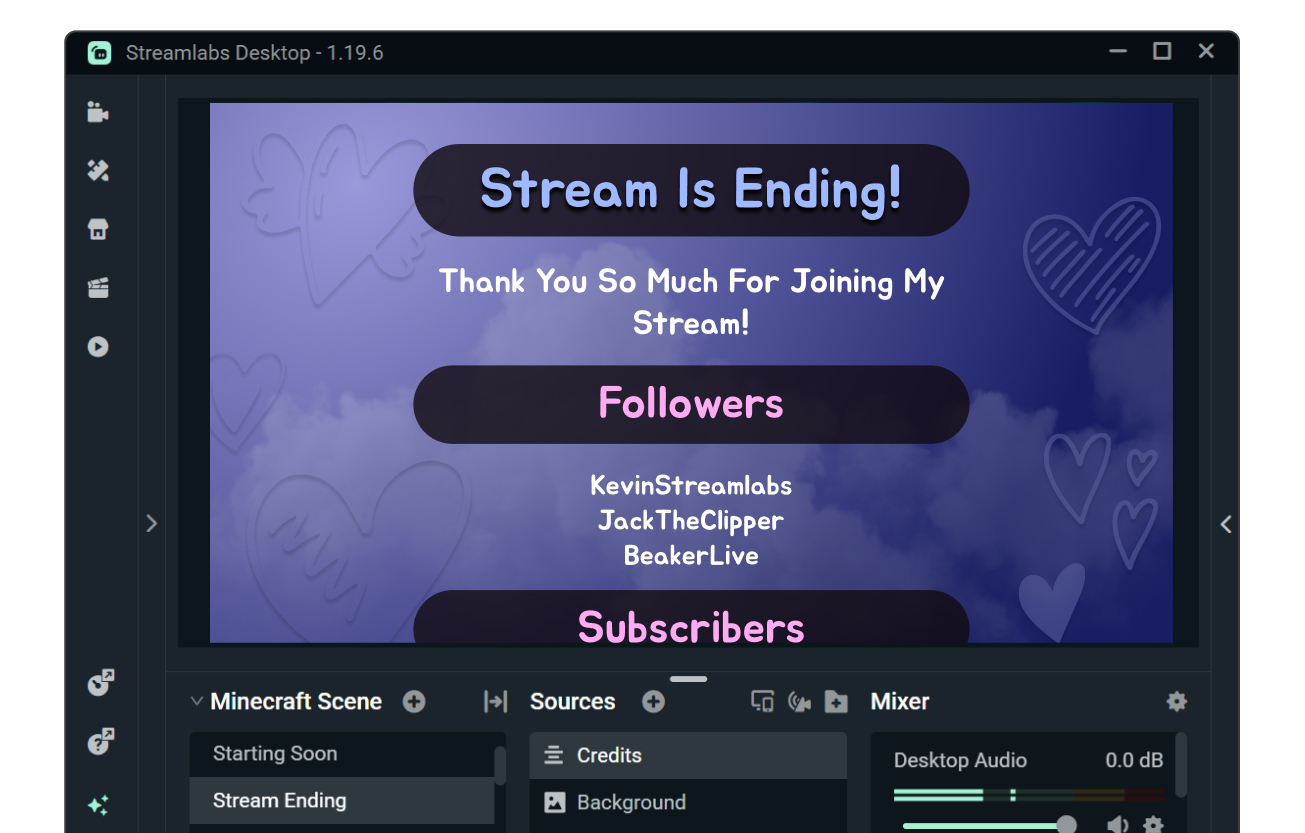
Give credit while ending your stream
Show thanks for your followers, subscribers, moderators, and more while avoiding an awkward or abrupt end to your stream.
Rolling credits give you the chance to thank your fans for watching and highlight individuals that have contributed to your channel.
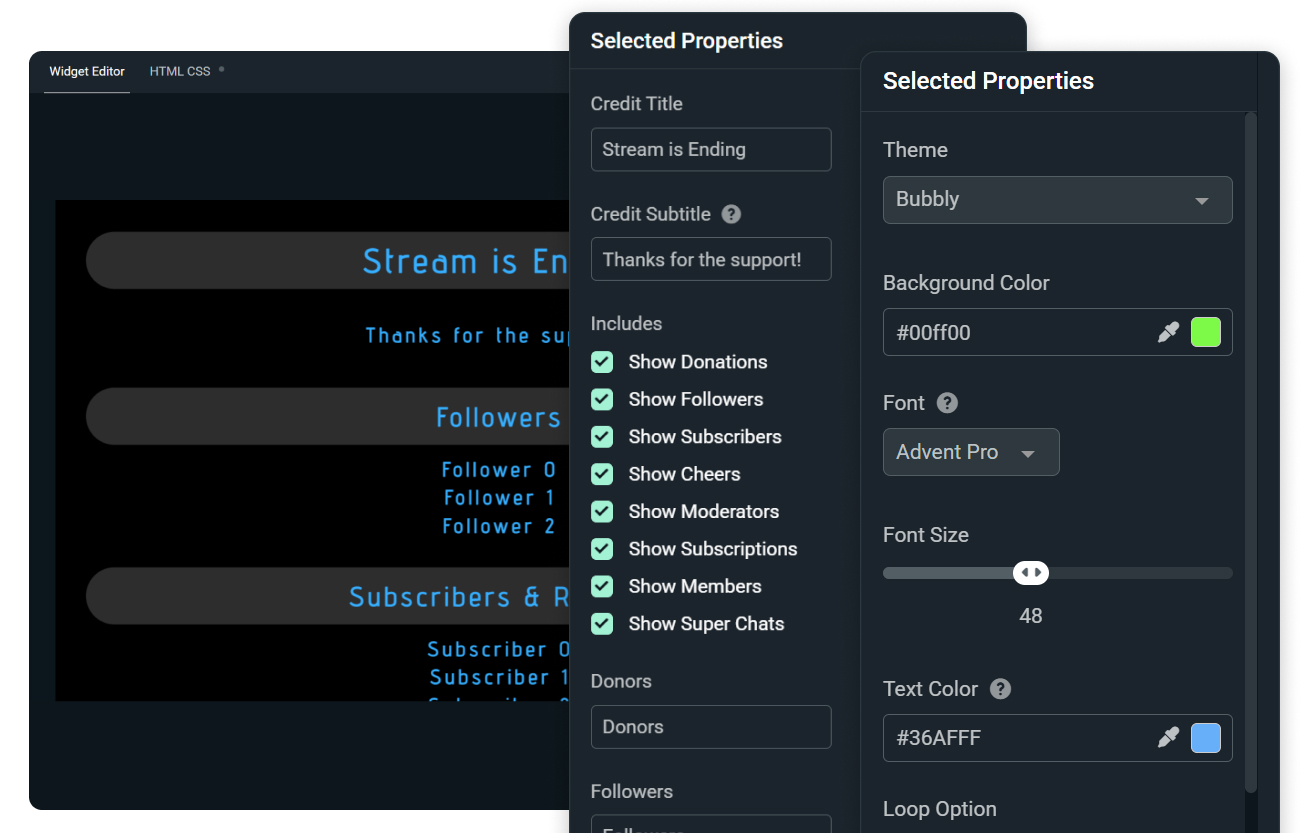
Customize your credits
Choose who to include in your credits including followers, subscribers, donators, moderators, and more. Plus set roll speed, timing, looping, and other display settings.

Match credits to overlays and alerts
Customize the look and feel of your End Credits with a selection of pre-built styles or choose your font, size, and color manually.
Browse the widget theme library for more themes designed by professional artists featuring matching stream overlays and alerts.
Need even more control? Customize further with HTML, CSS, and JS.
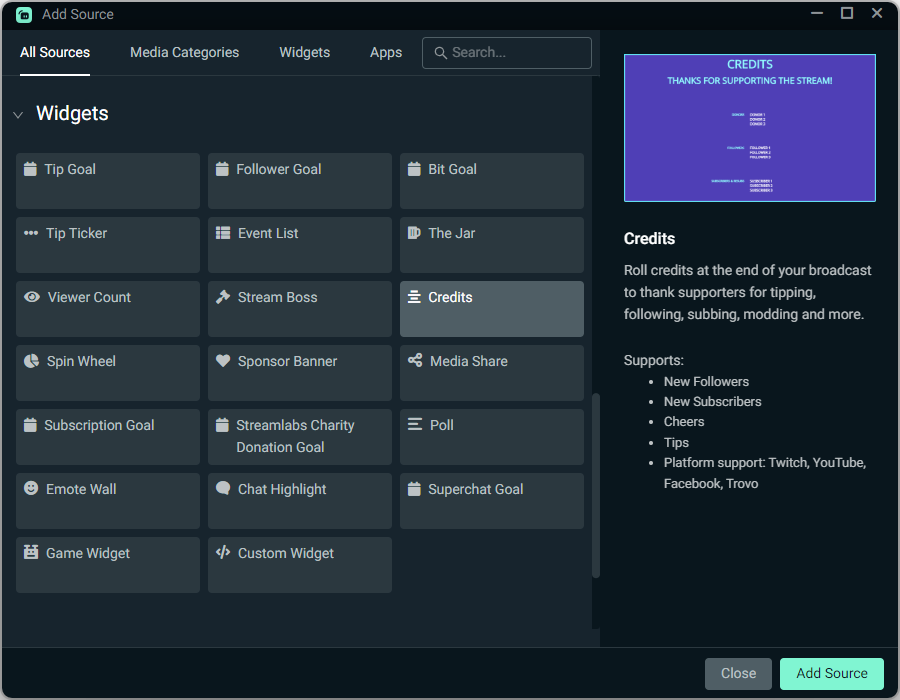
How to use End Credits
Customize the design of your credits, then add the End Credits source to your Streamlabs Desktop stream with a simple click.
Using OBS or another tool? Install in seconds with the Streamlabs Plugin for OBS or use as a Browser Source.
Check out our guide for step-by-step instructions.
Get Streamlabs
- go live in minutes!
