

Streamlabs Desktop Highlighter
A free video editing tool for streamers, powered by in-game events.
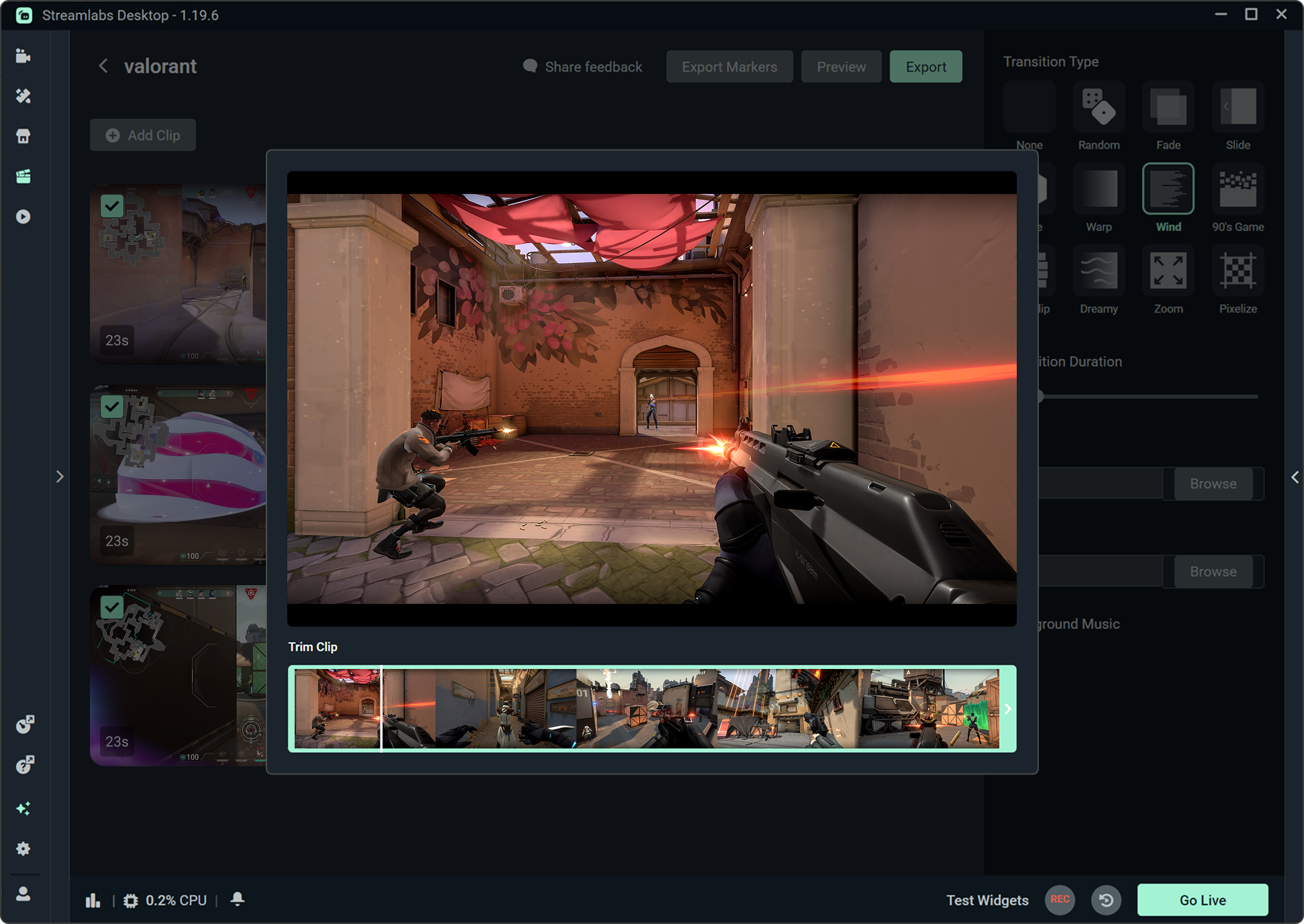
Automated clip detection
Capture your best gameplay moments with a machine learning algorithm that automatically locates highlights based on your in-game events.
Edit and share to social in seconds. Supporting over a dozen games including Fortnite, League of Legends, and Battlefield 6 with more games coming soon.
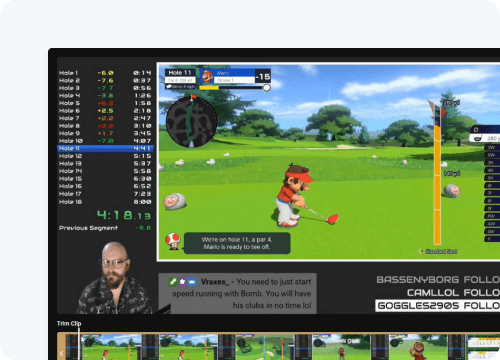
Create highlights from stream replays
Turn stream highlights into shareable clips—no editing skills required, all inside Streamlabs Desktop.
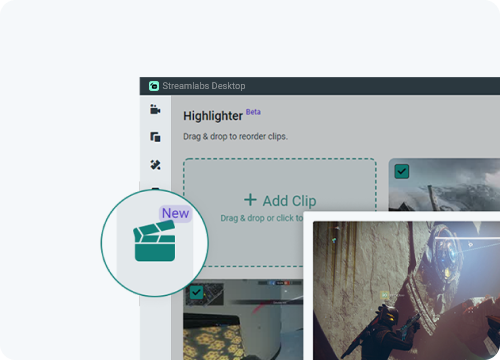
Streamline your content creation
Highlighter makes it easy to turn your streams into ready-to-share videos in just a few clicks.
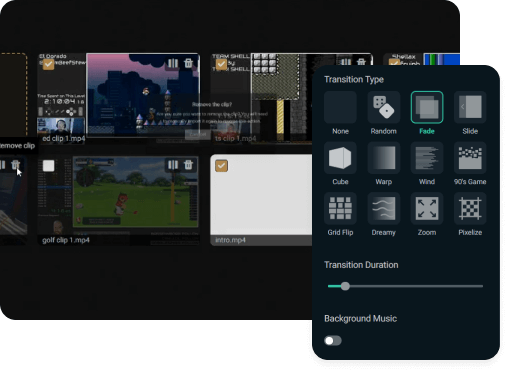
Edit videos in Streamlabs Desktop
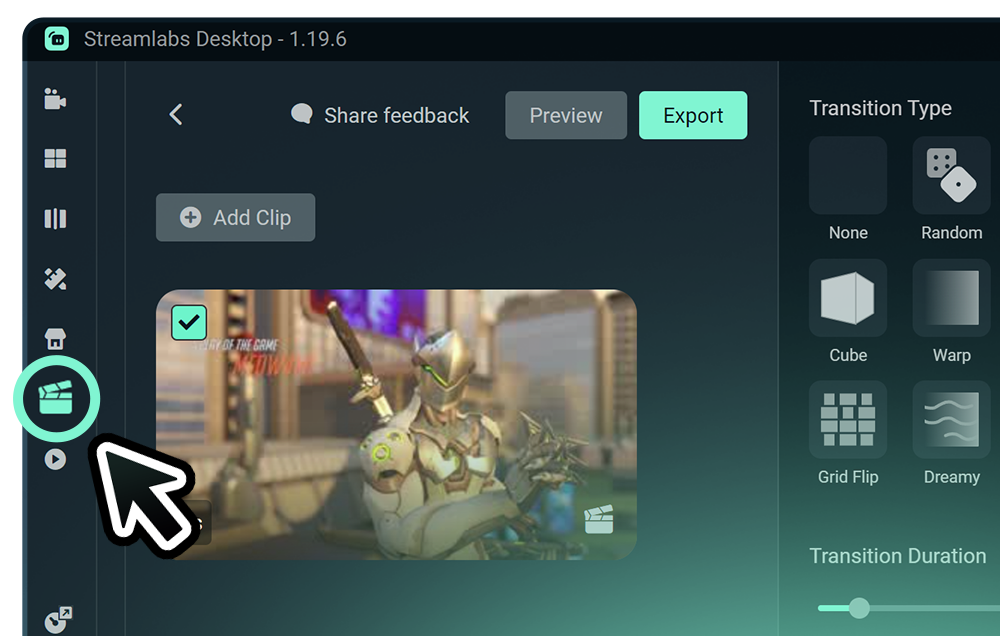
Trim, reorder, and polish your clips with transitions and music—all directly in Streamlabs Desktop.
It’s free—try it out today
Highlighter is built into Streamlabs Desktop—free to use and ready to capture your best moments.
Frequently asked questions
Streamlabs Highlighter is a free video editing tool built into Streamlabs Desktop that lets streamers capture, edit, and share highlight clips from their streams or gameplay. Highlighter also included automated clipping powered by your gameplay with Streamlabs vision-based machine learning model.
Highlighter lets you trim clips, reorder them, add transitions and music, and include intros and outros.
Yes, Highlighter is free and accessible via Streamlabs Desktop at no cost.
No editing skills are required—Highlighter makes it easy to turn your streams into ready-to-share videos in just a few clicks.
Currently, Highlighter supports free machine learning-powered highlighting for:
- Apex Legends
- ARC Raiders
- Battlefield 6
- Black Ops 6
- Black Ops 7
- Counter-Strike 2
- Dead by Daylight
- Deadlock
- Dota 2
- EA SPORTS FC™ 26
- F1® 25
- Fortnite
- League of Legends
- Marvel Rivals
- Marathon
- Overwatch 2
- PUBG
- Rainbow Six Siege
- Rocket League
- Valorant
- War Thunder
- Warzone
We are continuing to expand our supported games, so check back for updates!
Highlighter's automated game clipping feature will create highlights based on a range of events from your gameplay such kills or eliminations, deaths, victories, defeats, and more.
Absolutely! For manual clipping with Highlighter, you can set a hotkey and desired clip length to capture highlights during your stream. Once your stream is over, all of the Highlights you generated using your hotkey during the steam will appear in the editor where you can trim them down, add an intro and outro, and add transitions and music. Check out the full guide on getting started with Highlighter.