
WIDGETS
Viewer Counter
Display how many viewers are watching from each platform on your stream.
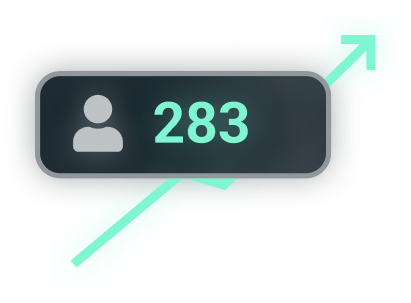
Encourage viewers to share your stream
Set goals using viewer numbers and encourage your audience to share your channel to help you reach major viewership milestones.
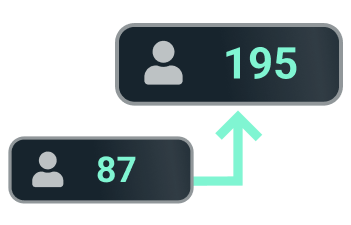
Show off your channel growth
Streaming to multiple platforms can fragment your audience, adding a Viewer Count can unite your audience and show them others are watching.
Counts are supported for Twitch, YouTube, Facebook, Kick, and Trovo.
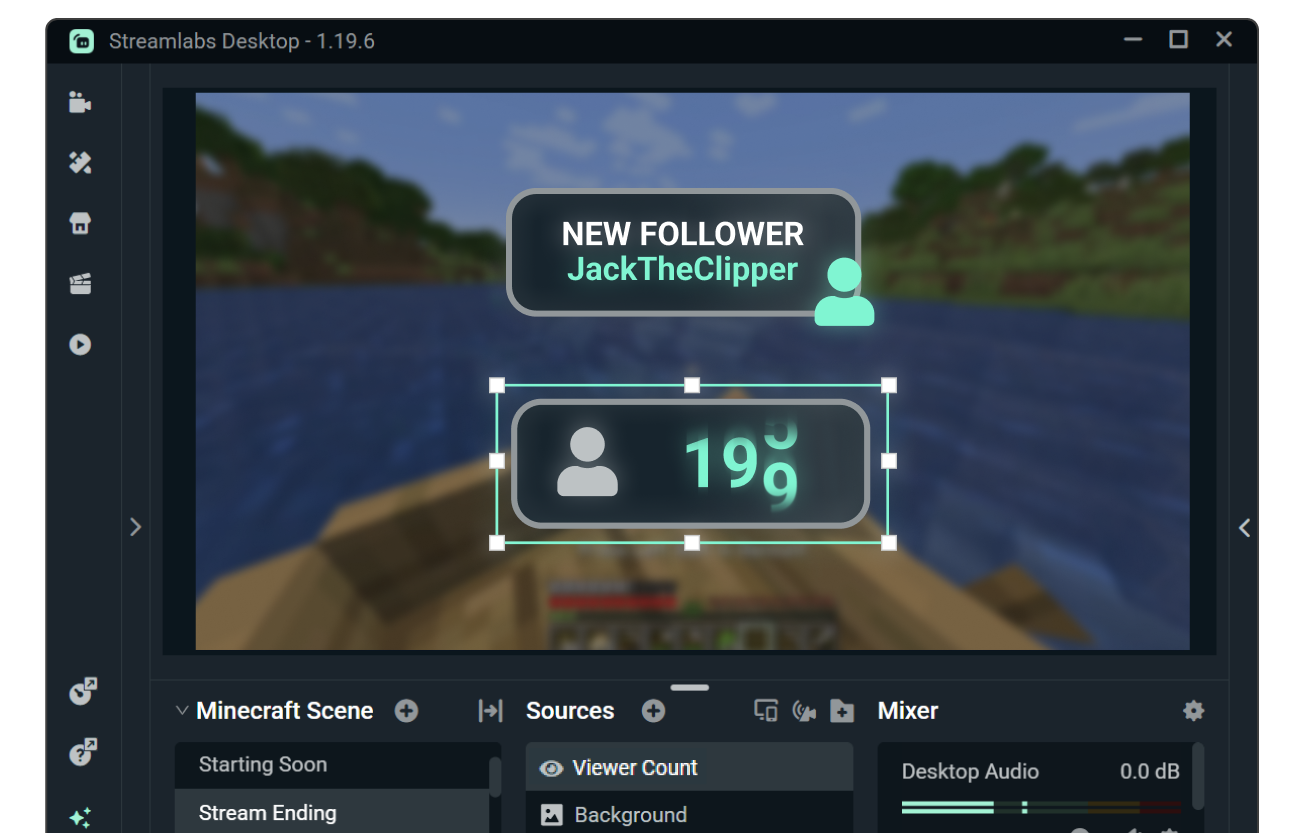
Match your counter to overlays and alerts
Customize the look and feel of Viewer Count with custom fonts and colors or browse the widget theme library for themes designed by professional artists featuring matching stream overlays and alerts.
Need even more control? Customize further with HTML, CSS, and JS.
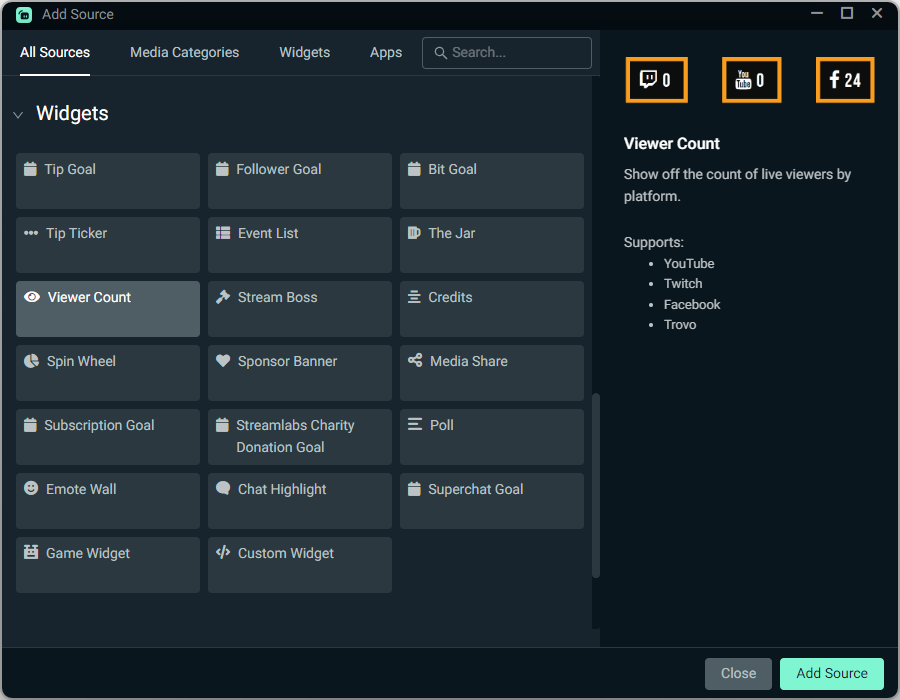
How to use Viewer Count
Customize your boss design, then add the Viewer Count source to your Streamlabs Desktop stream with a simple click.
Using OBS or another tool? Install in seconds with the Streamlabs Plugin for OBS or use as a Browser Source.
Check out our guide for step-by-step instructions.
Get Streamlabs
- go live in minutes!
