Make a great-looking stream with just your console —no PC or capture cards required!
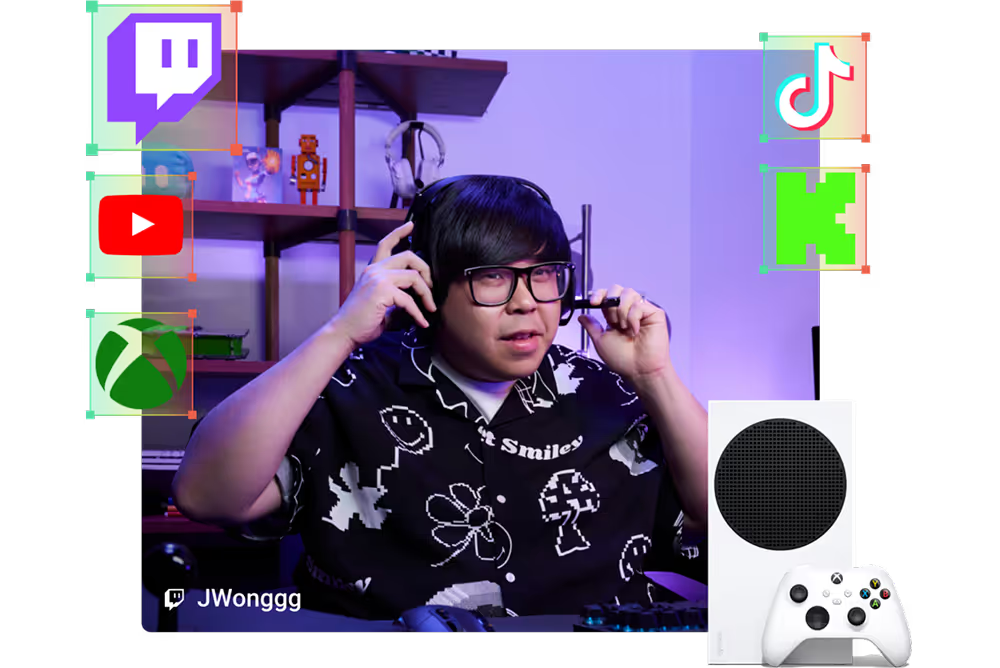
Go live from XBOX with Streamlabs Console. Add alerts, overlays, and widgets and more, then broadcast to Twitch, YouTube, KICK, and TikTok.

Design an engaging stream for your community. Select from overlays, alerts, scenes like BRB, and components like chat and event list from your browser or phone.
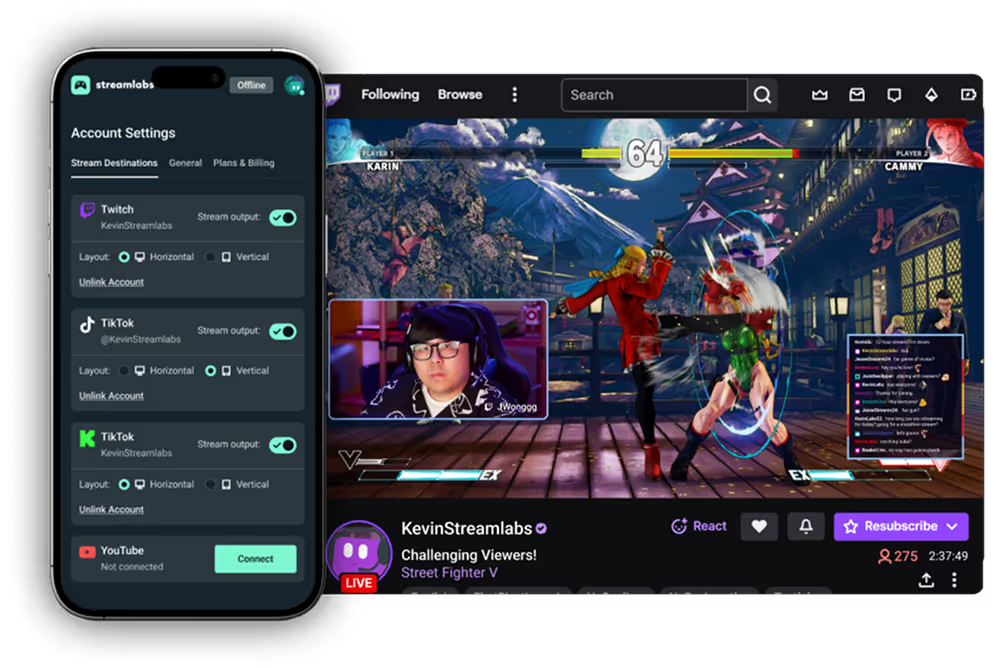
Streamlabs Console enables anyone to create a personalized stream and control scenes and sources by logging in directly from your phone, tablet, or desktop browser.
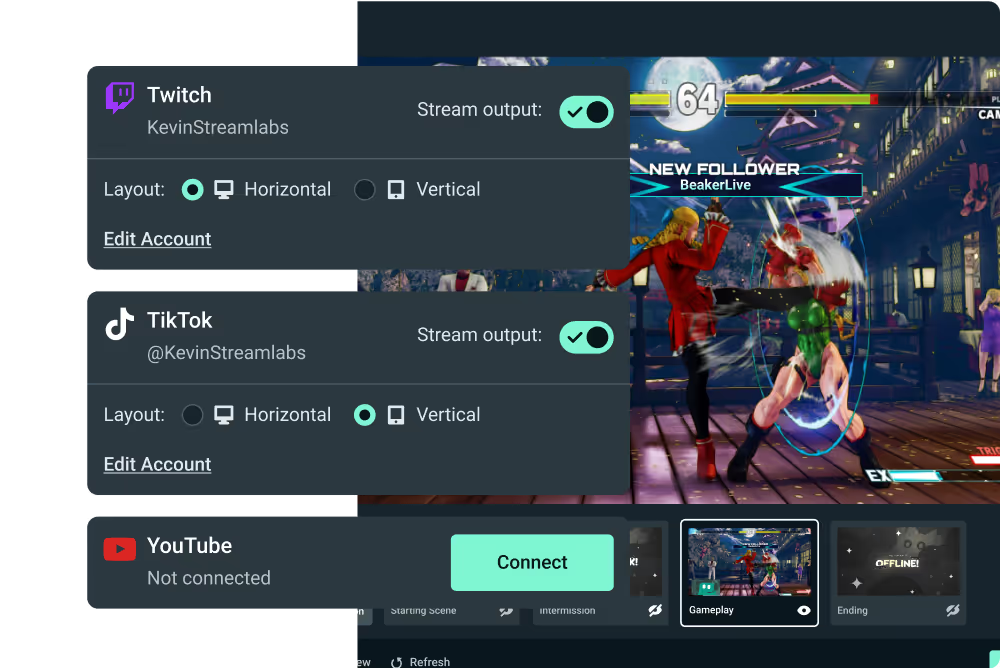
Stream to Twitch, YouTube, KICK, and TikTok simultaneously, increasing your reach to more platforms and viewers. With Dual Output, you can design and select horizontal or vertical for every platform.
Enjoy a 7-day free trial with access to all features. Cancel anytime.
Refer to this guide on how to go live from XBOX using Streamlabs.
With Streamlabs Console, you can stream to Twitch, with the option to additionally stream to YouTube, TikTok, and Kick.
No, with Streamlabs Console, a PC or capture card is not required to create a high-quality live stream. Streamlabs Console allows XBOX streamers to add alerts, overlays, and widgets to their streams in the same way pros do while maintaining an intuitive and simple-to-use solution.
Yes, similar to Streamlabs Desktop, Console supports multiple scenes. Streamlabs Console comes with default graphics and images for Starting Soon, Be Right Back, and Stream Ending Soon scenes. You can also upload custom images on your own for different scenes of your choice.
Yes! Streamlabs Console now supports Dual Output so you can design your vertical and horizontal outputs for different platforms.
Yes, Streamlabs Console lets you create and control your stream from your phone, tablet, or desktop browser. Arrange scenes, add overlays widgets, webcam frames, and more!
Yes, Streamlabs Console supports multiple scenes including Starting Soon, Be Right Back, and Stream Ending Soon. Start with pre-set designs or upload your own images for even more customization.
Please contact support at this link.