

Unlock premium creator apps with one  Ultra subscription.


Unlock premium creator apps with one Ultra subscription.
1163 results for chat

#Hashtags are an integral part of getting noticed on TikTok, Instagram, Twitter, and almost every mobile-first platform. More than a way to play tic tac toe, hashtags tell platforms how to bucket and organize your content, and, in...
Read more
The best overlays for your Starfield live stream are right inside!
Read more
Talk Studio now offers you to invite up to 25 participants to your live stream as a Pro/Ultra subscriber. The current offering for guests on-screen is as follows:
Standard users - up to 6 participants total (including...

The Twitch VOD Track is a feature in Streamlabs Desktop that allows users to exclude specific sources from their Twitch VODs. For example, if you have split audio, like music, that you don't want to be saved in your Twitch VOD,...
Read more
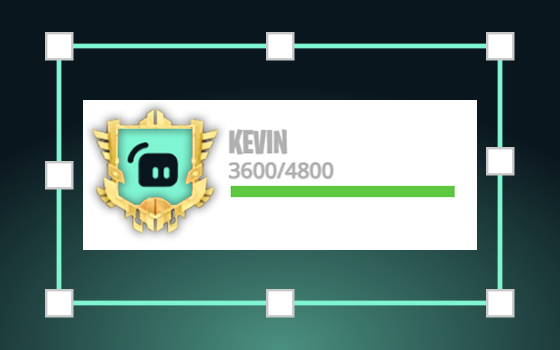
Today we’re excited to officially announce our latest widget: StreamBoss. If you’ve been paying attention, StreamBoss has been on our site…
Read more
Here’s how to select a Content Classification for your Twitch live stream in Streamlabs Desktop.
Read more
Now Available in the Streamlabs Desktop App Store
Read more
NDI
This article is for setting up NDI streams to receive in Streamlabs Desktop or other application. For information how to receive NDI streams in Streamlabs Desktop see this article.
Create NDI stream with OBS Studio
You...

Keep it kawaii, keep it cute. Check out some of our favorite cute overlays to use on Twitch, YouTube Live, and more.
Read more