

Unlock premium creator apps with one  Ultra subscription.


Unlock premium creator apps with one Ultra subscription.
211 results for dashboard

Review Feedback
Invited a project collaborator or shared a review link? Great! Feedback is sure to be on its way.But first, how do you know if there's new feedback?There are two ways for you to receive notifications of...

How to reset your stream key and make sure Streamlabs Desktop stays connected
Read more
Read to learn more about how to score exclusive Logitech G discounts (available for US Streamlabs members only)!
Read more
If you notice that your events are not coming through on Recent Events or the Minifeed, we have a short guide to resolve this quickly on your end so you may get back to streaming quickly.Here are some steps to take that usually...
Read more
Setting up the Streamlabs Chat Highlight widget can help you build a stronger connection with your community. Keep reading to learn more!
Read more
Streamlabs is announcing improved shared access mod tools to help live streamers manage their mods and viewers.
Read more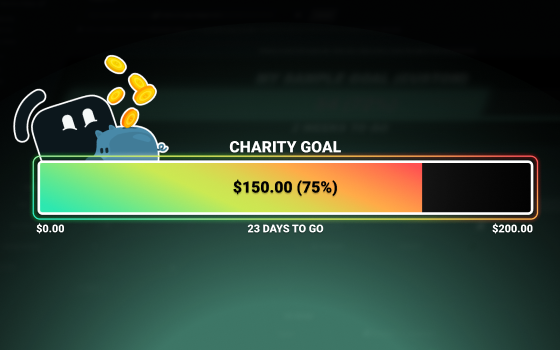
In this guide, we'll walk you through how to set up, customize, and display your Streamlabs Charity Donation Goal widget.
Read more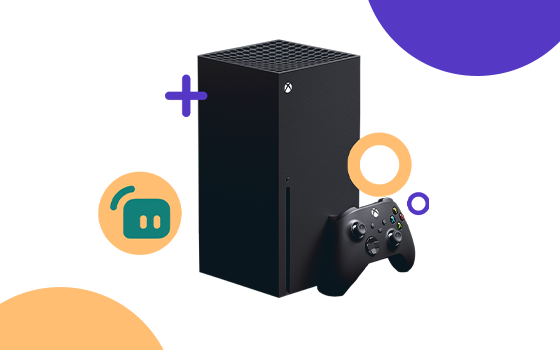
If you're looking to stream your favorite Xbox games, there are a few ways to do so. We'll tell you what hardware and software you'll need to start streaming your Xbox gameplay.
Read more
Here is everything you need to know about properly setting up your PayPal to receive tips through Streamlabs.
Read more
Want to enhance your live stream by tweaking your Alert Box sounds? Here’s how to do it.
Read more