
Livestream & record in seconds
Say goodbye to complicated tools and start creating content with ease!


Go live in 5 clicks
Nothing to install. No complicated set-up. No accounts required for guests. No extra steps between you and going live.
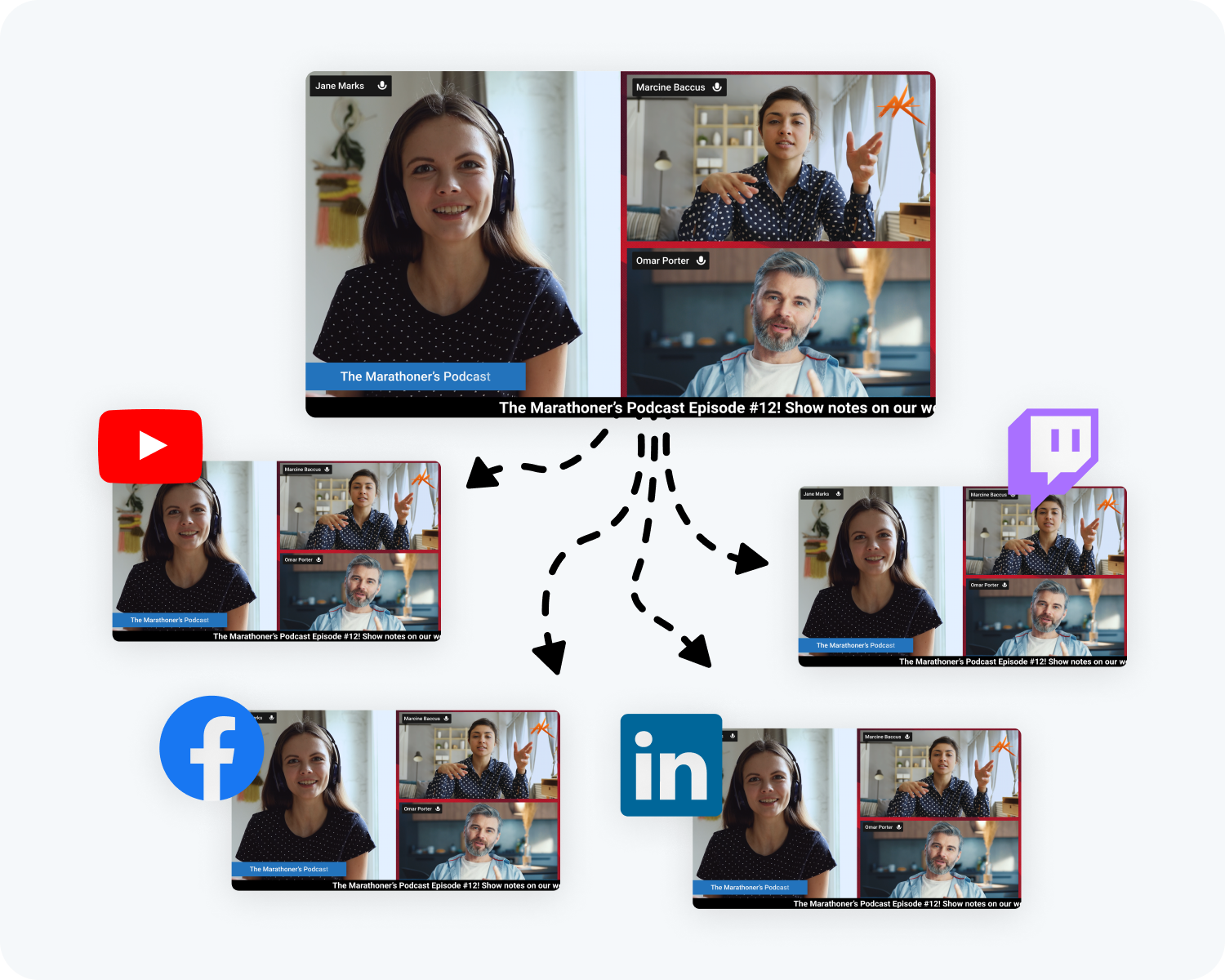
Multistream
Grow your audience by streaming live on Facebook, YouTube, Twitch, X (Twitter), Kick, LinkedIn, and custom RTMP destinations at the same time.
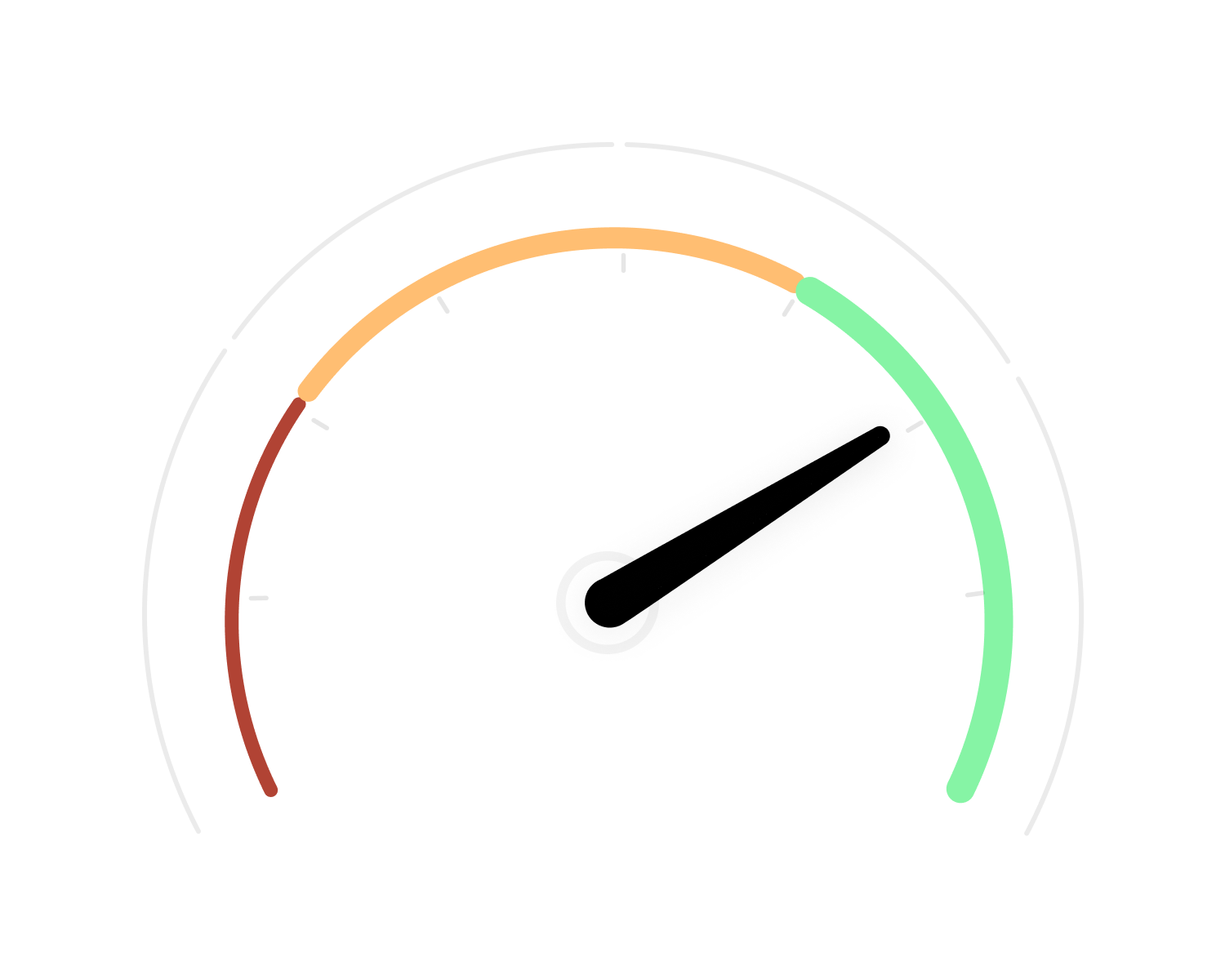
Fast. Cloud-based
Blazing fast response time, low CPU usage, and minimal latency. All processing is done in the cloud, preserving your computer. Stay in the moment so that you can focus on your live broadcast.
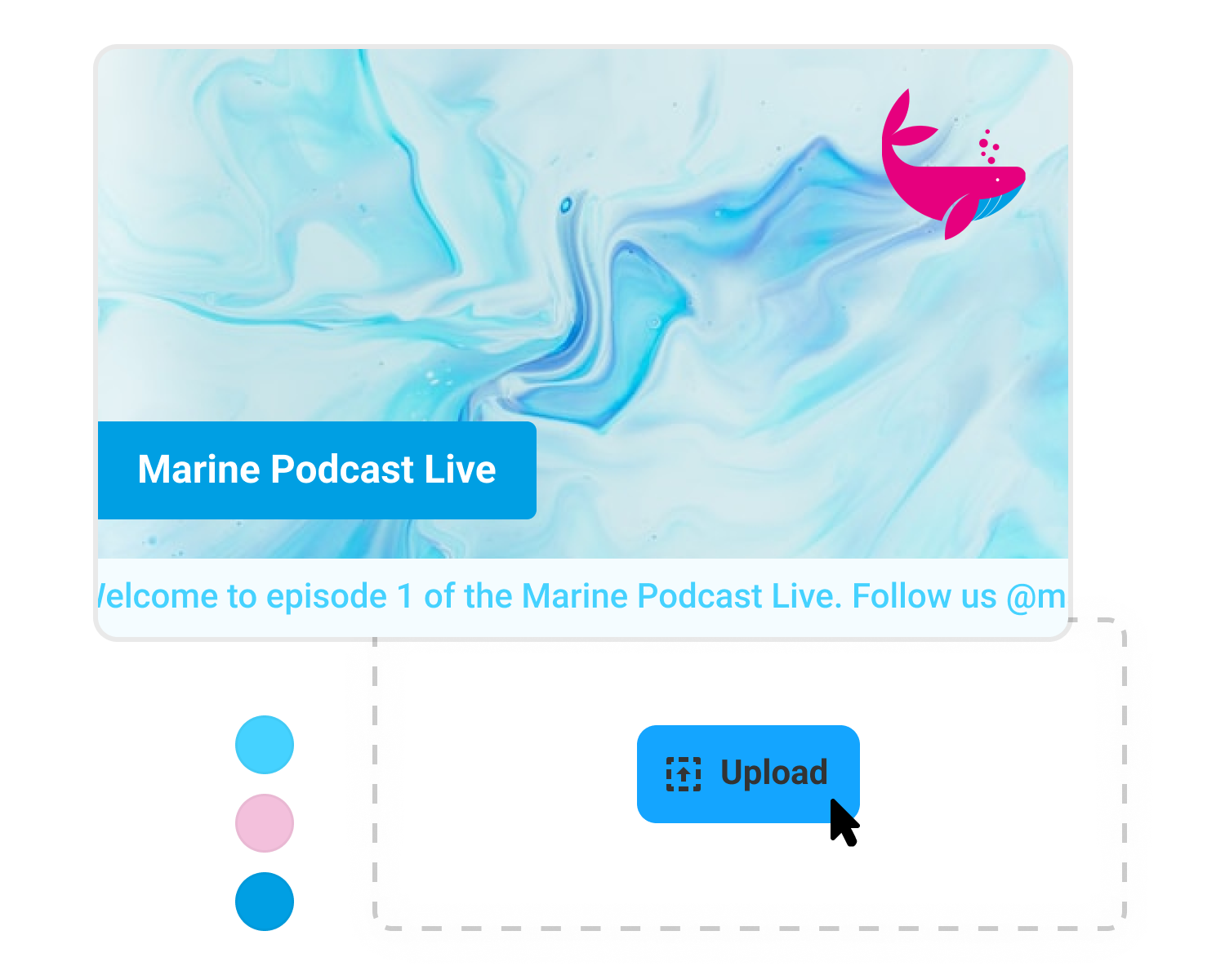
Broadcast your way, in 1080p
Personalize your show. Make it yours by adding your logo, header, custom backgrounds, running news ticker, switching to full HD, and more.
As a host you have complete control over how you appear when you stream.
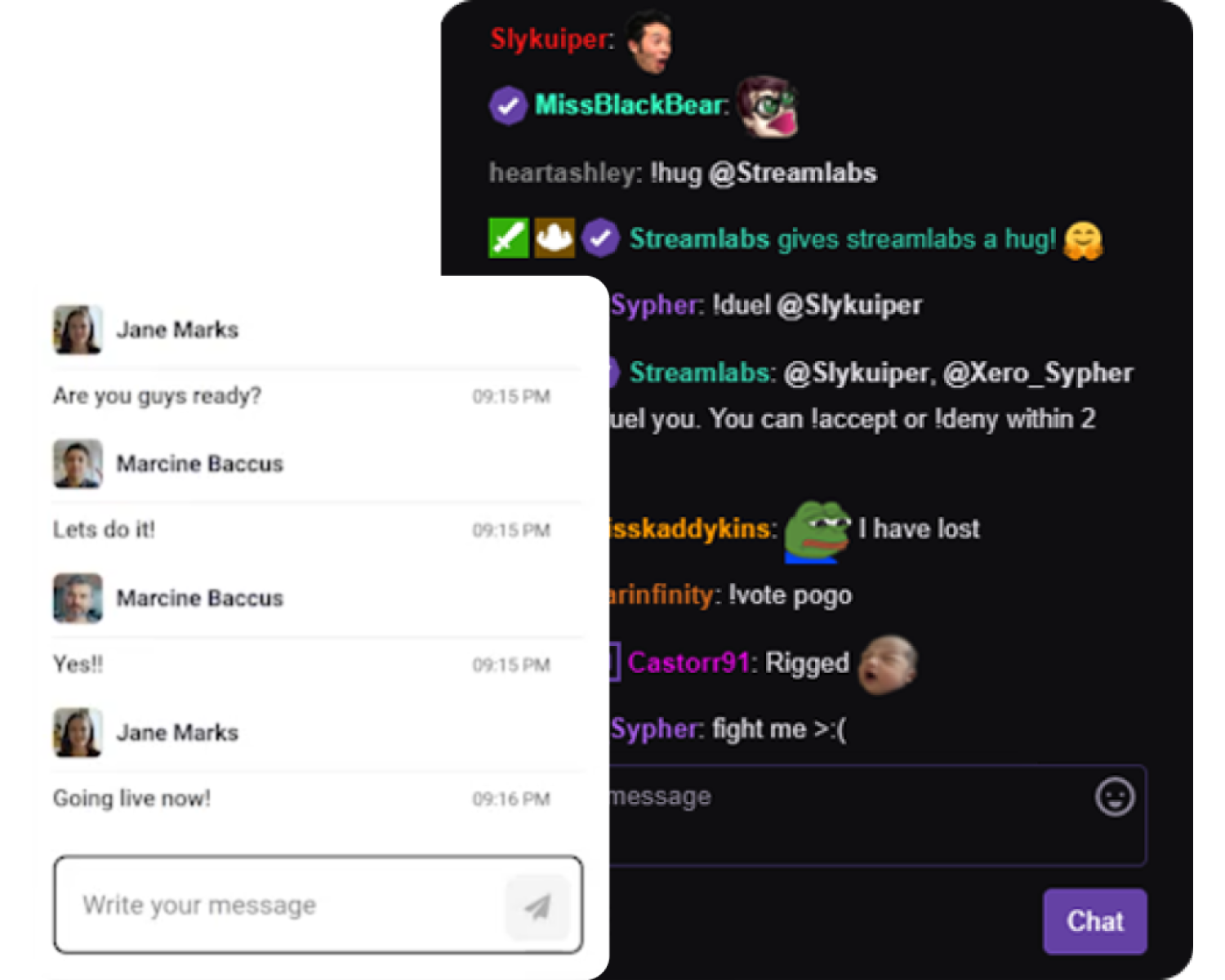
Engage with your audience and guests in real time
View stream chat from all your platforms and chat privately with guests during your broadcast.
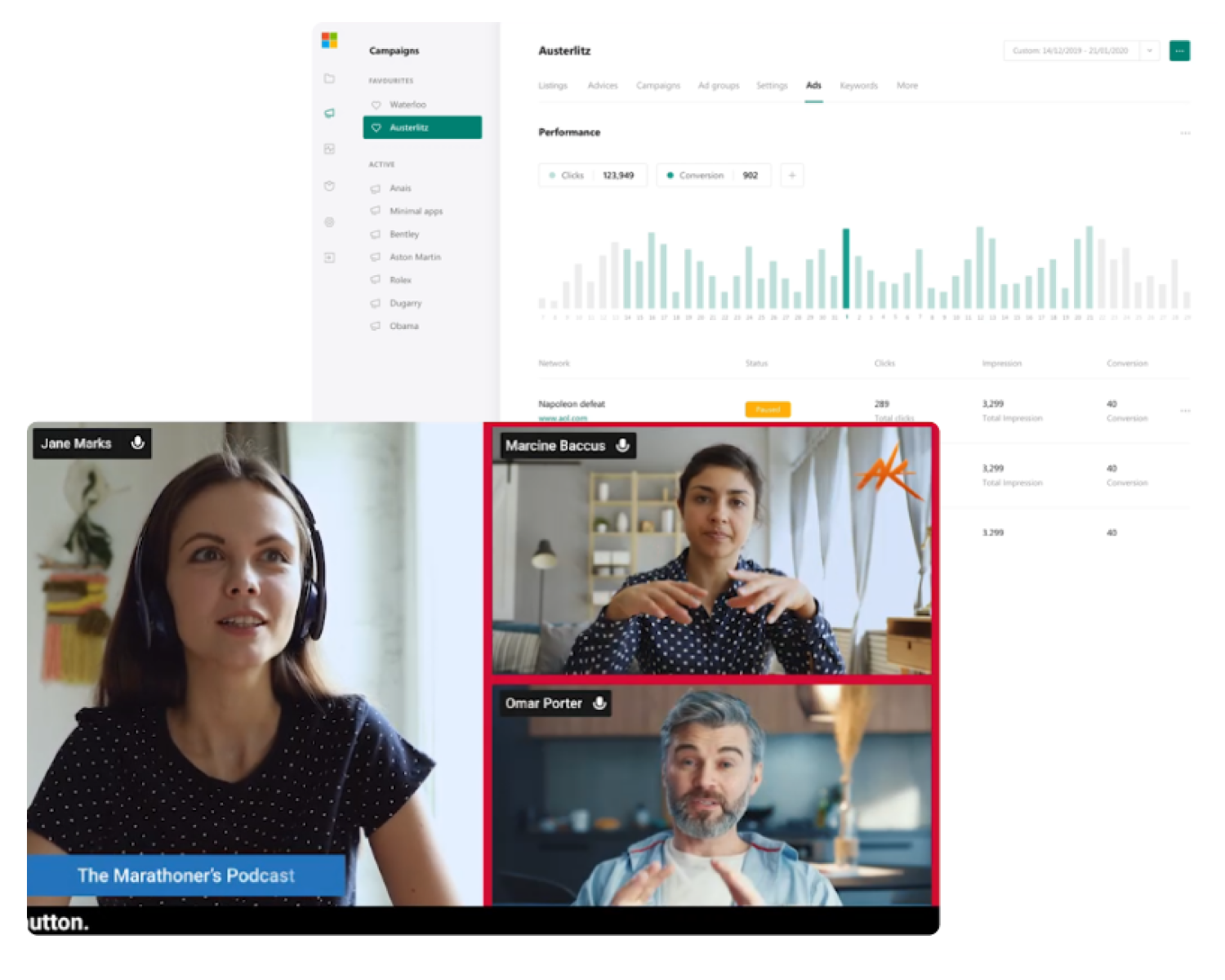
Share your screen
Show your audience what’s on your screen. Share your screen, video, slides or background audio. Your guests can share their screens, too!
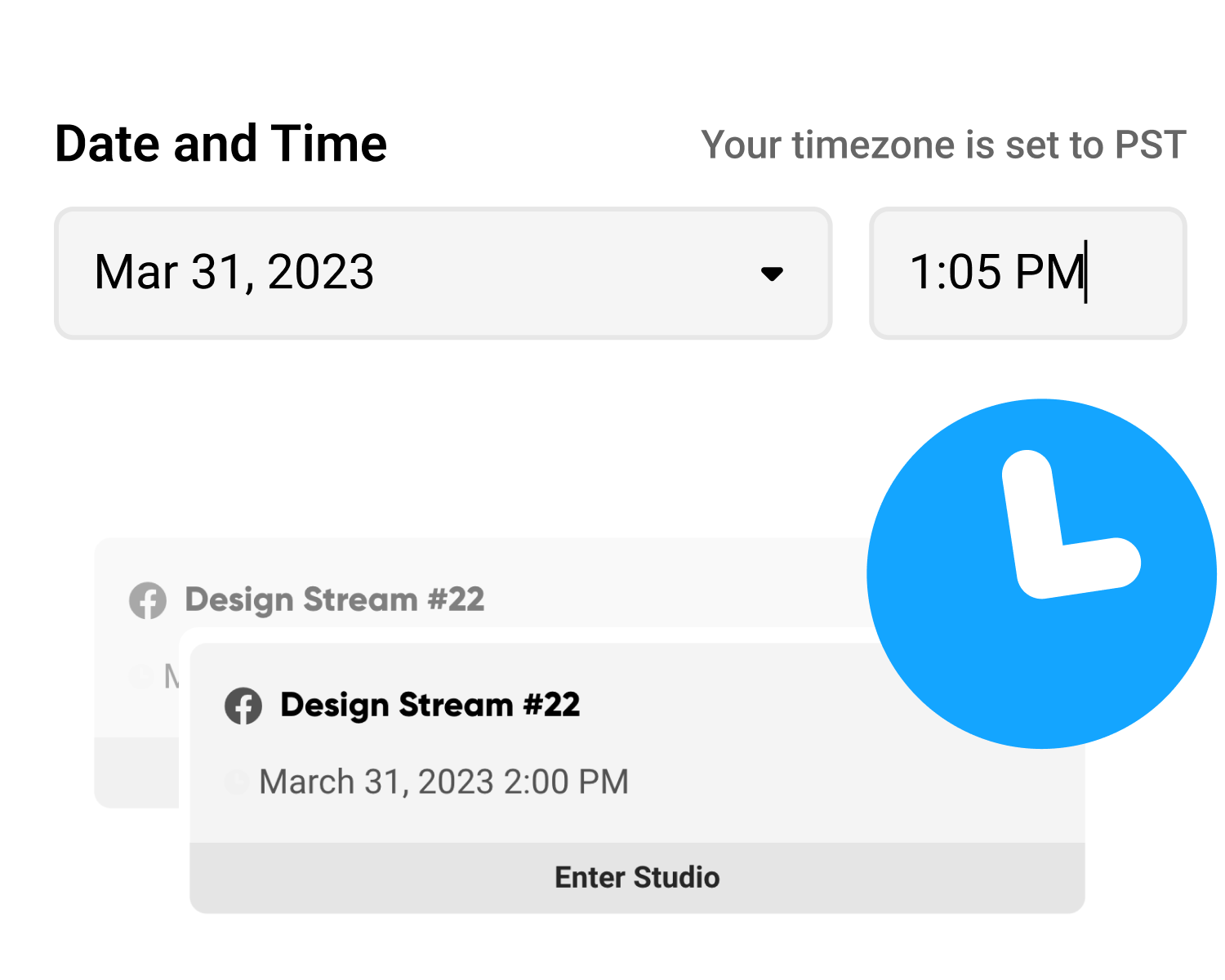
Schedule your stream
Schedule your broadcast or pre-recorded video to give your audience heads up when and where you will be streaming so they can follow your stream and rally ahead of time.
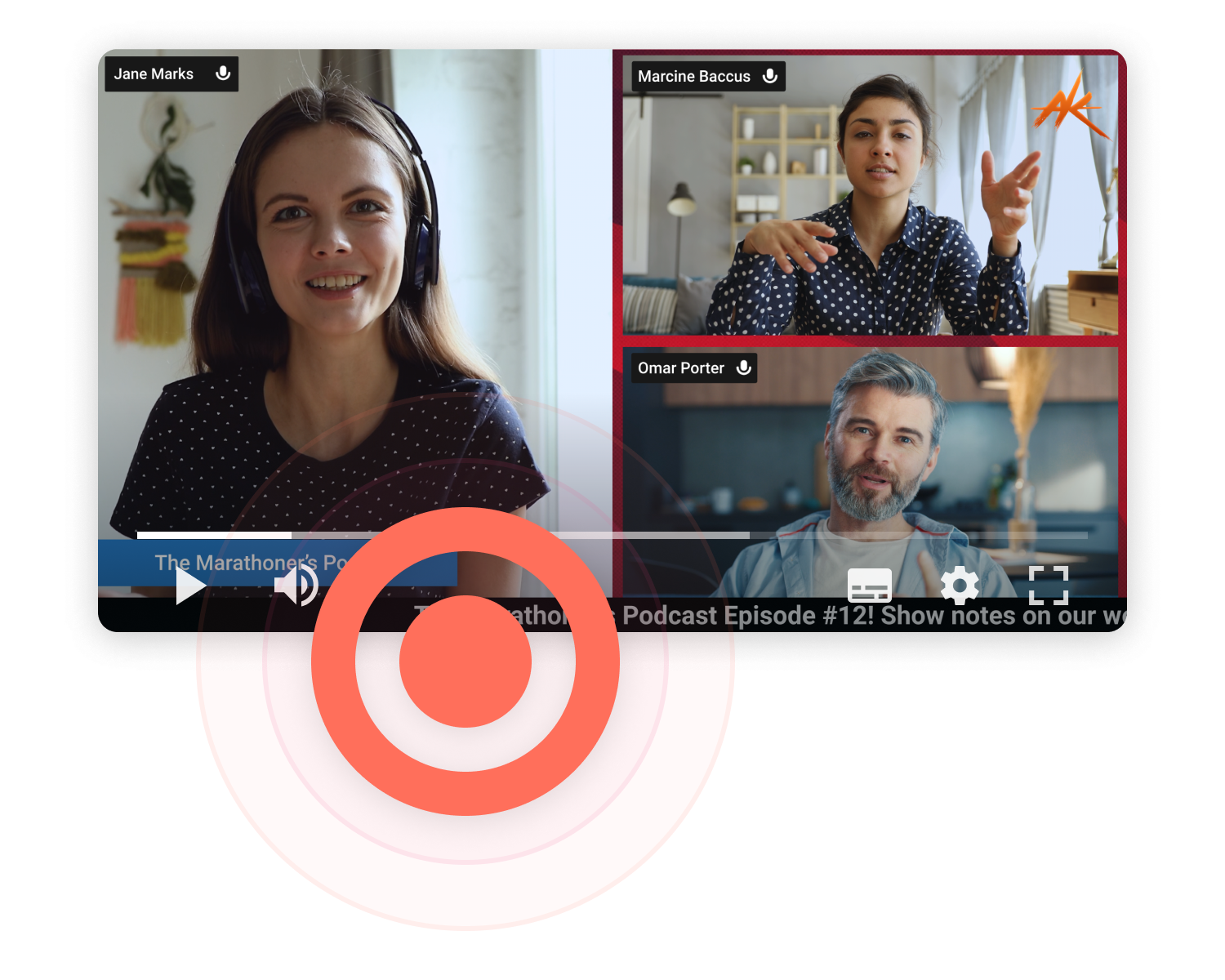
Recording
Record your show and then upload to YouTube or stream your polished recording to any streaming platform.
You can also record and stream at the same time so you can repurpose your live stream on your social channels.
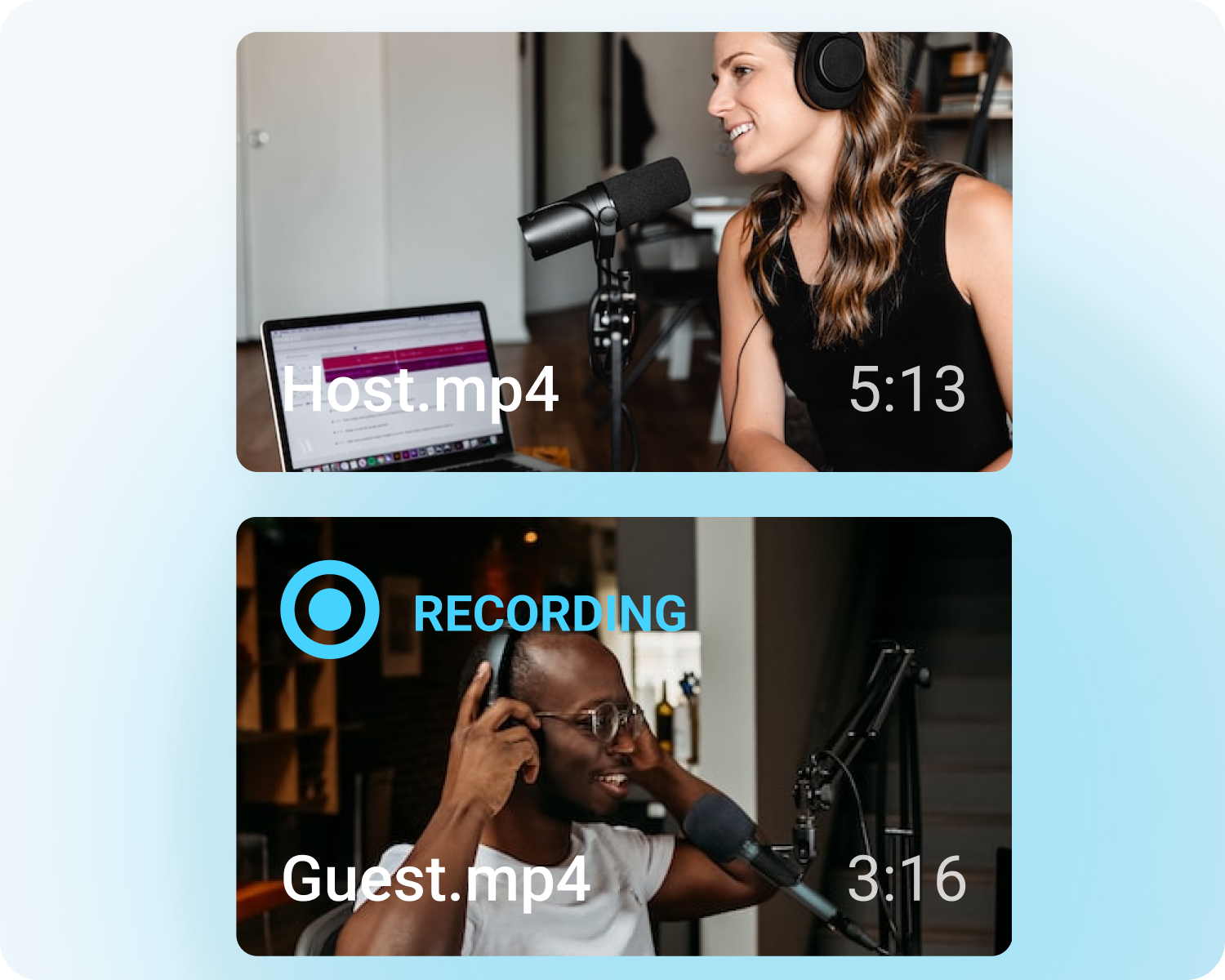
Local Recording
Record individual participants’ raw audio and video streams to your local computer.
These recordings will then be uploaded to the cloud and you can then download raw footage to edit and upload to YouTube and other platforms.