

Unlock premium creator apps with one  Ultra subscription.


Unlock premium creator apps with one Ultra subscription.
211 results for dashboard

Info on setting up Streamlabels can be found at:https://support.streamlabs.com/hc/en-us/articles/217176088-Setting-up-Stream-LabelsStreamlabs DesktopIf your labels are not updating in Streamlabs Desktop, please try the...
Read more
Learn how to link and manage all of your account connections and settings for platforms like Twitch, YouTube, Trovo, and more.
Read more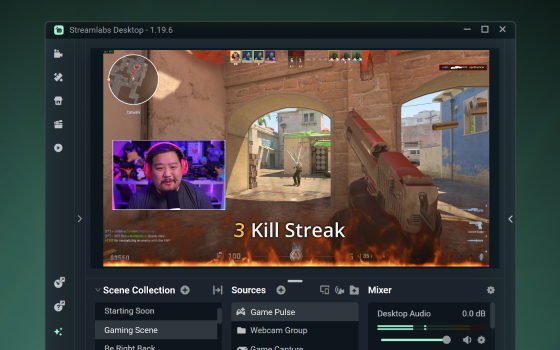
Here's the new live stream widget that's powered by your gameplay—meet Game Pulse by Streamlabs!
Read more
Our favorite Cloudbot commands to improve your stream and grow viewership
Read more
This blog post will show you how to find out who has followed you on Twitch.
Read more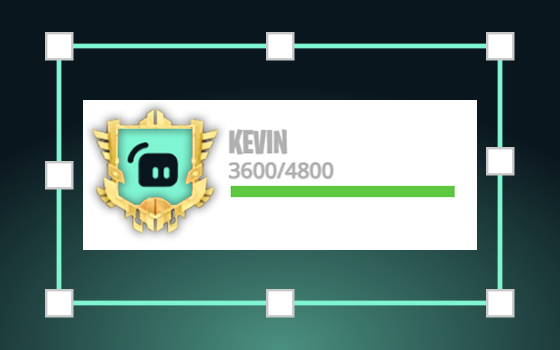
Today we’re excited to officially announce our latest widget: StreamBoss. If you’ve been paying attention, StreamBoss has been on our site…
Read more
To set up filters for words you would like to ban from your stream alerts follow the simple steps below. Doing this will censor these words from showing up in all of your alerts on stream. 1. Navigate to the "Settings" section of...
Read more
Follow this guide to customize the name of your Cloudbot for Twitch and YouTube.
Read more
All aboard! Today we will be exploring Hype Trains—a way to bring monetary support to streamers while coming together as a community to “hype them up.”
Read more
Learn how to locate and use Streamlabs widget URLs.
Read more