

Unlock premium creator apps with one  Ultra subscription.


Unlock premium creator apps with one Ultra subscription.
211 results for dashboard

We're excited to announce that the "Teams" feature is available on StreamlabsCharity.com.
Read more
Here’s everything you need to know about Podcast Editor— the latest app to join the Streamlabs family.
Read more
One of the most effective ways to grow your Twitch channel is to post your highlights across multiple platforms (review how to grow your following if you need a refresher). Twitch clips provide an excellent medium to get...
Read more
Read this step-by-step tutorial to learn how to find your YouTube stream key.
Read more
Streamlabs is excited to help facilitate charitable donations to Médecins Sans Frontières/Doctors Without Borders during Ubisoft’s Rainbow…
Read more
In this blog post, we share everything you need to know about customizing your Streamlabs Merch Storefront!
Read more
Also known as RTMP-In, Stream forwarding allows you to take advantage of using another broadcasting platform such as OBS, Streamlabs Desktop, or Zoom while sending your broadcast signal to your linked Talk Studio destinations....
Read more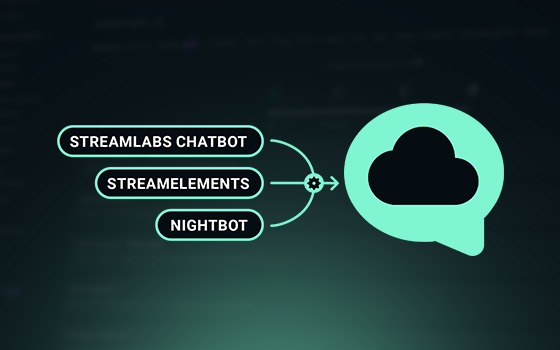
Learn how to migrate from your StreamElements, Nightbot, and Desktop Streamlabs chat bots to Streamlabs Cloudbot with easy import functionality.
Read more
Looking to set up raid alerts to notify viewers when more people are tuning into your stream? Here’s how you do it via Streamlabs!
Read more.png)
In this chapter of YouTuber University, we'll explore setting up your YouTube channel and branding your channel and
Read more