

8 Creator Apps, ein :ultra-Logo Ultra-Abonnement.


8 Creator Apps, ein :ultra-Logo Ultra-Abonnement.
kein Ergebnis

If you notice that your events are not coming through on Recent Events or the Minifeed, we have a short guide to resolve this quickly on your end so you may get back to streaming quickly.Here are some steps to take that usually...
Mehr erfahren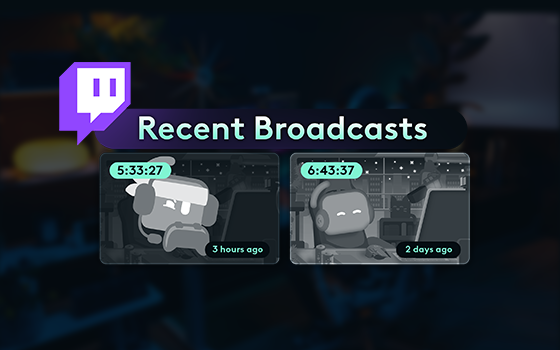
Missed a Twitch stream? Here's how to find and watch old Twitch VOD
Mehr erfahren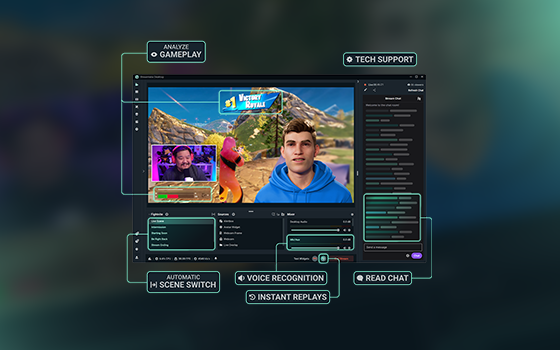
Here, you can find troubleshooting tips for Streamlabs' Sidekick, our intelligent streaming agent.
Mehr erfahren
Have questions about your Stripe connection for Streamlabs Tipping? Get answers here!
Mehr erfahren
Streamlabs' Stream Shift helps you keep your audience engaged as you seamlessly transition between desktop, mobile, and (soon) Streamlabs Plugin for OBS + Meta glasses.
Mehr erfahren
Enabling creators to expand how and where they live stream.
Mehr erfahren
It’s been real—thanks for linking/creating with us!
Mehr erfahren
Here's how you create a second YouTube Channel without managing multiple logins.
Mehr erfahren
Make your YouTube live stream replays more clickable with a custom thumbnail.
Mehr erfahren
From mic tips to Streamlabs Desktop filters, here's how to sound sharp and keep viewers tuned in.
Mehr erfahren