

Unlock premium creator apps with one  Ultra subscription.


Unlock premium creator apps with one Ultra subscription.
1163 results for chat

Create a project and adjust settings
Create your first project by clicking on the New Project button and give your project a name. Select your preferred permissions and email notifications. By default, you get...

To access your account settings, click on the avatar at the top right of any page and the select Settings.
Under the General tab, you will be able to:
View your email address
Add or remove connceted...

Here’s everything you need to know about the YouTube Shorts Algorithm, and streaming your workflow with Streamlabs can help.
Read more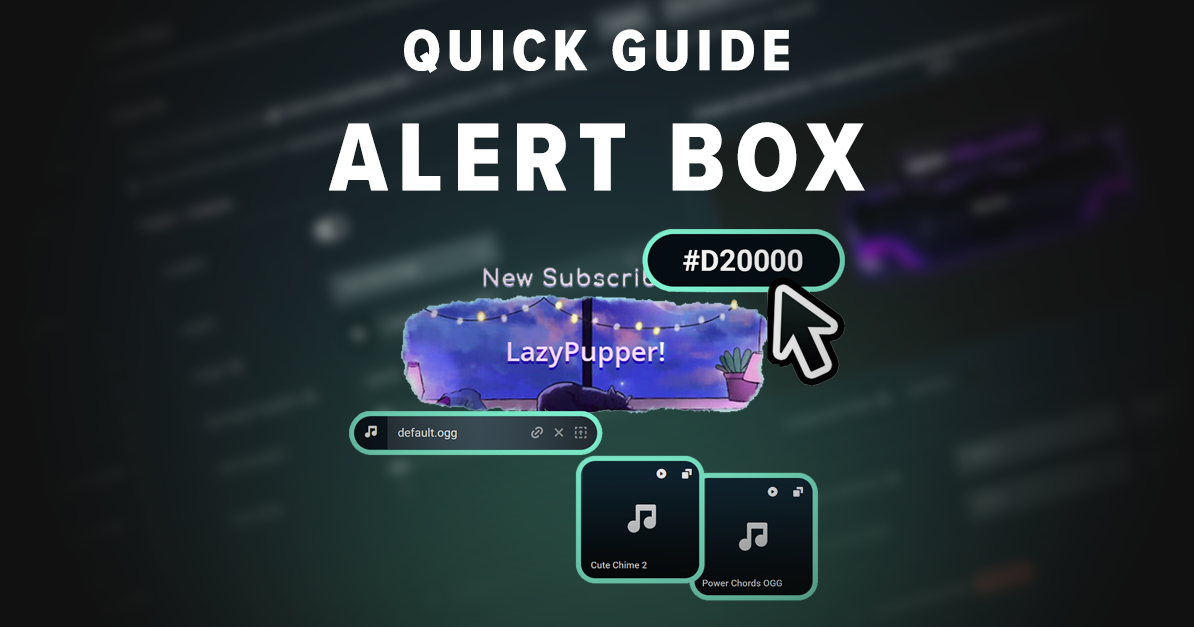
A quick, step-by-step guide to customizing and testing stream widgets for Twitch, YouTube, and Kick.
Read more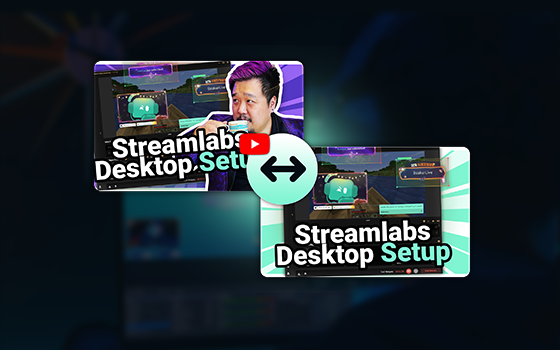
This new feature is the best way to determine which thumbnails will perform for your YouTube videos.
Read more
The best clips are short and entertaining. Here's what you should look for when uploading your own clips.
Read more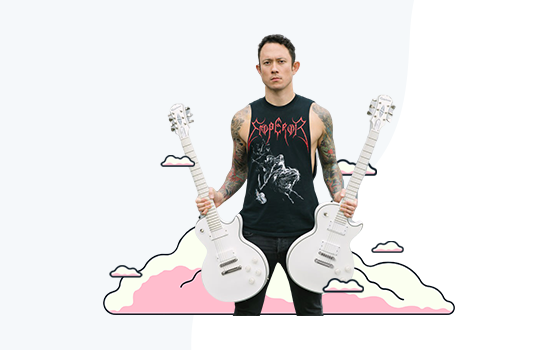
Recently, many musicians are finding themselves unable to play to an audience as venues shut down to help stop the spread of the…
Read more
Whether you’re thinking about it or already actively streaming on Twitch, this article will show why having the right mindset is essential.
Read more
Learn how to set up the Streamlabs Spin Wheel widget for your stream.
Read more
We’re happy to introduce Streamlabs Talk Studio—a tool you know and love with a new name and home!
Read more