



 Ultra.

If you’ve received an email from the Streamlabs team about claiming tip funds, follow the instructions below to collect your earnings.
Step 1: Go to Streamlabs Tipping Settings.
Step 2: If your Stripe account isn’t connected, you’ll see an option to reconnect on the screen. Click “Connect”.
-
- If the “Credit Card Powered by Stripe” option isn’t visible, please file a ticket with support.

-
- If the account doesn’t link automatically, try signing into Stripe using the email address associated with your account, which should be the one you received an email from.
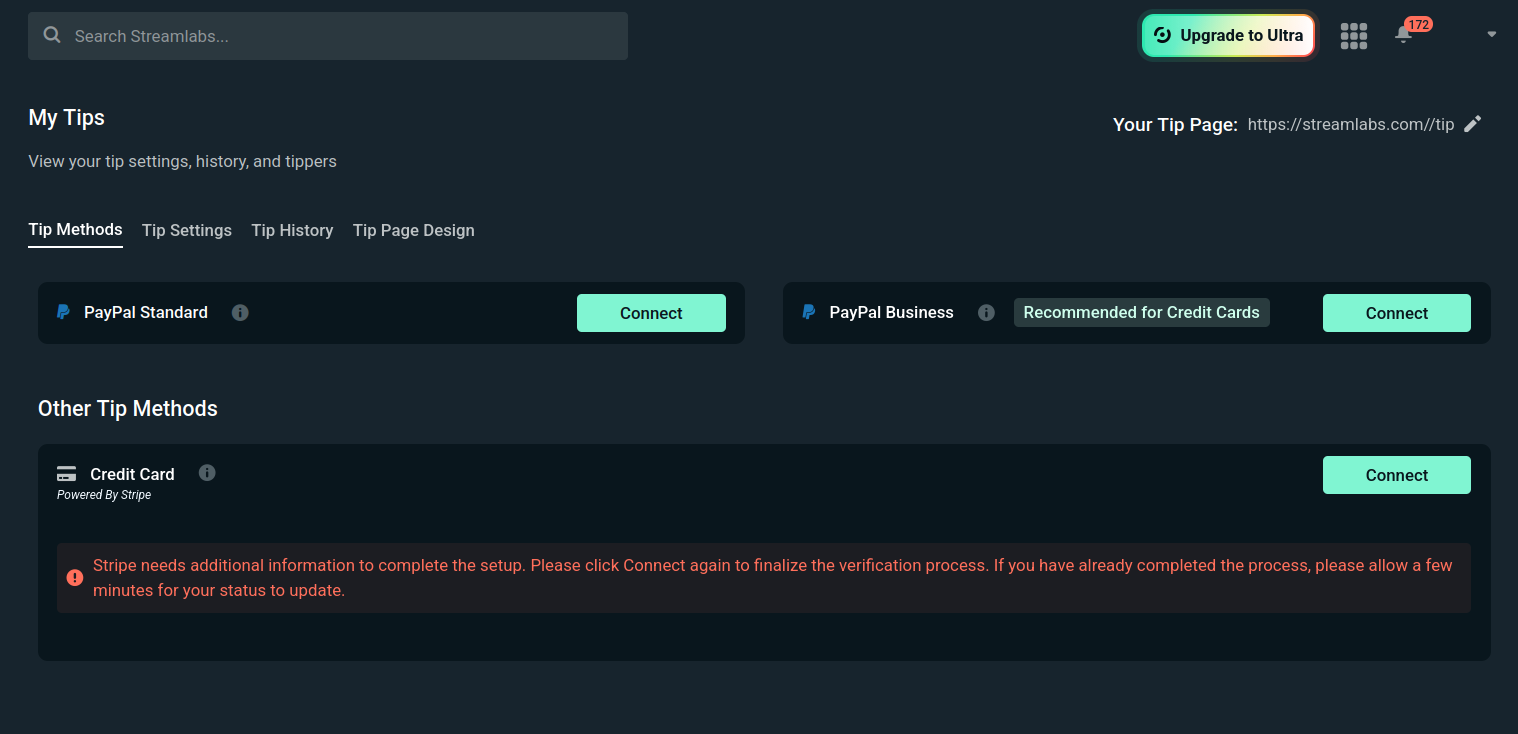
Step 3: Verify your Stripe account details by clicking “Update Information”.

-
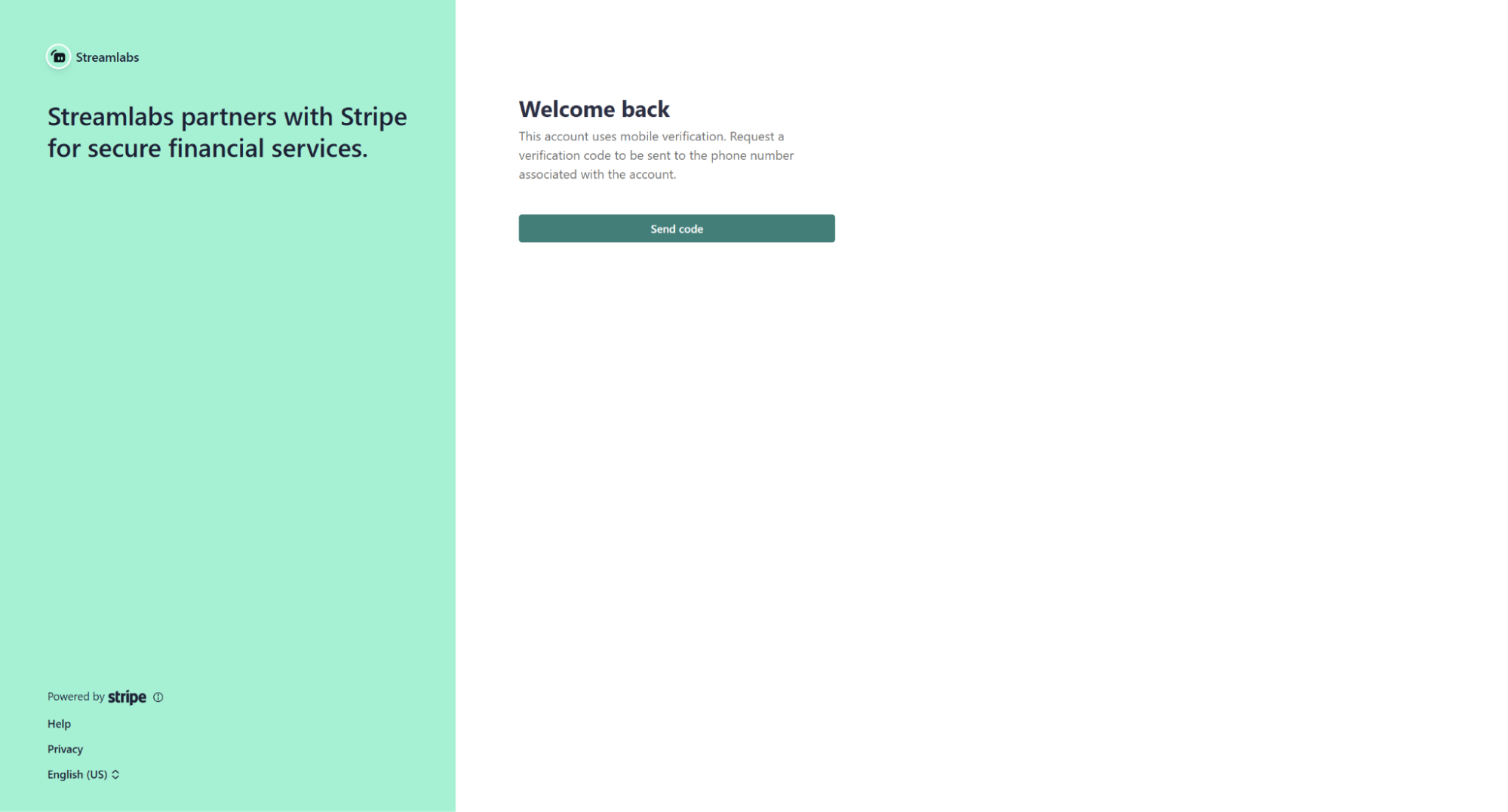
- You’ll be redirected to your Stripe dashboard (2FA may be required).
-
- Confirm your bank details. If everything is accurate, click “Withdraw Balance” and confirm the withdrawal.
- If there’s an issue, please contact support.
Step 4: Fix any errors related to your Stripe account, as prompted or communicated.
Step 5: Once everything in Stripe is correct, return to your Streamlabs tipping settings (link) and select “Withdraw”.
Step 6: If you still encounter an error when attempting to withdraw, file a support ticket for assistance.