

Unlock premium creator apps with one  Ultra subscription.


Unlock premium creator apps with one Ultra subscription.
Didn't find what you were looking for? Search in all categories.
no result

Create mobile-friendly live streams for platforms like Facebook or Instagram using Portrait Mode. (Supported on all devices)1. Find the Portrait...
Read more
Participant Settings offer unique attributes when your guests accept or join your live stream.1. From your studio, press the Settings...
Read more
Network indicators were created to let you know when you or your guests internet connection is stable, as well as, to indicate CPU overuse where the...
Read more
As a Pro user, switch up your live stream production by selecting different camera angles from your Talk Studio by adding multiple cameras. (*mobile...
Read more

Mac users may be required to allow access to their devices in order to ensure they have all Talk Studio features available to them on...
Read more
Local Recording when enabled, offers separate raw audio & video tracks per participant for download. They will be stored on your Broadcasts...
Read more
To broadcast live to your LinkedIn Personal or Company page you must be a verified broadcaster on Linkedin Live.
LinkedIn Live Setup
1....

Talk Studio integrates Streamlabs applications and/or Widgets to offer you assistance when moderating chat, setting up tips or alerts, as well as,...
Read more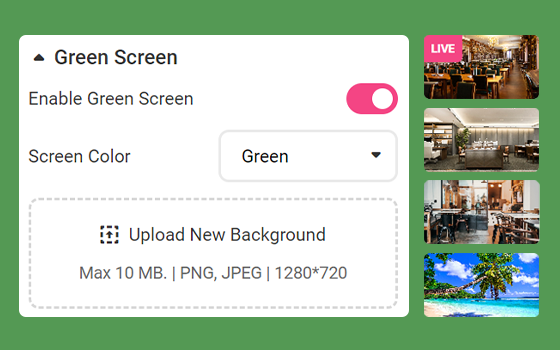
Green Screen GuidelinesWhen using a physical green screen, proper lighting is very important to help the chroma-keying process, for better green...
Read more