

Unlock premium creator apps with one  Ultra subscription.


Unlock premium creator apps with one Ultra subscription.
1163 results for chat

Discover the perfect overlays for your Princess Peach stream.
Read more
Learn how to automatically turn your video into an article for your blog, notion knowledge base entries, or sales emails using Streamlabs Podcast Editor.
Read more
Learn how to create SRT files from your video. A step-by-step guide that creates SRT files automatically so you can add them to your video wherever you like.
Read more
Can’t wait for Christmas? Neither can we! ’Tis the season to celebrate the Holiday Season and Streamlabs is here to help you have the most…
Read more
'Tis the season to be creating amazing holiday-inspired video content. Here are some ideas to get you started.
Read more
Here’s how you can find your perfect custom live stream overlay in the Streamlabs Overlay Library!
Read more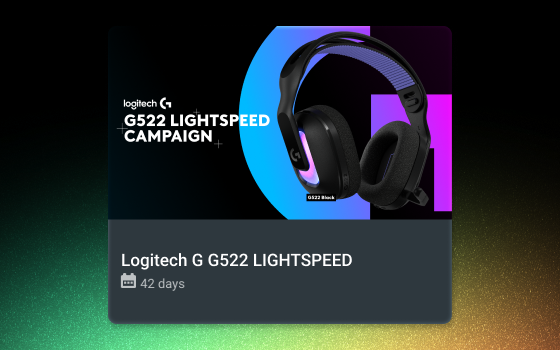
Read for steps to receive your custom UTM tracking link for the Logitech G522 LIGHTSPEED sponsorship campaign.
Read more
Streamlabs' Stream Shift helps you keep your audience engaged as you seamlessly transition between desktop, mobile, and (soon) Streamlabs Plugin for OBS + Meta glasses.
Read more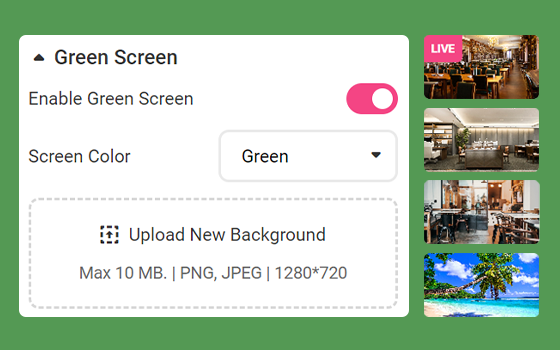
Green Screen GuidelinesWhen using a physical green screen, proper lighting is very important to help the chroma-keying process, for better green screen results:Straighten your backdrop. Your green screen must fill the entire...
Read more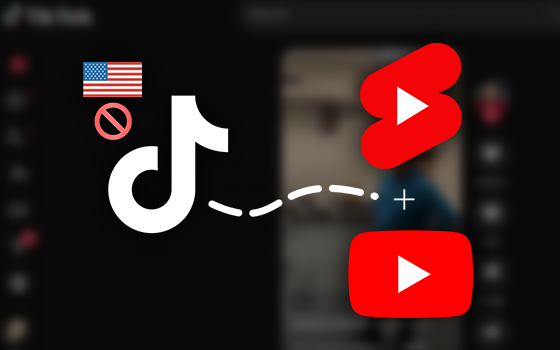
Stay ahead of platform shifts with tips to save content, multistream, and transition.
Read more