

8 Creator Apps, ein :ultra-Logo Ultra-Abonnement.


8 Creator Apps, ein :ultra-Logo Ultra-Abonnement.
kein Ergebnis
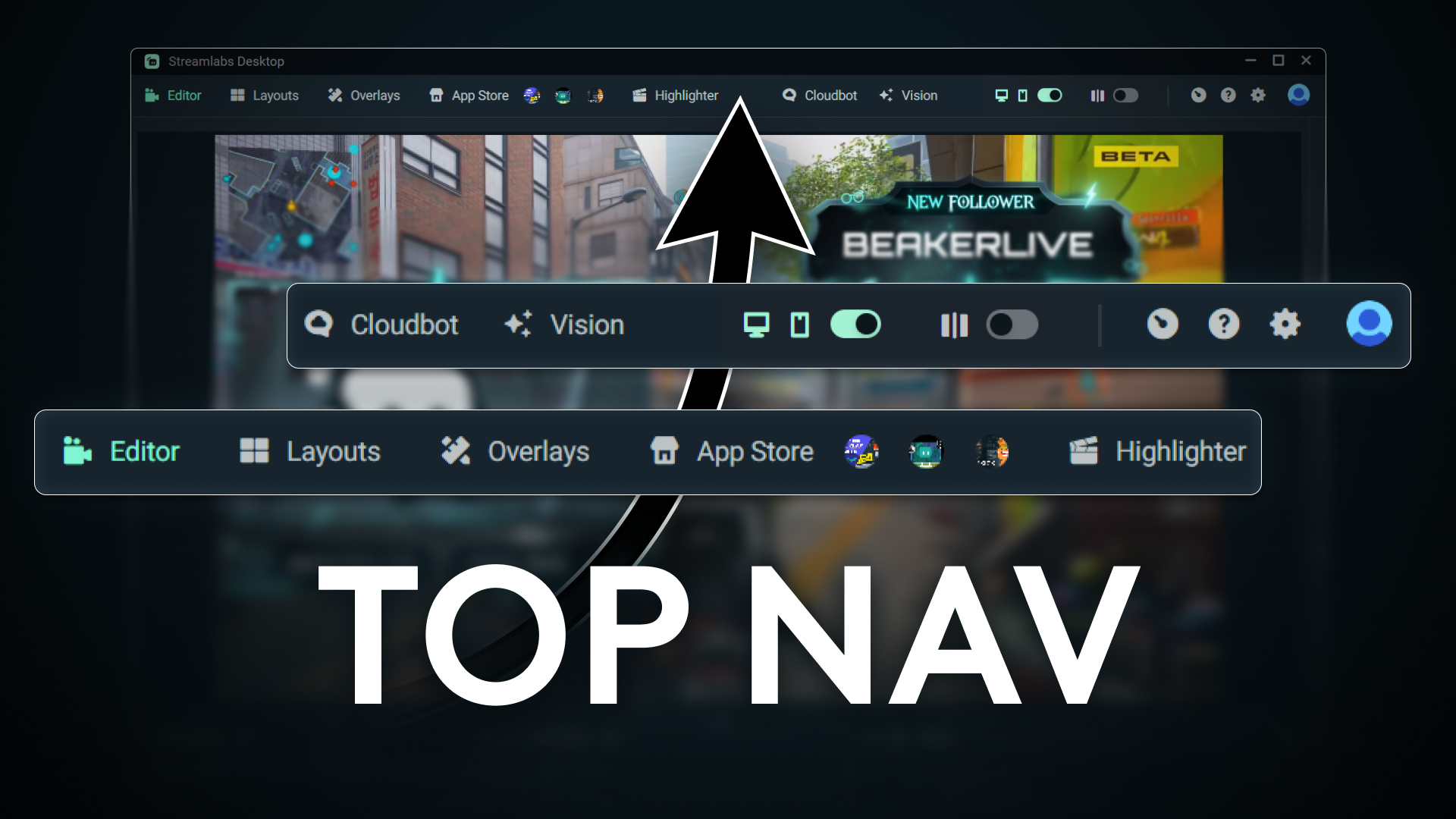
Streamlabs Desktop top navigation menu has moved to the top of the window. Learn how to customize your navigation and pin up to three apps for faster access.
Mehr erfahren
Our dedicated chat assistant built right into Streamlabs Desktop allow you to manage your stream setup, troubleshoot issues, and tweak settings on the fly.
Mehr erfahren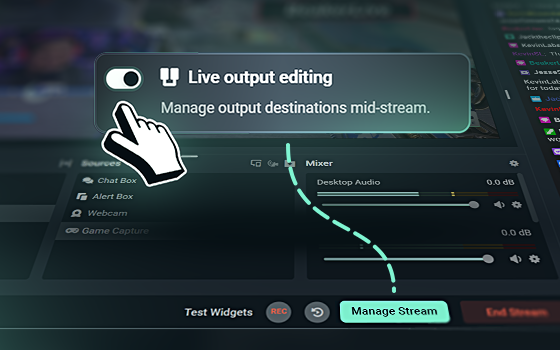
Add or remove destinations in Streamlabs Desktop when you go live with Live Output Editing.
Mehr erfahren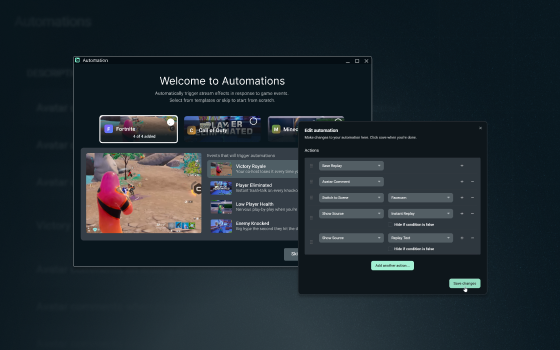
Automate your stream with gameplay-triggered actions in Streamlabs Desktop, from switching scenes and saving replays to showing sources and triggering effects.
Mehr erfahren
Learn how to use Network Boost to improve mobile and IRL stream reliability with Streamlabs Mobile, no extra hardware required.
Mehr erfahren
Learn how to prepare for the shutdown of Trovo's live streaming services coming June 30, 2026.
Mehr erfahren.png)
Explore key live streaming trends from Q1 2026, including viewership, creator activity, and platform shifts in the Streamlabs x Stream Hatchet report.
Mehr erfahren
A step-by-step guide to installing the Streamlabs plugin for OBS Studio, adding widgets, tracking stream labels, and embedding native docks.
Mehr erfahren
A step-by-step guide to downloading Streamlabs Desktop, configuring video settings, adding overlays, and going live on Twitch, YouTube, or Kick.
Mehr erfahren
A quick, step-by-step guide to configuring your tip page, connecting PayPal safely, and adding tip links to Twitch, YouTube, and Kick.
Mehr erfahren