

8 applications pour créateurs, un abonnement  Ultra.


8 applications pour créateurs, un abonnement Ultra.
pas de résultat
.png)
This guide covers your options for streaming and recording Nintendo Switch gameplay including the equipment and software you'll need.
En savoir plus.png)
This guide covers your options for streaming and recording Playstation gameplay including the equipment and software you'll need.
En savoir plus
This guide covers your options for streaming and recording Xbox gameplay including the equipment and software you'll need.
En savoir plusHere's everything you need to know about capture cards from how they fit into your streaming setup to the best options to choose from.
En savoir plus
Learn how to stream your GTA VI gameplay whether you're playing on XBOX or PlayStation.
En savoir plus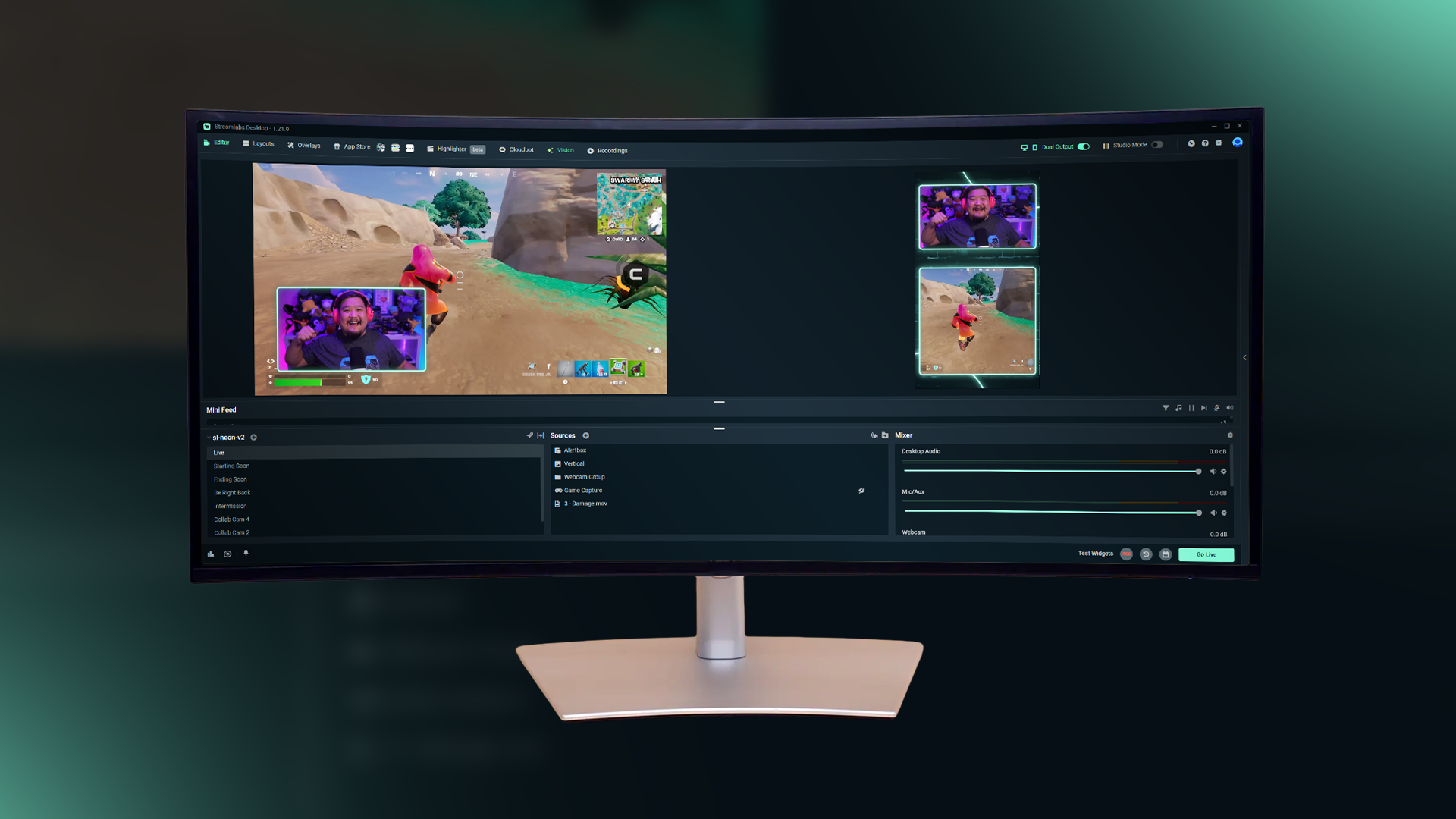
While gaming on an Ultrawide monitor can be awesome, most streaming platforms like Twitch and YouTube are built for standard widescreen monitors. Standard monitors use a 16:9 ratio, while Ultrawide monitors do not. If you stream...
En savoir plus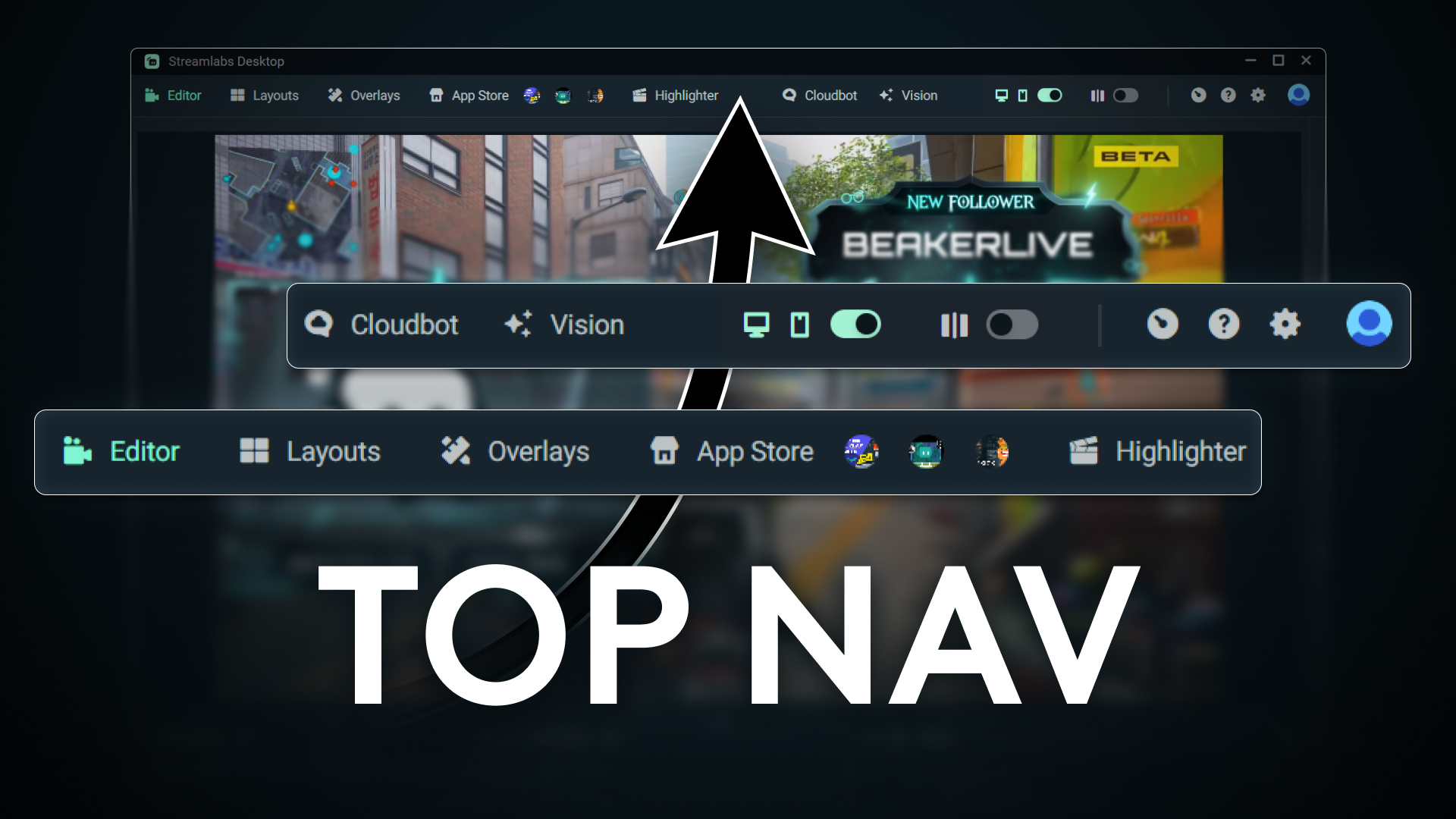
Streamlabs Desktop top navigation menu has moved to the top of the window. Learn how to customize your navigation and pin up to three apps for faster access.
En savoir plus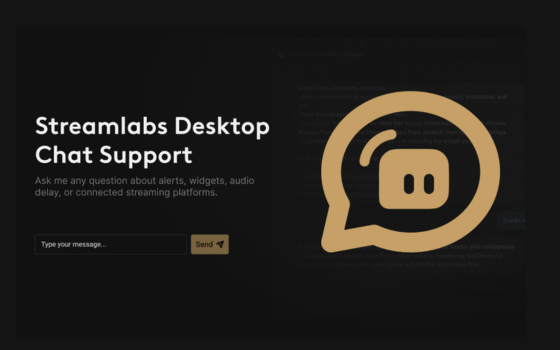
Our dedicated chat assistant built right into Streamlabs Desktop allow you to manage your stream setup, troubleshoot issues, and tweak settings on the fly.
En savoir plus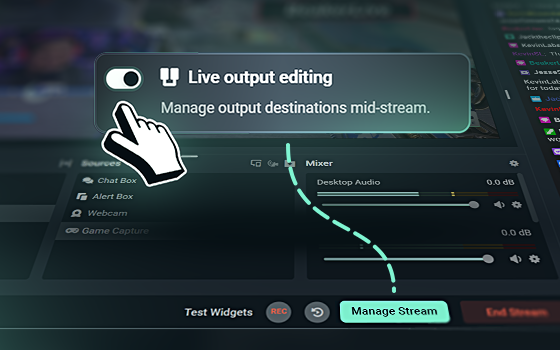
Add or remove destinations in Streamlabs Desktop when you go live with Live Output Editing.
En savoir plus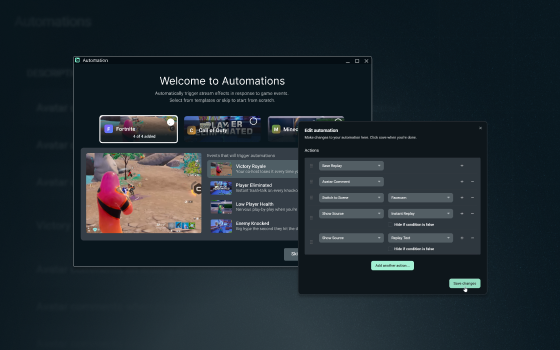
Automate your stream with gameplay-triggered actions in Streamlabs Desktop, from switching scenes and saving replays to showing sources and triggering effects.
En savoir plus