

[Unlock premium creator apps with one  Ultra subscription.]


[Unlock premium creator apps with one Ultra subscription.]
[no result]

Are you looking to grow your YouTube channel? Read this article to learn ten proven ways to help you get more subscribers on YouTube.
[Read more]
Your Guide to Help you Stream Your Class in Zoom
[Read more]
In order for you to be able to use the bot in the Discord you have to link your Twitch account together with your Discord account so the bot knows who you are. This will only take a minute and all you have to do is follow the...
[Read more]
With so many options like Twitch, YouTube Gaming and Microsoft Mixer, where will you build your streaming empire?
[Read more]
Now Available in the Streamlabs Desktop App Store
[Read more]
If you wish to stop receiving emails from us, you can manage your email preferences on the Streamlabs dashboard 1) Go to https://streamlabs.com/dashboard#/ and log in2) Click on Settings, then choose "Account Settings" >...
[Read more]
Here’s everything you need to know about what’s included in your Streamlabs Ultra subscription.
[Read more]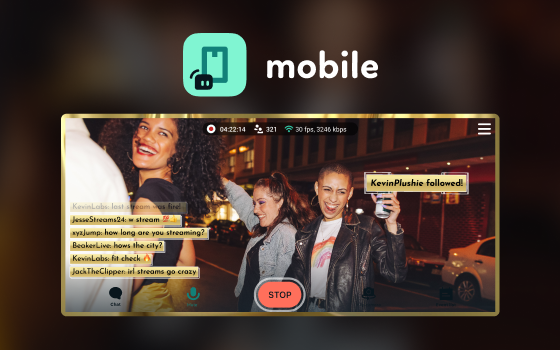
Learn how to start streaming from your phone in minutes with the Streamlabs Mobile app.
[Read more]
Discover tips for optimizing your Instagram Live layout and leveraging the Dual Output feature of Streamlabs Desktop for wider reach.
[Read more]
This article will show you how to make panels for your live stream using Twitch panel templates available in Streamlabs panel maker.
[Read more]