



 Ultra subscription.]

Are you curious how your social media posts are performing? Do you want to know where your audience is located or how many clicks your link in bio gets? In this blog post, we’ll show you how to use analytics tools to measure your social media ROI. We’ll also provide tips for improving your social media marketing strategy. So let’s get started!
Facebook Creator Studio
Years ago, it wasn’t easy to measure the ROI of social media efforts. Social networks didn’t offer analytics tools, which meant marketers had a more challenging time understanding how their audience engaged with the content.
Today, plenty of analytics for social media platforms allow you to track performance. Instagram is no exception.
One way to access Instagram Analytics is via Facebook Creator Studio, which allows creators and publishers to manage all of their Facebook and Instagram profiles in one spot.
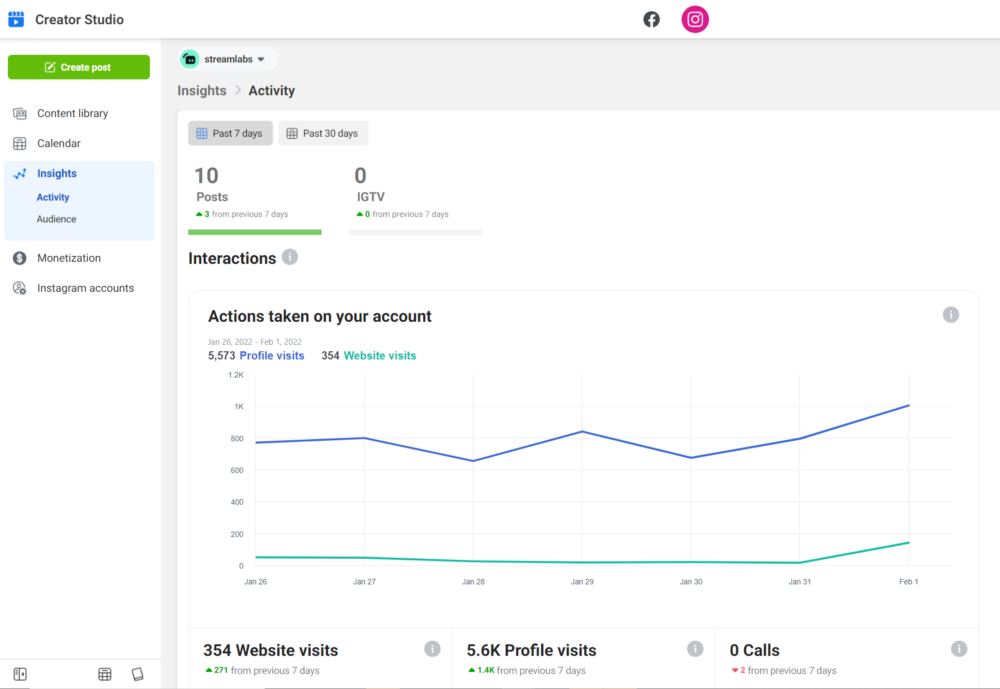
Simply connect your account and get access to a ton of insight into its data, including active users, demographics, and follower growth.
View Analytics on Instagram
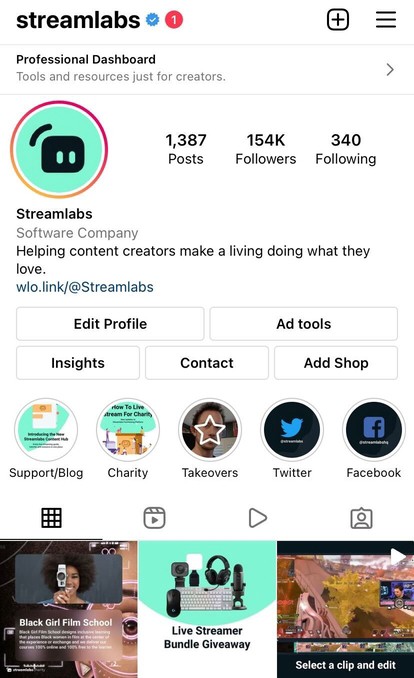
Another way to view your data on Instagram is directly through the app. Insights are free and available only for business or creator accounts. To view them, open the app, open your profile and click on the “Insights” section.
Instagram traffic tracking with UTM Links
UTM tags are the most effective way to track Instagram traffic. This applies to any external source you use to drive traffic to your website.
UTM tagging identifies URLs by tracking the source like social media. Categorize your Google Analytics data to view specific link clicks for a single URL.
Here’s how to create a tracked link using Google’s URL builder.
Step 1: Visit Google’s URL builder.
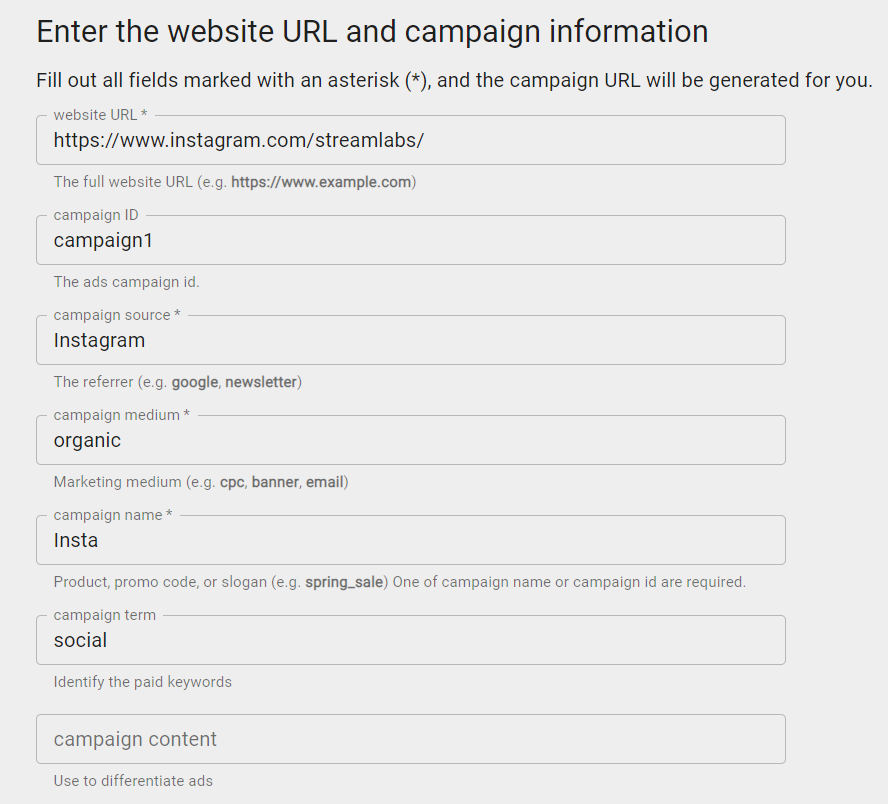
Step 2: Add your URL in the ‘Website URL’ box. The campaign source should be whatever website your traffic is coming from (I.E., Facebook, Instagram, Twitter, etc.
Step 3: Then, choose a medium. This is how the individual discovered your link; this can include organic, social, paid, and so on.
Step 4: Next, give your campaign a name. This allows you to categorize site performance based on the name of the campaign.
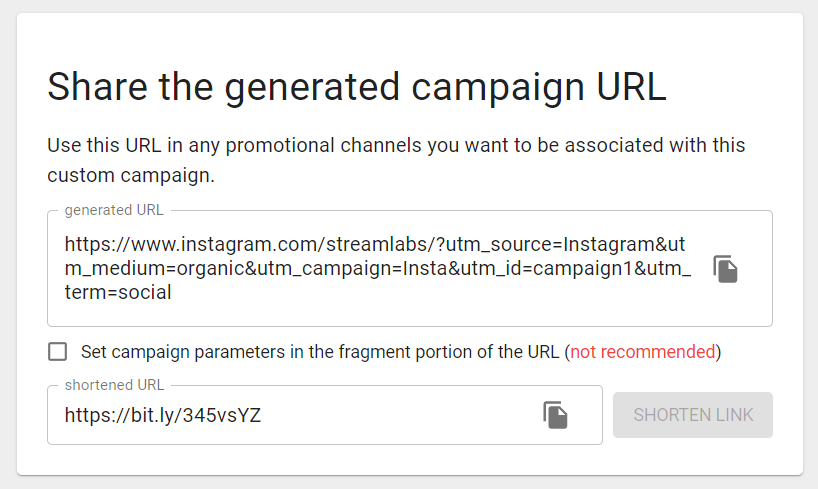
Then enter the code into your post or bio to see it in Google Analytics.
In summary, if you’d like to track Instagram traffic and other social media analytics, there are various tools out there to help you get the job done. You should experiment with different tools based on your needs.